Meet FLo: The Wireless Macropad That Eliminates Firmware Flashing for Custom Shortcuts
By the Tech & Hardware Desk
Published: September 2026
Main Facts: A Seamless Blend of Wireless Convenience and Dynamic Programmability
For anyone who relies on custom mechanical macropads to streamline complex workflows, video editing timelines, or software development environments, a universal frustration has long persisted: the tedious ritual of updating shortcuts. Traditionally, modifying a macro assignment meant diving back into the source code, recompiling firmware, and tethering the device via USB just to flash a new sequence.
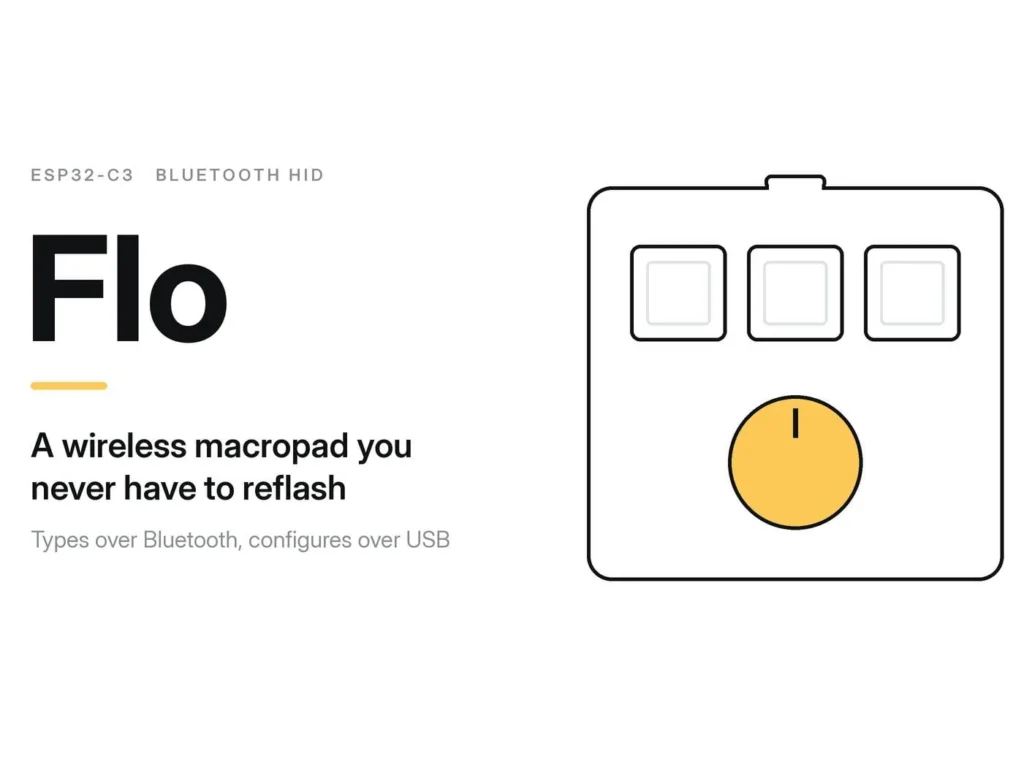
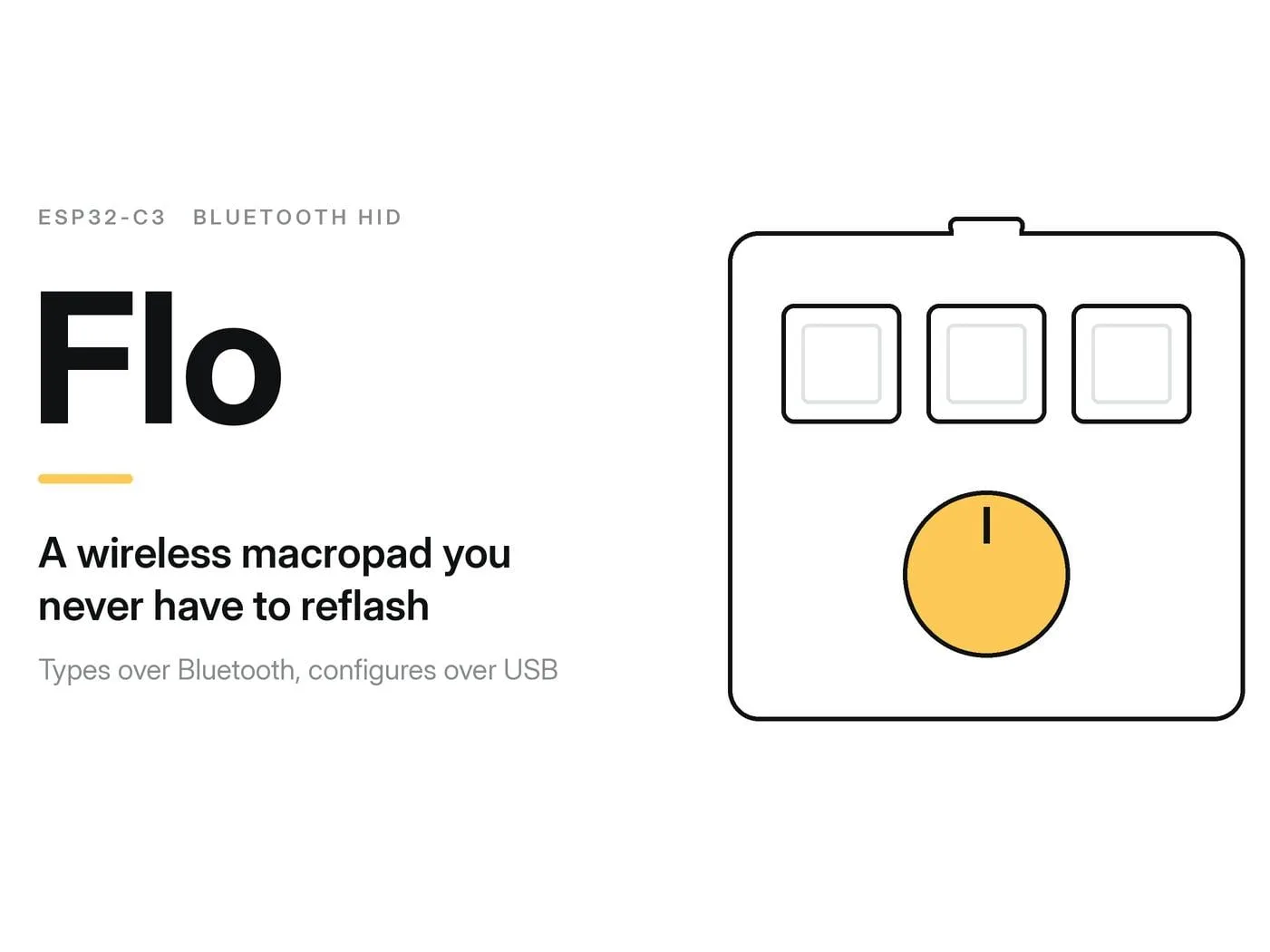
Enter FLo, an innovative open-source wireless macropad designed by developer shan that permanently solves this bottleneck. Built around the ultra-compact ESP32-C3 Super Mini microcontroller, FLo functions as a Bluetooth Human Interface Device (HID) that transmits customized key sequences wirelessly to any host computer.
What sets FLo apart from the myriad of DIY macro boards flooding the maker community is its hybrid connectivity model. While daily operation is entirely wireless via Bluetooth Low Energy (BLE), configuration is handled dynamically over a wired USB serial connection. Users simply plug in a USB cable, open a desktop companion application, transmit their updated macros, and unplug the device. The new shortcuts are saved instantly and persist across reboots, completely bypassing the need to ever recompile or reflash firmware for minor layout adjustments.
Chronology: From Concept to Open-Source Reality
The journey of the FLo macropad reflects the iterative nature of modern open-source hardware development, moving from a functional necessity to a polished, replicable DIY project.
Phase 1: Identifying the Pain Point
The project originated from a common workflow friction point: the sheer inefficiency of changing hotkeys on custom BLE macropads. Most existing wireless macro boards rely on static firmware configurations. If a user wanted to swap a shortcut from Ctrl+C to a complex multi-key macro, they had to put the device into bootloader mode, compile the code via the Arduino IDE or PlatformIO, and flash the ESP32 chip all over again. Developer shan sought to invert this paradigm by creating a bidirectional communication protocol where the macropad acts as a passive receiver for configuration data while doubling as an active Bluetooth keyboard.
Phase 2: Prototyping and Hardware Selection
The core of the architecture hinged on selecting a microcontroller that offered both native Bluetooth capabilities and a reliable serial-over-USB interface for runtime programming. The ESP32-C3 Super Mini emerged as the ideal candidate due to its small form factor, integrated RIS-V architecture, and robust BLE stack. Breadboard prototyping focused on mapping out input devices: three tactile push-buttons, a rotary encoder equipped with an integrated push-button, and a linear switch.
Phase 3: Protocol and Firmware Development
With the hardware layout finalized, development shifted to firmware logic. Written within the Arduino IDE environment, the firmware was designed to leverage the popular ESP32-BLE-Keyboard library. Developers engineered a lightweight serial protocol operating at 115200 baud. This protocol allowed the host computer to communicate directly with the device’s Non-Volatile Storage (NVS) partition, ensuring that macro assignments (m1 through m4) were safely preserved even if the battery died or the device was powered down.
Phase 4: Public Release and Documentation
Following rigorous bench testing and refinement of the desktop companion scripts utilizing pyserial, the project was packaged and published to GitHub (lil-shan/Flo-Macropad). By providing comprehensive build instructions, wiring diagrams, and code repositories, the project transitioned into an accessible weekend build for makers of all skill levels.
Supporting Data & Technical Specifications
Building FLo requires a modest collection of readily available electronic components and basic soldering skills. Below is an exhaustive breakdown of the technical specifications, pinout architecture, and system requirements.
Hardware Bill of Materials (BOM)
- Microcontroller: ESP32-C3 Super Mini board (featuring integrated BLE and USB-C).
- Input Switches: 3x tactile push-buttons.
- Rotary Control: 1x rotary encoder with an integrated push-button.
- Auxiliary Input: 1x linear switch.
- Substrate: Standard perf board (or custom PCB for advanced builds).
- Interconnects: Hook-up wire, solder, and a 3D-printed enclosure (optional, depending on aesthetic preferences).
GPIO Pinout Mapping
To ensure stable inputs without relying on external resistors, the firmware utilizes the ESP32-C3’s internal pull-up capabilities (INPUT_PULLUP). The switches are wired such that pressing them grounds the corresponding pin, shifting the state from HIGH to LOW.
- GPIO 7: Tactile Button 1
- GPIO 8: Tactile Button 2
- GPIO 9: Tactile Button 3
- GPIO 5: Rotary Encoder Pin A (Rotation tracking)
- GPIO 4: Rotary Encoder Pin B (Rotation tracking)
- GPIO 2: Rotary Encoder Center Push-Button
Software & Protocol Stack
- Firmware IDE: Arduino IDE.
- Key Libraries:
ESP32-BLE-Keyboard(for wireless HID emulation). - Desktop Utility: Python-based script utilizing the
pyseriallibrary for cross-platform communication. - Data Persistence: ESP32 Non-Volatile Storage (NVS) partition.
The Serial Protocol: Under the Hood
The secret sauce of FLo lies in its command-line-style serial interface over USB. When the user plugs the macropad into a computer, it establishes a serial bridge at 115200 baud.
Command Reference Table
| Command | Syntax Example | Functionality |
|---|---|---|
| HELLO | HELLO |
Initiates handshaking. The board responds with ESP32-C3-READY to confirm identity and readiness. |
| SET[1-4] | SET1:ctrl+c |
Writes a new macro string to NVS storage for macro slots 1 through 4. |
PRINT |
Dumps the current configuration of all stored macros to the serial monitor for verification. | |
| TEST | TEST |
Queries live GPIO pin states and reports current Bluetooth Low Energy (BLE) connection metrics. |
By separating configuration from operation, FLo eliminates the tedious compilation cycle. The desktop app simply listens for the device, issues a HELLO handshake, receives acknowledgment, pushes the SET commands, and safely terminates the session. The user can immediately unplug the USB cable and resume wireless typing.
Implications: The Future of Maker-Space Input Devices
The introduction of projects like FLo highlights a broader maturation within the DIY mechanical keyboard and macropad community. For years, the barrier to entry for customizable input devices has rested heavily on software complexity. While firmware suites like QMK and VIA have revolutionized mainstream custom keyboards, smaller maker projects often struggle with user-friendly configuration pathways, frequently forcing hobbyists to re-learn toolchains just to remap a single key.
Empowering the Open-Source Maker Community
By utilizing high-level scripting languages (Python via pyserial) alongside embedded C++ (Arduino IDE), FLo bridges the gap between hardware tinkering and software accessibility. The estimated assembly time of approximately three hours makes it an ideal project for weekend builders, STEM classrooms, and professionals looking to tailor their desktop ergonomics without purchasing expensive proprietary hardware decks.
Sustainability and Longevity
Furthermore, the use of NVS memory storage points toward a more sustainable approach to peripheral design. By ensuring that configuration data can be rewritten dynamically over the life of the product without wearing out bootloader flash cycles prematurely, FLo maximizes the operational lifespan of the ESP32-C3 microcontroller.
As the maker community continues to adopt hybrid wireless-wired paradigms, designs like FLo serve as a blueprint for smarter, more adaptable peripheral engineering. Whether used for rapid video editing color grading, software code insertion, or macro automation, FLo proves that eliminating friction in hardware configuration unlocks entirely new levels of user productivity.
For those interested in building their own FLo macropad, complete firmware files, Python scripts, and assembly schematics are openly available via shan’s official GitHub repository.