The PHP Renaissance: WordPress 7.0 Redefines the Block Development Landscape
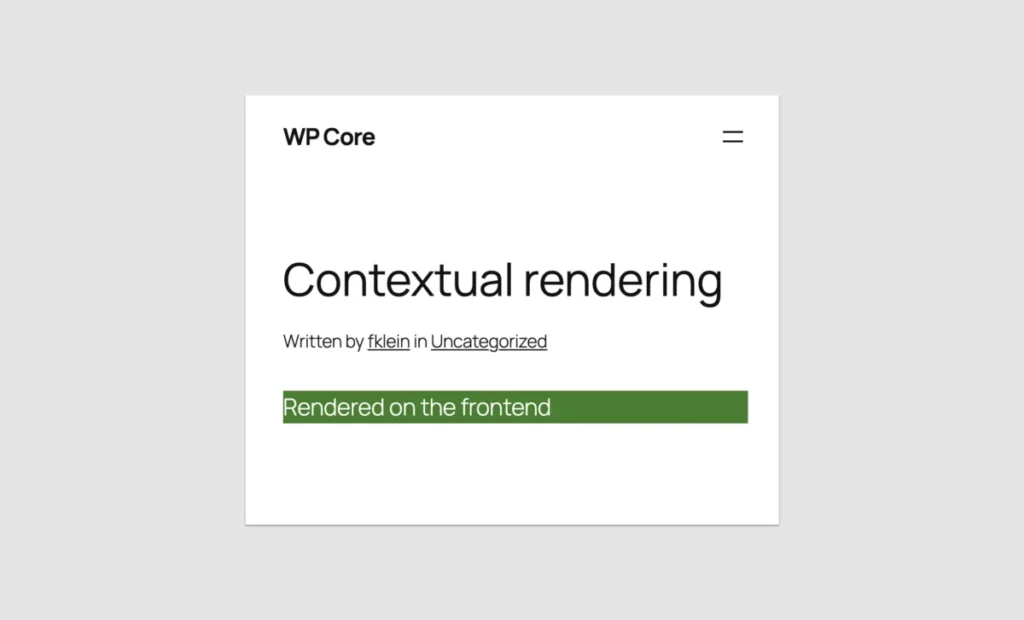
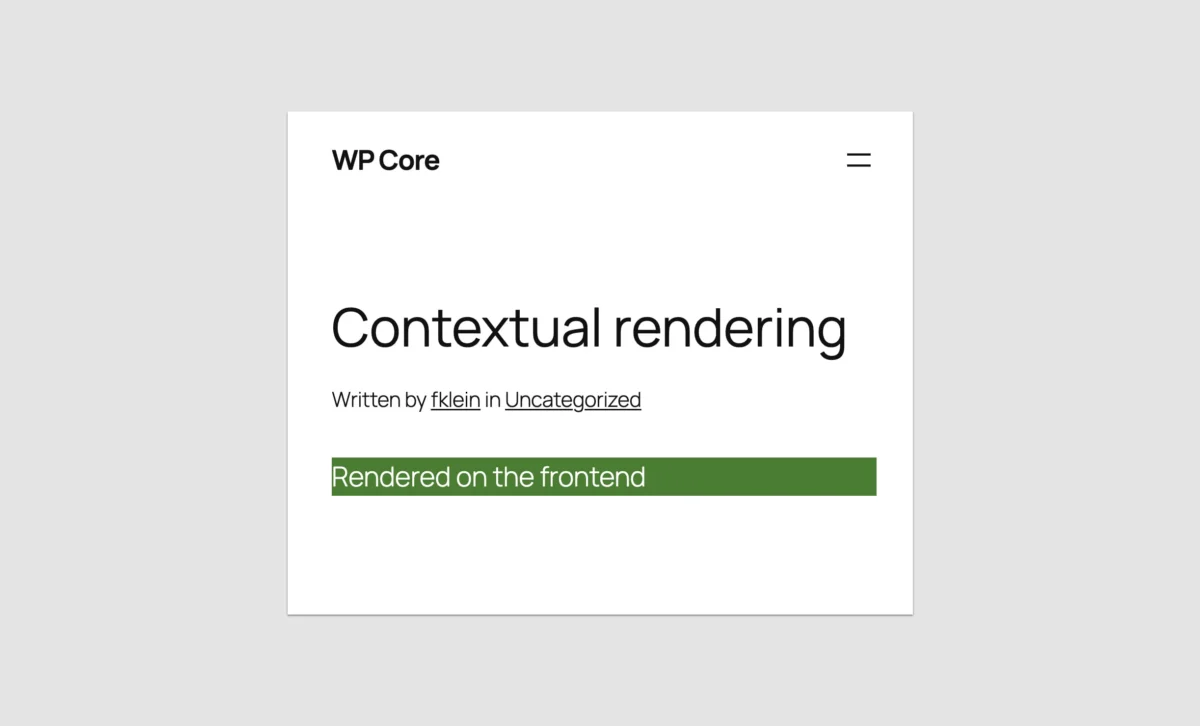
For the past seven and a half years, the WordPress ecosystem has been defined by a fundamental shift: the move toward the block editor, or Gutenberg. For many, this transition necessitated a steep climb up a challenging learning curve. To build a custom block, developers were expected to master React, configure complex build pipelines with Webpack or Vite, and navigate the intricacies of NPM packages.
For the legions of veteran PHP developers who powered the WordPress economy for two decades, this felt like an alienating barrier. However, with the release of WordPress 7.0, the tide has turned. WordPress has introduced a streamlined, "PHP-only" approach to block registration, effectively democratizing block development once again. But is this a true return to simplicity, or merely a stopgap for legacy code?
The Chronology of Complexity
Since the integration of the block editor in WordPress 5.0 (late 2018), the standard for "native" block development was set high. Developers were required to register blocks in two distinct environments: the server-side (PHP) for rendering, and the client-side (JavaScript/React) for the editing interface.

This dual-registration model, while powerful, created a high barrier to entry. Throughout 2019 and 2020, the community struggled with the "build step" requirement. By 2022, "hybrid themes"—a mix of classic PHP and block-based components—became the standard for developers who wanted to move forward without abandoning their existing codebases.
The release of WordPress 7.0 serves as the culmination of years of feedback from the developer community. By introducing the autoRegister flag, the platform has essentially automated the generation of client-side requirements based on PHP definitions. This marks the first time since the editor’s inception that a developer can fully participate in the Gutenberg ecosystem without writing a single line of JavaScript.
A Radically Simplified Experience: How It Works
The magic of this update lies in the register_block_type function’s new capability. By setting 'autoRegister' => true within the supports array, WordPress takes over the responsibility of generating the necessary JavaScript to display the block in the editor.

The "Hello World" Paradigm
Consider the simplicity of a basic block registration:
function custom_hello_world_block()
  register_block_type('namespace/hello-world', [
    'title' => 'Hello World',
    'render_callback' => function ()
      return sprintf('<div %s>Hello World!</div>', get_block_wrapper_attributes());
    ,
    'supports' => ['autoRegister' => true],
  ]);

add_action('init', 'custom_hello_world_block');
This single snippet creates a fully functional, editable block. The editor automatically parses the render_callback and displays the content. When the user interacts with the block, the editor communicates with a REST API endpoint to re-render the preview. It is a seamless, elegant solution for simple content components.
Handling Attributes
Previously, adding custom settings to a block required building a complex React component for the sidebar. Now, WordPress allows you to define attributes directly in PHP:

'attributes' => [
  'greeting' => [
    'type' => 'string',
    'default' => 'Hello World!',
  ],
],
WordPress automatically detects these attributes and generates the corresponding input field in the block’s Settings sidebar. It is a massive time-saver for developers who need to expose simple text or toggle controls without the overhead of maintaining a React component tree.
The Reality Check: Limitations and Architectural Constraints
While the "PHP-only" approach is a breath of fresh air, it is not a replacement for high-performance, interactive JavaScript blocks. Understanding its limitations is critical for any developer planning their architectural roadmap.
1. The Interaction Wall
Because PHP-only blocks are rendered asynchronously via the REST API, they are not part of the core React application that runs the editor. Consequently, you cannot build "inline" editing experiences. If you want a user to click a piece of text and edit it directly within the block preview, you must use JavaScript. PHP-only blocks are strictly limited to the sidebar for user interaction.

2. The Data Synchronization Gap
The WordPress editor relies on a client-side data store. When a user modifies a block, the editor updates this store before saving the post to the database. PHP-only blocks, however, fetch their data directly from the database at the time of rendering. If a user changes a post title, the block will not "see" that change until the post is saved and the editor is refreshed. This makes PHP-only blocks unsuitable for dynamic data that needs to reflect real-time editor updates.
3. Statelessness and Global Context
PHP-only blocks run in a stateless REST API environment. This means they do not have access to the global $post variable or standard template tags like the_title() or get_post_meta(). While there are workarounds—such as passing the Post ID through local attributes—these are stopgap measures rather than ideal architectural solutions.
The Killer Use Case: Legacy Migration
Despite these constraints, the PHP-only approach is not intended to compete with complex JavaScript blocks. Its true value is the "migration path."

For the thousands of agencies and developers managing "Classic" themes, the prospect of rewriting years of custom PHP widgets, shortcodes, and template parts into React was daunting, expensive, and often technically prohibitive. WordPress 7.0 changes the math.
A developer can now wrap a legacy PHP function in a render_callback, register it as a block, and instantly make it available in the Site Editor. This allows for a "hybrid-to-full" transition, where a site can adopt modern Block Themes while keeping the core functionality of legacy components intact. The time savings are measured in days or weeks, not months.
Practical Implementation Tips
For those ready to dive in, keep these technical best practices in mind:

- Distinguish Rendering Contexts: Use
wp_is_rest_endpoint()to detect if your block is being rendered for the editor preview. This allows you to apply different CSS or placeholder content if the front-end version is too complex for the editor. - The "Local" Attribute Trick: To pass the current Post ID to your block, define an attribute with
'role' => 'local'. This hides the attribute from the UI while allowing you to inject the Post ID via$_GET['post']during registration. - Embrace the Iframe: Use the Block API Version 3. The iframed editor environment prevents theme styles from "leaking" into your block, ensuring that your block looks the same in the editor as it does on the live site.
- BEM for Styles: Even with PHP-only blocks, maintain strict CSS naming conventions. Using the BEM (Block, Element, Modifier) methodology ensures that your block styles remain scoped and don’t collide with WordPress Core or third-party plugin styles.
Implications for the WordPress Ecosystem
The introduction of PHP-only block registration is a loud statement from the WordPress Core team: The user experience of the developer matters.
For years, the critique of the block editor was that it forced a "web application" mindset on a platform built on "server-side" principles. By bridging the gap, WordPress 7.0 validates the skills of the existing developer base while maintaining the forward momentum of the block editor.
Will it replace JavaScript?
Absolutely not. As the web moves toward more interactive, state-driven interfaces, JavaScript will remain the primary language for advanced block development. However, this update effectively creates a two-tiered system:

- JavaScript Blocks: For high-performance, interactive, and dynamic user interfaces.
- PHP Blocks: For legacy migration, static content delivery, and rapid theme development.
Conclusion
Was the seven-and-a-half-year wait worth it? If you are a developer tasked with porting a legacy e-commerce site or a complex news portal to a block theme, the answer is a resounding yes.
WordPress 7.0 has effectively removed the "JavaScript-only" barrier. It allows developers to leverage their existing expertise to participate in the future of the platform. We are entering an era where the block editor is no longer a walled garden of React-exclusive development, but a flexible, accessible environment that meets developers where they are.
By prioritizing developer experience, WordPress is ensuring that its transition to a full-site editing platform is not just inevitable, but inclusive. For the PHP developer, the tools are now in your hands to build the future of the web—one block at a time.