
The Dawn of Scroll-Triggered Animations: A New Era for Web Interactivity
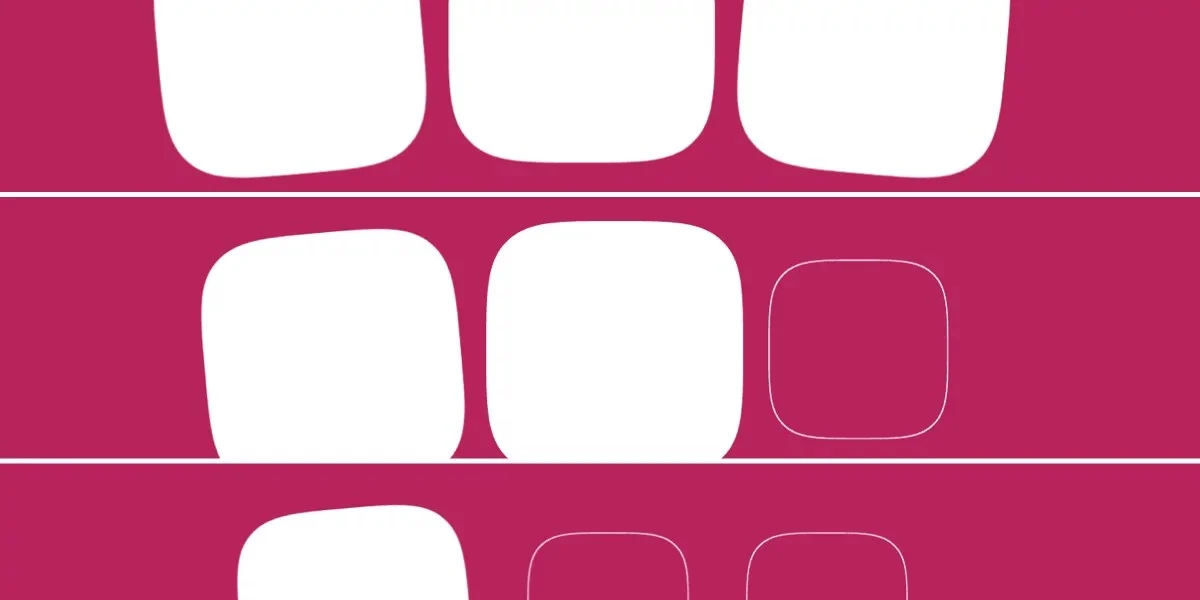
In a significant milestone for web standards and user interface design, the Google Chrome team has officially shipped support for scroll-triggered animations in Chrome 146. This development marks the first time a major browser has natively implemented this capability, potentially signaling the end of the "Intersection Observer" era for simple animation tasks.
While the web has long enjoyed scroll-driven animations—where an element’s movement is locked to the exact pixel-by-pixel progress of the scrollbar—scroll-triggered animations offer something distinct: the ability to fire a self-contained, duration-based animation the moment an element enters the user’s field of view.
The Mechanics: Scroll-Driven vs. Scroll-Triggered
To understand why this update is causing such a stir among front-end developers, one must distinguish between the two primary ways we now interact with scroll events in CSS.
Scroll-driven animations, which rely on the animation-timeline: scroll() or view() properties, are "synchronized." If a user scrolls halfway down the page, the animation is halfway through its state. It has no fixed duration because the duration is effectively the speed and distance of the scroll itself.
Scroll-triggered animations, by contrast, function like an automated event handler. They have a fixed duration—say, 300ms—and play from start to finish once a specific "threshold" is crossed. Think of this as a native, performance-optimized version of JavaScript’s IntersectionObserver API, but handled entirely within the CSS engine, bypassing the main thread’s overhead.
Chronology: The Path to Chrome 146
The journey toward this implementation began years ago within the CSS Working Group. The goal was to provide developers with a way to create complex, performant entrance animations without relying on heavy JavaScript libraries.
- Early Concepts: Initial proposals focused on merging scroll-linked timelines with traditional keyframe logic.
- The Draft Phase: The Animation Triggers specification began to take shape, separating the "when" (the trigger) from the "what" (the keyframe animation).
- Implementation: Browser vendors began working on the underlying architecture for
timeline-trigger. - Chrome 146 Release: Chrome 146 serves as the debut for this feature, allowing developers to finally test these capabilities in a stable production environment.
Technical Deep-Dive: How it Works
The implementation relies on a new set of properties that decouple the animation from the scroll position. The core of the feature is the timeline-trigger property.
Defining the Trigger
Instead of assigning a timeline directly to an animation, developers define a trigger using a dashed identifier.
.square
  animation: fade-bg-in 300ms;
  timeline-trigger: --trigger view() entry 100% exit 0%;
In this snippet, the view() function acts as the viewport monitor. The parameters entry 100% and exit 0% tell the browser exactly when the animation should fire—specifically, once the element is fully within the viewport.
Advanced Control with <animation-action>
The power of this new feature lies in its granular control. By using the animation-trigger property, developers can dictate exactly how the animation behaves once it is triggered.
play-forwards: The standard entrance.play-once: Prevents the animation from restarting if the user scrolls away and returns, creating a cleaner "first-impression" experience.play-backwards: A sophisticated option that allows an element to "undo" its animation as it exits the viewport, providing a seamless visual transition.
Implications for Web Design Systems
The modular nature of these properties has massive implications for large-scale design systems. Because the trigger, the timeline range, and the animation are decoupled, developers can create "reusable logic."
For instance, a single utility class could be applied to multiple components, with stagger effects calculated on the fly using modern CSS functions like sibling-count() and sibling-index().
The Staggering Effect
One of the most impressive capabilities is the ability to orchestrate complex sequences. By using the sibling-index() function, developers can calculate the delay for each element in a list, creating an elegant, waterfall-style reveal of content as the user scrolls down the page.
/* Calculated staggering */
--stagger-interval: calc(300ms / sibling-count());
--animation-delay: calc(sibling-index() * var(--stagger-interval));
This approach eliminates the need for manual delay classes and keeps the HTML markup clean and semantic.
Challenges and Considerations
Despite the excitement, the implementation is not without its complexities. The reliance on multiple new properties—timeline-trigger, animation-trigger, and the various timeline-trigger-active-range properties—creates a steep learning curve.
The "Reverse" Delay Issue
Early adopters have noted a quirk: when using play-backwards combined with animation-delay, the stagger effect does not always behave as expected during the reverse sequence. While this is likely an oversight that will be addressed in future spec revisions, it serves as a reminder that this is bleeding-edge technology.
Browser Compatibility
Currently, Chrome 146 is the only major browser to support this feature. While this is a massive step forward, developers must continue to implement feature detection or graceful fallbacks for users on Firefox or Safari, where these properties currently have no effect.
Official Stance and Future Outlook
The W3C’s Animation Triggers specification is still evolving. While the current implementation in Chrome is robust, the CSS Working Group continues to refine the syntax. The consensus among the engineering community is that while these tools are incredibly powerful, they require a shift in how we think about "states" on the web.
We are moving away from an era where animations were either "on" or "off" based on simple hover states, and toward a paradigm where the scrollbar itself is an interactive input device.
Final Thoughts: Is the Complexity Worth It?
Are scroll-triggered animations the future of web design? The answer is a qualified "yes."
The ability to create high-performance, scroll-sensitive interactions without hitting the main thread with JavaScript is a clear victory for web performance and accessibility. However, the sheer number of moving parts—dashed idents, complex timeline ranges, and new animation actions—means that designers and developers will need to invest time in mastering the syntax.
For now, these tools provide a sophisticated toolkit for those looking to build highly immersive, narrative-driven web experiences. As browser support expands and the syntax matures, we can expect to see these animations becoming a standard part of the modern web designer’s arsenal, likely replacing the patchwork of JavaScript libraries that have dominated the industry for the last decade.
For developers ready to dive in, the best path forward is to start small: replace a simple IntersectionObserver fade-in with a timeline-trigger and observe the difference in performance and code maintainability. The future of the scroll is here, and it is significantly more expressive than the static web of the past.








