Mastering Adaptive Android Development: Streamlining Workflow with Terminal-Based Emulator Control
In the modern Android ecosystem, the fragmentation of device form factors—ranging from pocket-sized smartphones to expansive foldable tablets and desktop-integrated interfaces—has transformed from a peripheral challenge into a central pillar of application development. As developers strive to create "adaptive" applications that provide seamless experiences across diverse screen real estate, the burden of testing has historically been a significant bottleneck. Traditionally, developers were tethered to the GUI of Android Studio, manually resizing windows and clicking through settings to verify layout responsiveness.
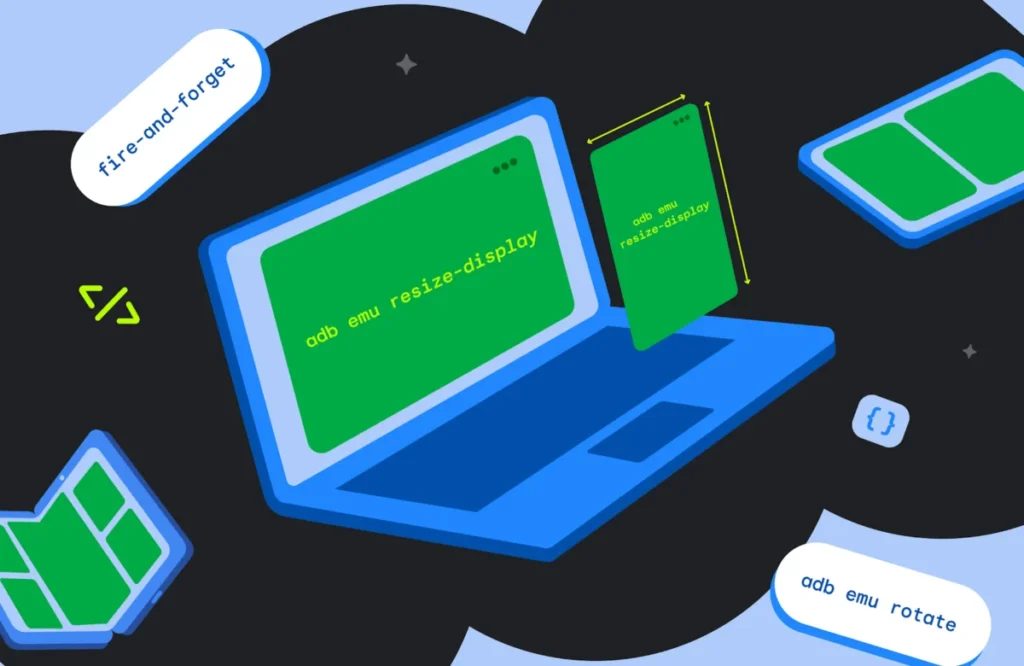
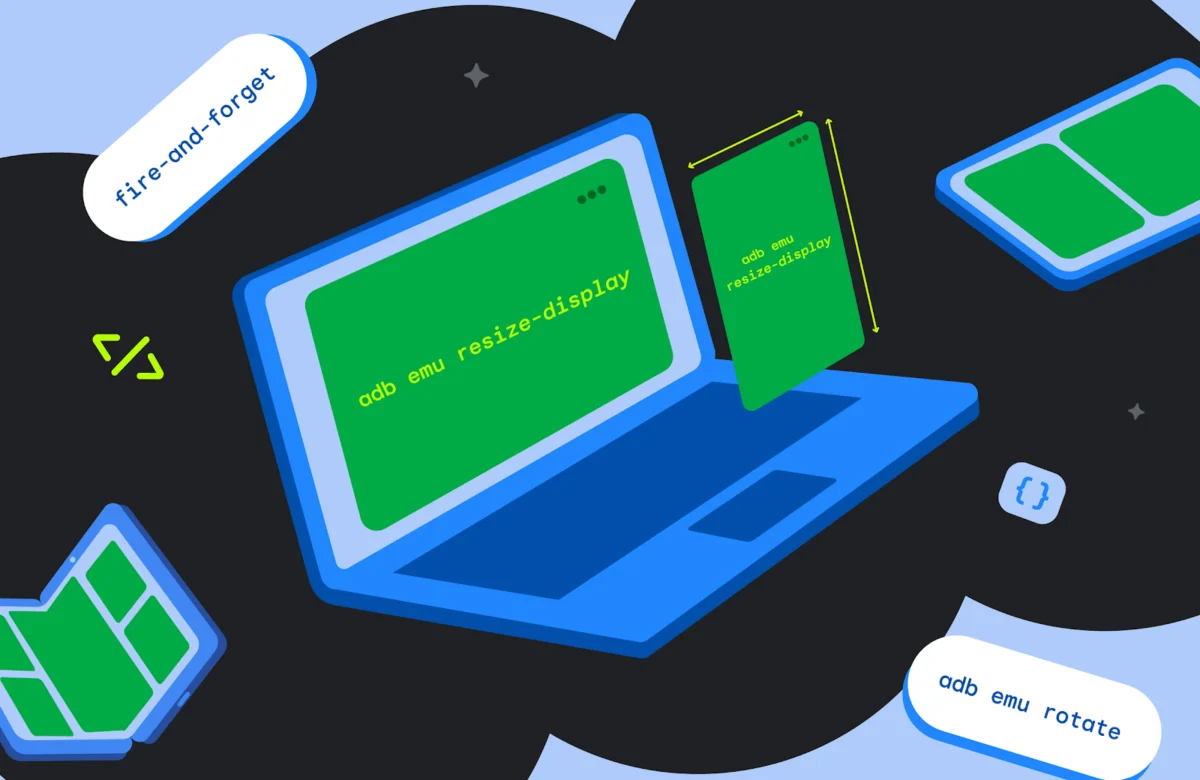
However, a more efficient paradigm has emerged. By leveraging the power of terminal-based commands, specifically the adb emu shortcut, developers can now bypass graphical interfaces to execute "fire-and-forget" commands. This shift not only accelerates the testing cycle but also allows for the automation of complex user journeys, ensuring that applications are robust, responsive, and ready for the diverse Android landscape.
The Evolution of Adaptive Testing: Moving Beyond the GUI
The Challenge of Modern Form Factors
The introduction of foldable devices and tablets has necessitated a radical shift in UI/UX design. Developers can no longer rely on a "one size fits all" layout. Adaptive development requires testing how an application behaves during transitions: moving from a closed phone state to an unfolded tablet state, rotating a device, or utilizing specific postures like "tabletop mode."
Previously, this necessitated running multiple emulator instances simultaneously, which is resource-intensive and often leads to context-switching fatigue. The manual nature of these tests—constantly dragging corners of a window or navigating deep into system settings to change orientation—introduces human error and significantly slows down the development lifecycle.
The Rise of Terminal-Based Control
The Android Debug Bridge (ADB) has long been the primary tool for developer-device interaction. Within this toolset lies the adb emu command, which allows developers to send console commands directly to the emulator’s backend. Because these commands are "fire-and-forget," they execute immediately and return control to the terminal, allowing developers to chain commands, build testing scripts, or integrate them into Continuous Integration/Continuous Deployment (CI/CD) pipelines. This capability essentially turns the emulator into a programmable unit of test infrastructure rather than a static visual aid.
Chronology of Development: From Manual to Automated Testing
The journey toward terminal-centric testing can be broken down into three distinct eras:
- The Manual Era (Pre-2020): Developers relied on hardware devices or static emulator snapshots. Testing a foldable transition meant physically folding a device or manually resizing a window, often failing to capture intermittent state-restoration bugs.
- The Resizable Emulator Era (2021-2023): With the introduction of the Resizable AVD (Android Virtual Device), Google provided a standardized way to test different screen densities. While this was a massive leap forward, it remained largely dependent on the Android Studio "Device Manager" UI.
- The Automated Command-Line Era (Present): By exposing
adb emucommands, the platform has enabled developers to treat the emulator as a headless entity. This allows for the script-based validation of UI configurations, effectively bridging the gap between manual inspection and automated UI testing.
Supporting Data and Technical Implementation
To effectively utilize terminal-based commands, developers must understand the command structure. When multiple emulators are active, the system requires a target serial number to ensure commands are sent to the correct environment:
adb -s <serial> emu <command> <parameter>
Mastering Foldable Transitions
The most significant hurdle in modern development is the "fold/unfold" transition. Developers must ensure that their Activity or Fragment lifecycles are handled correctly, as configuration changes often trigger a recreation of the UI components.
- Folding: The command
adb emu foldsimulates the physical closure of the device, forcing the application to transition to the external display configuration. - Unfolding: The command
adb emu unfoldexpands the view, allowing developers to verify how the application utilizes the additional screen real estate.
By chaining these commands, developers can simulate a "flip-flop" test, ensuring that state restoration—such as scrolling position or form data—is preserved across multiple transitions.

Orientation and Posture
Orientation changes (adb emu rotate) remain a cornerstone of adaptive testing. However, the true complexity lies in "Postures." Foldable devices often support a "half-opened" or "tabletop" state.
Using adb emu posture, developers can query the available sensor states. The system returns an index (typically 1 for closed, 2 for half-opened, 3 for fully opened). Executing adb emu posture 2 allows developers to test "tabletop" layouts, where the app might split controls to the bottom half of the screen while media plays on the top half.
The Resizable AVD Utility
The Resizable Emulator is the crown jewel of this workflow. Rather than manually guessing dimensions, developers can use adb emu resize-display to cycle through pre-defined presets. Querying the available presets via adb emu resize-display returns a mapped list (e.g., 0 for Phone, 1 for Unfolded, 2 for Tablet). Invoking the specific ID allows for instantaneous transitions, providing a high-fidelity testing environment that matches real-world hardware benchmarks.
Official Perspective and Implications
The Android Developer Ecosystem
Google’s documentation on the Emulator Console emphasizes that these shortcuts are designed to reduce the "friction of experimentation." By making the emulator a programmable tool, Google is implicitly encouraging developers to move away from "trial and error" and toward "automated validation."
Technical Implications
The implications for development teams are profound:
- Resource Management: Running fewer emulators simultaneously reduces CPU and RAM load on developer machines.
- CI/CD Integration: These commands can be inserted into shell scripts that run as part of a Jenkins or GitHub Actions pipeline. If a UI test fails during a simulated "fold," the CI system can flag the build immediately, preventing regressions from reaching the main branch.
- Improved QA Standards: By standardizing the testing process via scripts, teams ensure that every developer is testing against the same set of constraints, rather than relying on individual manual testing habits.
Potential Pitfalls
While the power of the command line is significant, developers must be mindful of limitations. As noted in official documentation, not all postures are supported by every AVD template. Attempting to force a "posture 5" on a standard Pixel Fold emulator will result in a KO: Failed to set posture error. It is vital for developers to query the available parameters of their specific virtual device before assuming universal compatibility.
Conclusion: The Future of Adaptive Testing
The shift toward terminal-driven emulator control is not merely a convenience; it is a necessity for the next generation of Android applications. As the device landscape continues to fragment with the introduction of new foldables, dual-screen devices, and large-screen tablets, the ability to rapidly iterate and validate UI behavior will define the success of an application.
By integrating adb emu commands into daily workflows, developers can spend less time managing the environment and more time refining the user experience. The era of manual window-dragging is coming to an end. In its place, we are seeing the rise of a more precise, automated, and scalable approach to Android development.
For those who have yet to incorporate these tools into their development process, the path forward is clear: open the terminal, explore the official developer documentation, and begin scripting your way to a more adaptive, robust mobile experience. The tools are already installed—the only thing missing is the implementation.