The New Era of Android: Scaling Innovation from Foldables to the Wrist
The "Made by Google" showcase has once again served as a clarion call for the global Android developer community. With the unveiling of the Pixel 11 Pro Fold and the Pixel Watch 5, Google has signaled a definitive shift in its hardware strategy: the future of mobile is no longer a "one-size-fits-all" model. Instead, it is a fluid, adaptive ecosystem where software must behave like water—conforming to the unique constraints of foldables, high-performance wearables, and on-device AI processors.
For developers, this evolution is not merely about aesthetic updates; it is a significant commercial imperative. Industry data suggests that foldable device users exhibit a distinct consumer profile, spending approximately 14 times more on app ecosystems than standard smartphone users. As the hardware becomes more sophisticated, Google is providing the architectural blueprints to ensure that third-party applications can keep pace.

The Architectural Shift: Building for Fluid Form Factors
The cornerstone of this year’s developer push is the "Adaptive Experience." With the release of the Pixel 11 Pro Fold, the traditional reliance on hardcoded layout rules has officially become obsolete. Google’s latest platform guidance urges developers to move toward window-space-centric design rather than device-physical-size design.
Moving Beyond Static Layouts
The integration of Jetpack Compose APIs—specifically Navigation 3 and the new Grid and FlexBox layout modules—represents a paradigm shift. These tools allow containers to automatically wrap, span, and reflow as the device transitions from a compact outer display to a sprawling, unfolded canvas. Furthermore, the experimental MediaQuery API now allows developers to hook into environmental signals, such as foldable posture (tabletop vs. full-flat) and keyboard visibility states.

By utilizing the WindowManager library, applications can now treat the physical fold or hinge of a device as a logical separator rather than an obstacle. This "fold-aware" approach ensures that content, such as a video call or a drawing canvas, flows naturally across the physical divide, maintaining aspect ratios and usability regardless of the device state.
State Preservation: The Key to Seamless Continuity
One of the most persistent challenges in foldable development is the "jumpy" transition—where an app resets or loses data when moving from the outer screen to the inner display. By leveraging ViewModel and standardizing state preservation, developers can ensure that scroll positions, form inputs, and modal dialogs persist through configuration changes.

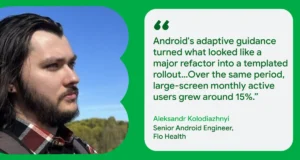
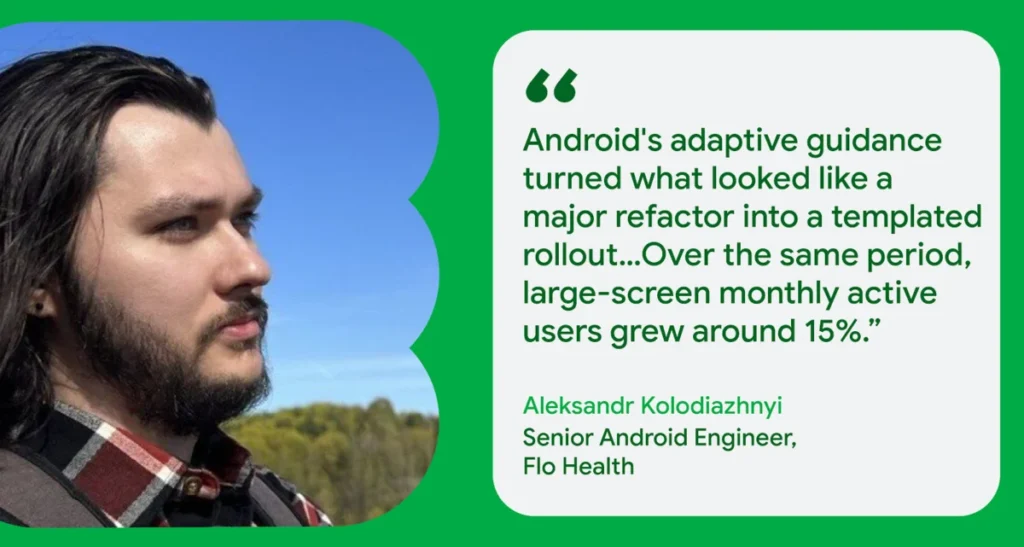
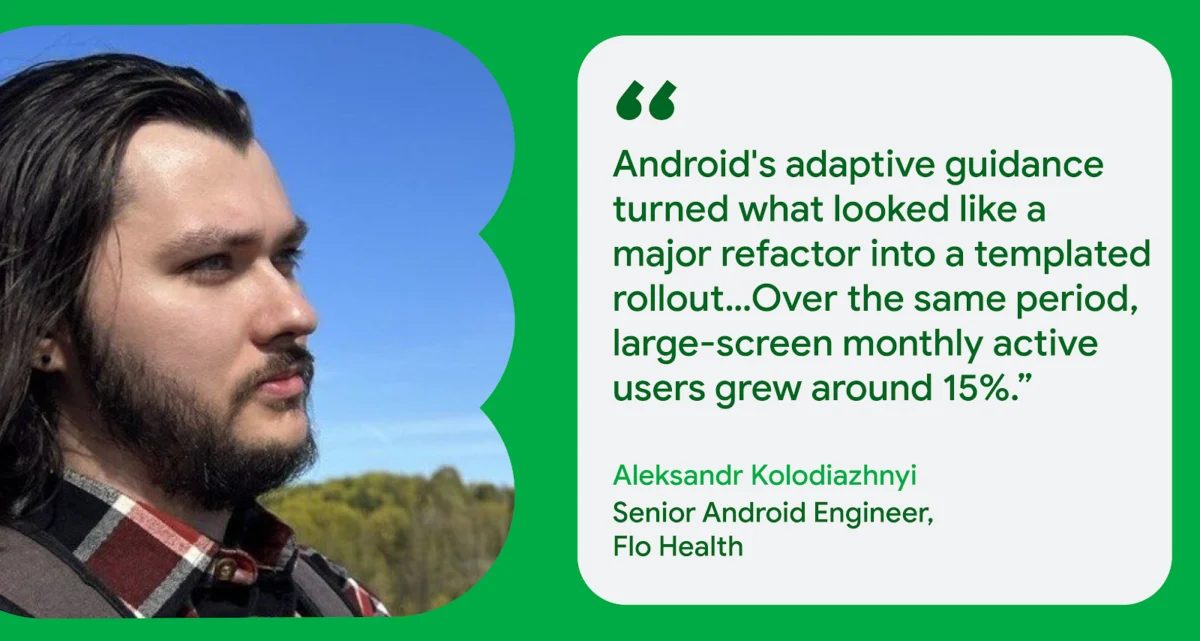
Real-world implementation from early adopters validates this strategy. Flo Health, the popular wellness application, reported that by adopting these adaptive primitives, they were able to reduce their state-preservation code by roughly 30%. This not only fixed long-standing lifecycle and analytics issues but also turned what was expected to be a major technical overhaul into a streamlined, templated rollout.
Chronology of Innovation: From Wear OS 7 to Gemini Nano 4
The rapid progression of the Android platform can be mapped through its recent iterations, each building upon the last to create a more cohesive user experience.

- Q3 2026 (The Wearable Pivot): With the launch of Wear OS 7, Google introduced the "one-handed gestures framework," allowing for touch-free navigation via double-pinches or wrist rotations.
- Late 2026 (The AI Integration): The introduction of the Pixel 11 series brought Gemini Nano 4 to the hardware level, allowing for real-time, low-latency AI inference without the need for cloud communication.
- Present Day: The democratization of these tools through "Android Skills," enabling AI agents to assist in the coding and implementation of complex UI tasks.
Supporting Data and Real-World Impact
The efficacy of Google’s new toolset is best exemplified by the developers already putting these features into production. Notability, for instance, has leveraged Material 3 Window Size Classes to create a two-pane layout that feels inherently native to the Pixel 11 Pro Fold. Engineering Manager Ryan Shea noted that their primary goal was to ensure the app felt like it belonged on the device, rather than simply being a "stretched" mobile interface.
The integration of CameraX has also proven vital. By utilizing the library’s automatic handling of sensor rotation and display scaling, developers can now enable high-resolution rear camera selfies and dual-screen viewfinder modes with minimal custom logic. This reduces the development burden, allowing smaller teams to compete with large-scale studios in delivering high-end functionality.

Official Perspectives: Empowering the Developer
Fahd Imtiaz, Senior Product Manager at Google, emphasized that the current strategy is designed to minimize friction. "Made by Google showcases what’s possible when hardware and software evolve together," Imtiaz noted. "We are putting the developer at the center of that innovation by providing the tools—like Android Skills—to handle the heavy lifting."
The "Android Skills" initiative is perhaps the most significant departure from traditional documentation. By providing AI-optimized instructions for agents and tools, developers can now prompt an AI assistant to handle complex tasks, such as implementing CameraX display scaling or setting up dynamic Compose layouts. This agentic workflow, whether inside Android Studio or the Android CLI, marks a transition where developers move from writing boilerplate code to architecting high-level features.

Implications for the Future: Wearables and Intelligence
The Pixel Watch 5 is not just a hardware upgrade; it is an optimized surface for Wear OS 7. With system-wide performance improvements—including a 10% gain in battery efficiency over the previous generation—the watch is now a more reliable companion for "glanceable" information.
Gesture-Driven Interaction
Spotify’s adoption of the one-handed gesture framework illustrates the practical utility of this technology. By mapping a double-pinch to media controls, users can manage their music while their hands are otherwise occupied. This represents a significant shift in human-computer interaction (HCI), moving away from tactile screen tapping toward intent-based, physical inputs.

The On-Device Intelligence Frontier
The deployment of Gemini Nano 4 on the Pixel 11 series introduces the ML Kit GenAI Prompt API. By processing data locally, apps can now offer features like real-time language translation, advanced multimodal understanding, and "thinking mode"—all without compromising user privacy or relying on unstable network connections. This on-device intelligence is expected to become the new baseline for premium Android applications.
Conclusion: The Path Forward
The convergence of adaptive UI, gesture-driven wearables, and on-device AI represents the most significant expansion of the Android ecosystem in years. For developers, the message is clear: the era of the static, single-screen application is coming to an end.

To thrive in this new landscape, development teams must:
- Embrace Adaptive Design: Move away from fixed dimensions and adopt Window Size Classes and Jetpack Compose primitives to ensure future-proof layouts.
- Leverage Agentic Tools: Utilize the Android Skills repository to accelerate development and reduce manual boilerplate.
- Prioritize Privacy and Latency: Shift compute-heavy AI tasks to on-device models using the ML Kit GenAI Prompt API.
- Adopt Glanceable Design: Use Jetpack Glance and Wear Widgets to extend app functionality to the wrist, ensuring users remain engaged across all touchpoints.
As the Pixel family continues to grow, the developers who adopt these adaptive, intelligent, and gesture-friendly frameworks today will be the ones defining the user experience of tomorrow. By visiting developer.android.com, teams can access the full suite of documentation and start building for an ecosystem that no longer lives in the pocket, but spans the entire digital life of the user.