The HDMI Dilemma: Why Your Living Room Setup Might Be Fine Without an Upgrade
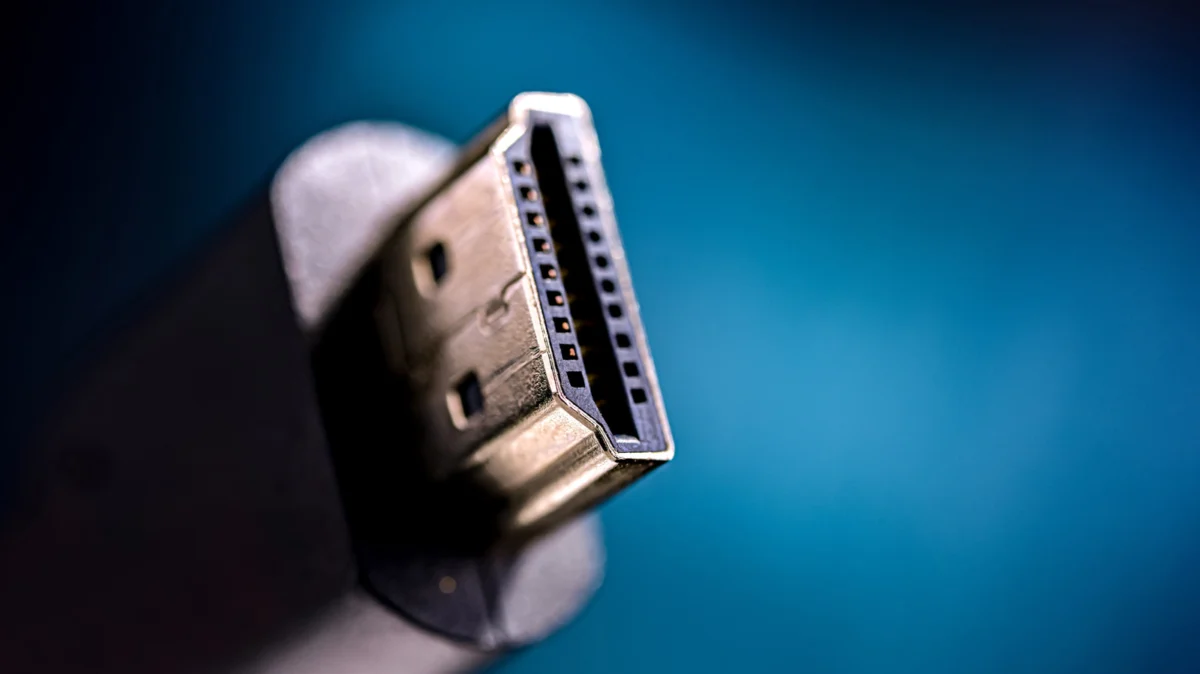
For most households, the entertainment center is a "set it and forget it" environment. Behind the sleek panels of modern smart TVs and soundbars lies a chaotic web of cables—the often-ignored circulatory system of our home cinema. While we obsess over the latest streaming service subscriptions or the peak brightness of an OLED display, the humble HDMI (High-Definition Multimedia Interface) cable is rarely given a second thought until something goes wrong.
However, as streaming services push for 4K and 8K resolutions and gaming hardware hits unprecedented levels of fidelity, the terminology surrounding HDMI standards—2.0, 2.1, and the nascent 2.2—can feel like a minefield of unnecessary technical jargon. Do you really need to replace your "old" cables to get the most out of your setup? The answer, for the vast majority of users, is a resounding no.
Main Facts: The Anatomy of a Connection
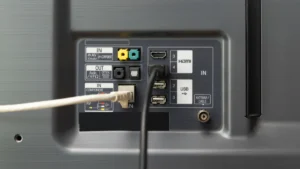
At its core, HDMI is the industry standard for transmitting uncompressed video and audio data between devices. Whether it is a Blu-ray player, a game console, a streaming stick, or a PC, these ports serve as the gateway for your digital media.
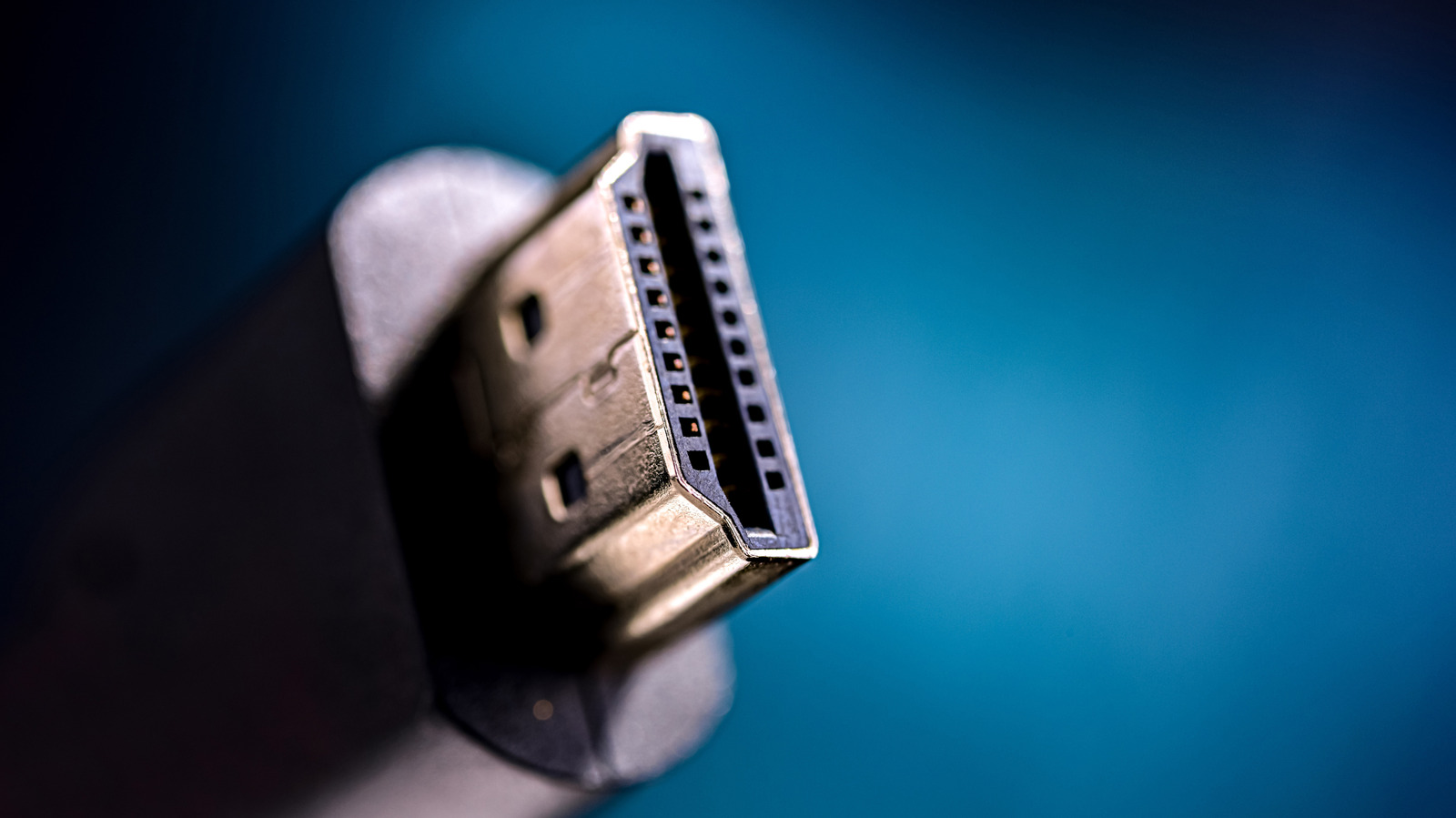
The confusion arises because HDMI specifications are backward compatible. You can physically plug an HDMI 2.1 cable into an HDMI 2.0 port, or vice versa. The physical shape of the connector has remained identical for years, which masks the significant differences in "bandwidth"—the capacity of the cable to move data from point A to point B.
The most critical takeaway for the average consumer is this: The quality of your video signal is only as good as the weakest link in your hardware chain. If you have a high-end 8K television but connect it to a streaming box using an older, low-bandwidth cable, or if your device port only supports the older standard, the system will automatically throttle itself to the lowest common denominator.
A Chronology of Connectivity: The Evolution of HDMI
To understand why your current cables likely suffice, one must look at the timeline of the standard’s development.
- 2013: The Era of HDMI 2.0. This version brought 4K resolution into the mainstream, supporting 60Hz (frames per second). It became the bedrock of the "Ultra HD" era, providing enough bandwidth to handle the high-dynamic-range (HDR) content that has since become standard on platforms like Netflix, Disney+, and Amazon Prime.
- 2017: The Introduction of HDMI 2.1. As gaming moved toward high-refresh-rate displays, HDMI 2.1 was introduced to support 4K at 120Hz. This was a monumental shift for competitive gamers who needed the fluidity of higher frame rates to match the capabilities of the PlayStation 5 and Xbox Series X.
- 2025: The Dawn of HDMI 2.2. Finalized in June 2025, this standard represents the "bleeding edge." With support for 96 Gbps bandwidth, it aims to facilitate 8K video at 60Hz and even 4K at an incredible 240Hz.
Supporting Data: Understanding Bandwidth and Throughput
The technical differentiator between these standards is bandwidth. HDMI 2.0 offers a maximum bandwidth of 18 Gbps. In practical terms, this is perfectly adequate for 4K video at 60 frames per second—the gold standard for almost all streaming content today.
When streaming a movie or a television show, the data is heavily compressed. Even high-bitrate 4K streams from platforms like Apple TV+ do not come close to saturating the 18 Gbps capacity of an HDMI 2.0 connection. Therefore, upgrading to a 2.1 or 2.2 cable for your Roku, Apple TV, or Fire Stick provides zero tangible improvement in picture quality. The "upgrade" is essentially an empty gesture, as the streaming source itself isn’t providing the data rate required to justify the new cable.
Conversely, HDMI 2.1 is designed for raw, uncompressed, or lightly compressed data, such as that generated by a gaming PC or a modern console. When you run a game at 4K/120Hz, the amount of data moving through the cable is significantly higher. In this specific scenario, the bandwidth of 2.1 is not just a marketing gimmick; it is a functional requirement to prevent screen tearing or resolution drops.
Official Perspectives and Industry Standards
According to the HDMI Licensing Administrator (HDMI LA), the goal of the organization is to ensure that while the technology advances, the user experience remains seamless. However, critics within the tech industry argue that the naming conventions have become intentionally opaque.
Industry analysts note that manufacturers often label cables based on the potential of the standard, leading consumers to believe that a "48 Gbps Ultra High Speed" cable will make their Netflix streams look sharper. Official statements from content providers clarify that current streaming infrastructure is optimized for 4K/60Hz, largely because higher frame rates are unnecessary for cinematic content. Films are traditionally shot at 24 frames per second, and while high-frame-rate content exists, it remains a niche format that does not require the throughput of the latest HDMI specifications.
Implications: When Do You Actually Need an Upgrade?
For the vast majority of users, the "if it isn’t broken, don’t fix it" rule applies. If you are watching streaming services, cable television, or Blu-ray discs, your existing HDMI 2.0 hardware is perfectly sufficient.
The Case for Gaming
The only segment of the population that genuinely requires the latest HDMI standards is the enthusiast gamer. If you own a PlayStation 5 Pro or a high-end gaming PC paired with a monitor that supports 120Hz or higher, an HDMI 2.1 cable is mandatory. Without it, you will find yourself locked at 60Hz, effectively wasting the hardware capabilities you paid a premium for.
The Future of HDMI 2.2
With the arrival of HDMI 2.2, consumers are once again being tempted by the promise of "future-proofing." However, the implications of this upgrade are minimal for the next 24 months.
- Hardware Scarcity: Very few consumer-grade displays currently support the 2.2 standard.
- Diminishing Returns: For the average viewer, the jump from 4K to 8K is far less perceptible than the jump from 1080p to 4K.
- Cost vs. Utility: Until content producers begin mastering media in 8K or 240Hz, the hardware required to utilize HDMI 2.2 remains prohibitively expensive.
Conclusion: A Measured Approach to Home Theater Upgrades
Technology moves at a blistering pace, and it is natural to want the latest and greatest in our living rooms. However, the ecosystem of home entertainment is tethered to the reality of content distribution. As long as streaming services and broadcast television remain capped at 4K/60Hz, the "bottleneck" in your system isn’t your cable—it’s the limitations of the signal being sent to your house.
Before you invest in a box of "Ultra High-Speed" cables, take a moment to evaluate your hardware. If you are a casual viewer, your current setup is likely performing exactly as it should. If you are a gamer looking for that extra edge, ensure your entire chain—from console to cable to display—is rated for the performance you seek. Otherwise, save your money; the only thing a "better" cable will improve in a standard streaming setup is the profit margin of the retailer selling it to you.