TerraMaster F4-425 Pro Review: A Powerful Hardware Refresh Hampered by "AI-Native" Growing Pains
The home server and Network Attached Storage (NAS) market has seen a surge in interest as users increasingly look to reclaim control over their data. TerraMaster, a player that has consistently positioned itself as a value-driven alternative to industry giants like Synology or QNAP, has recently refreshed its popular F4-425 series. The new F4-425 Pro arrives with a significant silicon upgrade, promising better performance for demanding homelab enthusiasts. However, alongside this hardware boost comes "TOS 7," an operating system that aims to embrace the current AI zeitgeist—with mixed results.
Main Facts: The Evolution of the F4-425 Pro
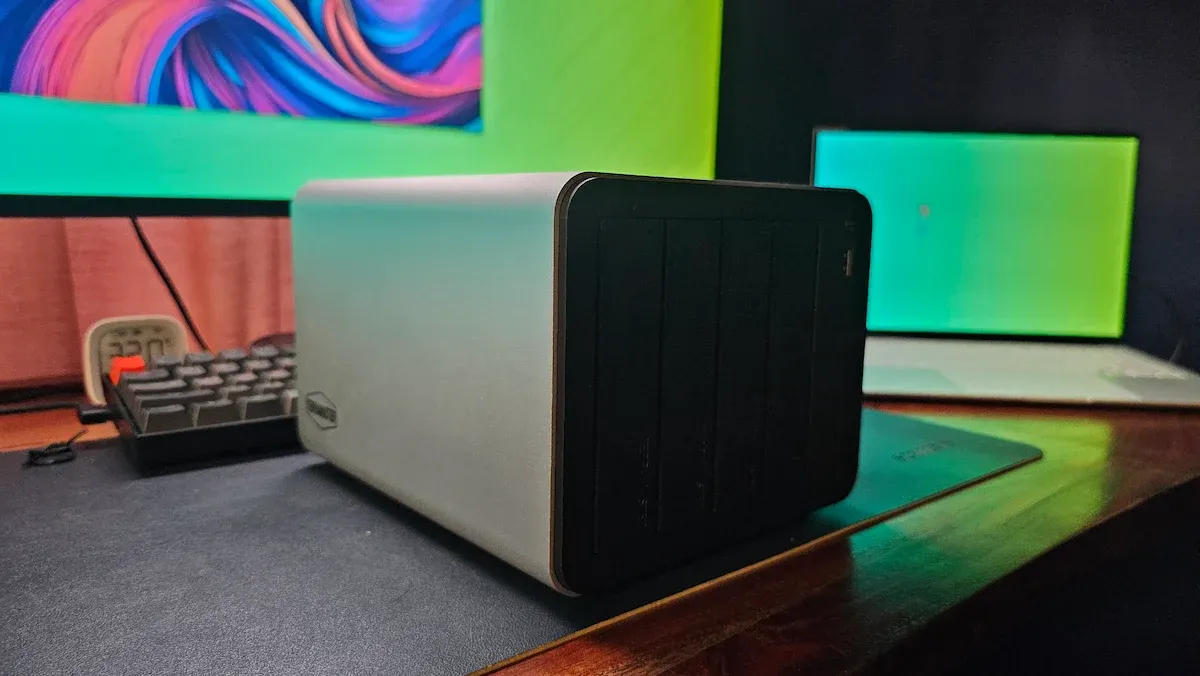
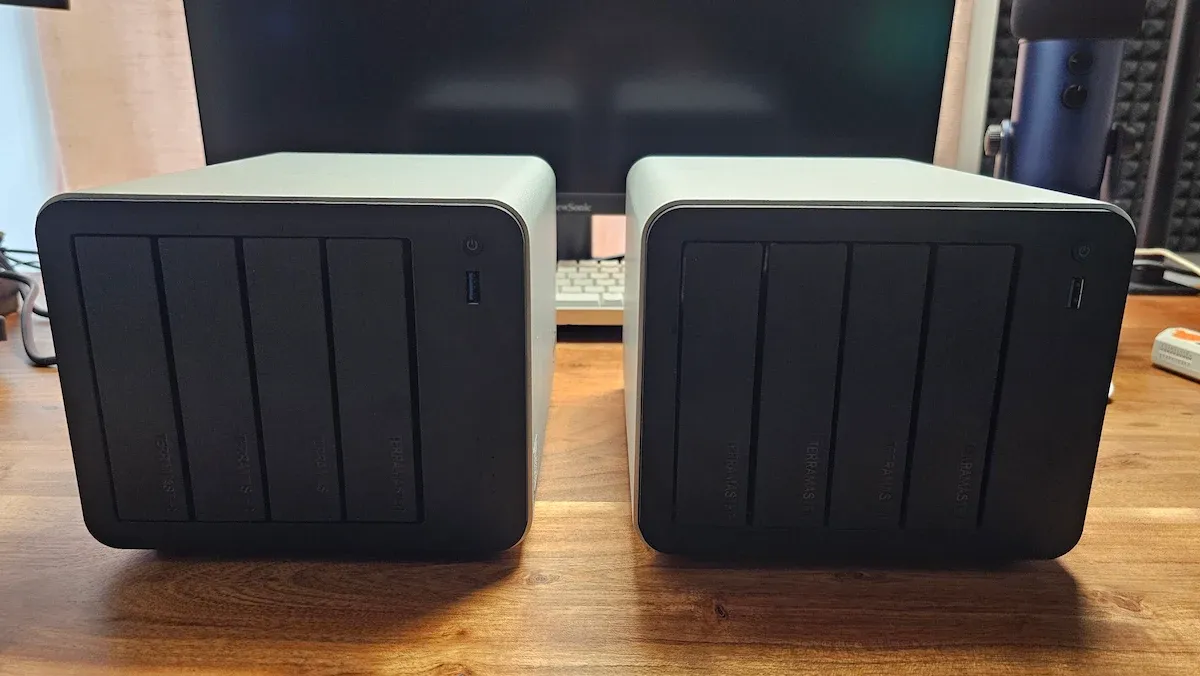
The F4-425 Pro represents an incremental but vital evolution of the F4-425 Plus. To the casual observer, the device remains unchanged. It retains the same brushed aluminum chassis, the same four-bay hot-swap configuration, and the identical port layout. Yet, under the hood, the transition from the Intel N150 (4-core) to the Intel Core 3 N350 (8-core) processor is a substantial leap for users running high-density Docker container environments or real-time media transcoding.

The primary highlights of this refresh include:
- Processing Power: The move to the 8-core Intel Core 3 N350 (7W TDP) provides significantly more overhead for multitasking.
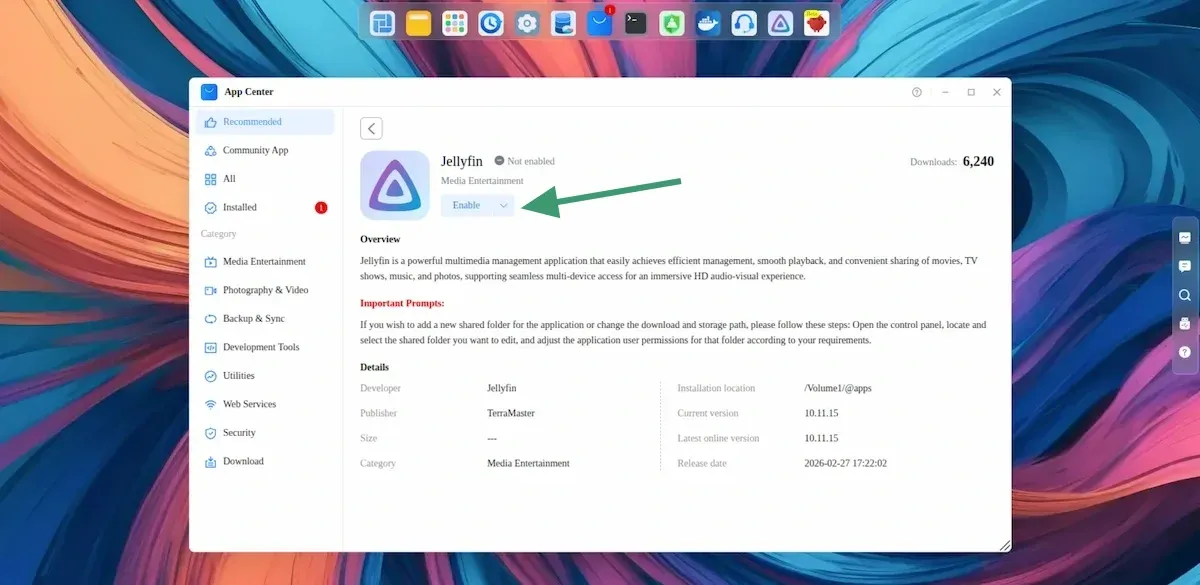
- Enhanced Graphics: The iGPU now features 32 execution units, a clear advantage for users leveraging hardware acceleration for Jellyfin or Plex.
- Memory Architecture: The unit comes with 16GB of DDR5 RAM. While powerful, the single-slot SODIMM limitation requires users to be mindful of future upgrade paths.
- OS Design: The "OS-on-disk" architecture remains, which drastically simplifies migration. Moving from a Plus model to a Pro model is as simple as transferring the drives.
- Pricing: The unit carries an MSRP of $799.99, though aggressive retail promotions—such as recent Prime Day discounts bringing it down to $639.99—make it a competitive value proposition.
Chronology: From Setup to Software Discovery
The setup experience of the F4-425 Pro is defined by a unique design philosophy: the operating system (TOS) does not reside on the NAS hardware itself. Instead, it is installed directly onto the user-provided storage media.

During our initial testing phase, we observed that inserting drives from a previous-generation TerraMaster device resulted in an almost instantaneous migration. The Pro model inherited the user credentials, network configurations, and even the existing software environment of the previous machine without a hitch. This "plug-and-play" capability highlights the brilliance of TerraMaster’s disk-based OS strategy.
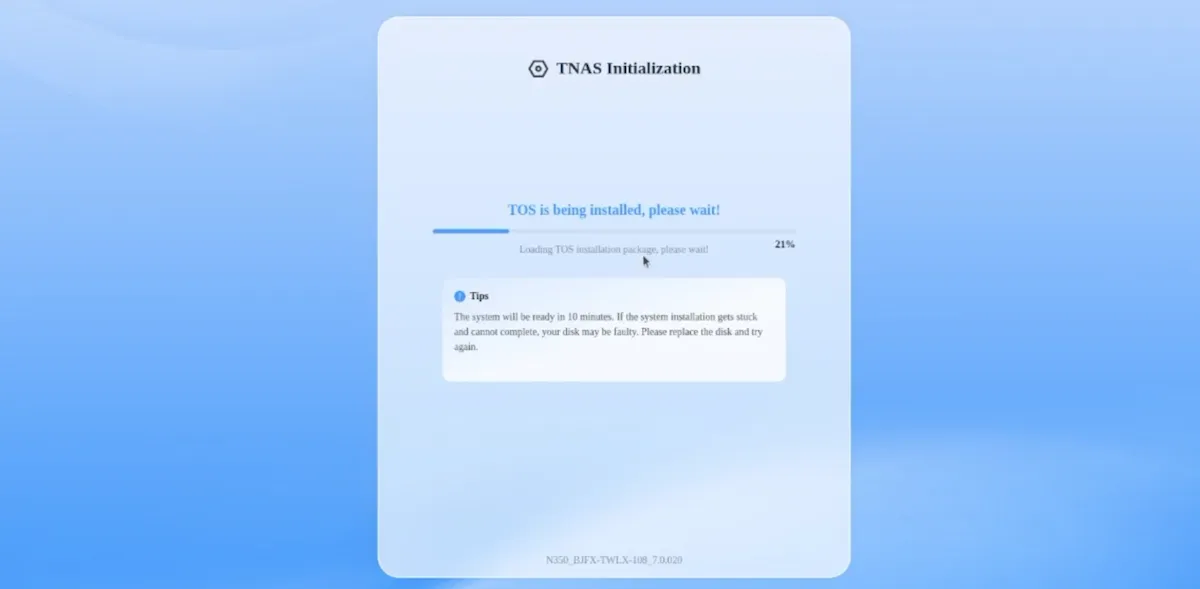
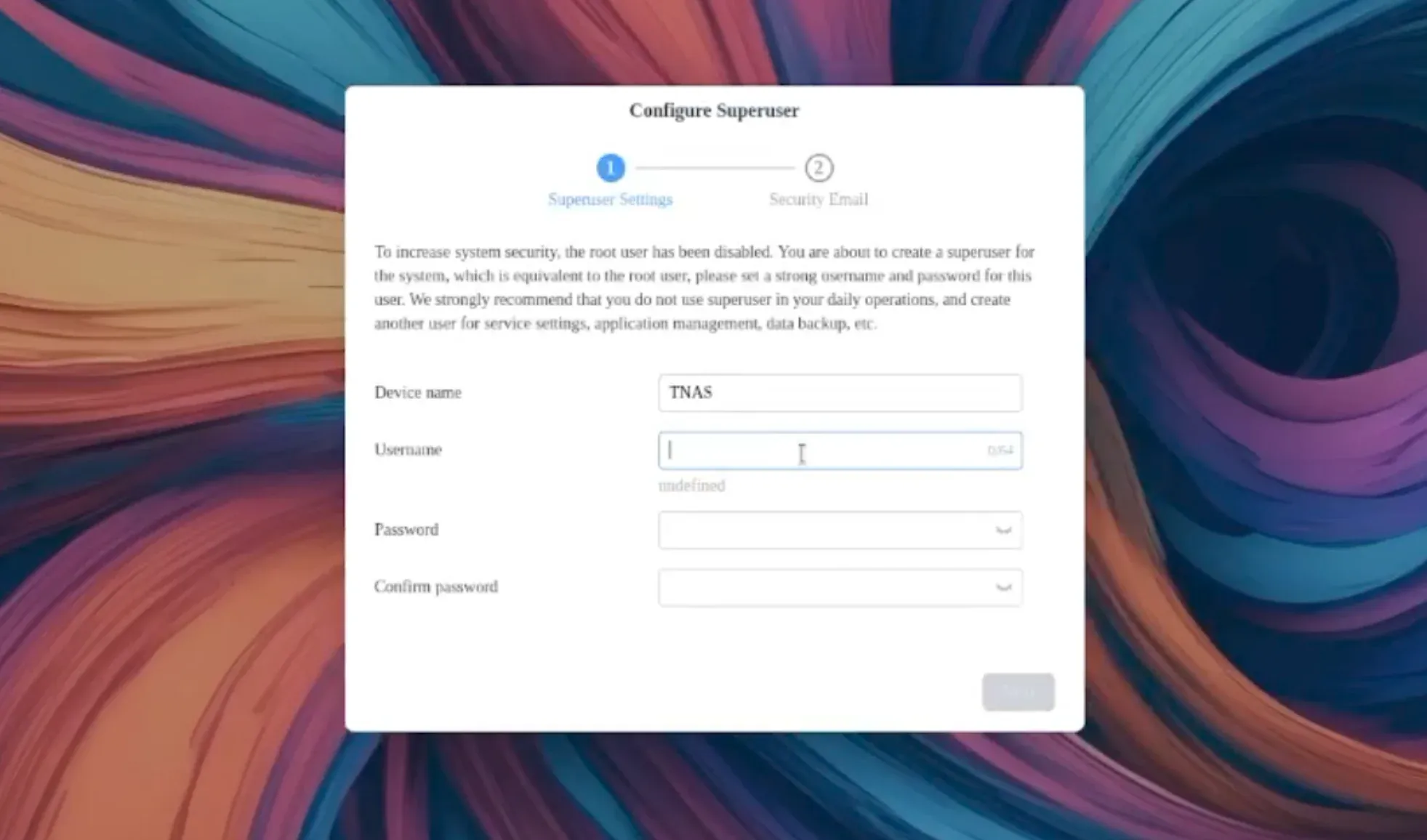
However, this design also presents quirks. During an experimental test, when the drives were inserted into a third-party ZimaCube Pro, the NAS attempted to boot into the TOS environment, demonstrating that the OS installation is essentially "portable" across compatible hardware. Once the drives were formatted via a USB DAS enclosure on a Linux machine, the Pro model successfully initialized a clean instance of TOS 7, completing the process in approximately 25 minutes.
Supporting Data: Hardware vs. Capability
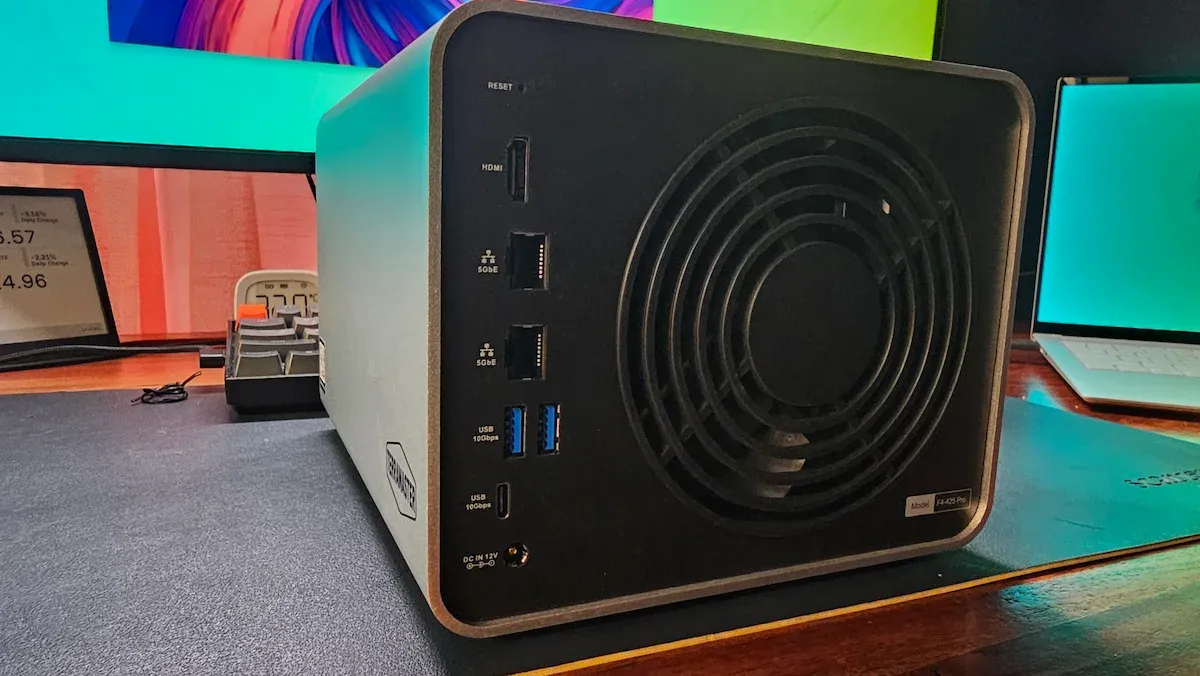
The hardware configuration of the F4-425 Pro positions it squarely in the "prosumer" bracket. The inclusion of dual 5GbE ports, three M.2 NVMe slots, and a mix of USB-A and USB-C ports (all 10Gbps) provides ample I/O bandwidth for most home and small office workflows.
| Component | F4-425 Pro | F4-425 Plus |
|---|---|---|
| CPU | Intel Core 3 N350 (8-core) | Intel N150 (4-core) |
| RAM | 16GB DDR5 | 16GB DDR5 |
| iGPU | 32 Execution Units | 16-24 Execution Units |
| Storage | 152TB (32TB x 4 HDD + 8TB x 3 NVMe) | 144TB |
| Network | Dual 5GbE | Dual 5GbE |
| Price | $799.99 | $599.99 |
The performance benchmarks, while informal, reveal the device’s capability. During 4K video streaming, the CPU load remained comfortably under 10%. Even with multiple intensive tasks running, the 8-core architecture handles the load without breaking a sweat. However, prospective buyers should account for the rising cost of high-capacity HDDs and SSDs, as the $799 entry price is merely the starting point for a fully populated array.
Official Responses and Market Positioning
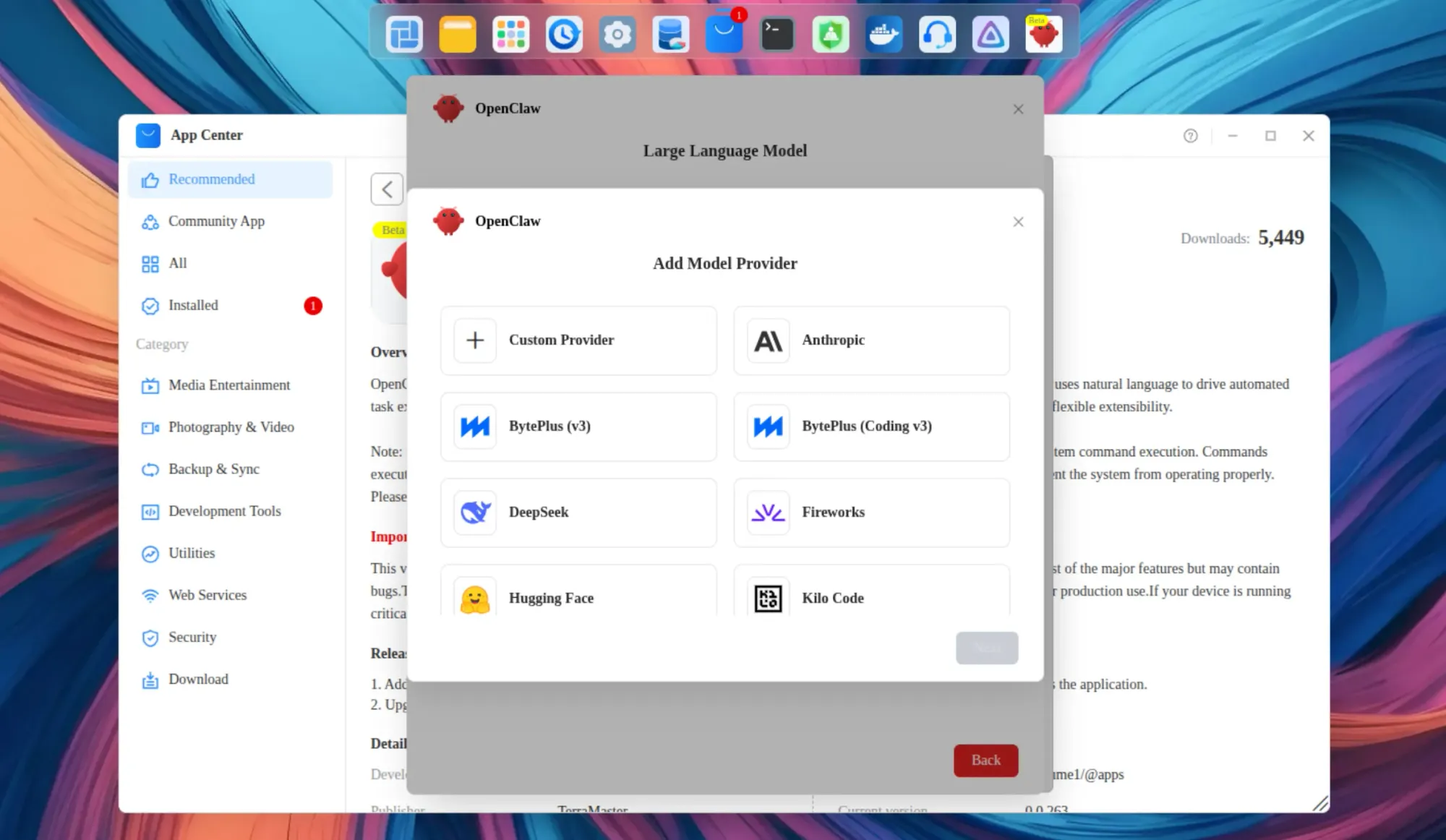
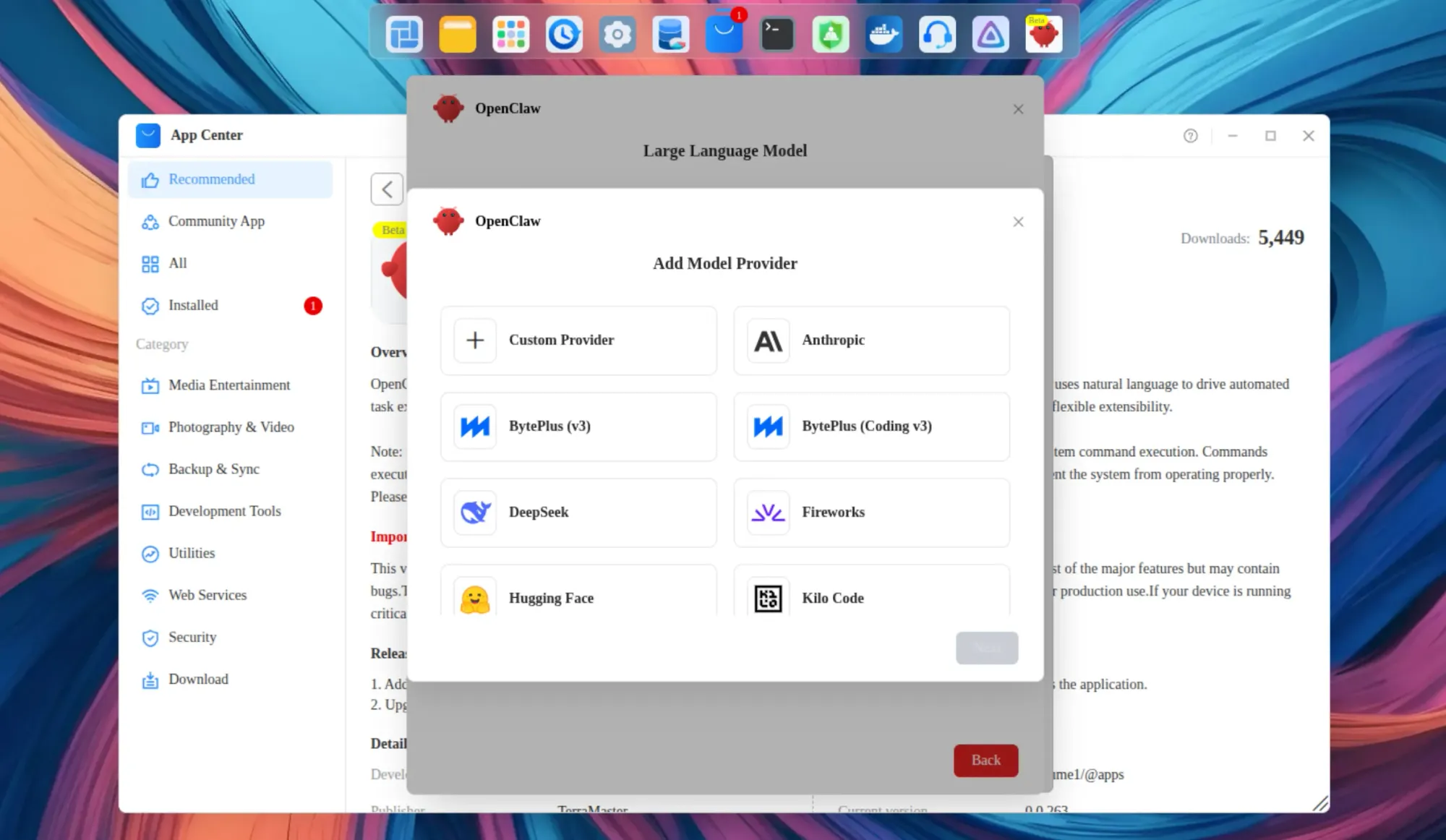
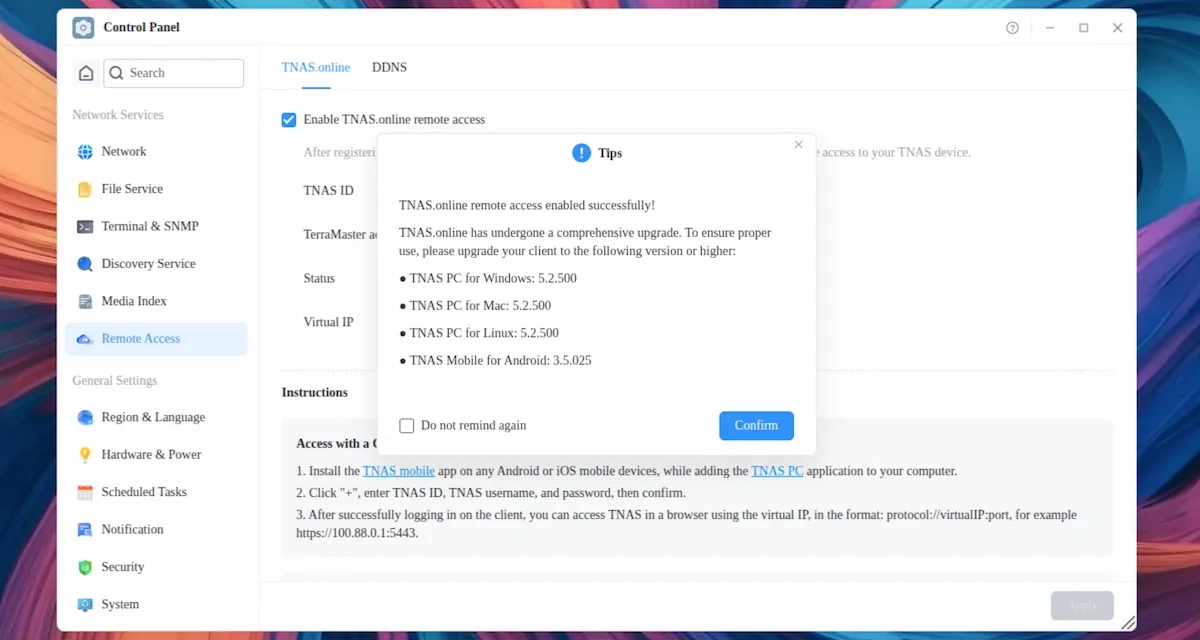
TerraMaster has leaned heavily into the "AI-native" marketing for TOS 7. In official communications, the company highlights "OpenClaw," an orchestration layer designed to allow users to interact with their NAS via natural language.
In practice, this is where the gap between marketing and reality widens. The NAS itself does not perform the heavy-duty inference locally; rather, OpenClaw serves as a bridge to external Large Language Models (LLMs). While this can automate complex configuration tasks, it is not "AI-native" in the sense that the device is running the intelligence itself.
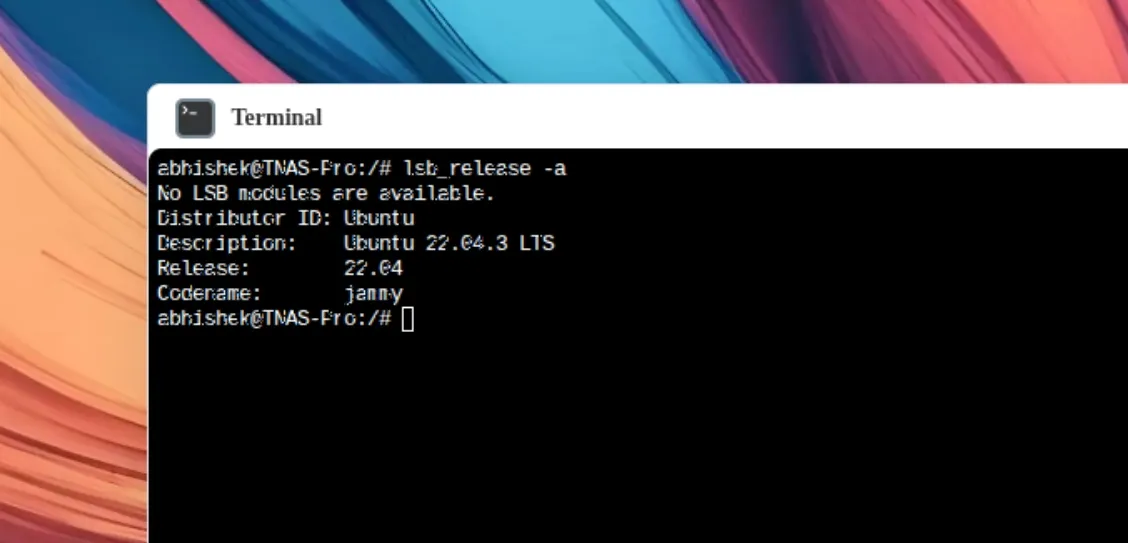
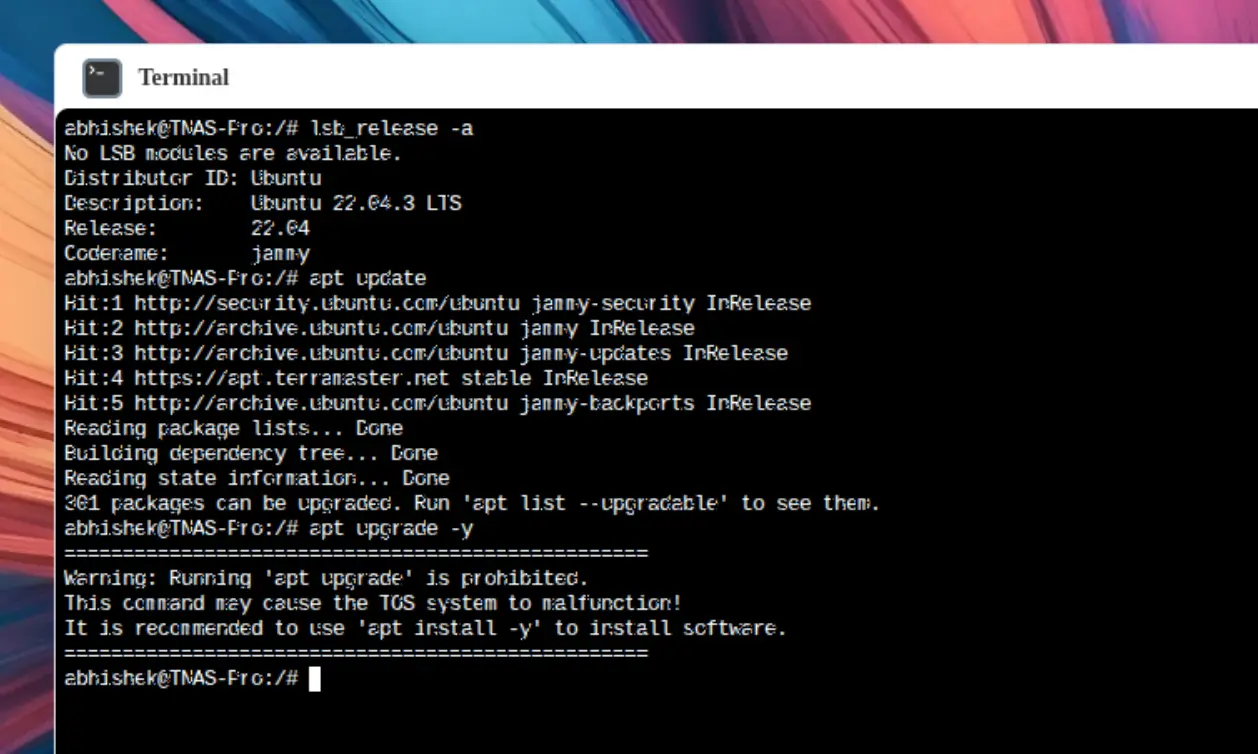
Regarding the software, TerraMaster’s decision to ship with an Ubuntu 22.04 base is a point of contention. With the end-of-life date for this Ubuntu version approaching in April 2027, power users have expressed concern over the longevity of the software support cycle for a device that is meant to last 5–10 years.
Implications for the Homelab Community
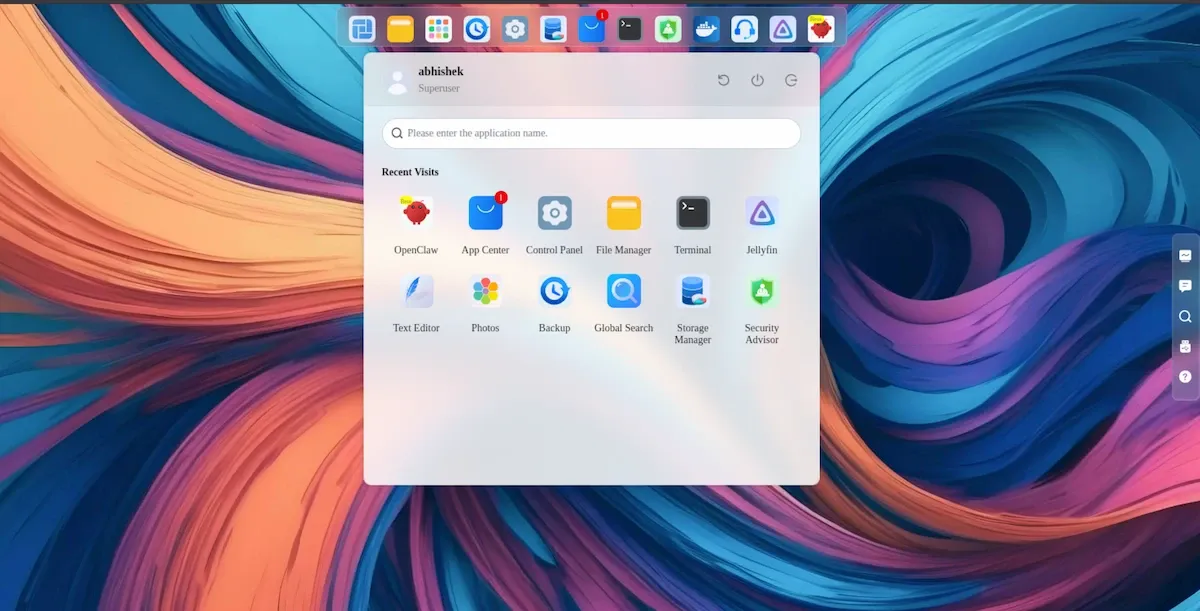
The F4-425 Pro is a machine of contradictions. It offers some of the best hardware value in the mid-range NAS segment, characterized by its silent operation, efficient thermal design, and robust storage expansion options. For the user who wants a "set-and-forget" server, the hardware is nearly flawless.
However, the software experience remains in a state of "maturing." Several rough edges persist:
- Search Limitations: The global search index is restricted to personal user directories, rendering it ineffective for searching across the entire shared file structure.
- Application Persistence: The system requires certain apps (including Photos and OpenClaw) to be manually "enabled" after every reboot. This is a baffling design choice that hinders the set-and-forget nature of a home server.
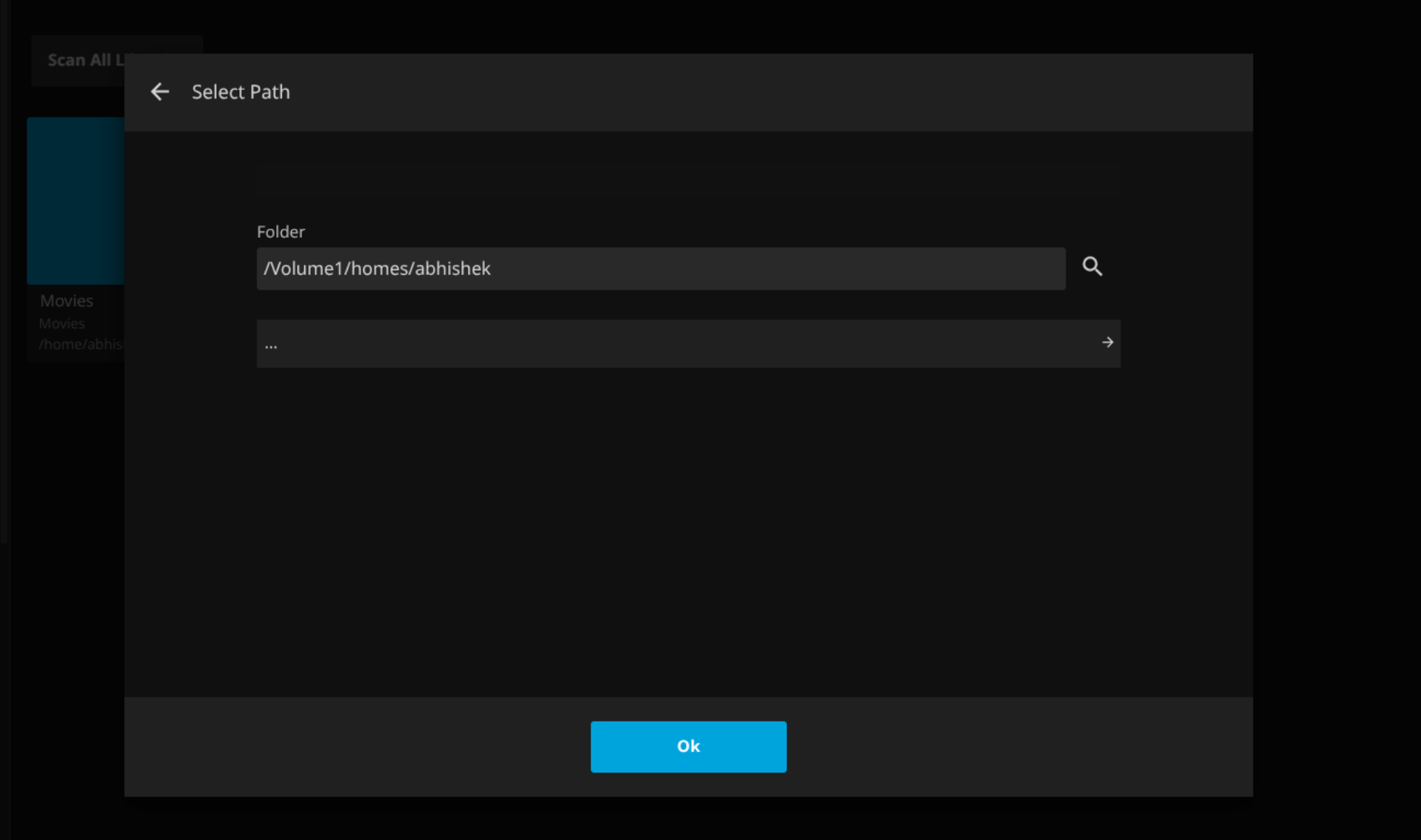
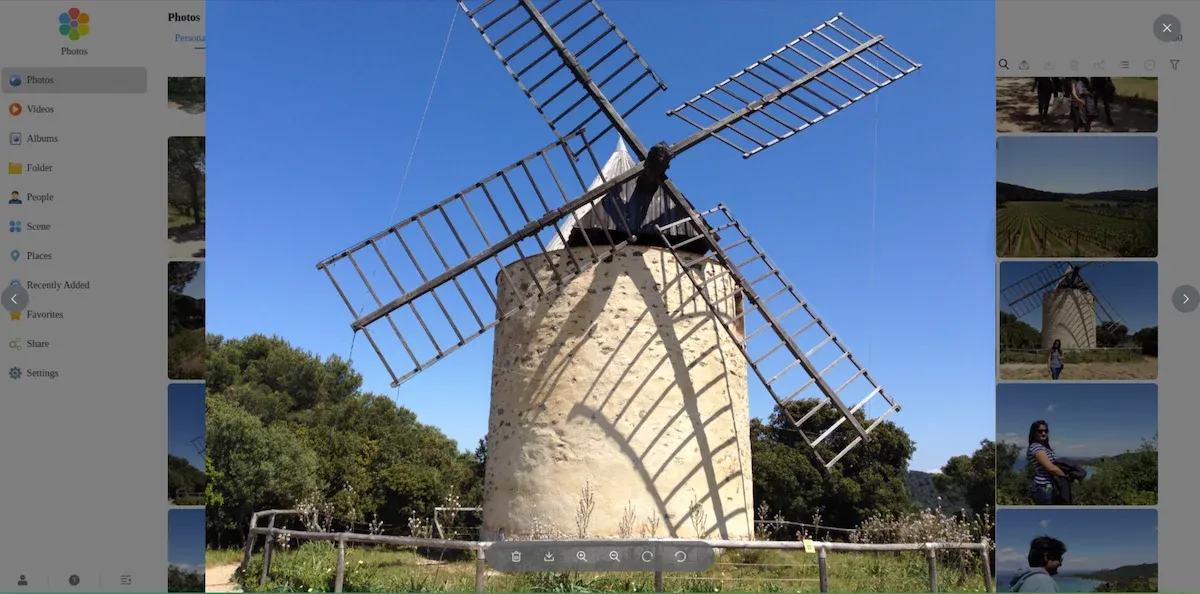
- UI/UX Gaps: The absence of keyboard navigation in the Photos app and the inability to easily browse subdirectories in Jellyfin indicate that the software layer needs more polish.
The "AI" Verdict
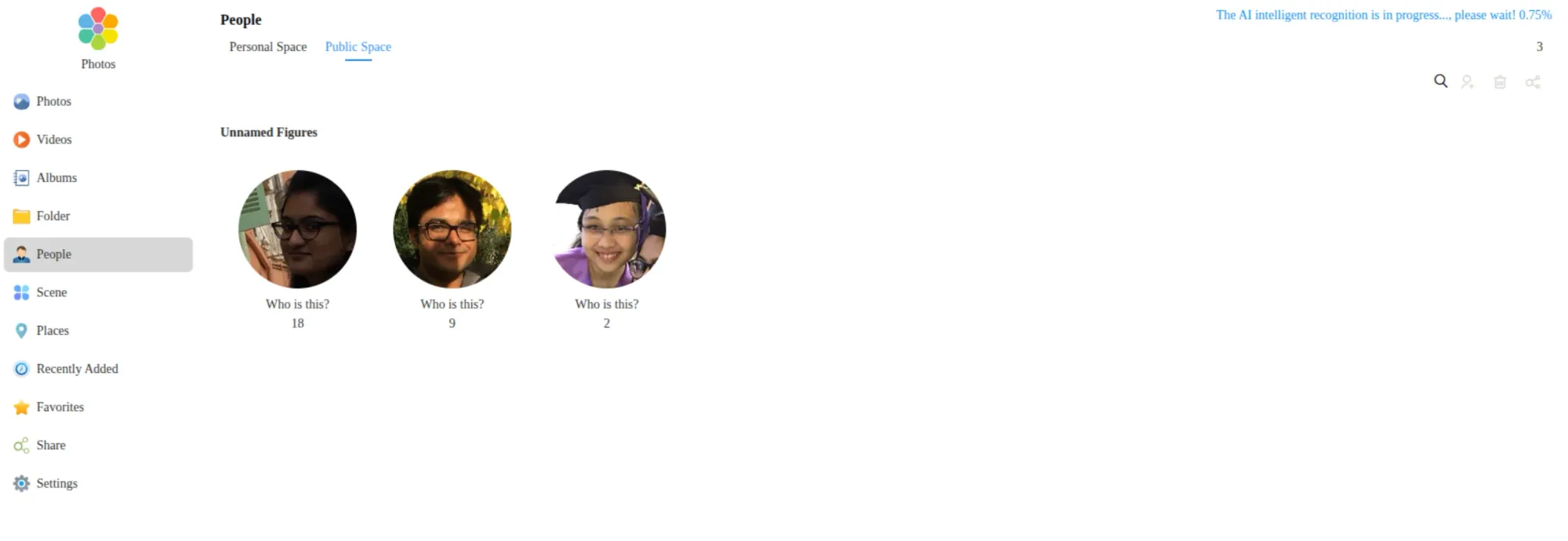
The AI-native label is currently a marketing placeholder. While face recognition in the Photos app is a welcome addition, it is not new, nor is it particularly "AI-native" compared to open-source alternatives like Immich or PhotoPrism. The potential for features like local OCR on documents remains untapped.
Final Assessment: Should You Buy?
If you are a first-time NAS buyer or someone looking to scale up from an older, entry-level 2-bay device, the F4-425 Pro is an excellent candidate. The hardware is silent, efficient, and exceptionally capable of handling modern media workloads and containerized services.
However, if you are already using the F4-425 Plus, the upgrade to the Pro is not strictly necessary unless you are specifically hitting a CPU bottleneck. The software experience is currently the primary friction point. While the hardware is ready for the future, the software feels like it is still playing catch-up.
For those willing to navigate these minor software hurdles—or who intend to bypass the stock TOS 7 in favor of TrueNAS, Unraid, or a custom Linux distribution—the F4-425 Pro is a stellar, high-performance base. For everyone else, we recommend waiting for a few firmware updates to smooth out the rough edges. The potential is undoubtedly there; it just requires a little more time in the oven.