
The Horizontal Revolution: Rethinking Desktop Productivity with Niri and Dank Linux
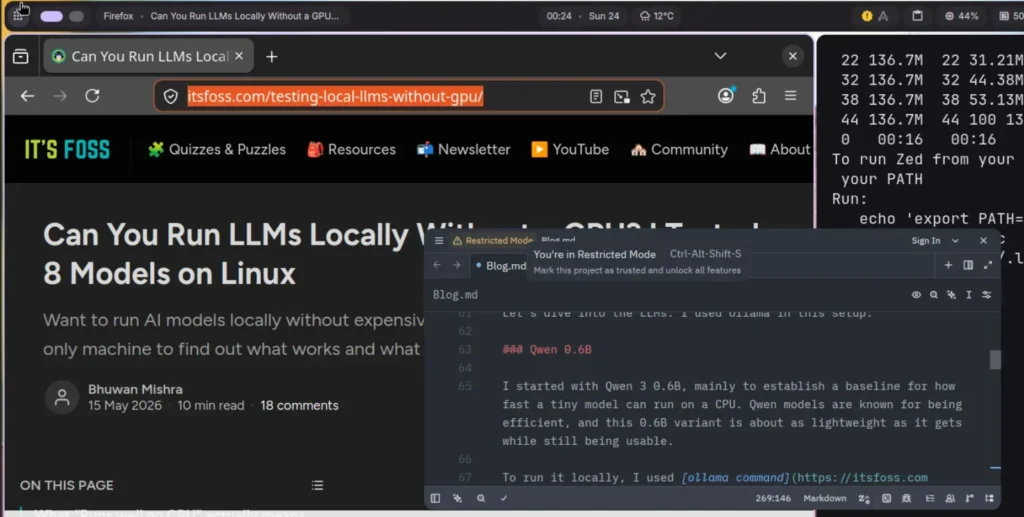
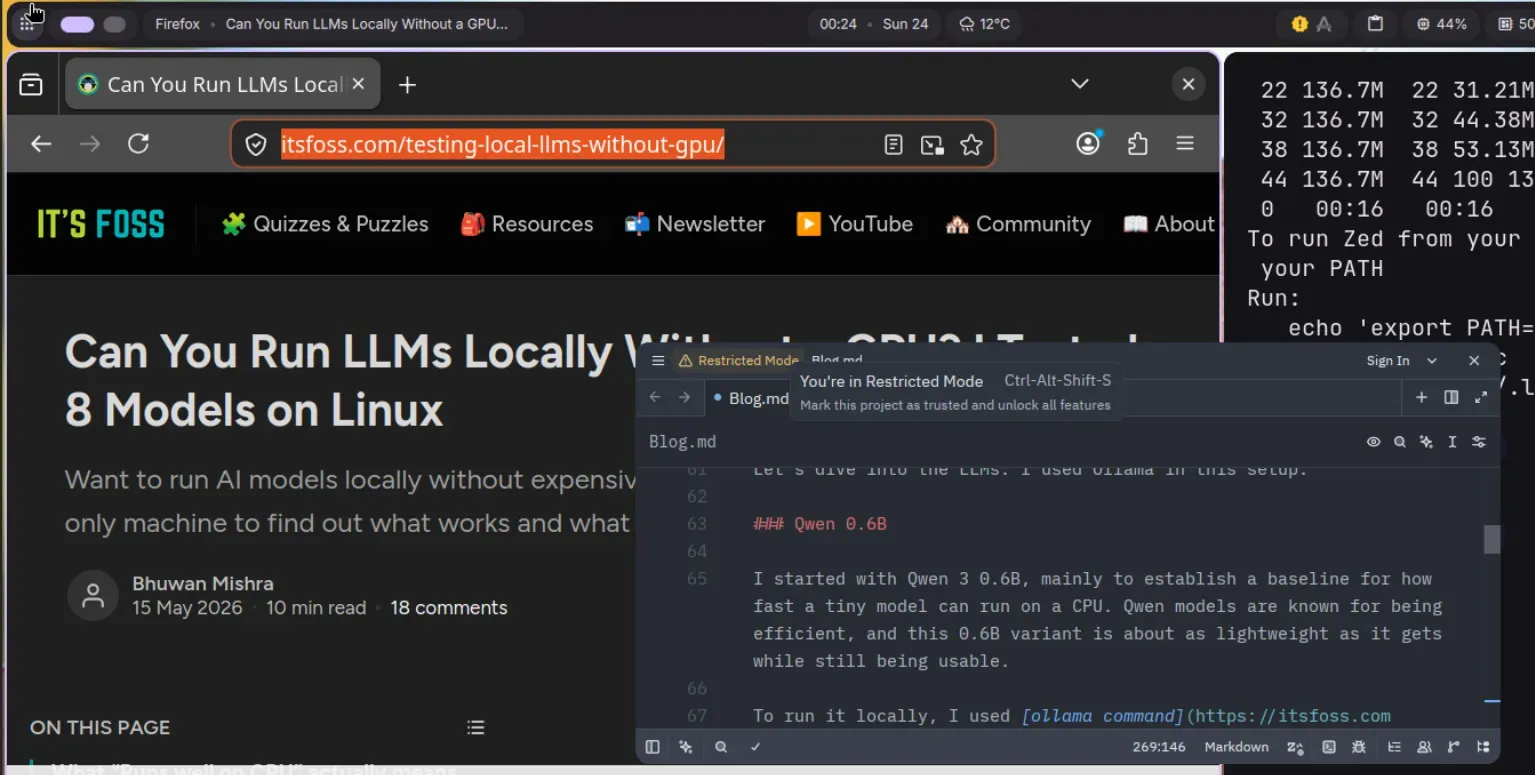
In the landscape of Linux window management, the tiling paradigm has long been dominated by rigid, grid-based logic. Whether it is i3, Sway, or dwm, the philosophy has remained largely stagnant: divide the screen, resize the containers, and accept the inevitable "squishing" of applications when a new window enters the fold. However, a new contender has emerged, challenging these fundamental assumptions by trading the static grid for an infinite horizontal canvas.
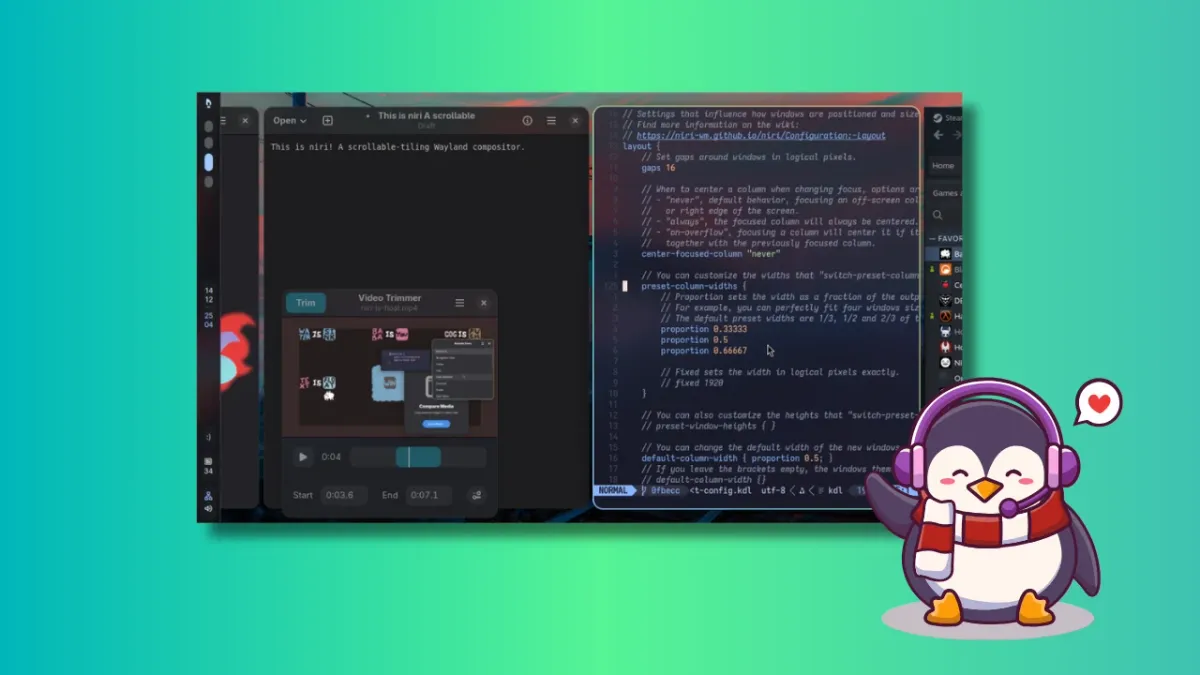
Niri, a Rust-powered Wayland compositor, is fundamentally changing how we perceive screen real estate. When paired with the Dank Linux desktop suite, it transforms from a niche utility into a sophisticated, visually cohesive desktop environment that rivals mainstream offerings in both aesthetics and workflow efficiency.

Main Facts: The Anatomy of Niri
At its core, Niri is not just another tiling window manager; it is a "scrollable-tiling" Wayland compositor. The key differentiator is its spatial model. Unlike traditional tiling managers that force windows to fit within a fixed screen resolution, Niri treats the workspace as an infinite horizontal strip.
The "Scrollable" Paradigm
When you open a new application in a standard tiling window manager, the existing layout often recalculates, resizing every active window to make room for the newcomer. This behavior can be jarring, particularly when a critical text editor is suddenly reduced to a fraction of its required width.
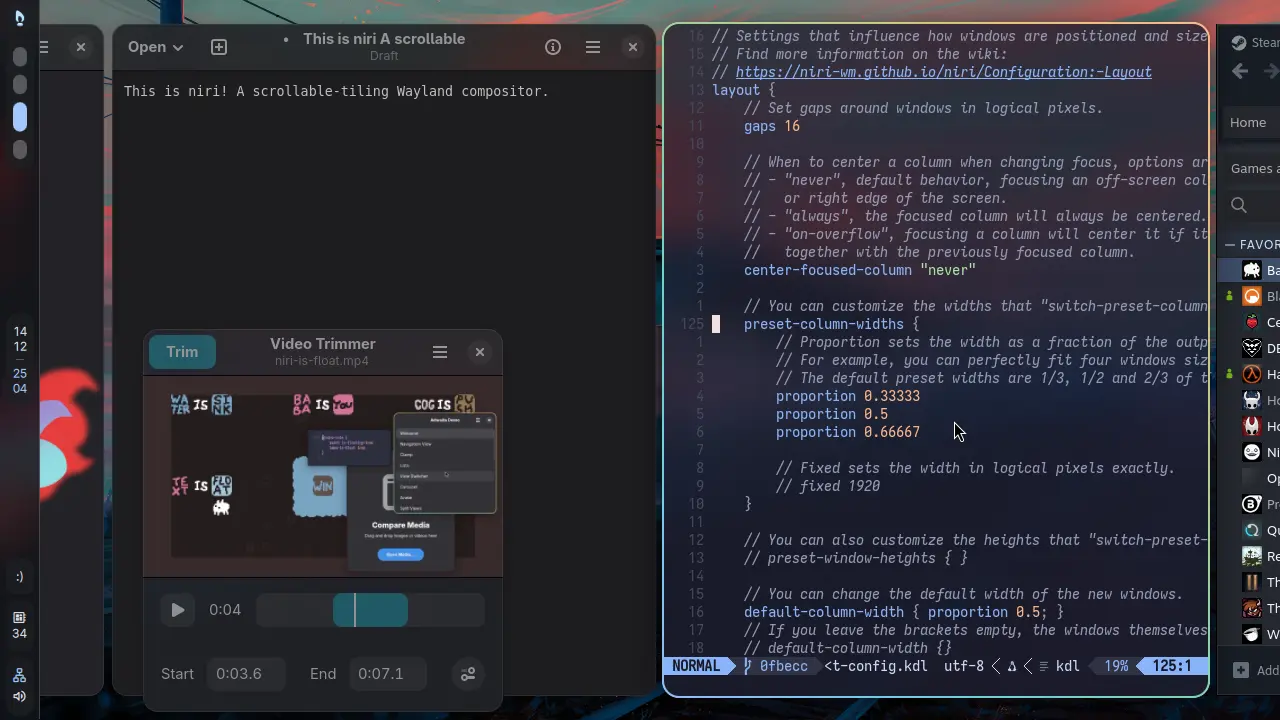
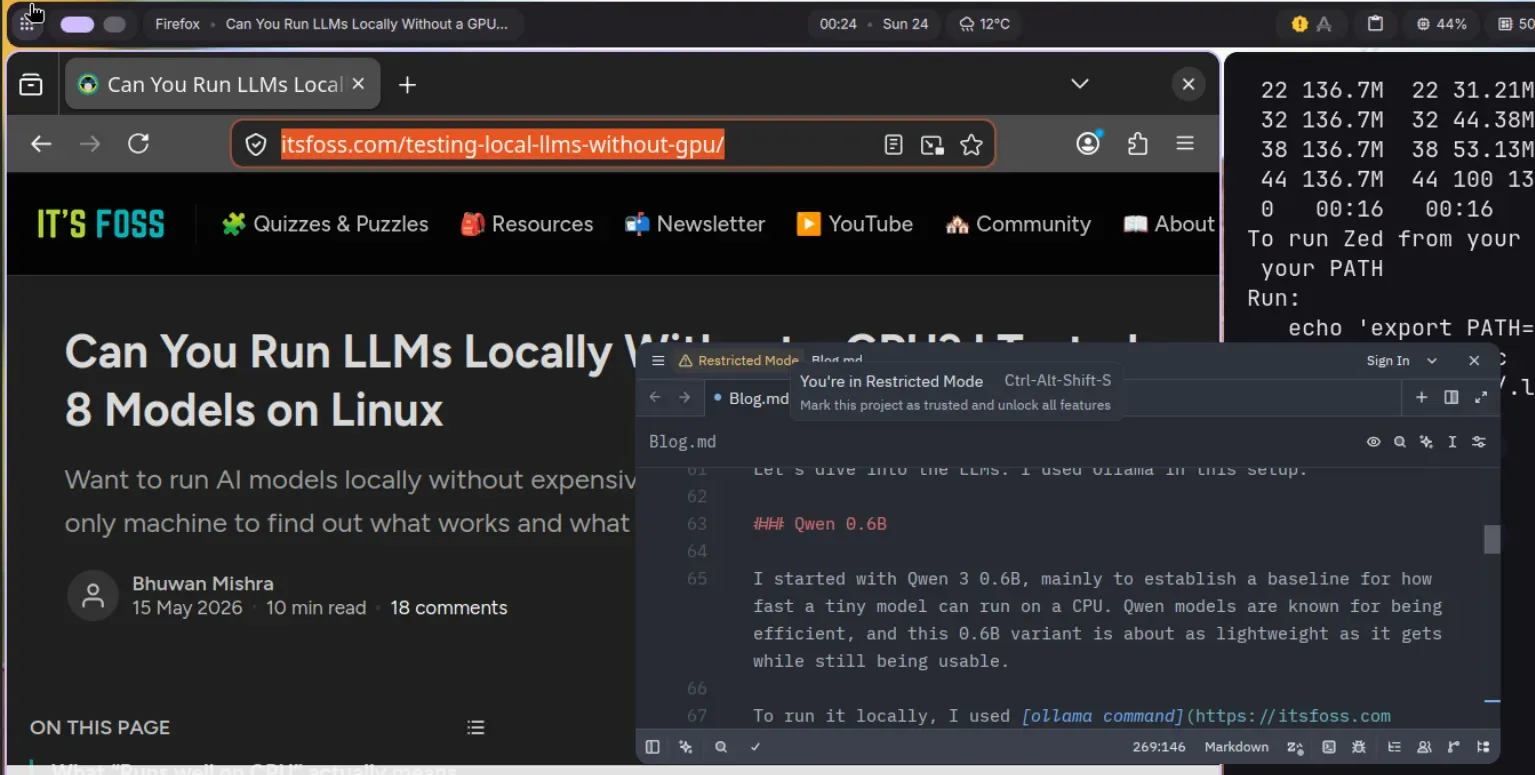
Niri eliminates this friction. Windows are arranged in columns along a horizontal axis. When you add a new window, it simply occupies a new slot on the strip. Existing windows maintain their dimensions, and users can navigate the "infinite" workspace by scrolling horizontally. This mimics the tactile experience of browsing a tablet or a long-form document, effectively turning your monitor into a windowed viewport onto a larger, organized desk.
The Rust Advantage
Built entirely in Rust, Niri prioritizes memory safety and high-performance concurrency. This technical choice is significant in the Wayland ecosystem, where stability and low-latency interaction are paramount. By leveraging Rust’s strict memory management, the Niri developers have created a compositor that is remarkably resilient, reducing the likelihood of the memory leaks or segmentation faults that occasionally plague older C-based window managers.
Chronology of Development and Adoption
The lineage of Niri can be traced back to the community’s desire for a more fluid interaction model. It was heavily inspired by PaperWM, a popular GNOME Shell extension that introduced the concept of scrollable tiling to the GNOME desktop. While PaperWM proved the concept, it was inherently limited by the constraints of being an extension within a larger, heavier shell.
- The Concept Phase: Developers identified the need for a standalone compositor that could provide the scrollable experience with better performance and, crucially, independent workspace management per monitor.
- The Rust Implementation: The project moved from theoretical design to active development, prioritizing a Wayland-native architecture.
- Community Maturation: Over the last year, Niri has transitioned from an experimental project to a stable daily-driver option for power users on Arch, Fedora, and Ubuntu.
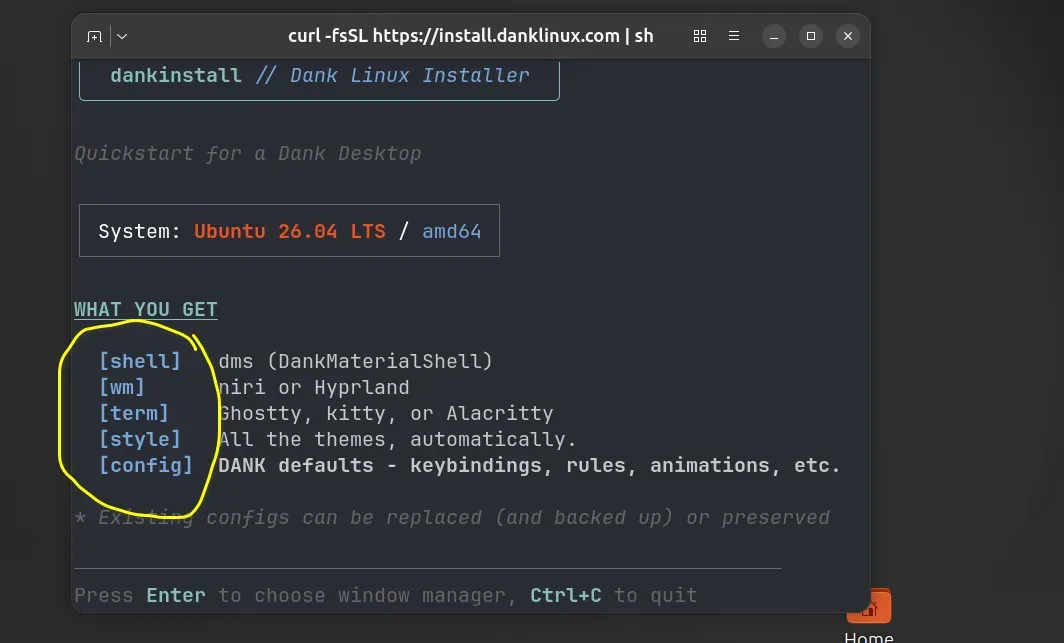
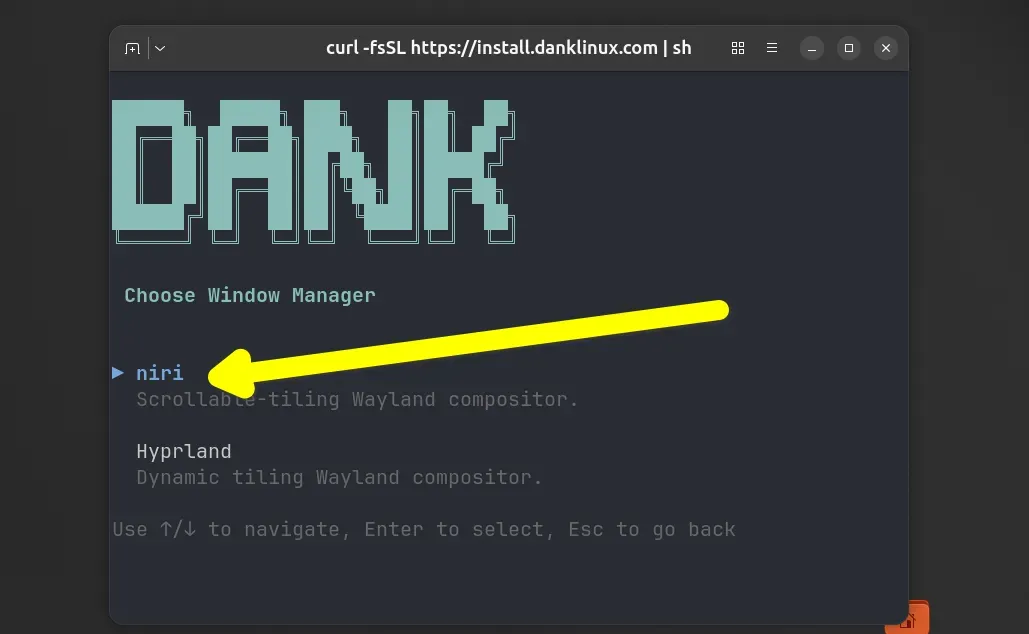
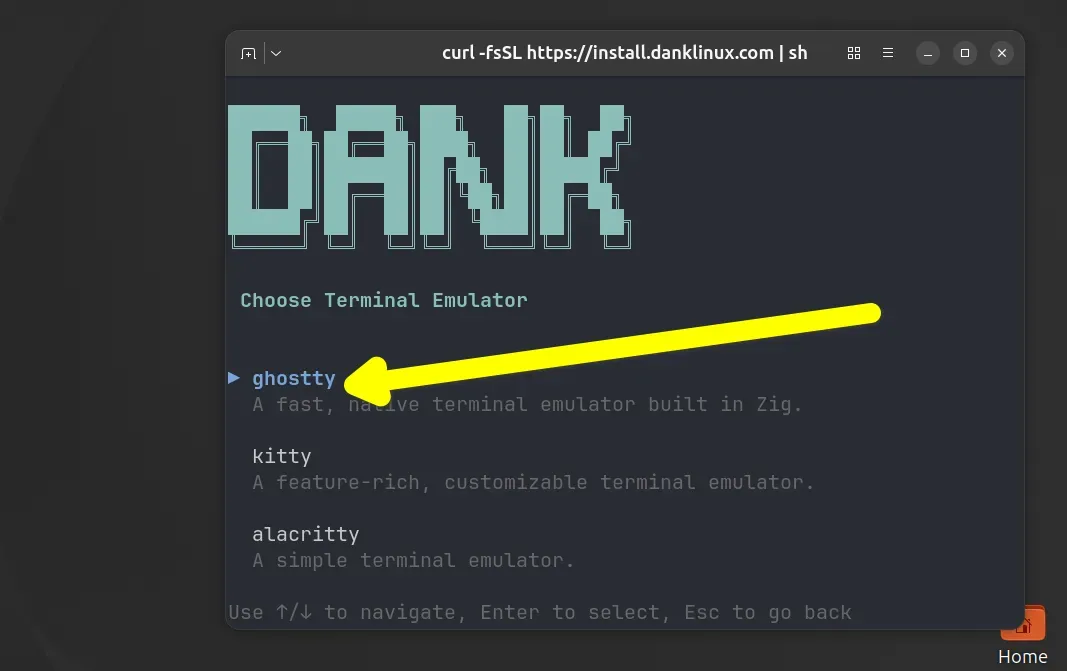
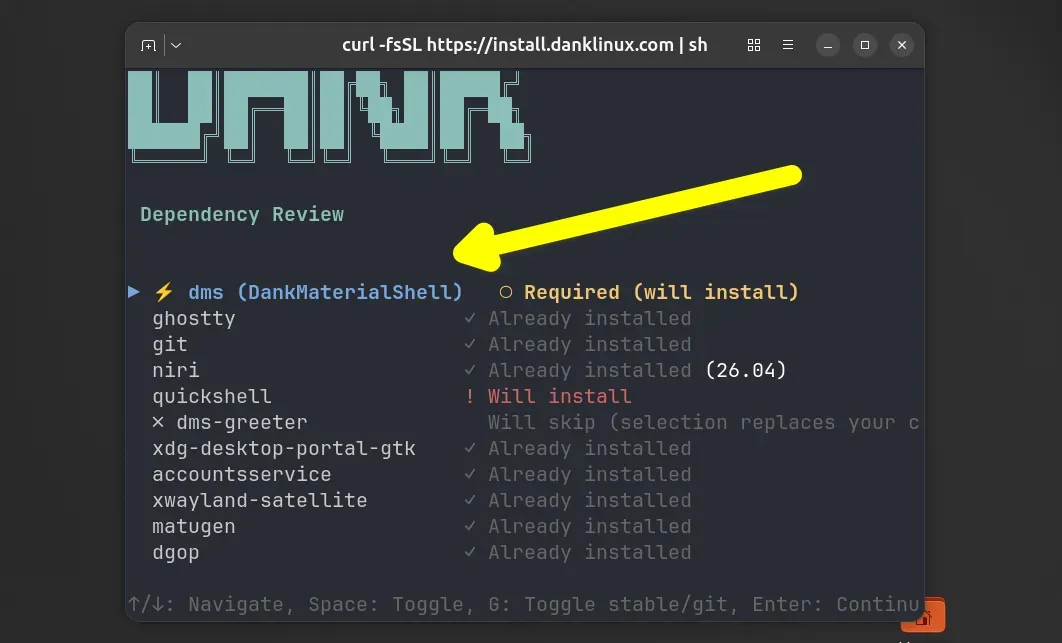
- The Dank Linux Integration: The arrival of the Dank Linux suite, featuring the DankMaterialShell (DMS), marked a turning point. It bridged the gap between a "bare-bones" compositor and a "batteries-included" desktop experience, providing the essential infrastructure (bars, launchers, and system monitors) that most users demand.
Supporting Data: Why the Shift Matters
The efficiency gains of Niri are rooted in cognitive ergonomics. By removing the need for the brain to "mentally recalculate" screen layouts every time a window is opened, Niri reduces the cognitive load associated with window management.
- Workspace Independence: Unlike many tiling managers that bleed workspaces across multiple monitors, Niri provides discrete, isolated workspaces for each display. This allows for dedicated "focus zones"—for example, having a browser on a vertical monitor and a terminal-heavy IDE on a wide-format display, with both maintaining independent, non-interfering scrollable strips.
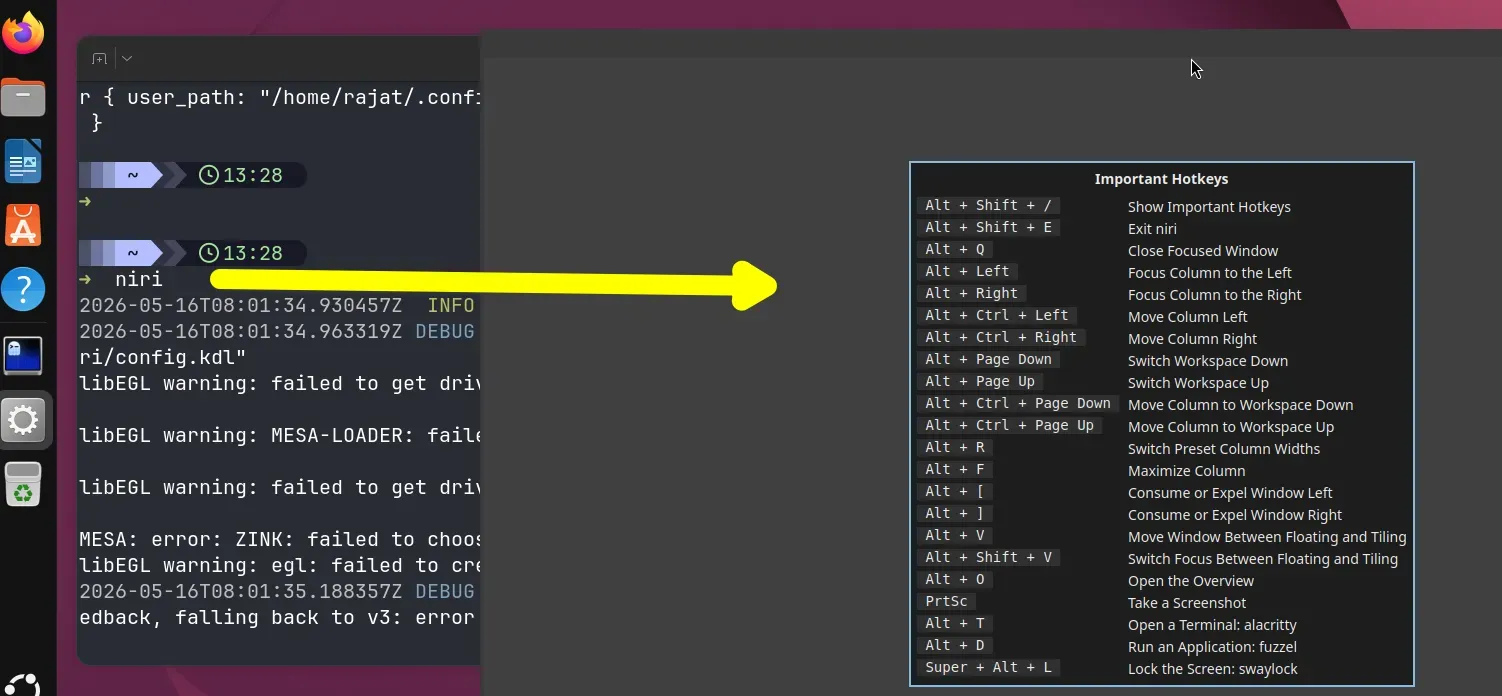
- Configuration Efficiency: Niri utilizes a KDL-based configuration format. While newer to the Linux space than JSON or TOML, KDL (Kernel Definition Language) offers a clean, hierarchical structure that makes complex configuration highly readable. The ability to hot-reload configurations via
niri msg action reload-configallows for iterative tweaking without the need to log out and lose the current session state. - The Dank Linux Efficiency: The DankMaterialShell (DMS) provides the necessary GUI elements—control centers, system monitors, and dynamic theming—without the bloat of traditional desktop environments like KDE or GNOME. The
matugenintegration, which dynamically themes the entire desktop based on wallpaper colors, ensures that the visual identity is unified and modern.
Official Responses and Troubleshooting
The transition to a tiling Wayland compositor is not without its hurdles, particularly for users accustomed to X11. The Niri community and the Dank Linux maintainers have been proactive in addressing common friction points.
Addressing the "Black Screen" and Driver Issues
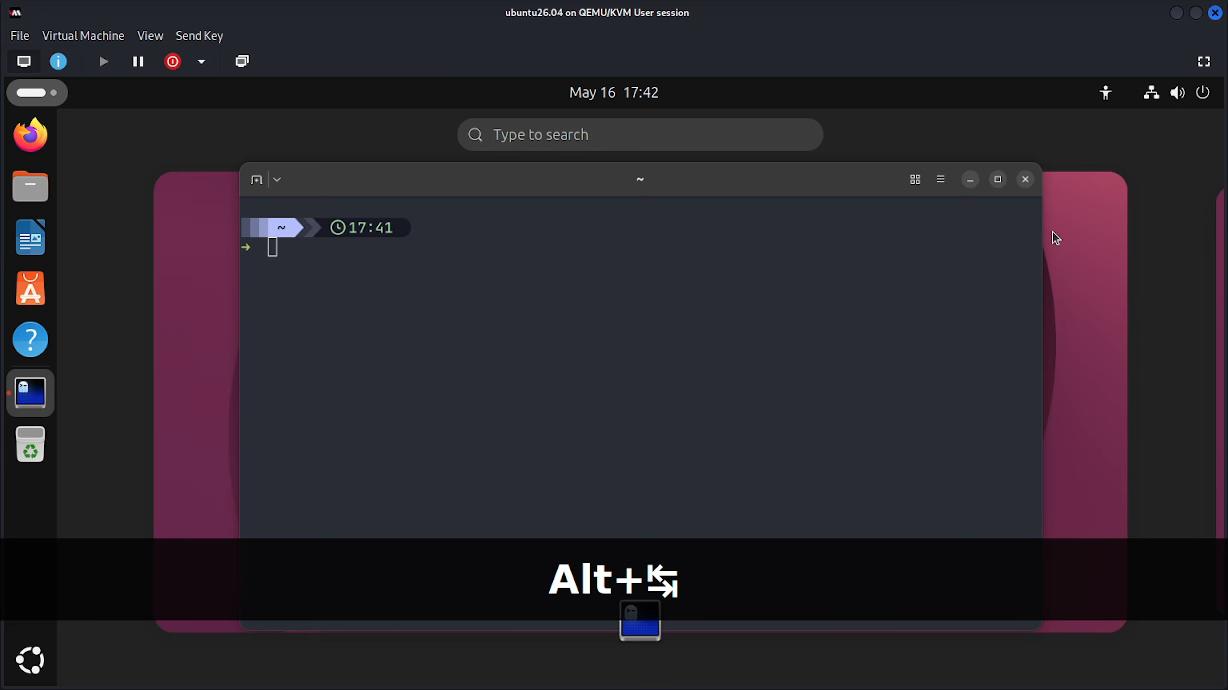
One of the most common reports during initial testing—especially in virtualized environments—is the appearance of a black screen. The developers have identified this as a byproduct of missing 3D acceleration.
- VM Configuration: For those testing on QEMU/KVM, it is mandatory to enable 3D acceleration and utilize
virt-managerto ensure the correct Video Virtio settings. - The "Doctor" Utility: The Dank Linux suite includes a
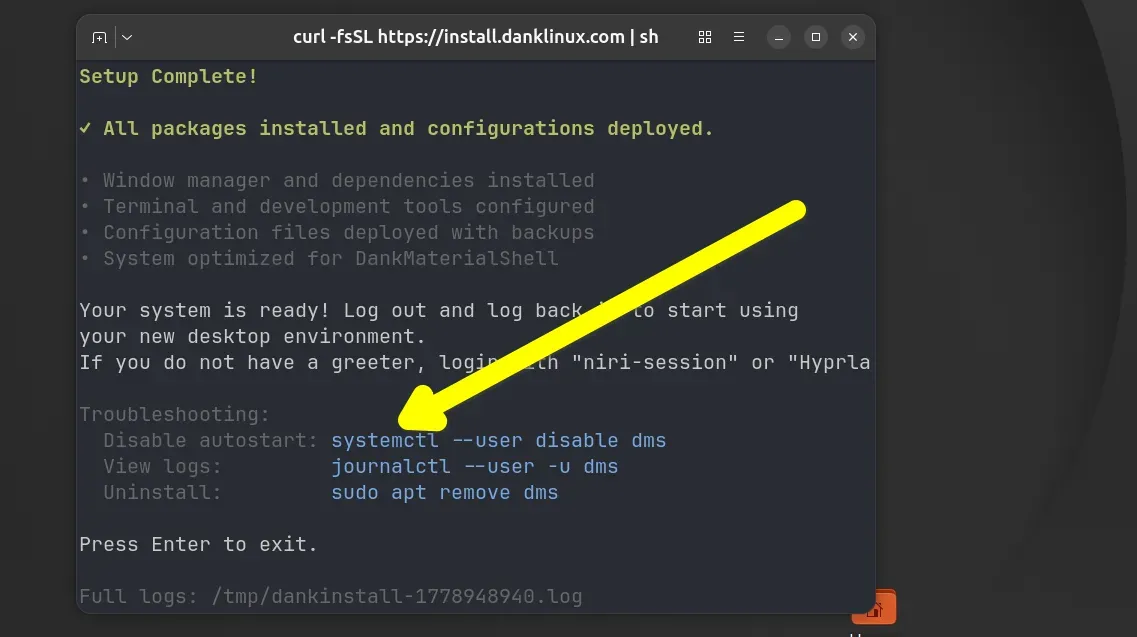
dms doctorcommand. This tool serves as an automated diagnostic, checking for missing dependencies, incorrect file permissions, or configuration errors, significantly lowering the barrier to entry for newcomers.
Modular Philosophy
The project maintainers emphasize a "modular" philosophy. Niri is strictly a compositor. It does not provide its own notification daemon or app launcher. This is by design, allowing users to select the tools that best fit their workflow (such as mako for notifications or wofi for launchers). While some view this as an inconvenience, the community argues that it is this very modularity that allows Niri to remain lightweight and highly performant.
Implications: The Future of the Linux Desktop
The emergence of Niri and the success of the Dank Linux ecosystem signal a broader shift in the Linux desktop community. We are moving away from the "one-size-fits-all" desktop environment toward highly specialized, modular experiences that prioritize user workflow over convention.
A New Standard for Productivity
Niri proves that tiling window managers do not have to be difficult to use or visually unappealing. By adopting a "horizontal timeline" model, it addresses the fundamental flaw of traditional grids. This makes it an ideal environment for developers, writers, and power users who handle multiple windows simultaneously.
The Barrier to Entry
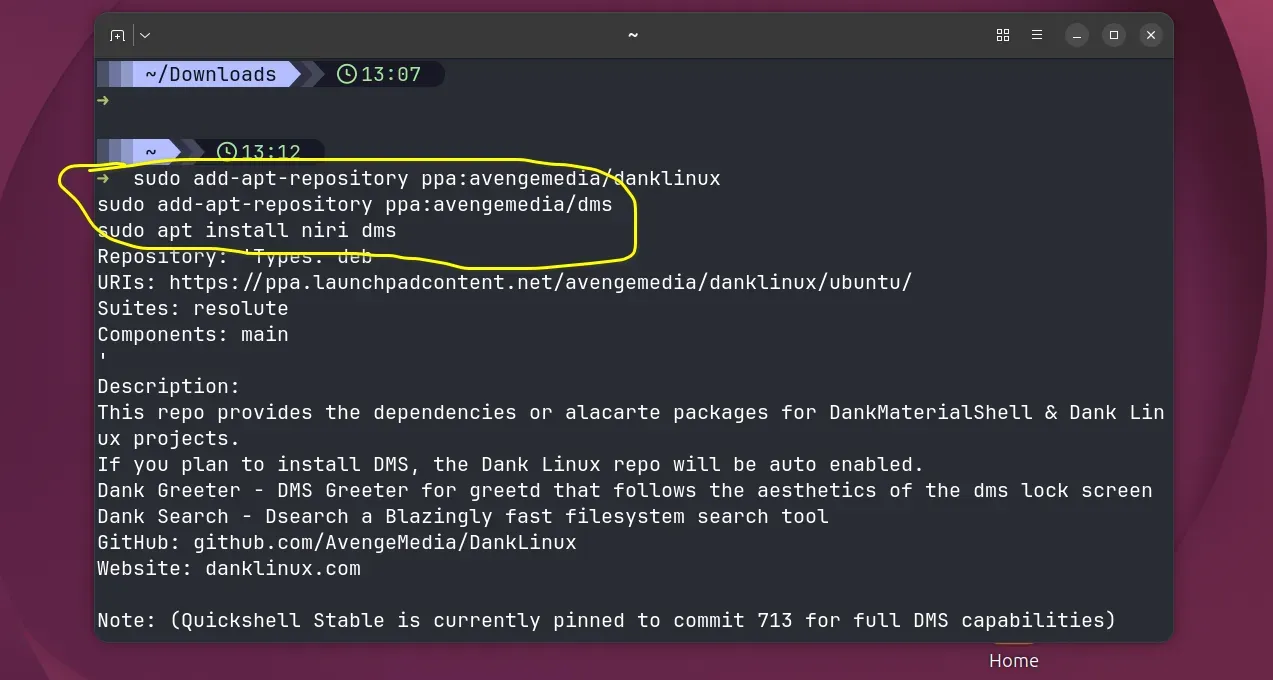
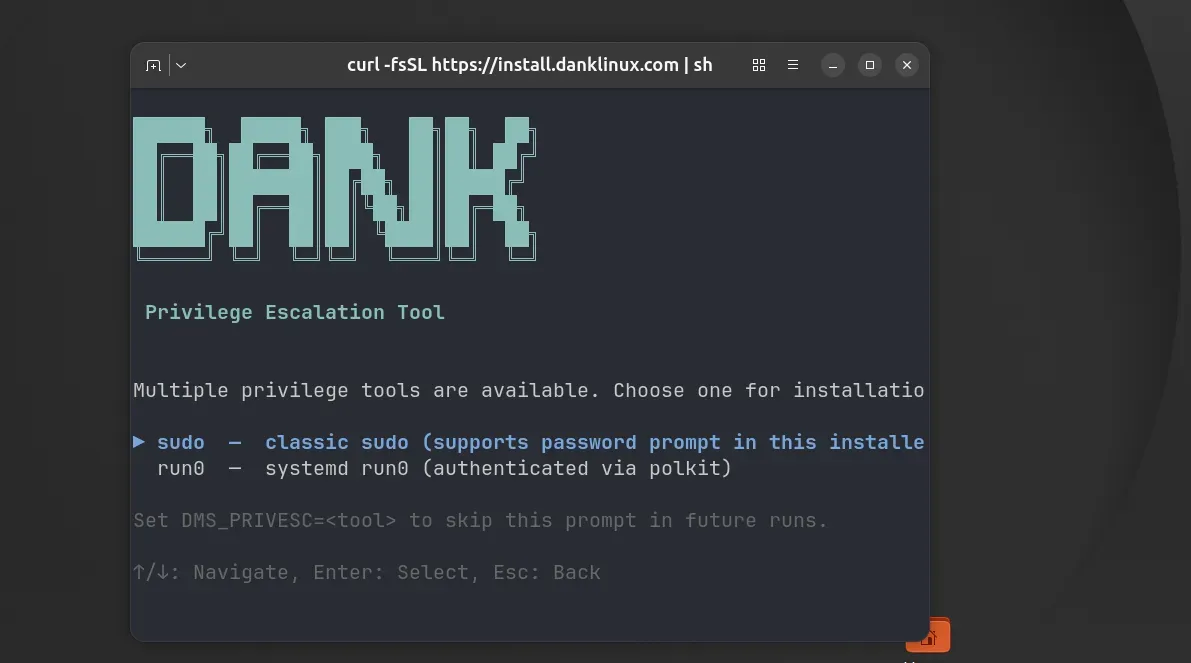
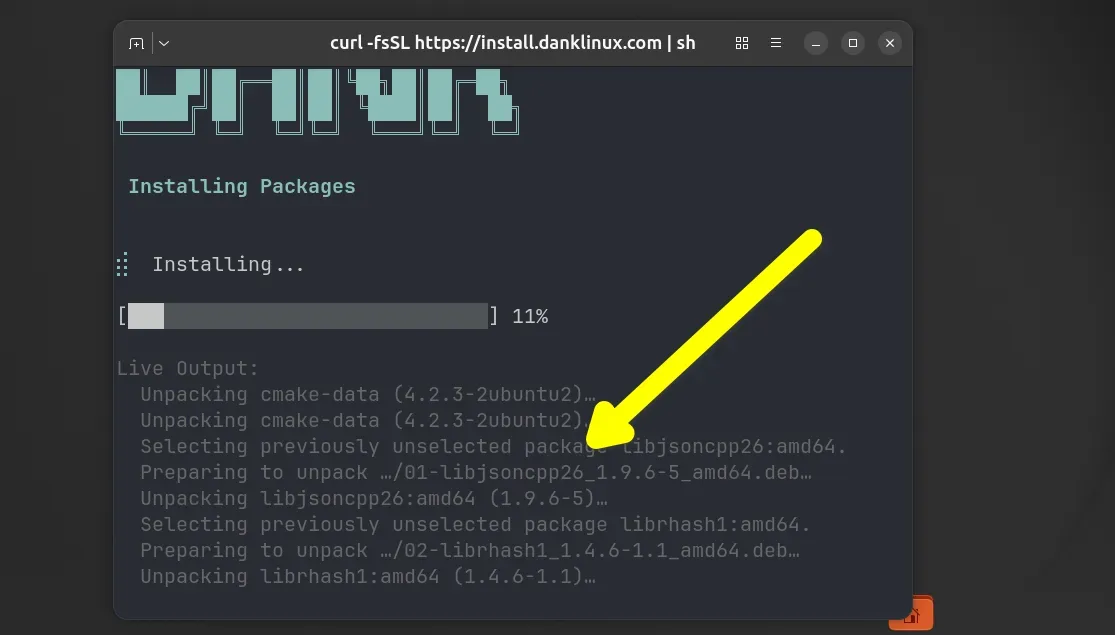
Despite its advantages, the "setup cost" remains a significant barrier. While the curl installer for Dank Linux simplifies the process, the user is still required to understand terminal basics and the nuances of Wayland. As such, Niri is likely to remain a tool for intermediate-to-advanced users for the foreseeable future. However, for those who take the plunge, the payoff is a desktop that feels less like a operating system and more like an extension of one’s own thought process.
Final Thoughts
If you have ever felt frustrated by windows jumping around, or if you have ever wished for a wider desk, Niri is not just an alternative; it is a necessity. It is the evolution of the tiling window manager, stripping away the grid-based constraints of the past and replacing them with a fluid, intuitive, and highly efficient horizontal plane. Whether you adopt it through the Dank Linux suite or build it from source, the experience represents the best of what the modern Linux ecosystem has to offer: innovation, community-driven development, and the freedom to define your own workspace.







