
TerraMaster F4-425 Pro Review: A Powerful Hardware Refresh Awaits Software Maturity
The Network Attached Storage (NAS) market is currently witnessing a fascinating tug-of-war between raw computational power and the software intelligence required to manage it. TerraMaster, a brand that has carved a niche for itself by offering high-performance hardware at competitive price points, has officially refreshed its popular F4-425 series with the launch of the F4-425 Pro.
Following the success of the original F4-425 Plus, which served as a foundational device for many home-lab enthusiasts, the Pro model enters the market with a significant processor upgrade and a new operating system, TOS 7. However, as with any hardware iteration, the question remains: does the internal upgrade warrant the investment, and does the software ecosystem keep pace with the premium hardware?
Main Facts: The Evolution of the F4-425 Series
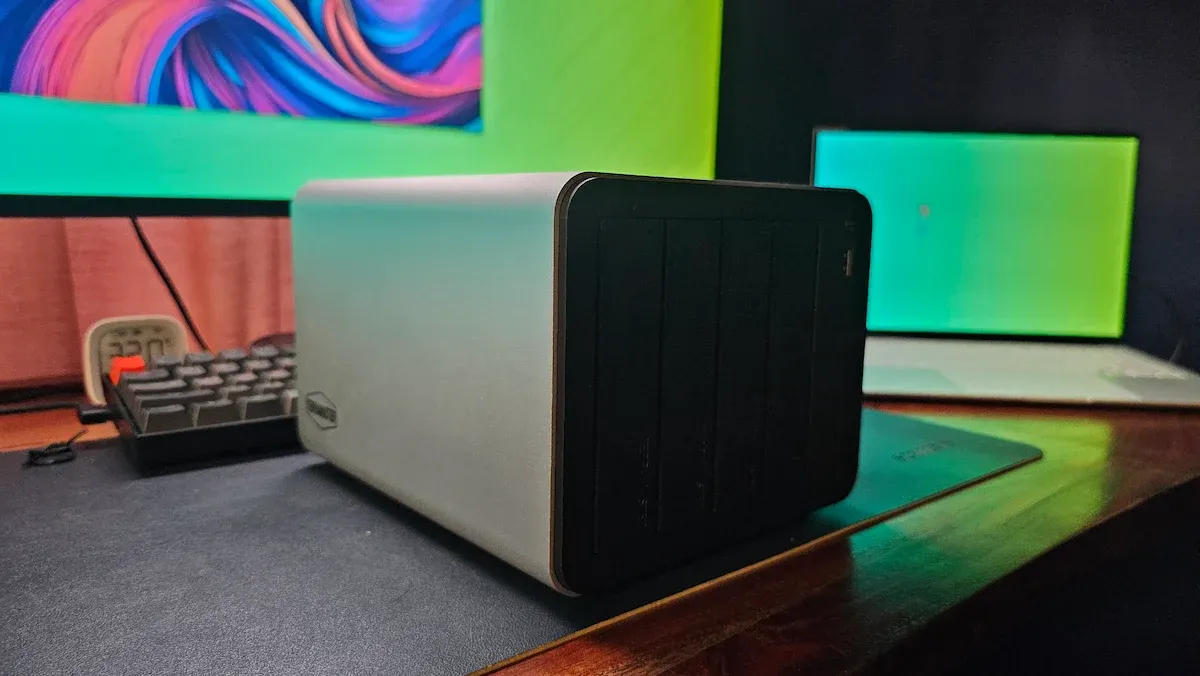
The F4-425 Pro is a direct evolution of the Plus model. From an exterior perspective, the two devices are indistinguishable. Both retain the same sleek, compact aluminum chassis that has become a hallmark of the series, offering four hot-swappable SATA HDD bays and a sophisticated internal arrangement for three NVMe M.2 SSDs.
The defining characteristic of the "Pro" designation lies under the hood. While the F4-425 Plus relied on the quad-core Intel N150 processor, the Pro model upgrades to the Intel Core 3 N350. This 8-core CPU, operating with a 7W TDP, represents a massive leap in multi-tasking capability. Furthermore, the integrated GPU has been boosted to 32 execution units, a substantial increase over the 16–24 units found in the previous generation. This change is particularly vital for users who rely on hardware-accelerated transcoding for media servers like Jellyfin or Plex.

Key Technical Comparison:
| Component | F4-425 Pro | F4-425 Plus |
|---|---|---|
| CPU | Intel Core 3 N350 (8-core) | Intel N150 (4-core) |
| RAM | 16GB DDR5 (Single SODIMM) | 16GB DDR5 |
| iGPU | 32 Execution Units | 16–24 Execution Units |
| Max Storage | 152TB | 144TB |
| OS | TOS 7 | TOS 6 (Upgradeable) |
| Launch Price | $799.99 | $599.99 |
Chronology: The Setup and Migration Discovery
One of the most compelling aspects of the TerraMaster ecosystem—and a discovery that significantly alters the perception of hardware migration—is the architecture of the TOS (TerraMaster Operating System). Unlike many competitors that store the OS on an onboard eMMC chip, TerraMaster installs the OS directly onto the user-inserted drives.
The "Hijack" Phenomenon
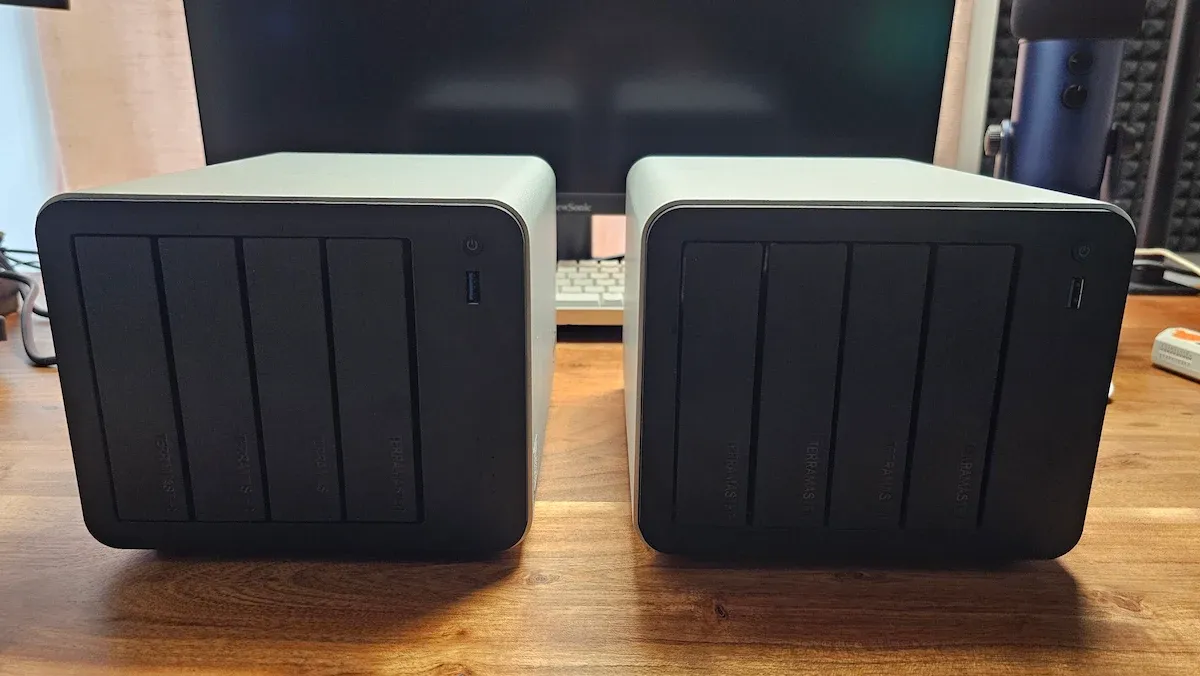
During testing, moving existing drives from the F4-425 Plus to the Pro resulted in an instantaneous, seamless transition. The Pro unit booted into the existing environment, retaining all user credentials and settings. This architecture effectively detaches the software state from the physical hardware. In a fascinating (if accidental) experiment, inserting these same drives into a ZimaCube Pro caused the secondary device to identify itself as a TerraMaster NAS, effectively "hijacking" the boot process with the small 280MB partition. This highlights the portability of the system: if the NAS unit suffers a physical failure, the data, OS, and configuration remain intact on the drives, ready for a "plug-and-play" migration to a new TerraMaster chassis.
Installation and Initialization
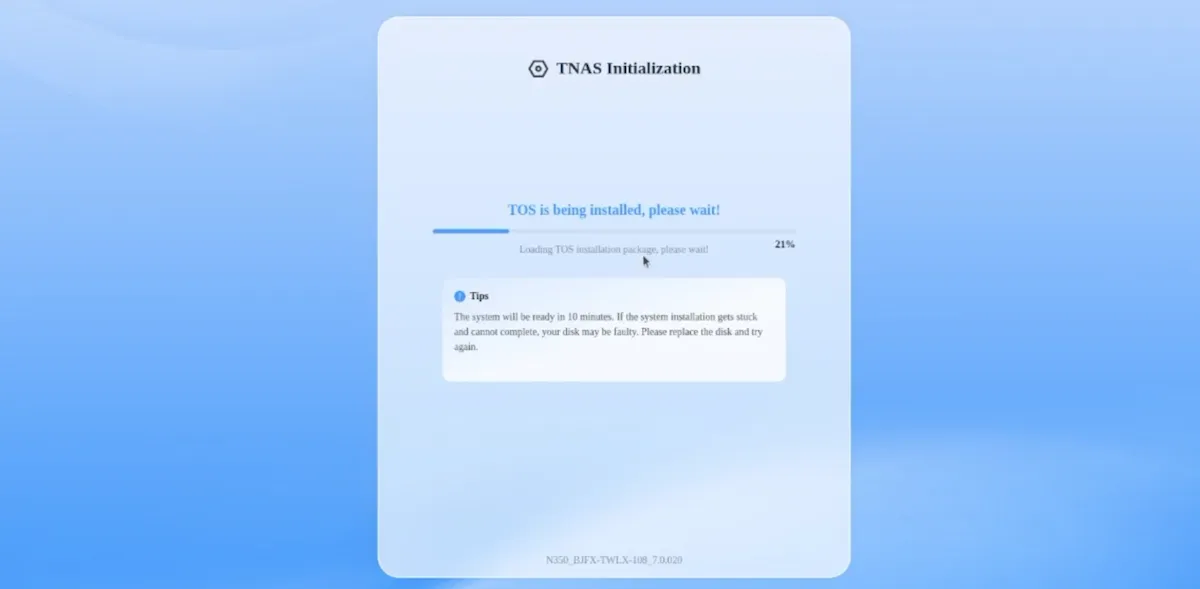
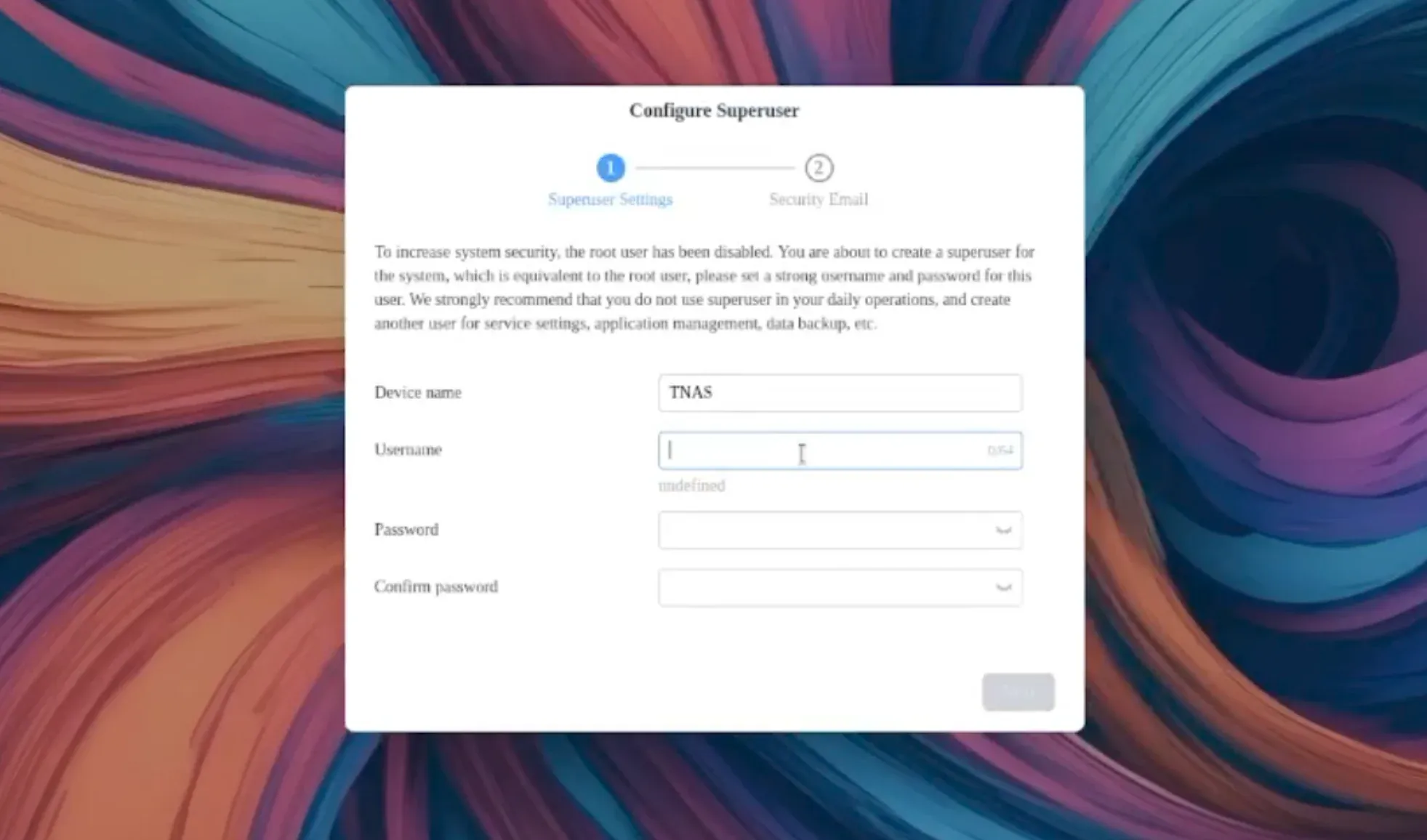
The OS installation process is straightforward. For users starting fresh, TOS 7 is downloaded and initialized during the first boot sequence. Once configured, the system requires the creation of a "super user" and the registration of an email account for system notifications—ranging from drive health alerts to power status updates. The entire process is relatively quick, though it is worth noting that some minor errors observed during the initial login were cleared entirely by a simple system reboot.

Supporting Data: Performance and Real-World Usage
While synthetic benchmarks have their place, real-world utility is the true metric for a home-lab NAS. The transition to an 8-core processor makes the F4-425 Pro an absolute powerhouse for concurrent tasks.
Media Transcoding and Resource Load
Testing with a 4K MKV file stream showed the device operating at under 10% CPU load. This headroom is crucial for users running multiple Docker containers or secondary services alongside media streaming. The inclusion of Intel QuickSync, which was functional in Jellyfin right out of the box, eliminates the tedious manual driver configuration often associated with other NAS brands.
The Storage Hybrid Model
The ability to combine four HDDs with three NVMe SSDs, managed through TerraMaster’s proprietary TRAID (TerraMaster RAID) system, provides a flexible and efficient storage strategy. The system handles drive failure and volume expansion with ease. However, users should note that accessing the SSD compartment requires removing the outer casing, whereas the HDD bays remain easily accessible from the front.
The Linux Terminal Experience
For power users, TOS 7 provides a shell environment running on Ubuntu 22.04. While this offers excellent command-line control, the choice of 22.04 is a point of contention. With the base distribution reaching its end-of-life in April 2027, users might find the system becoming "stale" long before the hardware reaches the end of its functional lifespan. Furthermore, while the terminal allows for custom package management, the system prevents a full apt upgrade of the core OS to maintain stability, favoring OTA updates from TerraMaster instead.
Official Responses and Marketing Claims: The "AI-Native" Dilemma
TerraMaster has positioned TOS 7 as "the world’s first AI-native NAS OS." However, this label currently serves more as a marketing aspiration than a reflection of reality.
The OpenClaw Reality
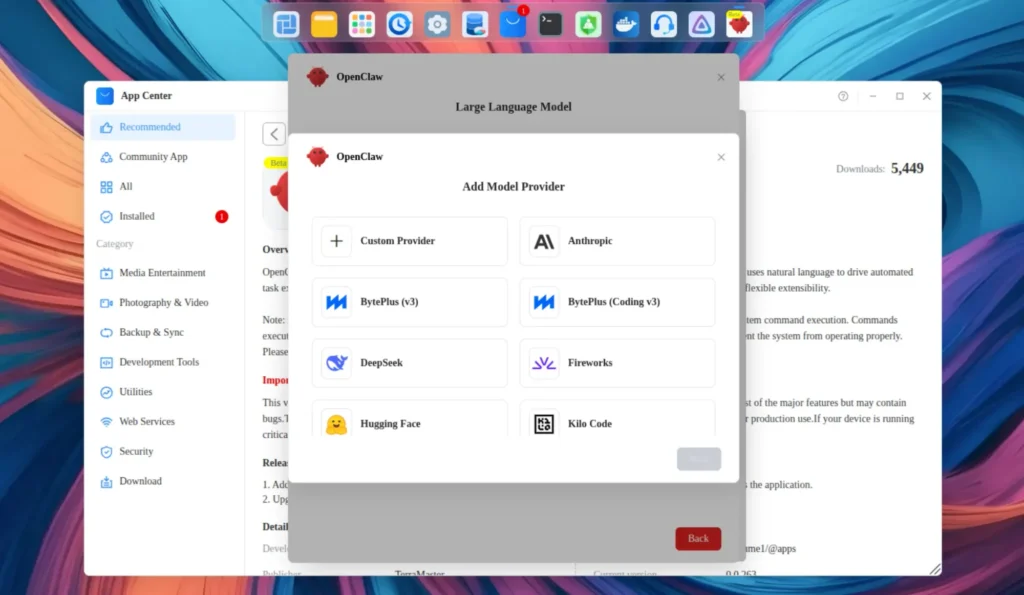
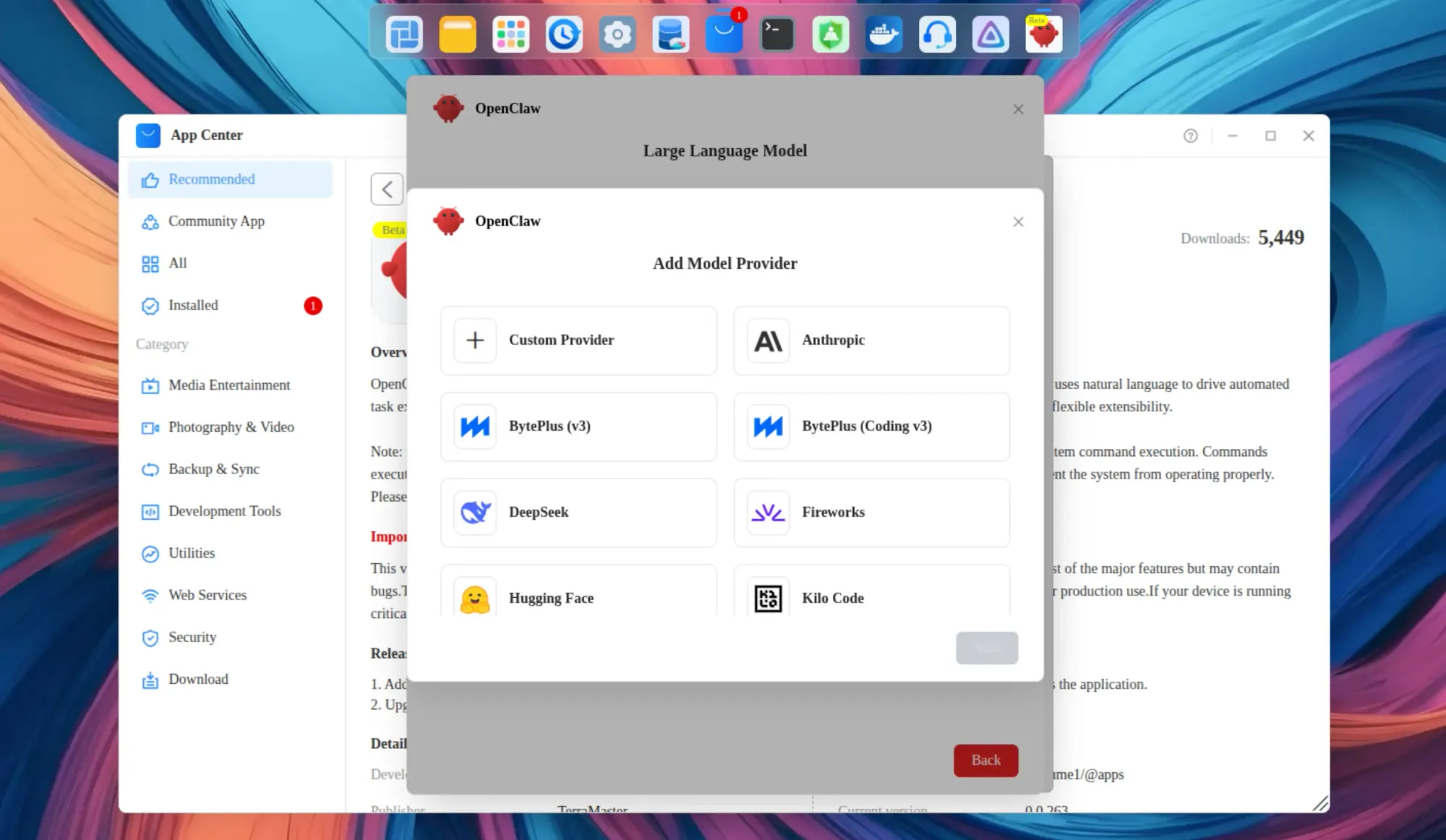
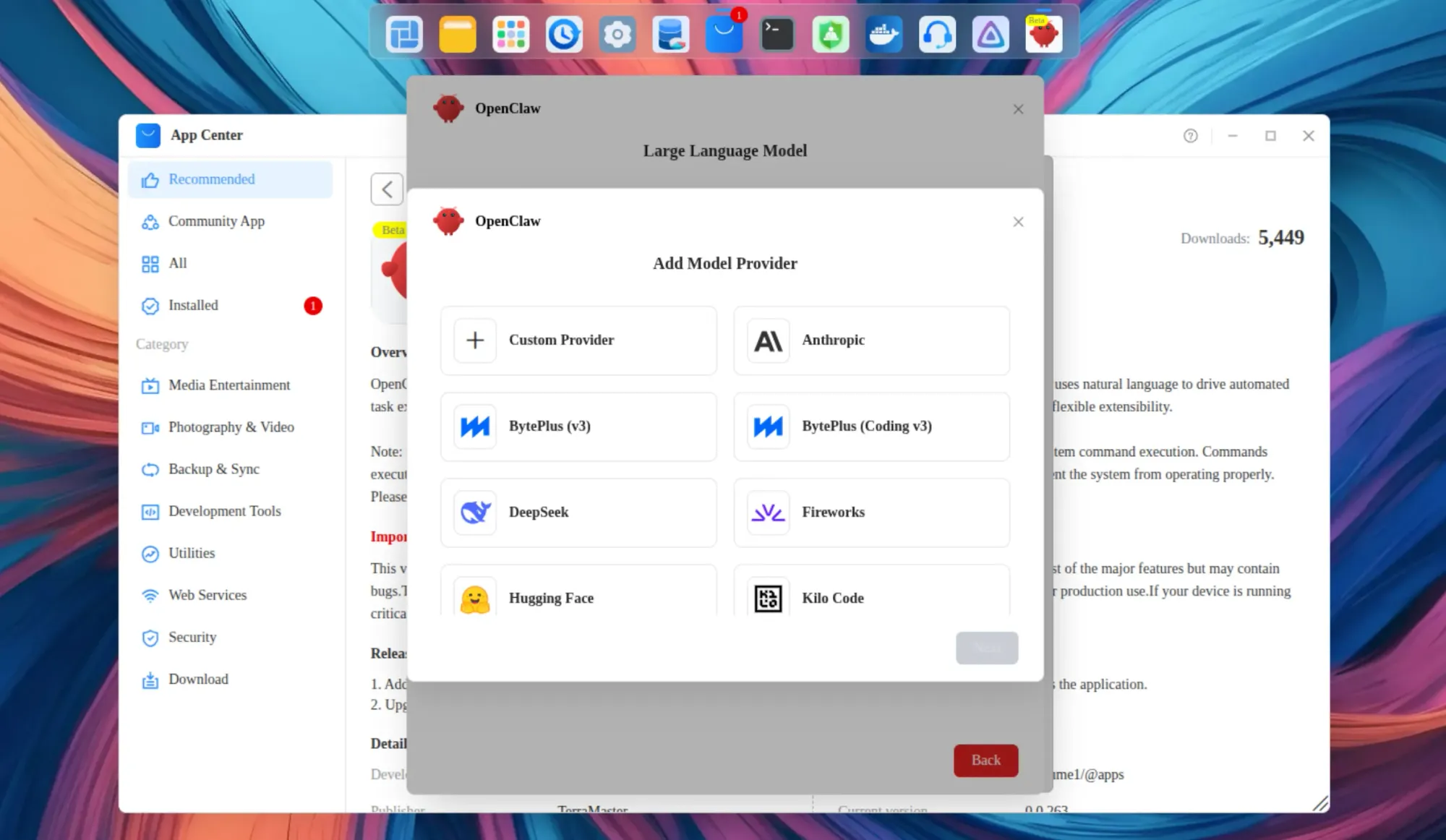
The primary "AI" feature, OpenClaw, is marketed as a way to use natural language to manage the NAS. In practice, OpenClaw is not an AI model; it is an orchestration layer. It acts as a bridge between the user and an external LLM. The NAS itself performs no local inference, and the setup is far from the "one-click" experience advertised. Users must manually configure API endpoints and navigate network complexities to connect it to local models (like those running on Ollama) or cloud-based LLMs.
The Photos App
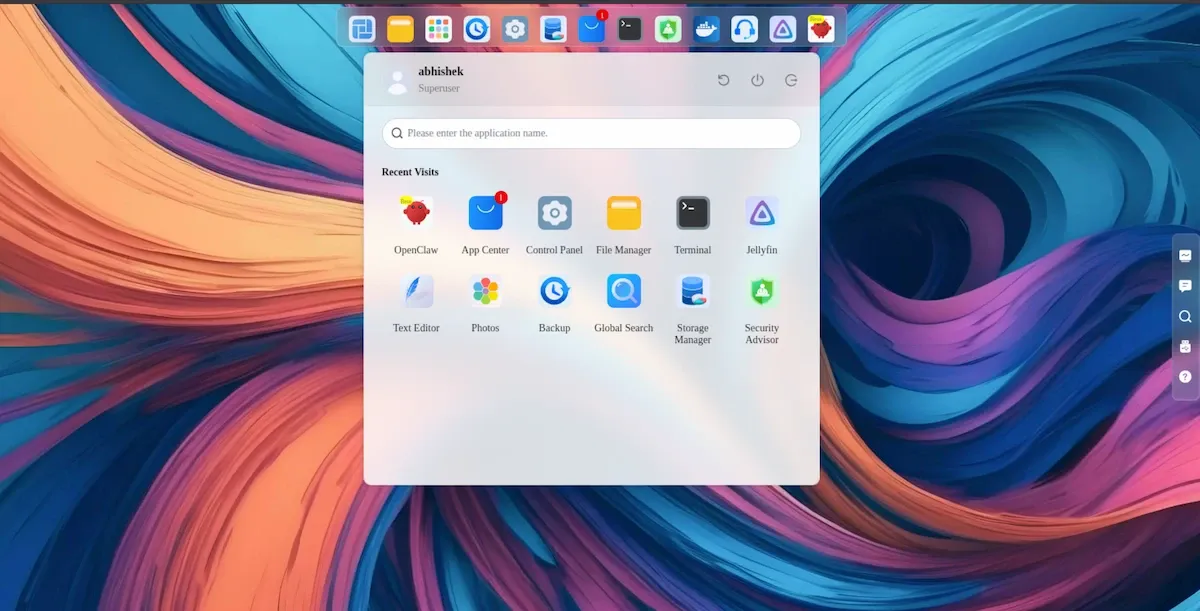
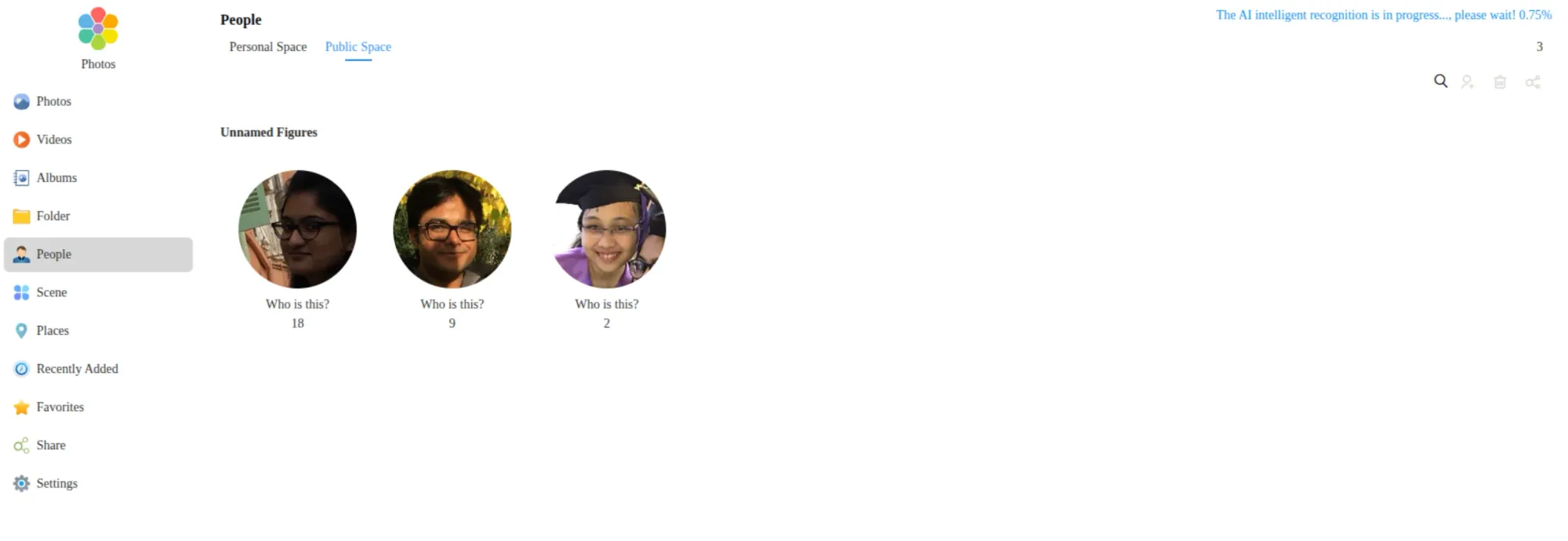
The Photos application features AI-based facial and object recognition. While effective, this is a feature inherited from TOS 6 rather than a new innovation. Given that self-hosted alternatives like Immich and PhotoPrism already provide similar functionality, TerraMaster’s "AI-native" claim feels premature. The system would benefit significantly from more practical AI applications, such as OCR (Optical Character Recognition) for document management, a feature currently missing from the platform.
Implications: The Verdict for Prospective Buyers
The F4-425 Pro is a device caught in a transition phase. On the hardware side, it is an unequivocal success. The jump to 8 cores and the improved iGPU make it one of the most capable small-form-factor NAS units currently available for $799.99 (or less during promotional periods). Its silence, efficiency, and robust physical build make it an ideal candidate for an "always-on" home-lab server.
Current Drawbacks
However, the software remains a work in progress. Several "rough edges" detract from the premium experience:
- Application Persistence: The need to manually re-enable applications like Jellyfin or OpenClaw after every reboot is a frustrating, unnecessary hurdle.
- Search Limitations: Global search is currently restricted to the home directory, rendering it largely ineffective for shared public spaces.
- Keyboard Navigation: The lack of basic keyboard shortcuts in the Photos app signals a UI/UX design process that prioritized visual aesthetics over accessibility.
Final Assessment
If you are an existing owner of an F4-425 Plus, there is little incentive to upgrade to the Pro unless your current workload specifically requires the extra CPU cores for heavy, concurrent Docker container management.
For first-time buyers, the F4-425 Pro is a highly recommended investment, provided you view it as a hardware-first platform. The hardware is built to last, and while the software currently exhibits the growing pains of a new version (TOS 7), the underlying Linux architecture allows for enough flexibility that enthusiasts can bypass the GUI limitations if necessary.
As the storage industry continues to grapple with rising drive prices, the total cost of ownership for a fully populated NAS is substantial. The F4-425 Pro provides the robust foundation required to justify that investment, provided the user is patient enough to wait for the inevitable software refinements that will—hopefully—bring the "AI-native" promise closer to reality.







