Lightning-Fast Boot Screens Arrive for Raspberry Pi: A New Firmware Extension Cuts Startup Times to Seconds
Main Facts
The Raspberry Pi ecosystem has officially taken a major step forward in user-experience customization and hardware responsiveness. Responding to the surging popularity of maker-built handhelds, cyberdecks, and compact computing modules—such as the newly released M5Stack Cardputer Zero and the Hackberry Pi—developers have engineered a sleek, highly efficient firmware solution to drastically reduce boot times.
At the heart of this development is a brand-new bootloader-level interpreter paired with a dedicated domain-specific language (DSL). Historically, displaying a custom splash screen on compact, SPI- or I2C-based displays required running heavy, multi-layered initialization sequences. For devices like the CM0-based computer revealed by M5Stack earlier this year, achieving an early visual indicator necessitated running U-Boot as an entirely separate, cumbersome boot step.
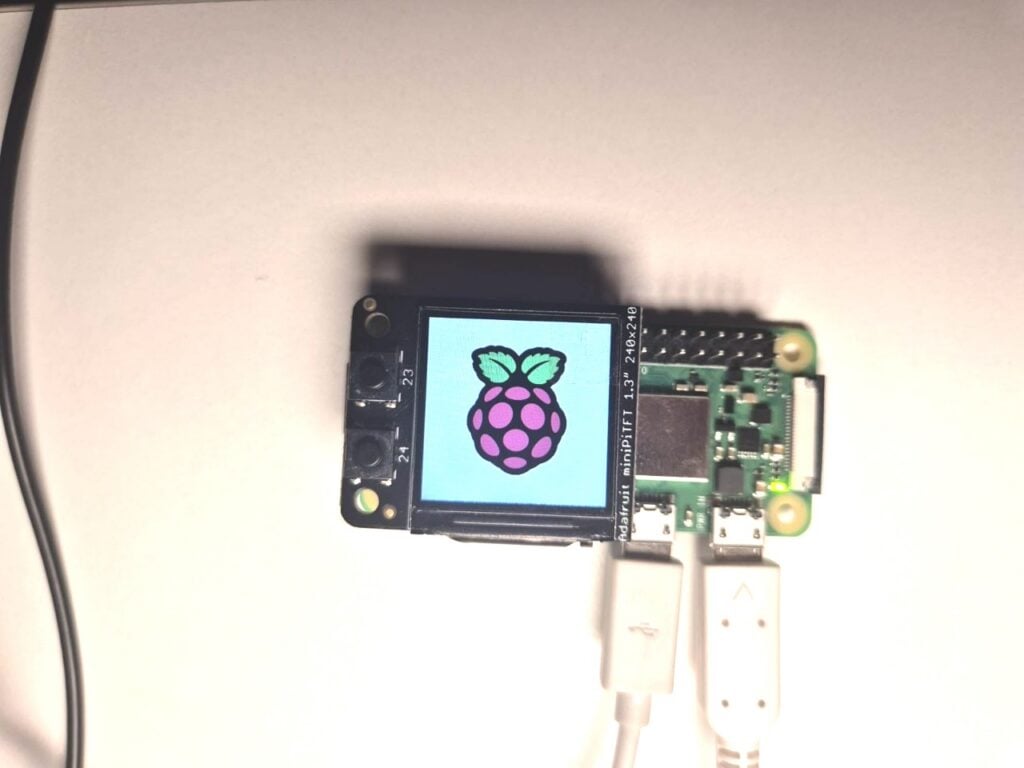
To solve this bottleneck, summer engineering contributor Thomas Griffiths spearheaded the development of a lightweight firmware extension. By integrating a custom language interpreter directly into the Raspberry Pi bootloader, developers can now configure SPI and I2C displays almost instantaneously during the earliest stages of the boot sequence. The result? A vibrant, custom splash screen rendered in just a couple of seconds, bypassing the delays of traditional operating system initialization.
Currently available in beta, the tool—dubbed splashasm—allows makers to statically compile images and configuration scripts directly into the boot binary. Beyond simple graphic logos, the versatility of the underlying bytecode interpreter opens the door to driving virtually any low-level serial device, transforming what a "splash screen" can actually achieve during system startup.
Chronology of Development: From Kickstarter Ambitions to Beta Release
The M5Stack Catalyst and Summer Innovations
The trajectory toward this breakthrough began earlier this year when hardware manufacturer M5Stack made waves with the Kickstarter announcement of their ultra-compact, CM0-based modular computer. While the hardware promised immense potential for portable computing enthusiasts, the engineering team hit a familiar embedded systems wall: the desire to display a system splash screen as early in the boot cycle as possible.
In a standard Linux deployment, the display panel remains dark while the processor initializes the kernel, mounts filesystems, and loads display drivers. For M5Stack and other portable device designers, this multi-second delay detracted from the polished, appliance-like feel they wanted for their products. Overcoming this meant leaning on U-Boot—a popular open-source bootloader—to bridge the gap, adding complexity and overhead to an otherwise minimalist hardware setup.
Recognizing an opportunity to streamline this process for the broader maker community, Raspberry Pi brought on Thomas Griffiths for a summer engineering internship. Tasked with optimizing boot responsiveness, Griffiths set out to design a native firmware extension that would eliminate the need for bloated intermediary boot steps entirely.
Conceptualizing the "Little Language"
Drawing heavy inspiration from Noralf Trønnes’s established mipi-dbi language framework—which underpins many Linux display drivers—Griffiths crafted a specialized scripting language tailored specifically for bare-metal boot environments.
While maintaining structural and syntactic compatibility with mipi-dbi to ensure smooth transitions into full Linux drivers later in the boot process, Griffiths introduced architectural enhancements. The newly minted language was built to handle both SPI and I2C protocols natively. Crucially, it was designed to allow static compilation of image data directly into the bootloader binary, removing file-system dependency during the earliest initialization phases.
Moving to Public Beta
Following internal testing and refinement on desktop development benches laden with ST7789 panels and various microcontrollers, the project reached a public milestone. Raspberry Pi integrated the feature into its firmware beta channel, providing adventurous developers, cyberdeck builders, and portable console creators the tools needed to implement lightning-fast startup graphics on their own custom rigs.
Supporting Data and Technical Architecture
The underlying mechanics of the new boot splash feature rely on a streamlined bytecode interpreter embedded directly within the Raspberry Pi’s primary boot firmware.
The Syntax and Capabilities
The system operates via a compact domain-specific language capable of executing raw register writes over SPI and I2C buses. Because the engine simply dumps configuration commands and pixel data to the designated bus, its utility extends far beyond traditional TFT LCD splash screens.
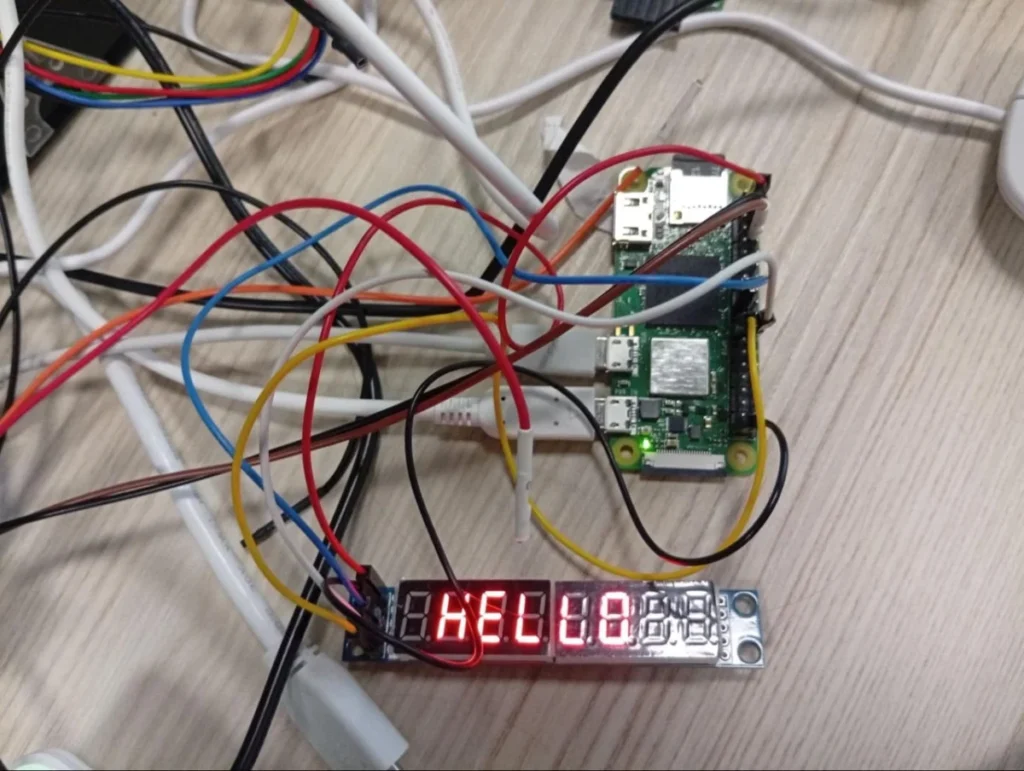
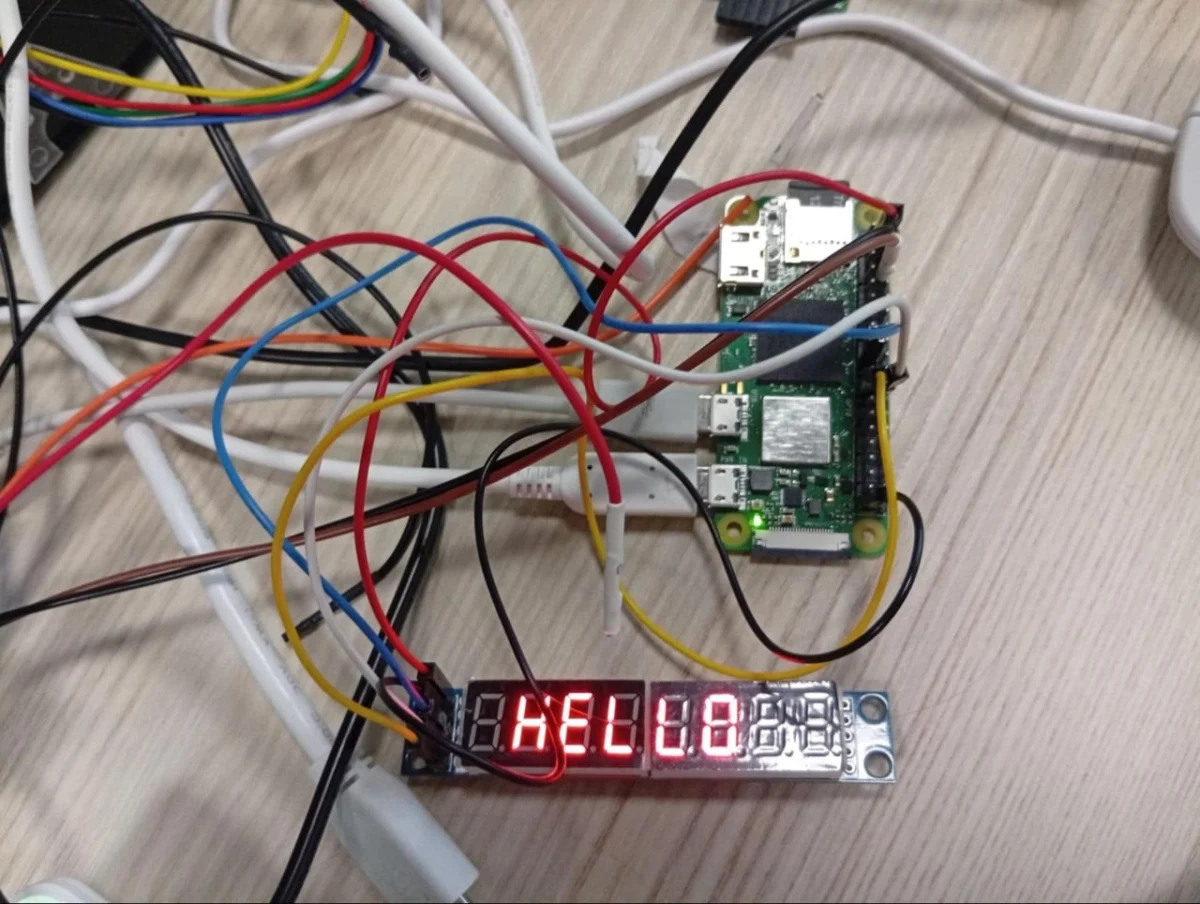
To illustrate its flexibility, consider the following configuration script designed to initialize a seven-segment LED display and spell out "HELLO" during the bootloader phase:
# Set the output that we are using
define mled spi [copi 10] [cipo 9] [sclk 11] [cs 8] [freq 1000000]

# Setup the screen and set the brightness
mled 0x0c 0x00
mled 0x09 0x00
mled 0x0b 0x07
mled 0x0a 0x08
mled 0x0f 0x00

# Set each character register - shows HELLO
mled 0x01 0x00
mled 0x02 0x00
mled 0x03 0x7e
mled 0x04 0x0e
mled 0x05 0x0e
mled 0x06 0x4f
mled 0x07 0x37
mled 0x08 0x00

# Turn on
mled 0x0c 0x01
By pushing the boundaries of what SPI can achieve, developers are not restricted solely to graphical LCD panels. In experimental setups, engineers have successfully utilized oversampled SPI to "bit-bang" UART protocols at boot time—demonstrating use cases as eccentric and functional as driving a thermal receipt printer to output a physical startup log or welcome banner the moment the Raspberry Pi receives power.
How to Access and Implement the Beta Feature
For developers looking to integrate this functionality into their current hardware builds, Raspberry Pi has made the tools available via its standard software repositories.
- Update the Operating System: Ensure your Raspberry Pi OS installation is up to date, preferably imaged from the latest release build.
- Enable Beta Access: Launch the configuration utility by running
sudo raspi-config, navigate to Advanced Settings, and select Beta Access. - Upgrade Packages: Execute the standard system update commands in the terminal:
sudo apt update sudo apt full-upgrade - Compile the Splash Binary: Navigate to the
splashasmutility folder within the officialraspberrypi/utilsGitHub repository (github.com/raspberrypi/utils/tree/master/splashasm). Follow the provided documentation to compile your splash script into a binary file. - Configure the Bootloader: Place the compiled binary into the boot firmware directory and reference it within your system’s
config.txtfile.
Because this feature remains in its beta phase, concise documentation is currently housed directly within the repository’s splashasm directory for early adopters.
Official Perspectives and Industry Context
The modern maker landscape has undergone a distinct aesthetic and functional shift. The "cyberdeck" movement—inspired by cyberpunk science fiction—has popularized custom-built, highly tactile portable computers housed in rugged enclosures, mechanical keyboards, and integrated small-form-factor displays. Concurrently, commercial and community projects like the M5Stack Cardputer Zero and Hackberry Pi have flooded the market with pocket-sized Linux devices powered by Raspberry Pi Compute Modules and microcontrollers.
However, these devices face a common user-experience hurdle. When a user powers on a traditional computer or smartphone, they expect an immediate visual response—typically a manufacturer logo—signaling that the device is alive. Historically, single-board computers running Linux offered a blank, lifeless screen for several agonizing seconds while the bootloader handed off execution to the kernel.
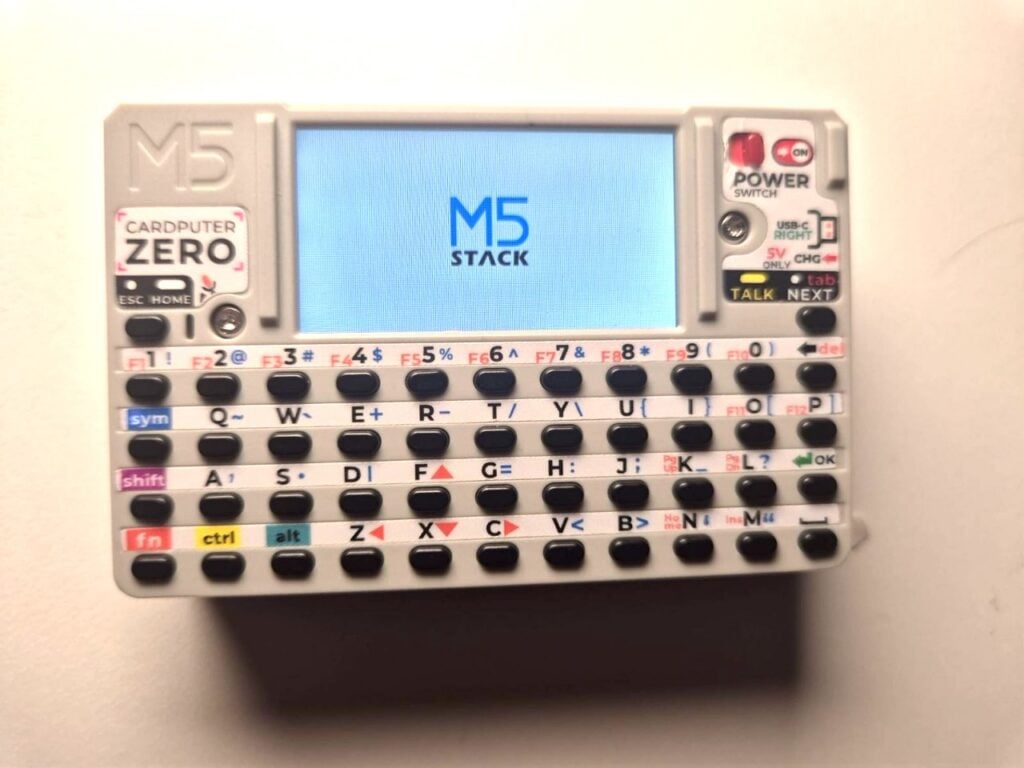
By addressing this at the firmware level, Raspberry Pi is signaling an acknowledgment of the evolving ways its hardware is being utilized. Rather than treating embedded displays as secondary peripherals that only wake up once the operating system is fully loaded, this initiative treats the display as an extension of the hardware core from millisecond zero.
While company representatives note that the feature is still undergoing refinement during its beta rollout, the enthusiastic reception from early hardware testers underscores the demand for polished, professional-grade startup sequences in the DIY community.
Implications for Makers, Developers, and Commercial Products
The introduction of early-boot SPI and I2C display scripting carries significant implications across multiple tiers of the technology ecosystem:
1. Elevated User Experience for Portable Devices
For handheld console builders and commercial entities designing products around Raspberry Pi Compute Modules, the ability to display an instant splash screen bridges the gap between DIY hardware and consumer electronics. Devices will no longer feel like they are "hanging" or failing to boot during the initial power-on phase; instead, users will be greeted immediately by custom branding, status indicators, or diagnostic animations.
2. Greater Flexibility for Embedded Engineering
Because the splashasm tool is fundamentally a low-level register configuration interpreter, its applications stretch past simple pixel rendering. As demonstrated by experimental hacks involving receipt printers and LED matrices, engineers can execute arbitrary initialization routines for sensors, lights, and auxiliary peripherals before the main operating system even loads its device tree overlays. This allows for hardware-level feedback loops that report boot status physically rather than digitally.
3. Streamlined Software Architecture
Previously, achieving this level of responsiveness demanded complex software workarounds, such as embedding custom U-Boot environments or compiling heavily modified boot chains. By providing an official, lightweight utility within the standard raspberrypi/utils suite, developers save countless hours of configuration time, reducing the barrier to entry for advanced hardware customization.
As the beta period progresses and community feedback rolls in, this firmware extension is poised to become a staple tool for anyone building custom hardware wrappers around Raspberry Pi technology—ensuring that future cyberdecks, portable terminals, and maker creations boot up with the speed, style, and immediacy of modern computing appliances.