The PHP Renaissance: WordPress 7.0 Simplifies Custom Block Development
For over seven years, the barrier to entry for custom WordPress block development has remained stubbornly high. Since the introduction of the Gutenberg editor, developers wishing to create custom blocks were effectively required to master a modern JavaScript stack. This necessitated learning React, managing complex Webpack or Vite build pipelines, and navigating the often-perplexing world of NPM packages.
For the average PHP-centric WordPress developer, this created a profound divide. While the platform promised a future of block-based editing, many were left behind, tethered to "classic" themes because the cost of refactoring their code into the JavaScript-heavy block architecture was simply too high.
With the release of WordPress 7.0, that era of mandatory JavaScript complexity has finally come to an end. The platform has introduced a streamlined, PHP-only method for registering blocks, effectively democratizing block development for the vast majority of the ecosystem. But as the community celebrates this newfound accessibility, a critical question remains: is this simplified approach a panacea, or merely a specialized tool with significant architectural trade-offs?

A Chronology of Complexity: From Blocks to PHP Registration
To understand the magnitude of this shift, one must look at the evolution of the Block API.
2018: WordPress 5.0 introduced the block editor. At launch, developers were forced to grapple with the "Double Registration" problem: creating a block.json file, writing PHP to register the block on the server, and writing React-based JavaScript to handle the editor-side interface.
2020–2023: As the Block API matured, the reliance on client-side state management grew. Features like InnerBlocks, Block Supports, and advanced attribute management became standard, all of which required deep knowledge of the WordPress data layer and JavaScript lifecycles.

2026 (WordPress 7.0): In a move that surprised industry veterans, the core team introduced the autoRegister flag. This feature allows a developer to define a block entirely in PHP. WordPress automatically generates the necessary client-side JavaScript for the block editor, including the preview and basic settings controls.
This development marks a return to the "WordPress way"—where the server is the primary engine of content delivery, and the front-end remains a product of the PHP ecosystem.
Technical Deep-Dive: How PHP-Only Blocks Work
The architecture of this new feature relies on the register_block_type function, which has been augmented to handle the heavy lifting previously reserved for JavaScript. By setting the 'autoRegister' => true flag, developers signal to the editor that it should dynamically generate the interface for the block.

Registering the "Hello World" of Blocks
Consider the simplicity of a basic block:
function custom_hello_world_block()
  register_block_type(
    'my-plugin/hello-world',
    [
      'title' => 'Hello World',
      'render_callback' => function ()
        return sprintf(
          '<div %s>Hello World!</div>',
          get_block_wrapper_attributes()
        );
      ,
      'supports' => [
        'autoRegister' => true,
      ],
    ]
  );

add_action('init', 'custom_hello_world_block');
This code snippet is entirely self-contained. It requires no package.json, no npm run build command, and no JSX transpilation. The block is immediately available in the editor, fully compatible with existing global styles, and responsive to the site’s theme.
Handling User Input with Attributes
Historically, adding a simple text input for a block required creating a full React component. In the new PHP-only paradigm, attributes are defined within the PHP registration array. WordPress then automatically renders the corresponding input field in the Settings sidebar.

By defining an attribute like greeting as a string, WordPress generates the text input, handles the data binding, and ensures that the value is saved to the post markup. This is a massive boon for developers who need to add simple configuration options—such as a custom CTA text or a background color toggle—without the overhead of building an entire editor UI.
The Reality Check: Limitations and Architectural Constraints
While the convenience of PHP-only blocks is undeniable, the architectural trade-offs are significant. It is vital for developers to recognize that these blocks are not "replacements" for high-performance, interactive JavaScript blocks.
The Problem of Interactivity
Because PHP-only blocks are rendered via a REST API endpoint and fetched asynchronously, they exist outside of the single-page application (SPA) flow that powers the editor. This results in two primary limitations:

- No In-Block Editing: You cannot create "live" editing experiences, such as drag-and-drop elements or rich-text editing inside the block preview. All interactions are restricted to the sidebar settings.
- DOM Instability: Because the markup is replaced on every re-render, you cannot attach external JavaScript libraries (like sliders or map integrations) to the editor preview. The DOM nodes you target will be wiped out the moment the block updates.
Data Stale-ness and Context
A major hurdle for developers is the lack of "fresh data" access. When a user changes a post title or updates metadata in the editor, the client-side state is updated instantly. However, because the PHP-only block pulls its data from the database via a REST request, it may display outdated information until the post is explicitly saved and the page is refreshed.
Furthermore, these blocks lack access to the global $post context. Unlike standard PHP templates that exist within "The Loop," these blocks are rendered in a stateless REST environment. While there are workarounds (such as passing the Post ID through hidden attributes), they are far from the elegant solution developers expect from core WordPress features.
The "Killer" Use Case: Legacy Migration
Given these limitations, why would any developer choose this path? The answer lies in the vast ocean of legacy WordPress sites currently running on classic themes or heavy-handed shortcode-based page builders.

For many agencies and freelancers, the primary hurdle to adopting modern block themes is the "migration tax." Rebuilding a legacy site as a block theme often requires a total rewrite of thousands of lines of PHP logic into JavaScript.
PHP-only blocks allow for a hybrid migration strategy:
- Encapsulation: Take existing, working PHP logic (like a complex header, a custom post grid, or a legacy newsletter sign-up) and wrap it in a
register_block_typefunction. - Gradual Adoption: Move site sections to the block editor one at a time, without needing to overhaul the entire codebase or master React overnight.
- Immediate Performance Gains: By moving to a block-based architecture, these legacy sites benefit from improved loading times, better core web vitals, and superior compatibility with modern plugins.
Strategic Implementation Tips
For those ready to implement these blocks, a few best practices have emerged from early adopters:

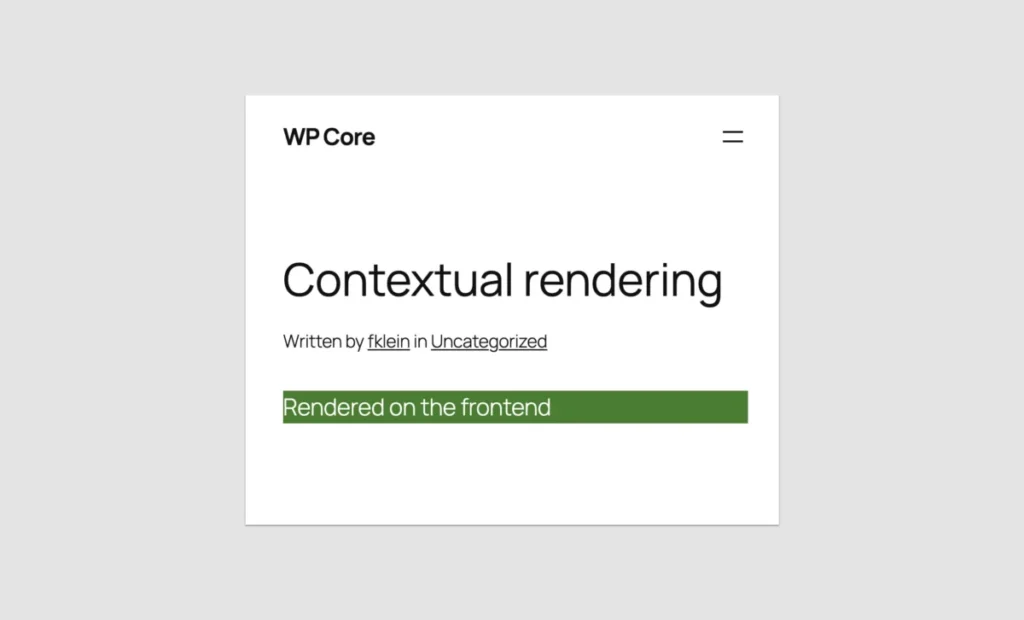
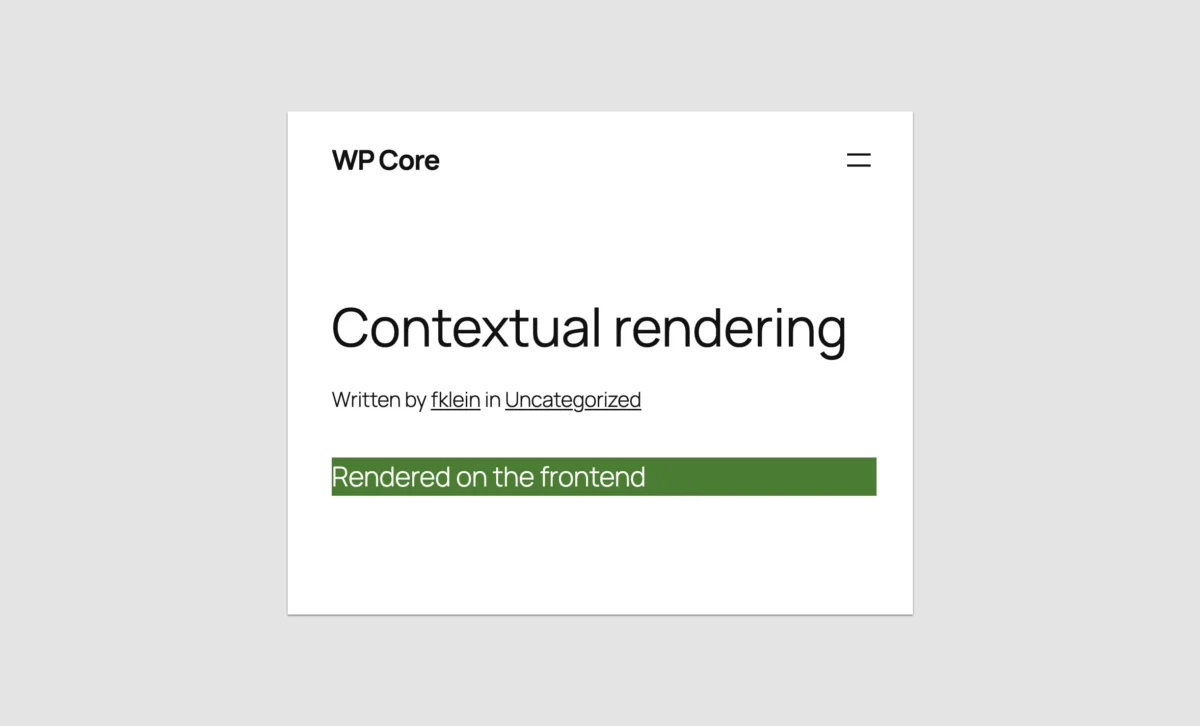
- Contextual Rendering: Use
wp_is_rest_endpoint()to differentiate between the editor preview and the front-end display. This allows you to show a simple placeholder in the editor while rendering the full, complex interactive component on the front end. - The Iframed Editor Advantage: To ensure that your block looks the same in the editor as it does on the live site, ensure your theme is using the iframed editor. This prevents theme-level CSS from bleeding into your block preview and causing styling inconsistencies.
- BEM for CSS: Even when building simple blocks, use the BEM (Block, Element, Modifier) naming convention. Since you are likely porting legacy CSS, unique prefixes are your best defense against style conflicts with WordPress Core components.
- Placeholder Strategy: Don’t obsess over a pixel-perfect editor preview. If a component is too complex for a simple sidebar-controlled preview, use a static placeholder image or a labeled box. Users will appreciate the functionality of the block on the front end more than the visual accuracy in the back end.
The Broader Implications for the WordPress Ecosystem
The introduction of PHP-only blocks signals a fundamental shift in the philosophy of the WordPress Core team. For years, the project seemed committed to an "all-in" approach on JavaScript. The introduction of this feature is a tacit acknowledgement that the "JavaScript-first" barrier was inadvertently excluding a large segment of the developer community.
By prioritizing the developer experience (DX), WordPress is effectively lowering the barrier to entry for the Block API. This is not just a win for PHP developers; it is a win for the entire ecosystem. It accelerates the adoption of block themes, encourages the retirement of legacy shortcode systems, and ensures that the next generation of WordPress sites can be built with modern, sustainable, and performant tools—regardless of the developer’s proficiency in React.
Conclusion: Was the Wait Worth It?
Was it worth waiting seven and a half years for this capability? If you are a developer looking to build the next high-end, highly interactive page builder, the answer is a resounding no. The limitations of PHP-only blocks are inherent to their architecture, and they will never replace the power and flexibility of a native React-based block.

However, if you are one of the thousands of developers responsible for the millions of classic WordPress sites that form the backbone of the internet, this is the update you have been waiting for. It removes the "all-or-nothing" nature of the transition to block themes. It allows you to leverage your existing expertise to modernize your clients’ sites, clean up technical debt, and move toward a future where the block editor is not a hurdle to overcome, but a platform to build upon.
The era of the PHP developer in the block world has not ended; it has simply evolved. With WordPress 7.0, the "WordPress way" of doing things—PHP-first, performant, and accessible—has reclaimed its place in the modern web.