The Silent Performance Booster: Why Your Gaming Handheld Needs a Fresh Start
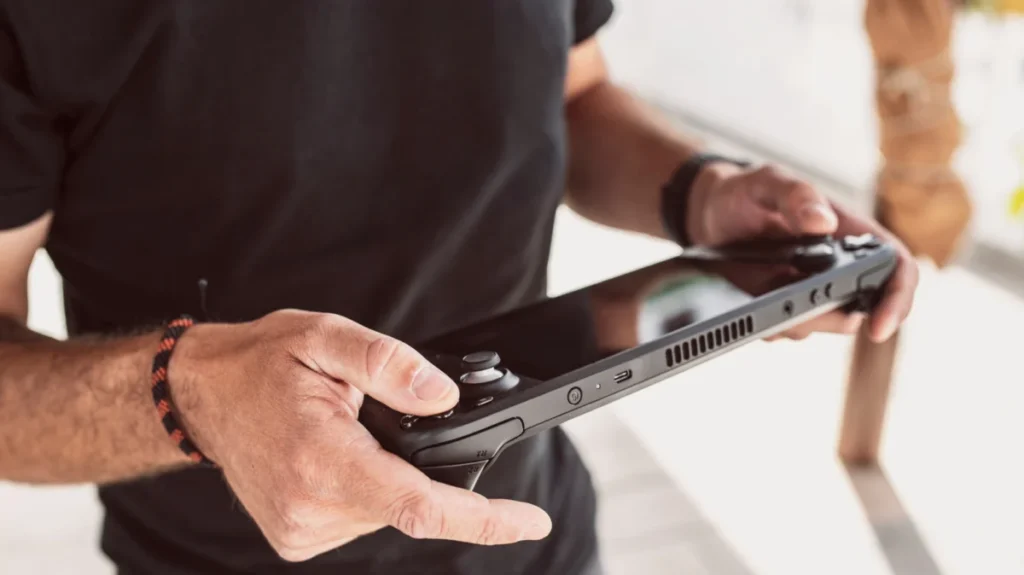
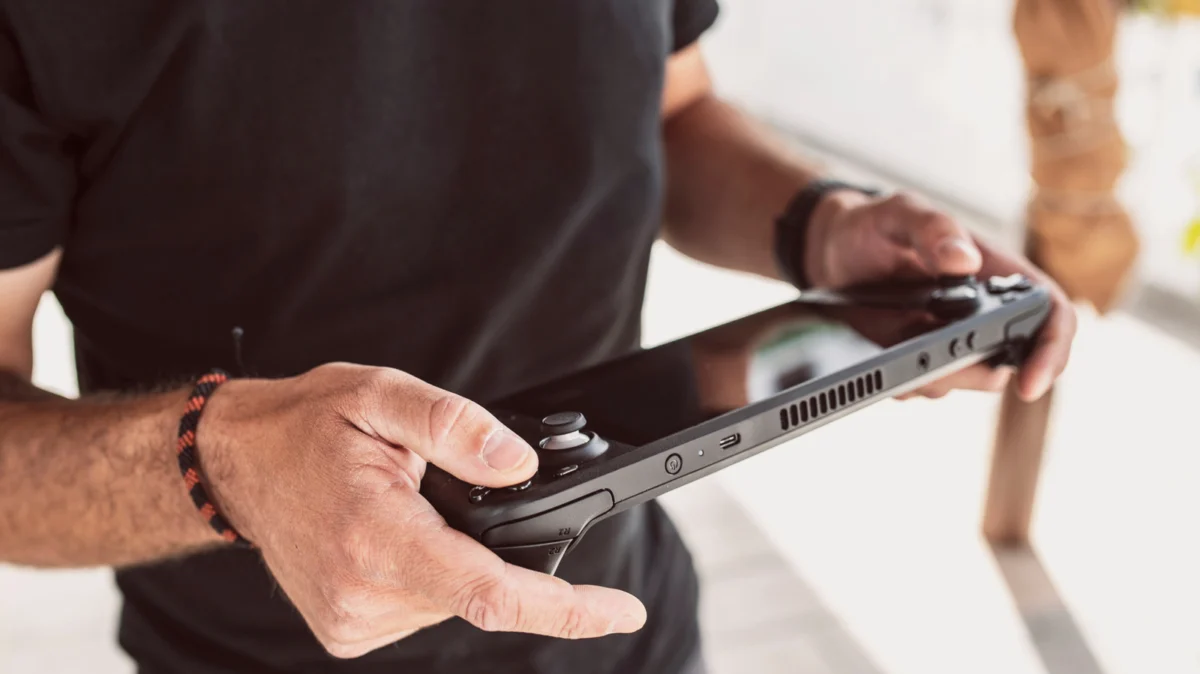
In the rapidly evolving landscape of portable gaming, devices like the Steam Deck, ASUS ROG Ally, and Lenovo Legion Go have fundamentally changed how we play. These aren’t just glorified game consoles; they are sophisticated, portable personal computers. Whether they are running Valve’s Linux-based SteamOS or a custom iteration of Windows 11, these machines operate on the same logic as your desktop rig.
Despite this, many users treat their handhelds more like smartphones—rarely turning them off, relying heavily on sleep or "hibernate" modes, and allowing the system to run for weeks on end. While convenient, this habit can silently degrade the quality of your gaming experience. The age-old tech support mantra, "Have you tried turning it off and on again?" is not just a cliché—it is a vital maintenance ritual for modern gaming hardware.
The Core Problem: Why Handhelds Aren’t Like Traditional Consoles
Historically, dedicated consoles like the Nintendo Game Boy or the PlayStation Portable (PSP) were "closed" systems. Their operating systems were minimal, designed to perform one specific task: run software from a cartridge or disc. When you shut them down, they were truly "off," and when they started up, they cleared their registers completely.
Today’s gaming handhelds are essentially powerful PCs in a compact form factor. They manage background services, update drivers, sync cloud saves, handle peripheral connectivity, and run complex operating systems that are prone to the same digital "clutter" as a high-end gaming tower. When a system stays in a "suspend" state for too long, software errors, memory fragmentation, and background service bloat begin to accumulate. A simple restart acts as a system purge, clearing the temporary files and volatile memory (RAM) that can cause stuttering, dropped frame rates, and unexpected application crashes.
Chronology of System Degradation: What Happens During Long Uptimes?
To understand why a restart is necessary, one must look at the lifecycle of a typical gaming session:
- The Initialization Phase: When you boot your device, the OS allocates memory to essential services. Your handheld is at its most efficient state.
- The "Active" Accumulation: As you launch games, the system begins to load assets into the RAM. Even when you close a game, software doesn’t always release that memory perfectly. This is known as a "memory leak."
- The Background Bloat: Modern OS environments (especially Windows) run dozens of background tasks—telemetry, cloud synchronization, anti-cheat services, and store updates. Over days of "sleep mode," these tasks pile up, competing for CPU cycles.
- The "Stutter" Threshold: Eventually, the accumulation of background processes and unreleased memory reaches a point where the system struggles to prioritize the active game. You may experience minor frame-time spikes or, in severe cases, the dreaded "system hang."
- The Manual Intervention: The user notices performance degradation and usually reacts by closing the game, but the underlying system rot remains. A restart resets this clock to Phase 1.
Supporting Data: Memory Management and System Stability
The technical justification for regular restarts centers on Random Access Memory (RAM) management. Handhelds like the Steam Deck utilize Unified Memory Architecture, meaning the CPU and GPU share the same pool of RAM. When the system is left on for extended periods, "zombie processes"—applications that have technically closed but still occupy address space—can significantly reduce the amount of RAM available for the game you are actually playing.
Industry testing shows that while modern operating systems have sophisticated garbage collection, they are not perfect. In prolonged sessions, the overhead required to manage this memory increases, leading to a measurable increase in latency. Furthermore, developers often release "hotfixes" for games or drivers for the handheld’s GPU. These updates frequently require a clean initialization to fully integrate with the system’s kernel. Skipping the restart means you may be running on outdated logic, even if the OS claims the update is "installed."
Official Perspectives and Troubleshooting Protocols
Manufacturers are aware of the tendency for users to avoid full shutdowns. Valve’s official support documentation for the Steam Deck lists "Restart the device" as one of the primary troubleshooting steps for issues ranging from unresponsive touchscreens to sound driver failures.
Similarly, for devices running Windows (such as the ROG Ally or MSI Claw), Microsoft’s own documentation notes that "Fast Startup"—a feature enabled by default on most Windows installations—is essentially a hybrid between hibernation and shutdown. This means that a standard "Shut Down" command doesn’t always perform a "cold boot" that clears the kernel.
Pro-Tip: If you are using a Windows-based handheld, you should perform a "Restart" rather than a "Shut Down" if you are experiencing performance issues. The "Restart" command specifically forces a full clearing of the system kernel, whereas "Shut Down" often saves the state of the kernel to the disk to make the next boot-up faster.
Implications for Hardware Longevity
Beyond software performance, there is a physical implication to how we power our devices. Handhelds are designed with thermal envelopes in mind. When you leave a device in a bag while it is in "Sleep" mode, the device may wake up to perform background tasks (like downloading a game update). This generates heat. If the device is inside a carrying case, that heat has nowhere to go.
Regularly powering off your device (or at least performing a proper restart before storing it for long periods) ensures that the hardware remains cool and that the battery is not subjected to unnecessary "trickle" stress from background processing.
The Best Practices for Handheld Hygiene
So, how often should you actually restart? There is no "one size fits all" rule, but enthusiasts and power users generally adhere to the following guidelines:
- The "Every Few Days" Rule: If you are a heavy user who plays daily, restart your device at least every 48 to 72 hours. This prevents the "slow-burn" of software bloat.
- The "Update" Trigger: Always restart immediately after installing a significant game update, OS patch, or driver update.
- The "Glitch" Protocol: If you notice a game behaving erratically—textures not loading, audio desyncing, or sudden frame drops—restart before changing your game settings. Often, the settings aren’t the problem; the system state is.
- The "Travel" Shutdown: Always perform a full power-off before placing your device in a bag for travel. Never rely on "Sleep" mode for long-term transport, as unexpected wake events can lead to overheating or battery drain.
Conclusion
The transition from traditional consoles to handheld PCs has brought us incredible flexibility, but it has also brought the responsibilities of PC ownership. We often demand desktop-level performance from hardware that fits in our palms, and it is unreasonable to expect that performance to remain consistent without the occasional "digital spring cleaning."
Restarting your gaming handheld is a small, low-effort action that yields high-impact results. By clearing the memory, resetting the kernel, and ensuring background services are fresh, you aren’t just fixing bugs—you are optimizing your machine to deliver the best possible experience. Don’t let your handheld become a victim of its own uptime; give it the fresh start it needs, and it will reward you with smoother, more reliable gaming.