
Beyond the Scroll: Chrome 146 Introduces Native Scroll-Triggered Animations
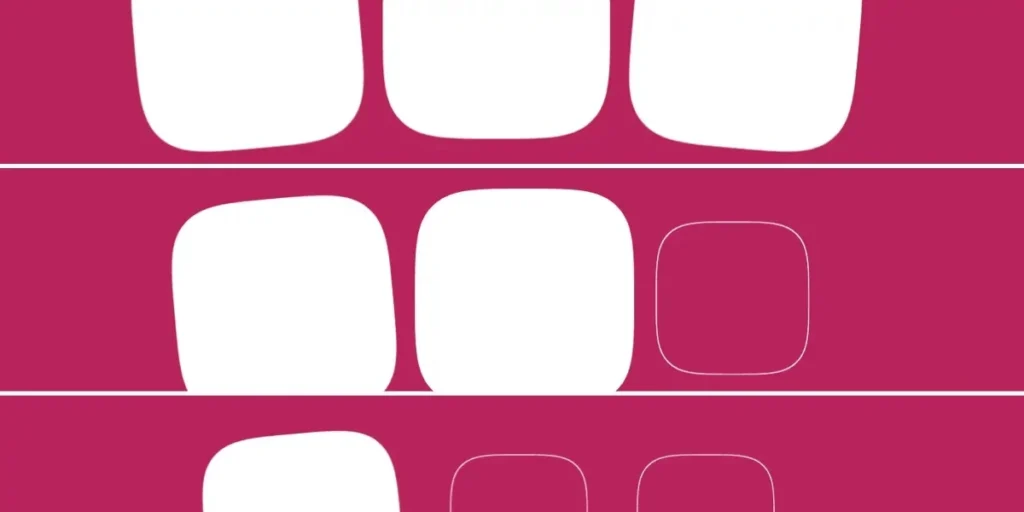
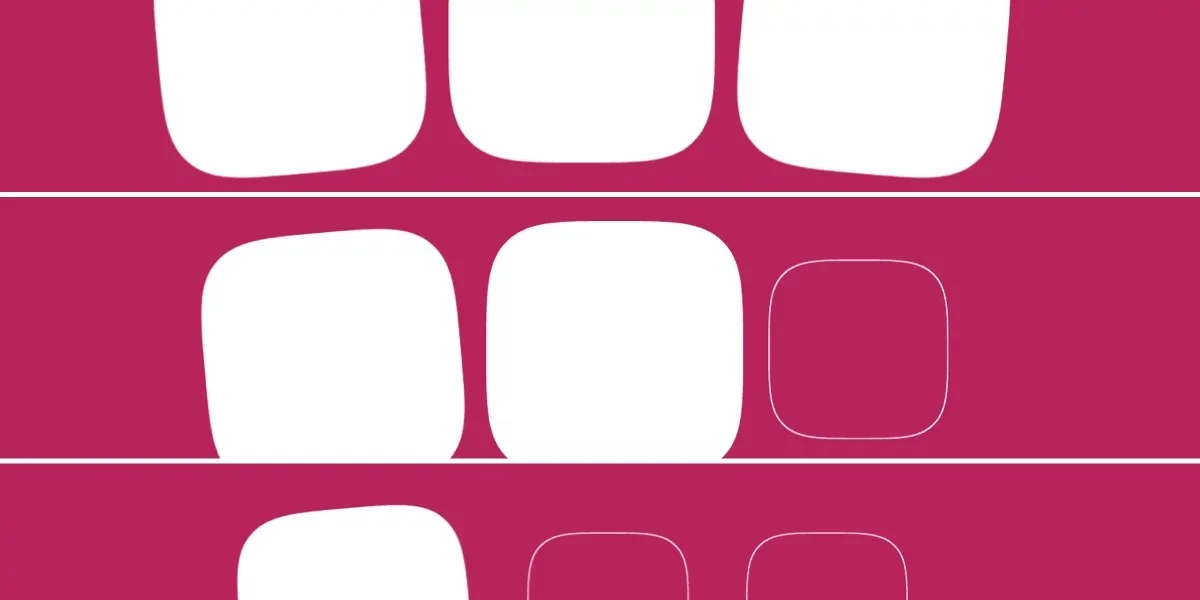
In a significant advancement for web interface design, Google has officially integrated scroll-triggered animations into Chrome 146. This release marks a historical milestone, as Chrome becomes the first browser to provide native, CSS-driven support for animations that fire based on viewport positioning.
For years, developers have relied on JavaScript—specifically the Intersection Observer API—to detect when an element enters the viewport and subsequently trigger CSS classes or animations. This approach, while functional, often introduced performance bottlenecks, layout thrashing, and unnecessary complexity. The arrival of native timeline-trigger properties aims to shift this burden from the main thread to the browser’s optimized rendering engine, promising smoother, more performant user experiences.
The Chronology of Web Animation
To understand the significance of this update, one must look at the evolution of CSS animations. Originally, CSS animations were "fire-and-forget": once a class was applied, the animation ran to completion or looped indefinitely.
In recent years, the W3C and browser vendors introduced scroll-driven animations, where an animation’s progress is tied directly to the scroll offset. Using animation-timeline: scroll() or view(), developers could create effects where elements animated in lockstep with the user’s scrollbar movement. While revolutionary for parallax effects and progress bars, these animations lacked a "play" state; they were fundamentally tethered to the pixel position.
The introduction of scroll-triggered animations in Chrome 146 fills the gap between static animations and scroll-synchronized effects. By decoupling the animation from the scroll progress, Chrome now allows developers to trigger a standard, fixed-duration animation the moment an element enters a specific viewport threshold.
The Mechanics: How it Works
At its core, the new functionality relies on a shift from animation-timeline to timeline-trigger. While animation-timeline tracks the degree of intersection, timeline-trigger acts as a binary switch.
Key CSS Properties
The implementation is straightforward yet powerful, leveraging several new properties:
timeline-trigger: This property defines the link between the viewport state and the animation. By assigning a dashed identifier (e.g.,--trigger), developers can create a label that serves as a bridge between the condition and the execution.animation-trigger: This dictates how the animation behaves once the trigger is pulled. Keywords such asplay-forwards,play-backwards, andplay-onceprovide granular control over the playback lifecycle.- Timeline Ranges: Using ranges like
entry 100%andexit 0%, developers can precisely define the "activation zone"—the exact moment an element must cross to initiate the sequence.
A Practical Example: The Fade-In Effect
Consider a simple .square element. Historically, this required an Intersection Observer to watch for the element, then add a class like .is-visible to trigger a CSS transition. Now, the logic is consolidated entirely within the stylesheet:
@keyframes fade-bg-in
  to  background: currentColor;


.square
  animation: fade-bg-in 300ms forwards;
  timeline-trigger: --trigger view() entry 100% exit 0%;
  animation-trigger: --trigger play-forwards;
This configuration ensures the animation fires only when the entire element is within the viewport, with the forwards fill-mode ensuring the final state is maintained.
Supporting Data and Advanced Patterns
The true power of this feature lies in its composability. Because these properties are decoupled, developers can orchestrate complex, multi-element interactions without writing a single line of JavaScript.
Managing State with Animation Actions
The animation-trigger property supports various actions that allow for complex UI patterns:
play-once: Ideal for "reveal" animations that should only happen the first time a user scrolls down the page.play-backwards: Allows the animation to reverse seamlessly if the user scrolls back up, preventing the "flash" that occurs when an element re-enters the viewport.resetandreplay: Provide programmatic hooks to control the animation lifecycle during dynamic content updates.
Staggering and Sibling Logic
Advanced layouts, such as grids of cards or staggered text reveals, can be achieved using CSS functions like sibling-count() and sibling-index(). By calculating these values on the fly, developers can stagger animations mathematically:
--stagger-interval: calc(300ms / sibling-count());
--animation-delay: calc(sibling-index() * var(--stagger-interval));
This creates a polished, high-end feel that was previously reserved for heavy JavaScript animation libraries like GSAP. By offloading these calculations to the browser’s CSS engine, performance remains consistent even on lower-end devices.
Official Responses and Industry Outlook
The web development community has greeted the release with cautious optimism. While the capability to perform complex scroll-triggered effects natively is undeniably a win for performance, the complexity of the syntax has sparked debate.
"The decoupling of these mechanics—timelines, triggers, ranges, and actions—is a double-edged sword," says a senior front-end engineer involved in the draft specifications. "It offers immense flexibility for design systems, but it increases the cognitive load on the developer. We are effectively moving from simple CSS to a specialized animation DSL (Domain Specific Language)."
The W3C’s Animation Triggers specification highlights that this is only the beginning. Future iterations aim to simplify timeline ranges, making them more intuitive for developers who are accustomed to simpler transition properties.
Implications for the Future of Web Design
The implications of Chrome 146 are far-reaching:
- Reduced JavaScript Dependencies: Many "on-scroll" animation libraries may become obsolete for common use cases. This reduces page load sizes and mitigates the risk of script-related layout shifts (CLS).
- Design System Standardization: Companies can now define "scroll-reveal" patterns in a central CSS library, ensuring that animations are consistent across all pages without requiring engineers to implement custom Intersection Observer logic on every page.
- Performance Benchmarks: By utilizing the browser’s internal timeline management, these animations are inherently more efficient. They are less likely to suffer from the "jank" that occurs when JavaScript execution blocks the main thread during high-speed scrolling.
- Accessibility Concerns: As with any animation feature, there is a risk of "scroll-sickness" or over-stimulation. Developers are encouraged to use
prefers-reduced-motionmedia queries alongside these triggers to ensure that these effects remain inclusive.
Conclusion
Chrome 146 represents a shift in the philosophy of the browser: it is no longer just a renderer, but an active participant in the orchestration of motion design. While the current syntax for scroll-triggered animations may feel verbose or overly complex to the uninitiated, the trade-off is a massive gain in performance and the democratization of high-end UI effects.
As other browsers begin to adopt these specifications, we can expect to see a new standard in web interactivity—one where the page feels alive, responsive, and performant, all without the weight of unnecessary external scripts. The transition to a "scroll-aware" web is well underway, and with this release, the browser has provided the tools to build it.








