Rethinking the Desktop: A Deep Dive into Niri and the Rise of Scrollable Tiling
In the landscape of Linux window management, the tiling paradigm has long been dominated by rigid, grid-based logic. Whether you are an i3 veteran or a Sway enthusiast, the experience is largely uniform: opening a new application forces an automatic, often jarring, recalibration of existing window dimensions. However, a new contender has emerged, challenging the assumption that screen real estate must be a zero-sum game.
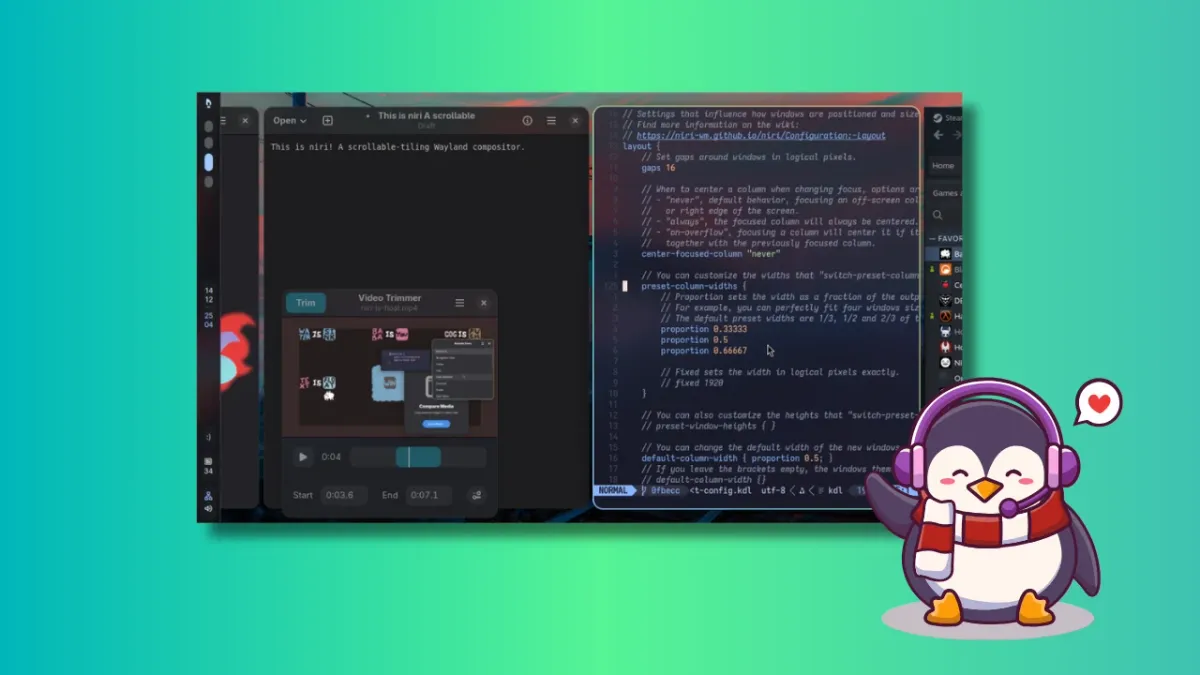
Enter Niri, a Rust-powered Wayland compositor that introduces the concept of "scrollable-tiling." By treating the desktop as an infinite horizontal canvas rather than a static grid, Niri offers a fluid, intuitive alternative to traditional window management. When paired with the Dank Linux desktop suite, this minimalist compositor transforms into a full-featured, aesthetically cohesive environment that rivals mainstream desktop experiences.

The Architecture of Infinite Space
What Exactly Is Niri?
At its core, Niri is a Wayland compositor built from the ground up using the Rust programming language. Its primary innovation is its departure from the "split-screen" philosophy. In a traditional tiling window manager (WM), every new window consumes a fraction of the existing space, often resulting in illegible, squashed applications.
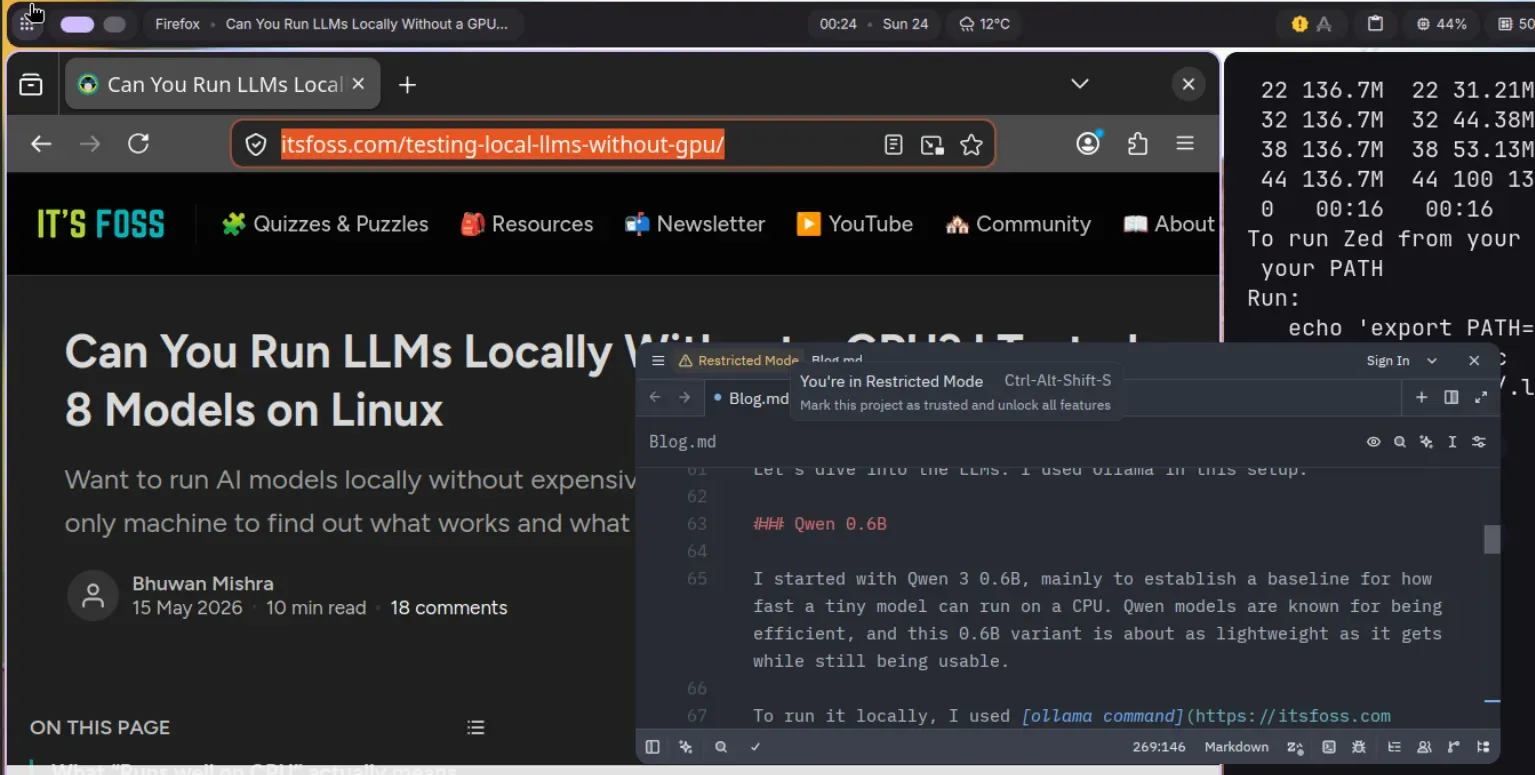
Niri adopts a different approach: windows are arranged in columns along an infinite horizontal strip. When you launch an application, it simply occupies its own space to the right of your current view. Your existing windows remain untouched, maintaining their original dimensions. To access hidden applications, you perform a simple horizontal scroll—a movement as natural as flipping through pages on a tablet or navigating a wide-format document.
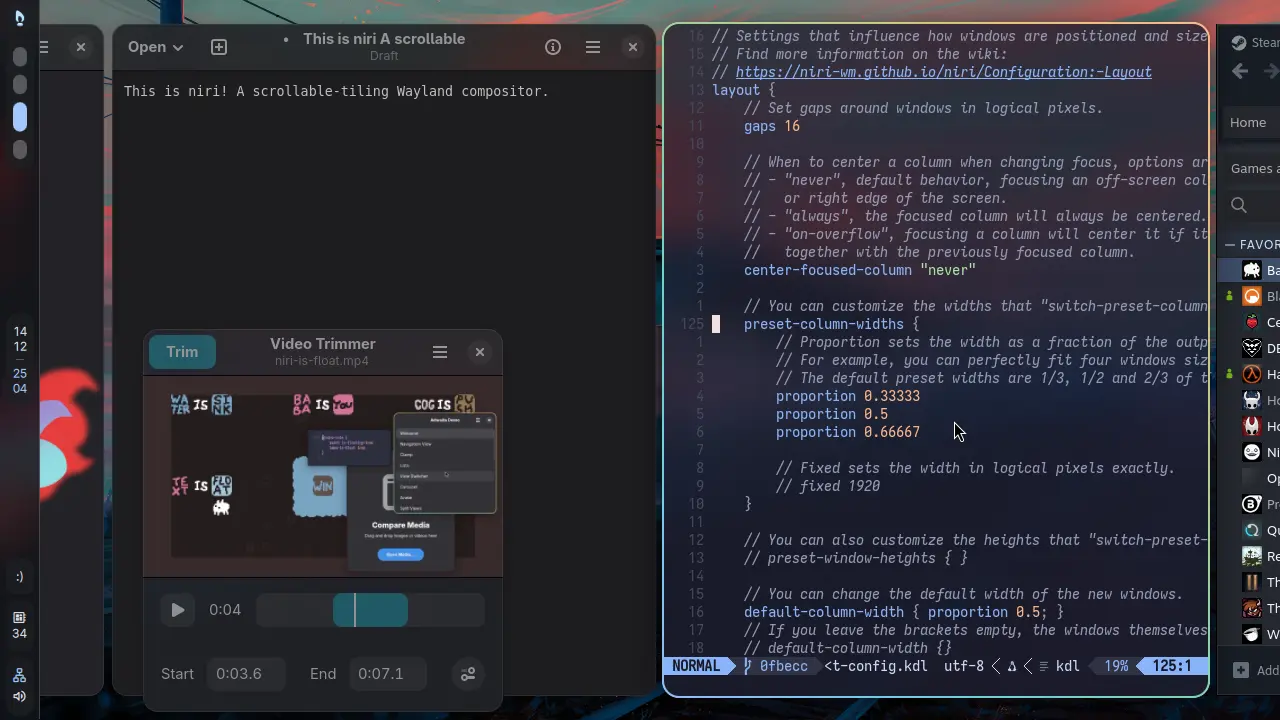
Why Rust?
The decision to build Niri in Rust is not merely a stylistic choice; it is a fundamental pillar of its performance and reliability. Rust’s memory safety guarantees minimize the likelihood of segmentation faults and race conditions, which are common pain points in complex, low-level graphical software. For users who prioritize stability, Niri’s memory-safe architecture provides a significant level of confidence in the compositor’s long-term viability.
The Evolution of the Project: A Chronology
The genesis of Niri can be traced back to the community’s desire for the functionality of PaperWM, a popular GNOME Shell extension that brought scrollable tiling to the GNOME ecosystem. While PaperWM proved that the concept was viable, it remained limited by the constraints of the GNOME architecture.
- The Inception: Developers sought a standalone, lightweight compositor that could handle multi-monitor setups with true isolation. Unlike GNOME extensions, which can occasionally bleed workspaces across monitors, Niri ensures that each display manages its own independent, discrete set of workspaces.
- The Development Phase: The project moved rapidly, leveraging the Wayland protocol to ensure modern display support. By focusing exclusively on the compositor layer, the team kept the codebase lean and performant.
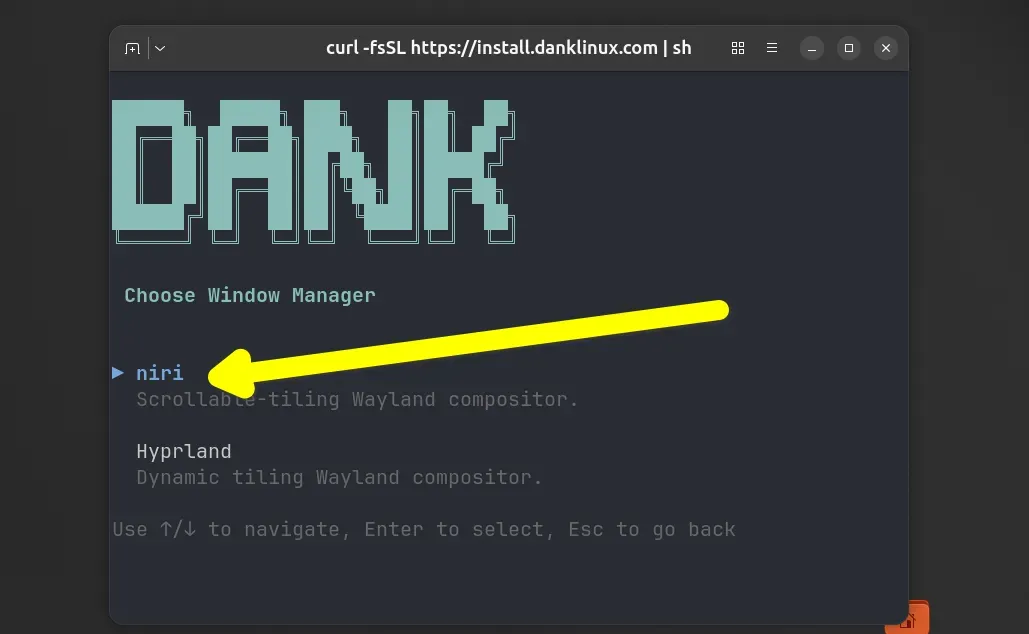
- The Integration Era: As the compositor matured, users began searching for a more complete desktop environment (DE) experience. The emergence of the Dank Linux project—specifically the DankMaterialShell (DMS)—marked a turning point, providing the necessary "glue" to turn a raw compositor into a user-friendly desktop suite.
The Installation Experience: From Raw Code to Refined Shell
Installing Niri varies significantly depending on your distribution, but the community has made strides in streamlining the process.
The Ubuntu Path
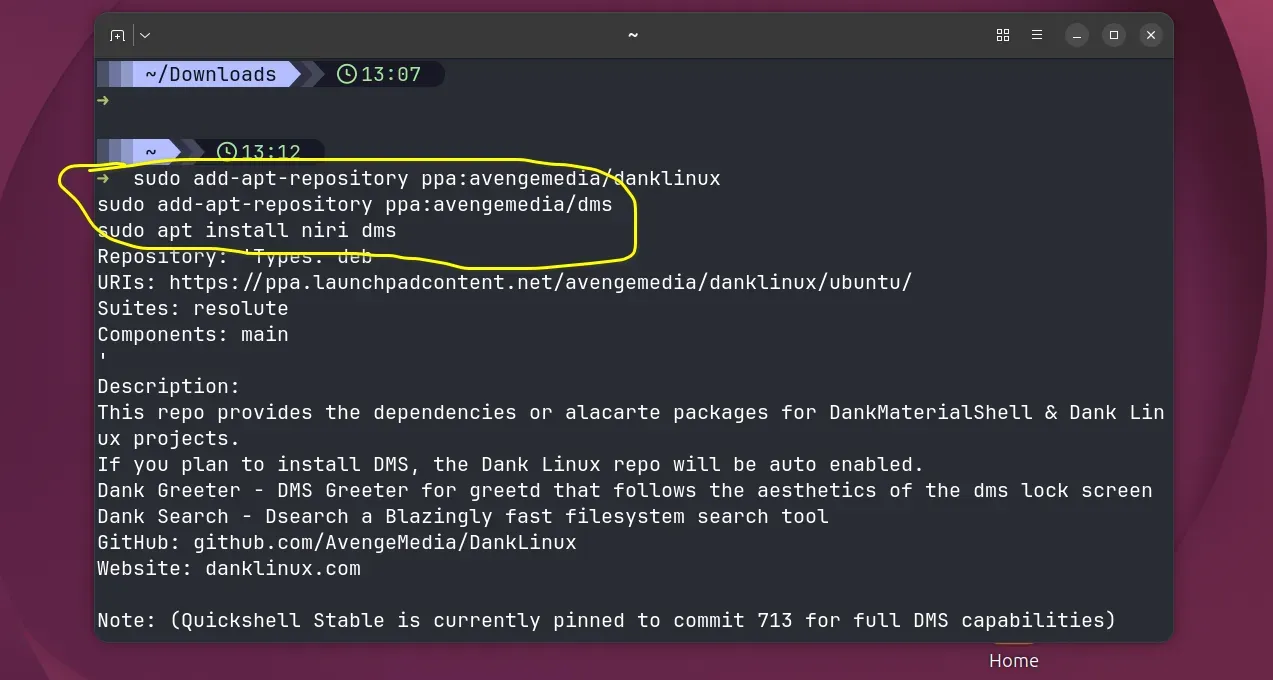
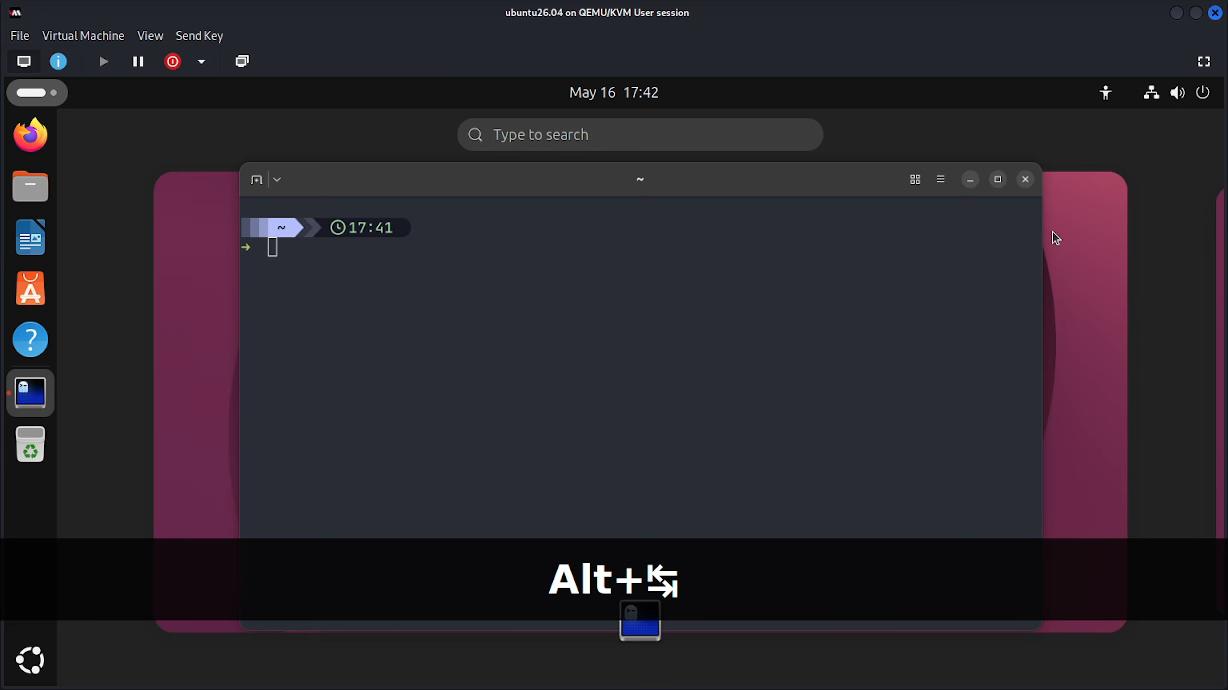
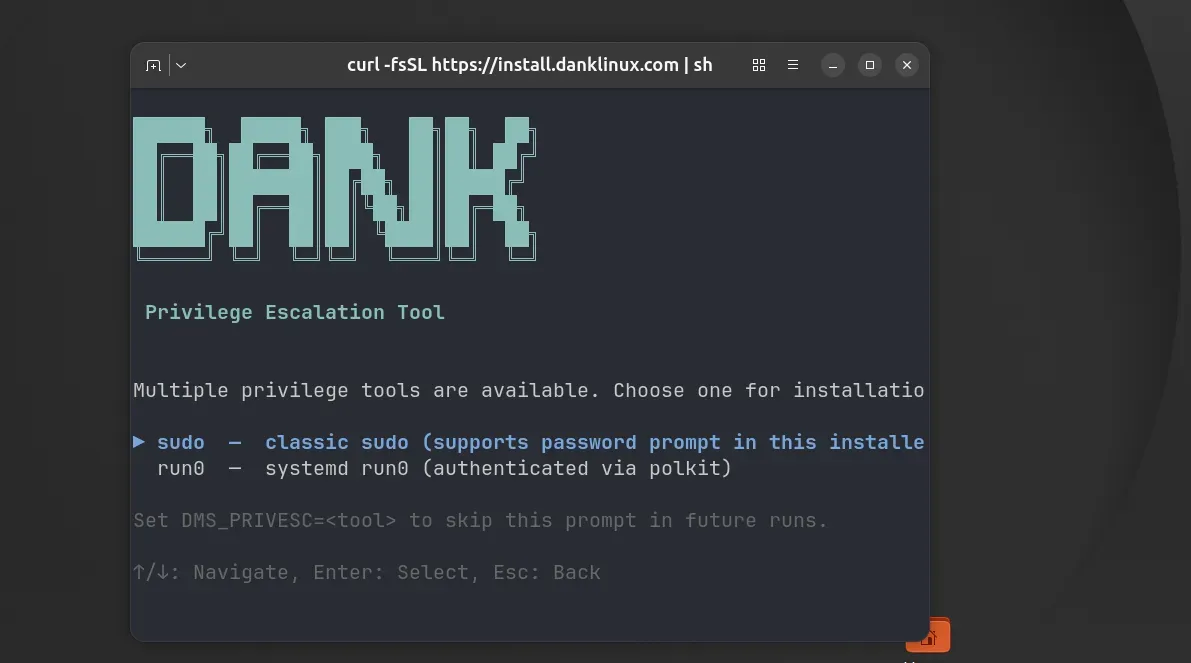
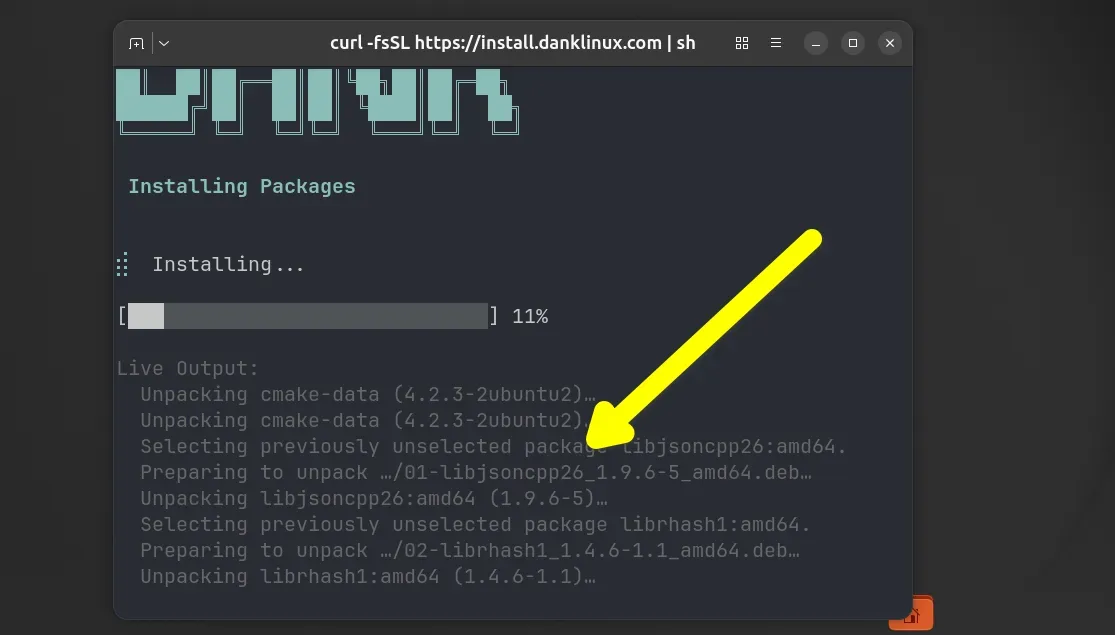
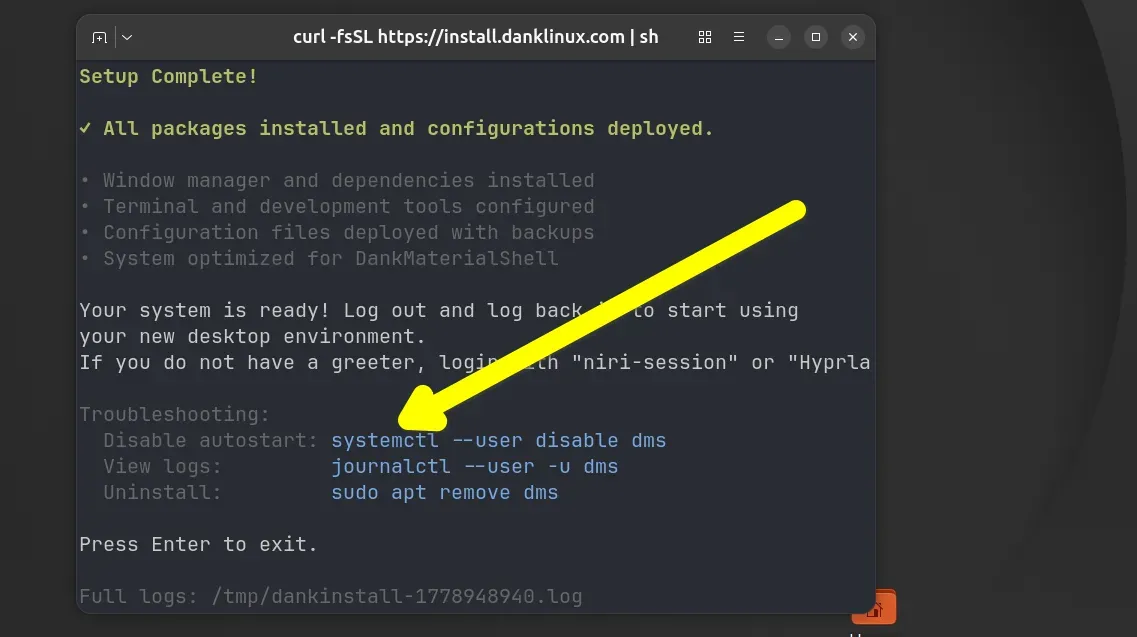
For users on Ubuntu 26.04, the process involves utilizing custom PPAs. By adding the repositories for Dank Linux and DMS, users can install the core components via apt.
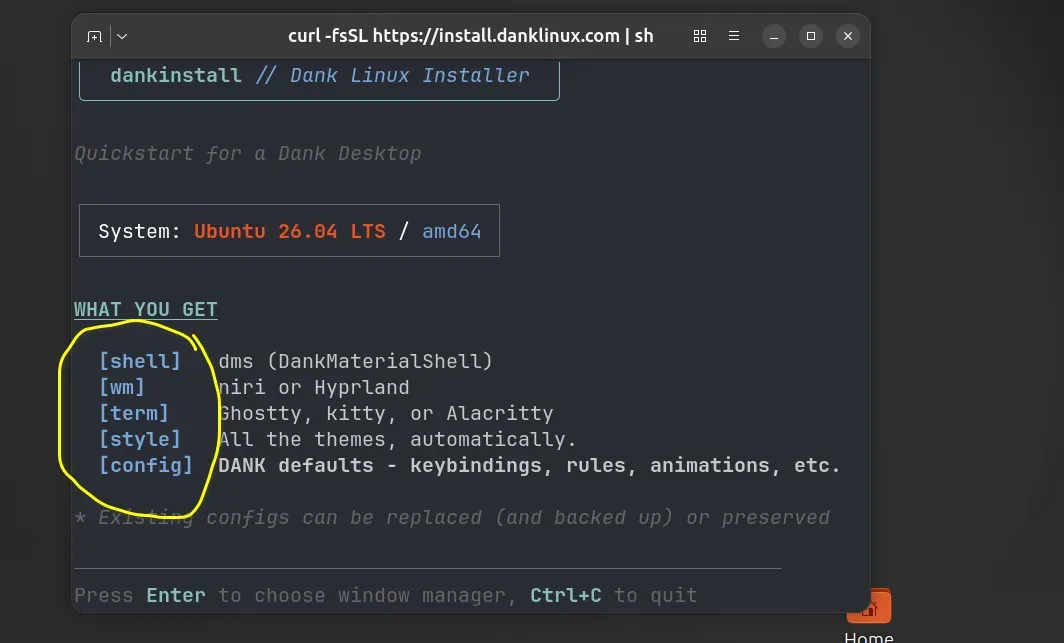
sudo add-apt-repository ppa:avengemedia/danklinux
sudo add-apt-repository ppa:avengemedia/dms
sudo apt install niri dms
The Arch and Fedora Advantage
Arch Linux users benefit from the AUR and standard repositories, where Niri is readily available. A quick sudo pacman -Syu niri suffices for the compositor, while the addition of dms-shell-niri completes the desktop environment. Fedora users enjoy a similar experience with sudo dnf install niri.
Troubleshooting: The VM Hurdle
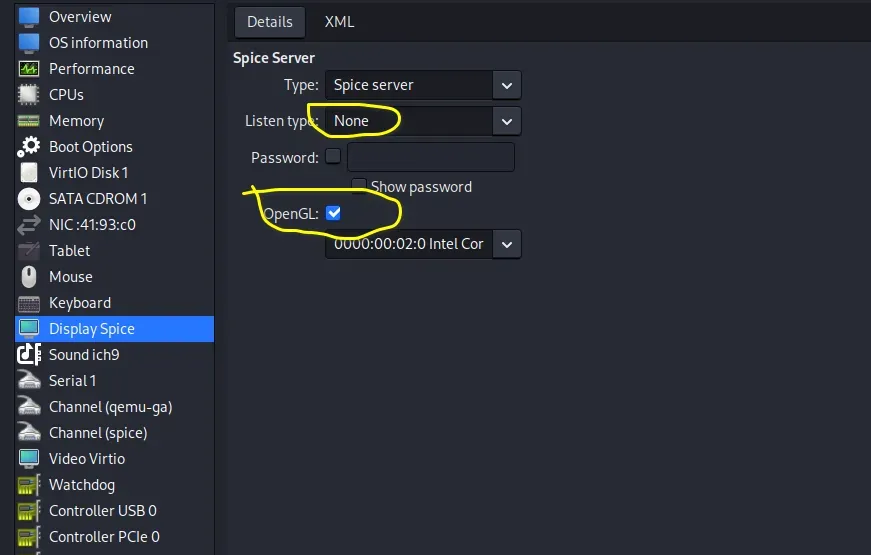
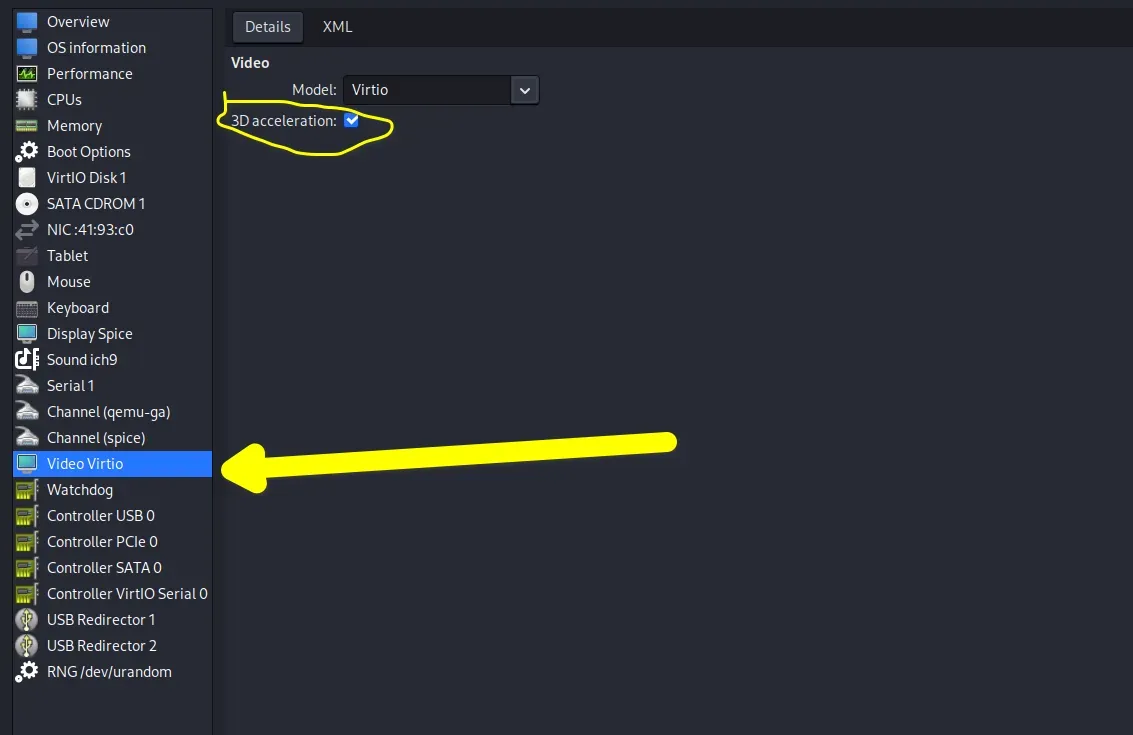
A common pitfall for those testing Niri in a virtual machine (QEMU/KVM) is the "black screen" issue. Because Niri relies on hardware-accelerated rendering, users must ensure 3D acceleration is enabled in virt-manager. Specifically, setting the Listen type to None and enabling OpenGL under the Display Spice settings is mandatory for a successful boot.
DankMaterialShell: Turning Niri into a Powerhouse
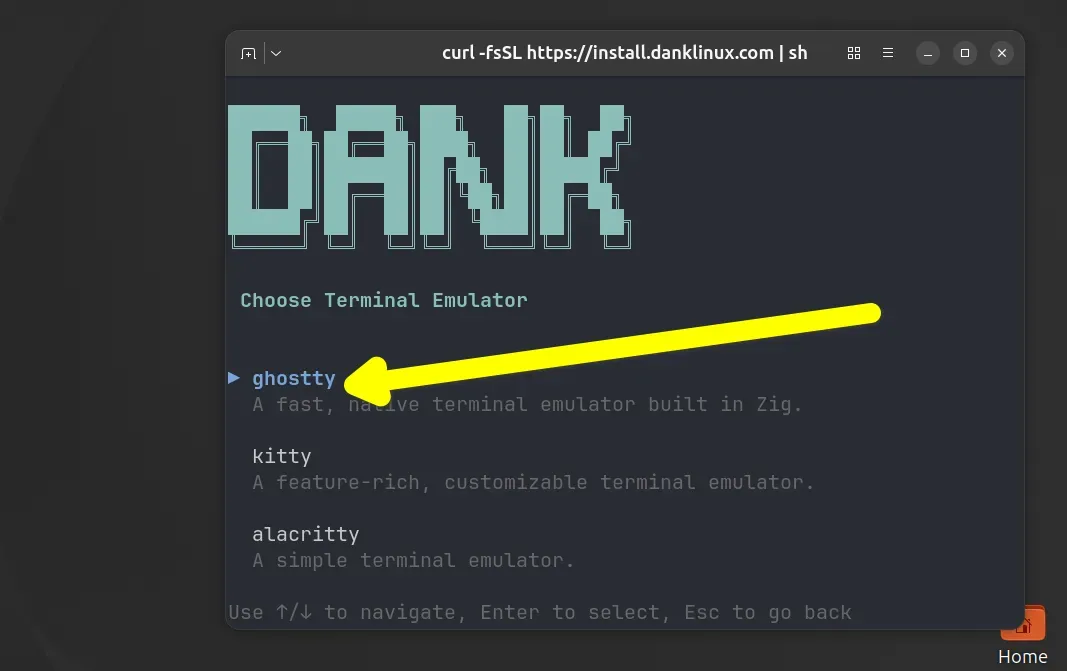
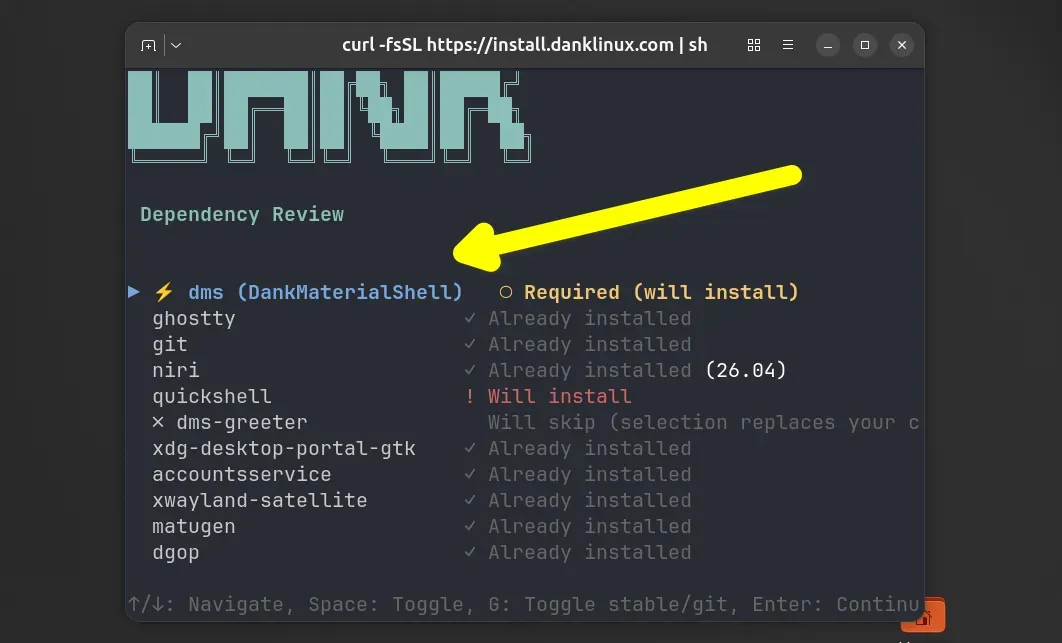
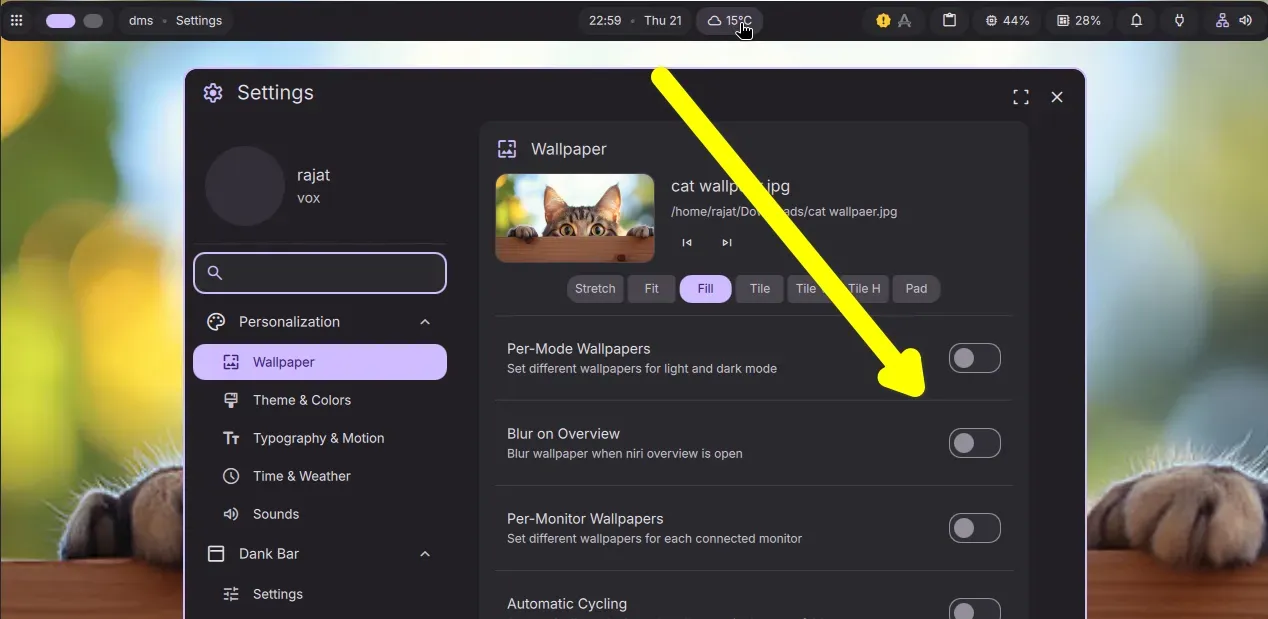
The modularity of Niri is a double-edged sword. While experienced users appreciate the freedom to choose their own bars, notification daemons, and app launchers, newcomers often find the lack of "out-of-the-box" features daunting. DankMaterialShell (DMS) bridges this gap.
Core Features of DMS
- Dynamic Material You Theming: Utilizing
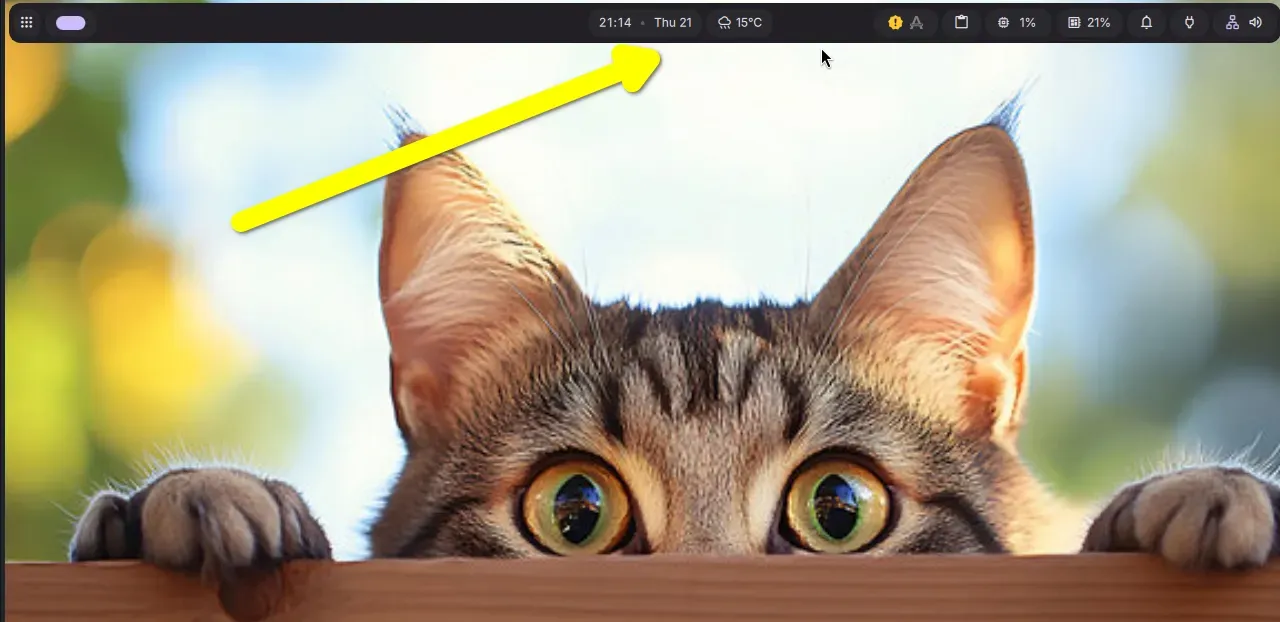
matugen, DMS extracts the dominant colors from your current wallpaper and applies them across the entire UI. This results in a seamless, professional aesthetic that feels native to modern design standards. - The Dank Dash: A comprehensive sidebar that acts as a central hub for media playback, weather, calendar events, and system telemetry.
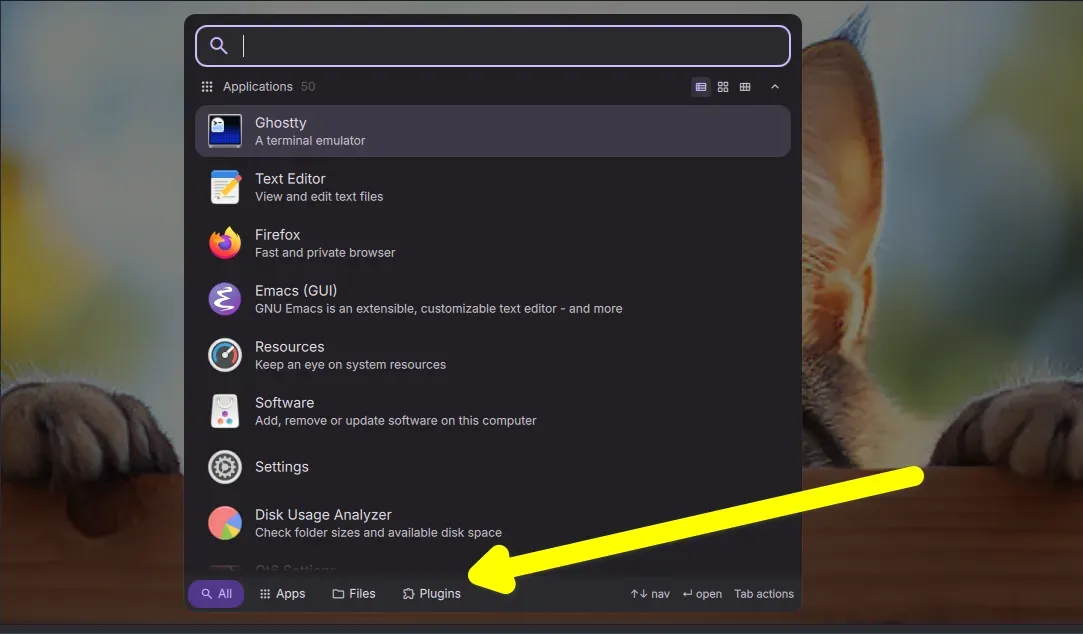
- Spotlight Launcher: A high-speed application and file search tool that outperforms traditional launchers in responsiveness and extensibility.
- Dank GOP (System Monitor): A clean, non-intrusive overlay that provides real-time data on CPU, memory, and network usage without requiring an external terminal window.
- Dank Greeter: A polished, consistent login experience based on
greetd, ensuring that the visual identity of the desktop is established from the moment of authentication.
Implications for the Linux Desktop
The rise of Niri and Dank Linux signals a broader shift in the Linux community: a move toward "opinionated" yet modular desktop environments.
Performance and Efficiency
By moving away from the resource-heavy overhead of traditional desktop environments like KDE Plasma or GNOME, Niri provides a significant boost to system efficiency. The horizontal-tiling model is not just a visual gimmick; it is an ergonomic improvement for power users who juggle dozens of windows. The cognitive load required to manage a "timeline" of work is measurably lower than that required to manage a shifting grid.
The "Bring Your Own" Philosophy
Niri adheres to the Unix philosophy—doing one thing and doing it well. By offloading bars, notifications, and launchers to the DankMaterialShell, Niri avoids the bloat that often plagues integrated desktop environments. This decoupling allows for easier maintenance and faster updates. If a user dislikes the default launcher, they can swap it without impacting the core window management logic.
Challenges and Accessibility
Despite its strengths, Niri is not for the faint of heart. It is a Wayland-only compositor, which introduces potential friction for users who rely heavily on legacy X11 applications. While XWayland support is present, the experience is not always seamless. Furthermore, the configuration language, KDL, while elegant and highly readable, represents a learning curve for users accustomed to traditional JSON or TOML config files.
Official Stances and Community Engagement
The Niri project maintains a vibrant and helpful community. The official GitHub repository serves as a primary hub for documentation and issue tracking. The developers have emphasized that Niri is intended to remain a specialized tool, focusing on the "scrollable" experience rather than attempting to become a "one-size-fits-all" desktop.
The Dank Linux team has positioned itself as the facilitator, providing the "DMS" layer for users who want the power of Niri without the headache of manual configuration. The active Discord server for both projects serves as an essential resource, offering "doctor" scripts and configuration snippets to help users optimize their setups.
Final Thoughts: Is Niri the Future?
Niri represents a bold departure from the status quo. By solving the inherent frustrations of traditional tiling—specifically the, at times, chaotic resizing of windows—it offers a refined, stable, and highly performant alternative.
For the developer, the writer, or the sysadmin who lives within a terminal and a web browser, Niri, when paired with the cohesive suite provided by Dank Linux, offers an unparalleled workflow. While it may not replace GNOME or KDE for the casual user, it represents a significant step forward for the Linux desktop—a testament to the power of community-driven innovation and the enduring appeal of the "Unix philosophy" in a modern, Wayland-centric world.
If you find yourself constantly wrestling with your window manager, perhaps it is time to stop thinking in grids and start thinking in timelines. Niri is not just a window manager; it is a new way to interact with your digital workspace.