
The Dawn of ariaNotify(): A New Era (and New Responsibility) for Web Accessibility
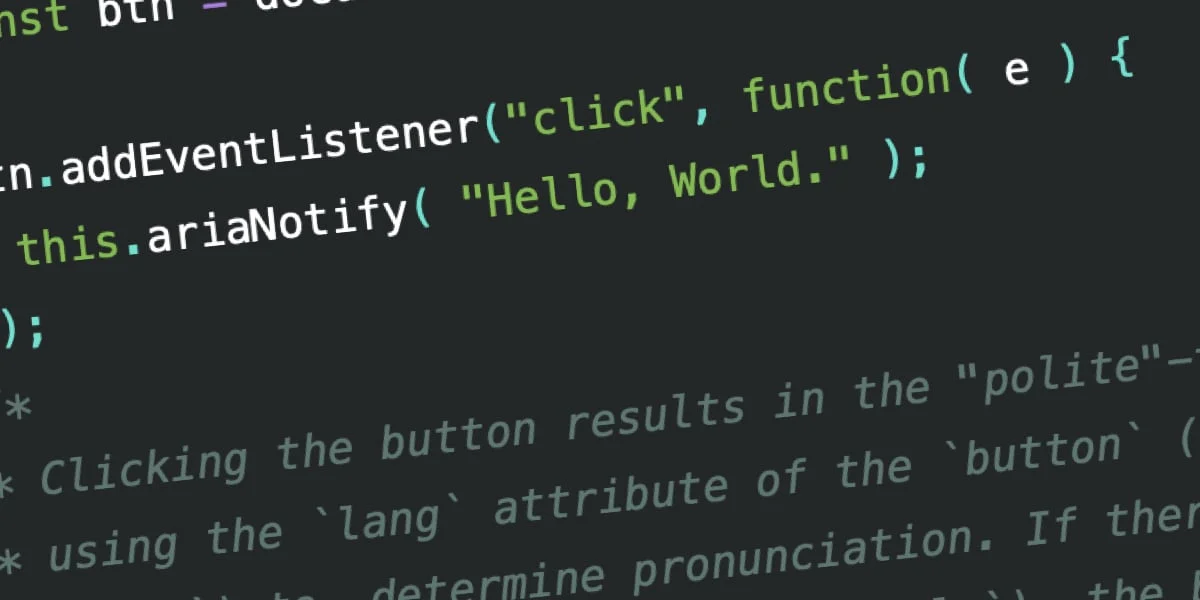
The landscape of web accessibility is undergoing a significant shift. For over a decade, developers have relied on a patchwork of "hacks" and unstable workarounds to communicate dynamic, non-structural updates to screen reader users. Today, that era is coming to a close with the introduction of ariaNotify()—a native, programmatic method defined in the WAI-ARIA 1.3 specification.
This new API promises to solve one of the most persistent "pain points" in front-end development: how to inform a visually impaired user of a page update without resorting to the notoriously flaky, inconsistent, and often frustrating world of aria-live regions. However, with this newfound simplicity comes a warning: the power to speak directly to the user is a double-edged sword that, if mishandled, threatens to turn the modern web into an auditory minefield of unnecessary interruptions.
The Main Facts: What is ariaNotify()?
At its core, ariaNotify() is a method available on both the Element and Document interfaces. Its purpose is singular and direct: to trigger an immediate, programmatic narration of a string via assistive technology (AT).
Unlike previous iterations of ARIA, which required developers to maintain hidden containers in the DOM and manipulate their content, ariaNotify() is transient. You pass a string, and—ideally—the user hears it.
// Simple usage
document.ariaNotify("Operation completed successfully.");
The method accepts a configuration object as a second argument, allowing developers to set a priority level. The default, normal, mimics the behavior of aria-live="polite", waiting for a natural break in the user’s workflow before announcing the text. The high priority setting mirrors aria-live="assertive", signaling to the screen reader that the information is urgent and should potentially interrupt the current narration.
A Chronology of the "Live Region" Mess
To understand why ariaNotify() is being hailed as "developer catnip," one must look at the history of the aria-live attribute.
The Era of "Live Regions" (2010–2025)
When aria-live was introduced, it was intended to bridge the gap between static HTML and dynamic web applications. By marking a container with aria-live="polite" or aria-live="assertive", developers hoped to inform screen readers that the contents of that div had changed.
The Implementation Crisis
The reality was far bleaker. Because the W3C specification for live regions was open to interpretation, browser vendors and screen reader developers implemented them in wildly different ways. A common issue arose with "nested markup": if a developer tried to inject complex HTML into a live region, many screen readers would either announce nothing at all, announce the entire container (including old, stale content), or trigger multiple redundant announcements.
The "Rube Goldberg" Workarounds
Developers eventually settled on a "best practice" that was anything but best: creating a hidden, empty div that existed solely to receive text updates. This required manual management of the DOM, careful attention to the "accessibility tree," and an exhausting amount of cross-browser testing. If the developer forgot to clean up the hidden text or accidentally used display: none (which effectively nukes the element from the accessibility tree), the notification would simply vanish into the void.
Supporting Data: Why the Industry is Shifting
The need for ariaNotify() is backed by years of frustration documented by accessibility experts. According to data from the WebAIM Screen Reader Survey, users frequently cite "unexpected page behavior" and "inconsistent updates" as their top frustrations when browsing.
The Inconsistency Matrix
Tests performed across major screen readers—JAWS, NVDA, and VoiceOver—consistently show that aria-live behaves unpredictably when content is injected dynamically. In many cases, the browser’s "timing" of the injection is the deciding factor in whether the user hears the notification or not.
ariaNotify() bypasses this by moving the burden of the announcement from the DOM structure to the browser’s internal notification engine. Early tests indicate that while support is still maturing (with Firefox leading the initial implementations), the consistency of the announcements is already vastly superior to the traditional aria-live approach.
The lang Attribute Factor
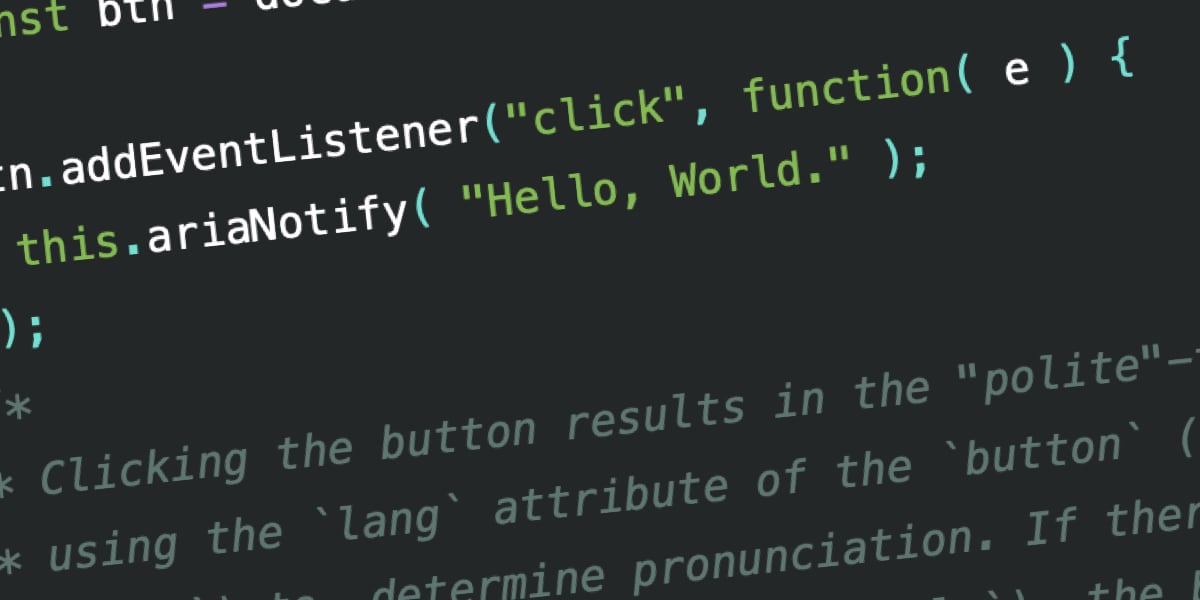
One of the most nuanced aspects of ariaNotify() is how it handles internationalization. When called via the document interface, it respects the lang attribute of the <html> element. When called via an Element, it looks for the closest parent with a lang attribute. This is a massive leap forward for developers building localized applications, as it ensures the screen reader uses the correct pronunciation rules for the specific notification, provided the language tags are correctly set.
Official Responses and Standards
The W3C has remained steadfast in its core philosophy, even while introducing this new tool. The "First Rule of ARIA" remains the guiding principle: If you can use a native HTML element, do so.
Members of the WAI-ARIA working group have noted that ariaNotify() is not a replacement for good semantic HTML. It is a "last resort" utility. The official documentation emphasizes that this feature should only be utilized when a state change cannot be communicated through standard focus management or semantic changes to the document structure.
"The goal," says one standards architect, "is not to give developers a megaphone to shout at the user. The goal is to provide a precise instrument for those rare occasions where the user experience demands an immediate, non-visual update."
Implications: The Return of the alert() Problem
The most significant implication of ariaNotify() is psychological rather than technical. For decades, the window.alert() function has been the bane of the modern web—a disruptive, modal, and user-hostile way to force information onto the screen.
There is a very real fear that ariaNotify() will become the "auditory alert()."
The "Over-Notification" Trap
If a developer decides that every button click, every hover state, and every minor validation error should trigger an ariaNotify() announcement, they will effectively destroy the utility of the screen reader for their users. Imagine a user trying to read a long-form article, only to be interrupted every few seconds by a voice announcing "Navigation opened," "Comment added," or "Auto-save complete."
The Burden of Responsibility
Accessibility is often about what you don’t do. The most accessible sites are often those that stay out of the user’s way. With ariaNotify(), the developer has to make a conscious choice: Is this information so vital that it justifies interrupting the user’s primary task?
If the answer is "no," then using the API is a failure of UX design.
QA and Testing
Furthermore, this introduces a new dimension to the QA process. Organizations will now need to test not just the visual state of their applications, but the "auditory state." Without dedicated screen reader testing, developers might deploy features that sound fine in a vacuum but create a cacophony in practice.
Conclusion: A Tool of Restraint
ariaNotify() is a technical triumph. It represents the maturation of the web, providing a clean, standard, and programmatic way to handle communication with assistive technologies. It effectively renders the old, convoluted "live region" hacks obsolete.
However, it is a tool of immense power. It allows developers to speak directly to the user, and in the hands of the careless, it will be abused. The future of the accessible web depends on the discipline of the developer community. We have been given a new, highly effective way to communicate—now we must learn the wisdom to know when to stay silent.
As the industry adopts this new standard, the message remains clear: just because you can notify the user, doesn’t mean you should. Let us be cool about this. Let us use this tool with the precision it deserves, and let us, above all, respect the user’s experience by ensuring that when our applications speak, they have something meaningful to say.








