Revitalizing Your Workflow: The Ultimate Guide to GNOME Productivity Extensions
The human brain, contrary to the persistent myth propagated by "hustle culture" influencers, was not architected for eight consecutive hours of unbroken cognitive labor. Attempting to force the mind into a rigid, non-stop machine state often results in diminishing returns, increased errors, and burnout. Productivity is not about endurance; it is about reducing the "friction" between an intention and its execution.
For Linux users operating within the GNOME desktop environment, the path to a streamlined workflow does not require a labyrinth of paid third-party software or invasive web-based productivity suites. The GNOME extension ecosystem offers a powerful, integrated, and cost-effective solution for managing focus, time, and system resources.

The Philosophy of Frictionless Computing
The core premise of modern productivity is the preservation of cognitive load. Every time you reach for a smartphone to check a notification, search for a buried terminal window, or struggle to organize multiple windows on a single display, you incur a "context switch cost." Over an eight-hour shift, these micro-interruptions accumulate, leading to "mental nerfs"—a gradual degradation of focus and decision-making clarity.
By utilizing native or near-native GNOME tools, users can maintain a "flow state" by keeping their essential utilities within the desktop shell itself. Below, we examine the essential tools for transforming your GNOME experience into a high-performance workspace.

1. GSConnect: Bridging the Mobile-Desktop Gap
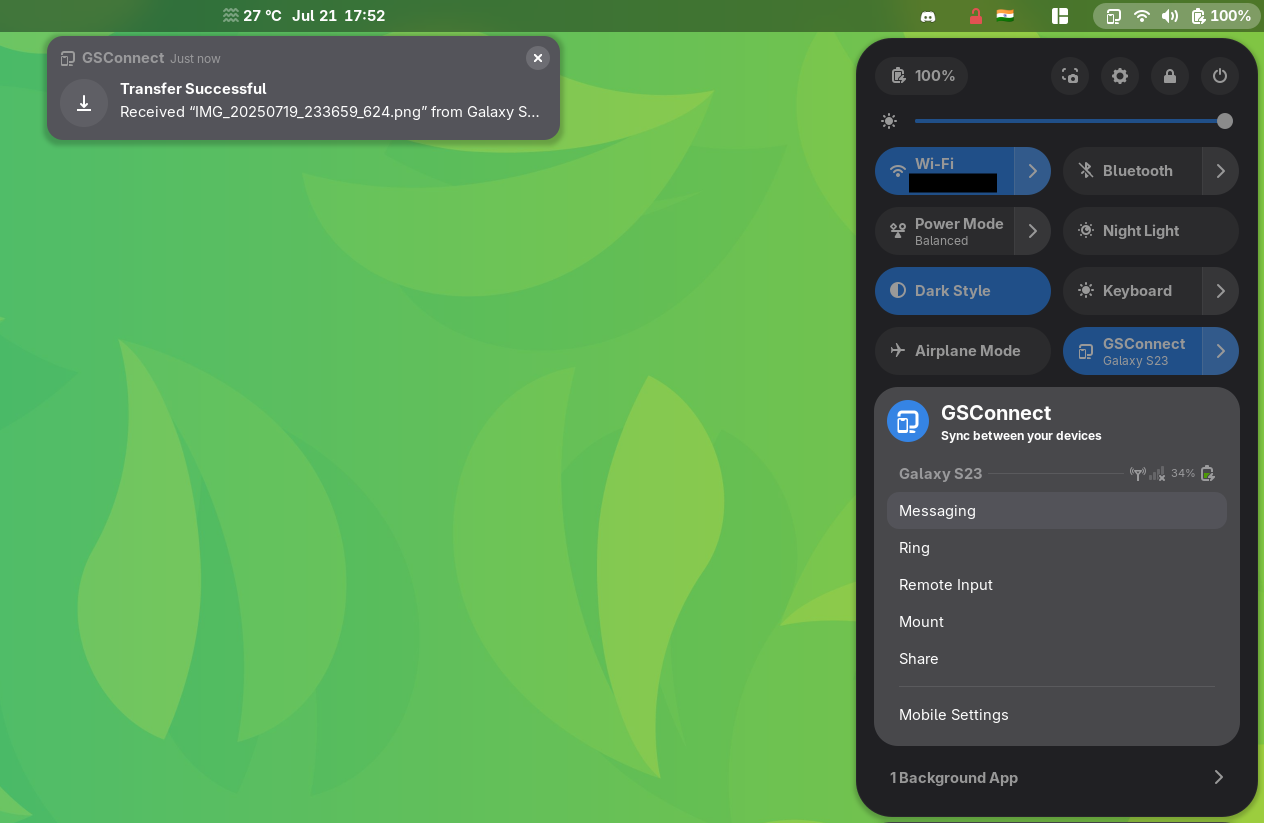
The smartphone is perhaps the greatest source of workplace distraction. GSConnect, a complete implementation of the KDE Connect protocol for GNOME, mitigates this by bridging the gap between mobile and desktop.
- Core Functionality: It allows for the synchronization of notifications, clipboard data, and file transfers between your Android device and your Linux machine.
- Workflow Impact: By displaying mobile notifications directly on your desktop shell, you can assess the urgency of a message with a quick glance, rather than breaking your concentration to physically pick up a device.
- The Nuance: While designed to improve efficiency, it requires user discipline; having your phone’s notifications on your screen can also serve as a distraction if not configured to prioritize only essential alerts.
2. Caffeine: Protecting Your Focus
It is an all-too-common frustration: you are in the middle of a complex data analysis or a deep reading session, and the system decides to trigger the lock screen or dim the display. Caffeine is a utility designed specifically to prevent these interruptions.
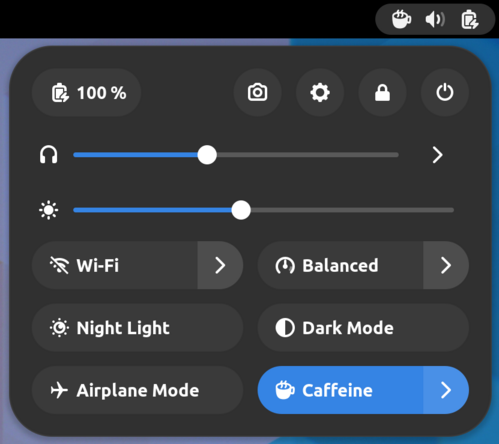
- Mechanism: It provides a simple, one-click toggle in the system tray to disable screen dimming and suspension.
- Strategic Use: It is indispensable for presentations, long-form reading, or background processes that require the screen to remain active. While GNOME’s native power settings allow for disabling suspension, Caffeine provides the granular, on-demand control necessary for those who prefer not to leave their machine permanently "awake."
3. ddterm: The Drop-Down Terminal
For developers and system administrators, the terminal is a primary workspace. ddterm removes the need to hunt for terminal instances or manage complex workspace switching.
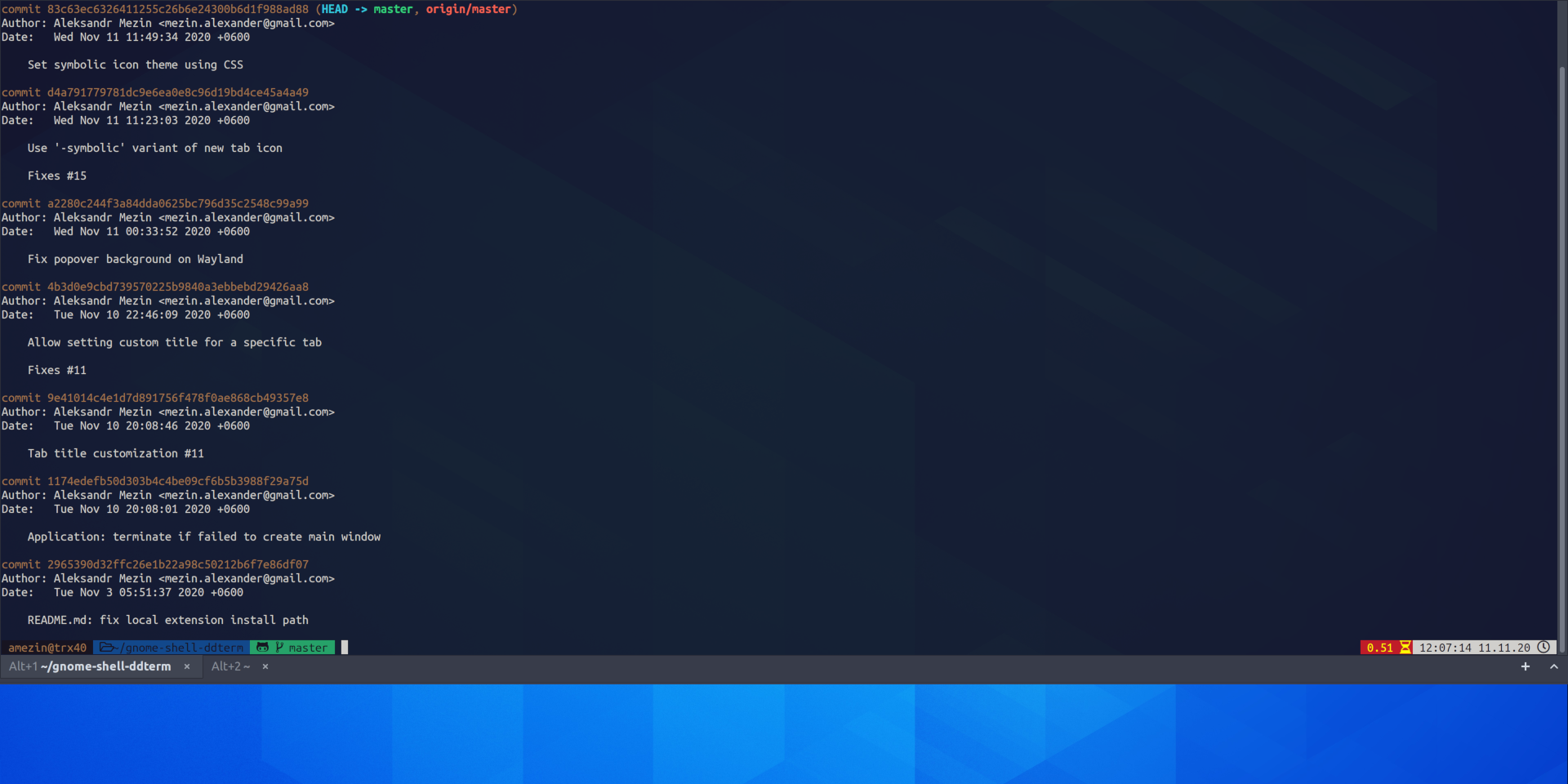
- Implementation: By binding a keyboard shortcut, users can trigger a terminal window that slides down from the top of the screen.
- Wayland Support: Unlike many older drop-down terminal extensions, ddterm offers robust, consistent performance on modern Wayland sessions, making it a reliable, long-term staple for power users.
4. Clipboard Indicator: Managing Data Flow
We copy and paste hundreds of times a day, yet the standard clipboard is limited to a single item. Clipboard Indicator maintains a searchable, persistent history of your copy-paste activity.
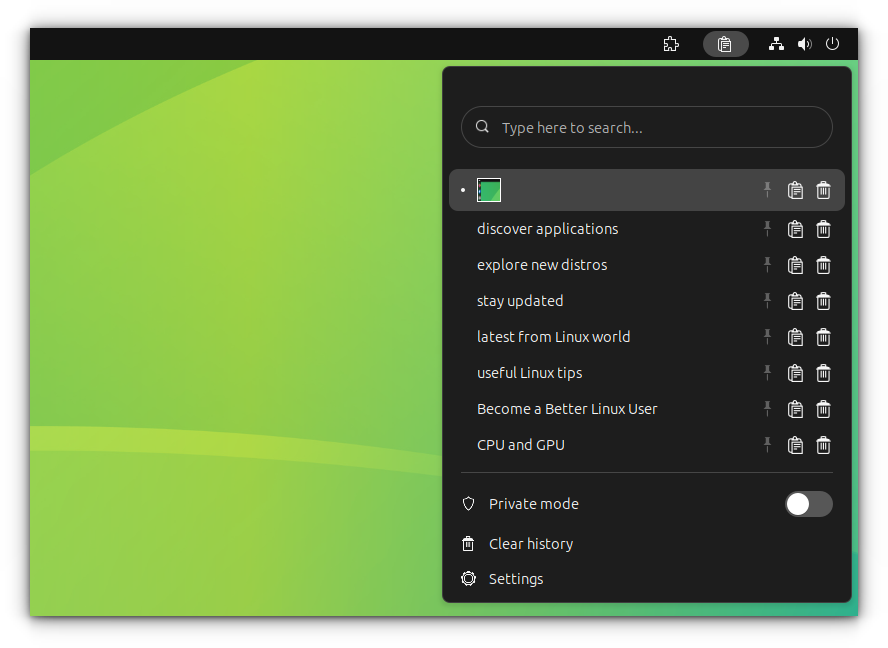
- Feature Set: Beyond simple storage, it supports pinning important entries, regex-based searching, and direct editing.
- Privacy Considerations: For professionals handling sensitive data, the extension includes a "private mode" that allows users to pause history collection and exclude specific applications—such as password managers—from the tracking log.
5. Advanced Alt-Tab Window Switcher (AATWS)
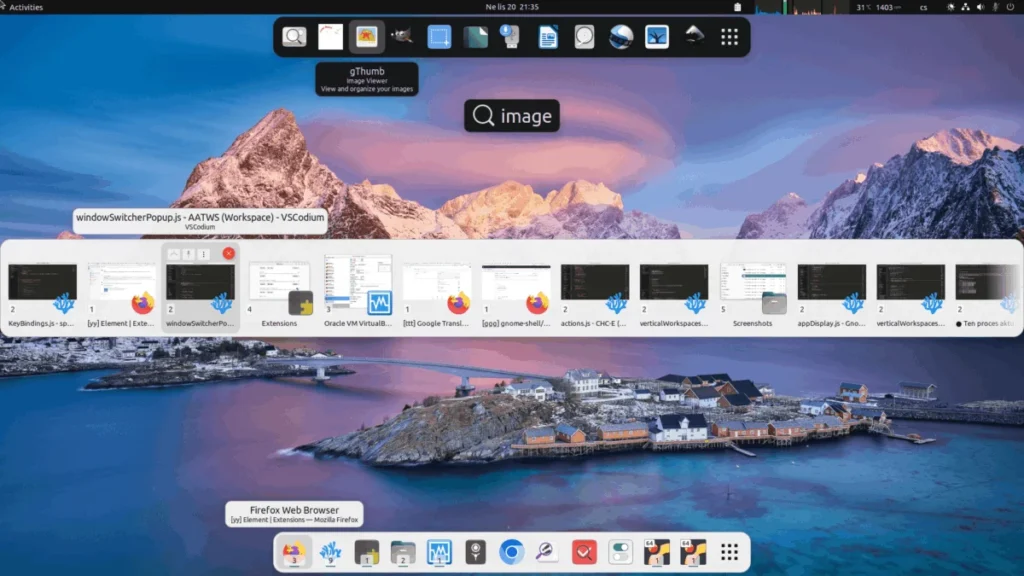
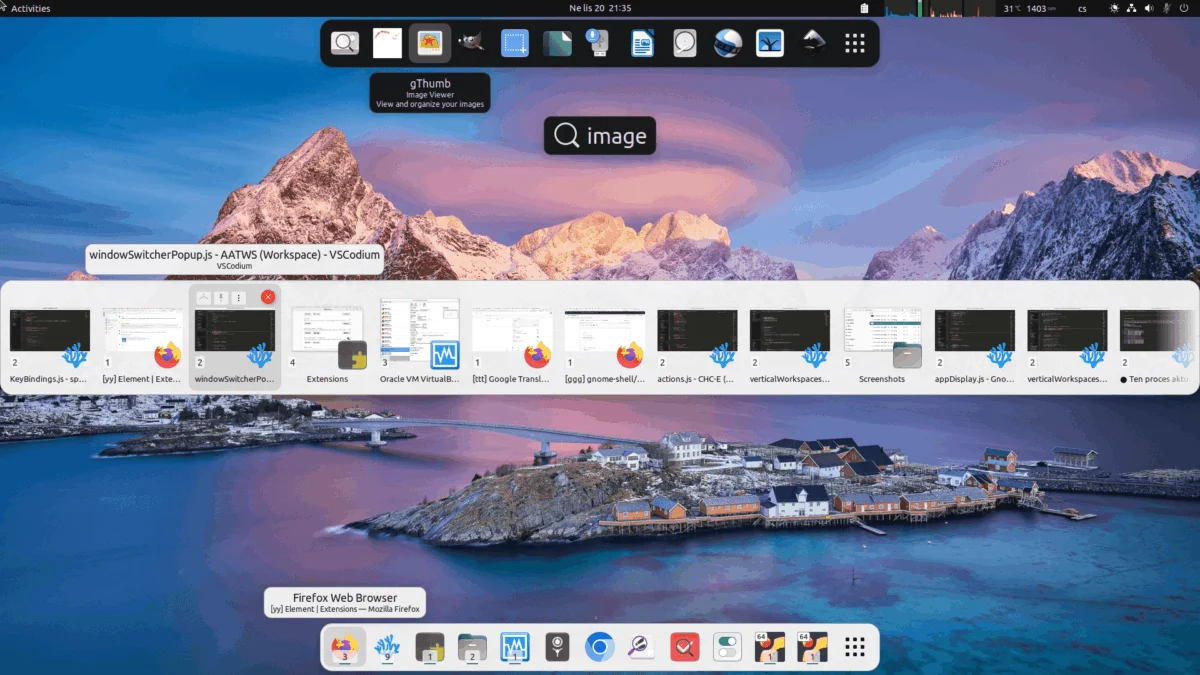
GNOME’s default window switcher is minimalist, which becomes a liability when managing a dozen or more open applications. AATWS replaces the stock switcher with a more robust interface.
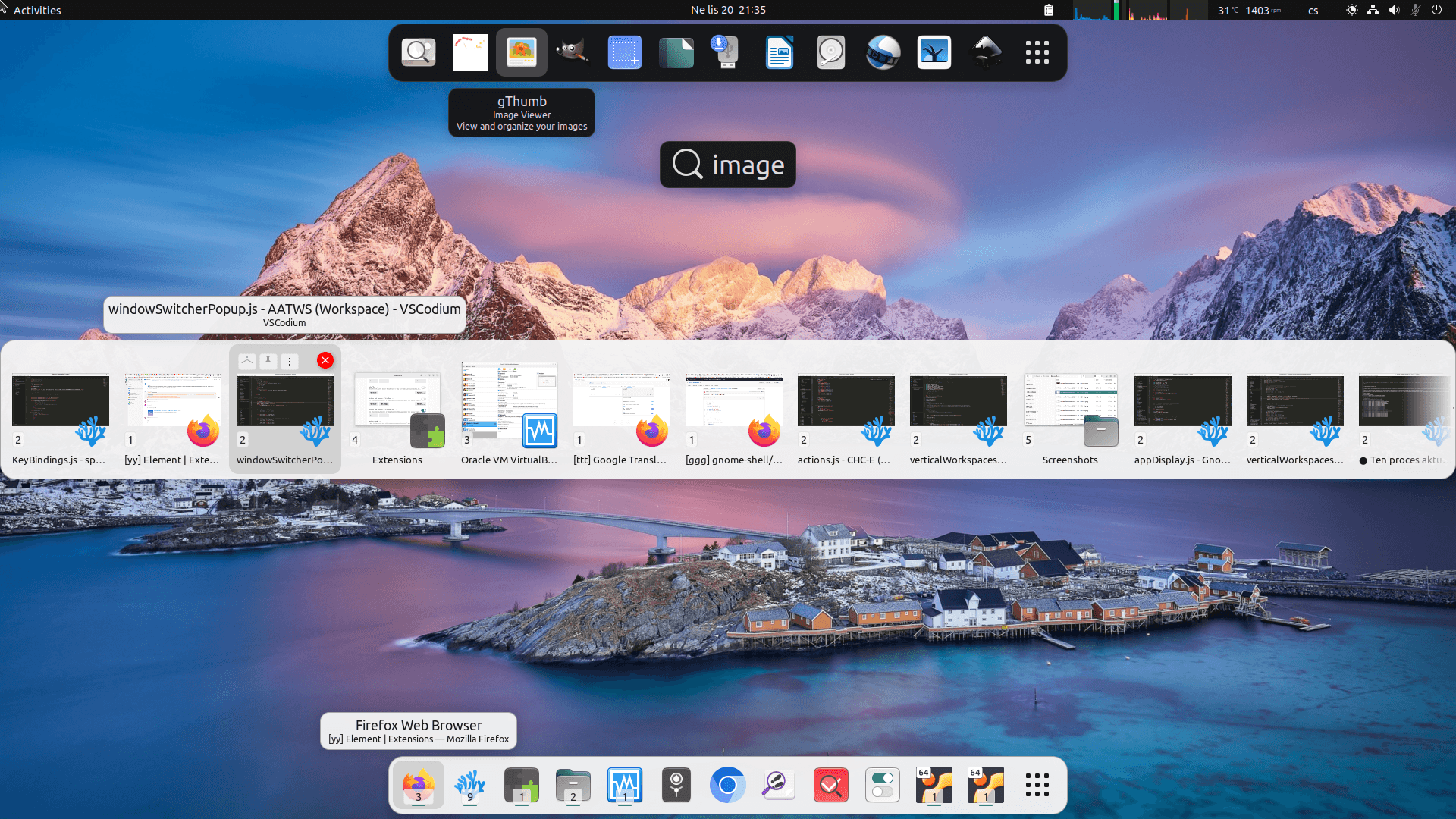
- Key Features: It adds searchability, sorting, and the ability to close or reposition windows directly from the switcher menu.
- Implications for Multi-Monitor Users: If your workflow spans multiple displays, the ability to quickly filter by app name or window title is a significant time-saver, reducing the physical need to hunt through a sea of open windows.
6. Tiling Shell: Structuring Your Desktop
While GNOME is not a "tiling window manager" by default, Tiling Shell introduces advanced spatial management to the environment.
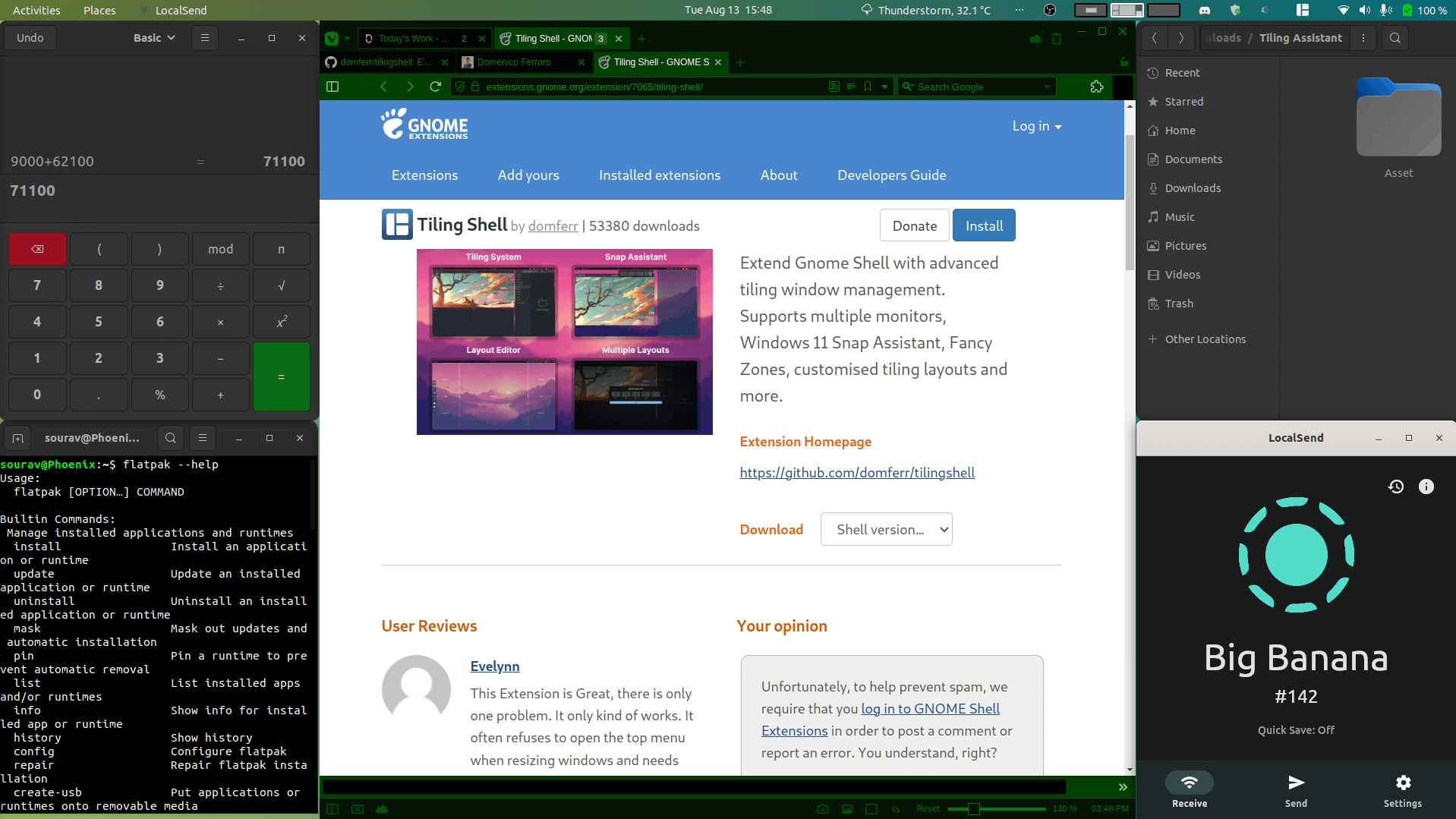
- Flexibility: It offers a snap-assistant feature that suggests layouts as you drag windows.
- Customization: Users can define unique layouts for different workspaces or monitors. By reducing the manual effort of resizing and arranging windows, it allows the desktop to adapt to the task at hand rather than forcing the user to adapt to the desktop.
7. Cronomix: The All-in-One Productivity Hub
For those who prefer a centralized utility, Cronomix is a powerful, multi-purpose extension.

- Tooling: It bundles a timer, stopwatch, Pomodoro tool, alarm, to-do list, and time tracker into a single panel drop-down.
- Methodology: The inclusion of the Pomodoro technique (work-break cycles) encourages a healthier, more sustainable approach to labor, helping to combat the fatigue associated with sedentary desk work.
8. Notes With History: Capturing Ephemeral Thoughts
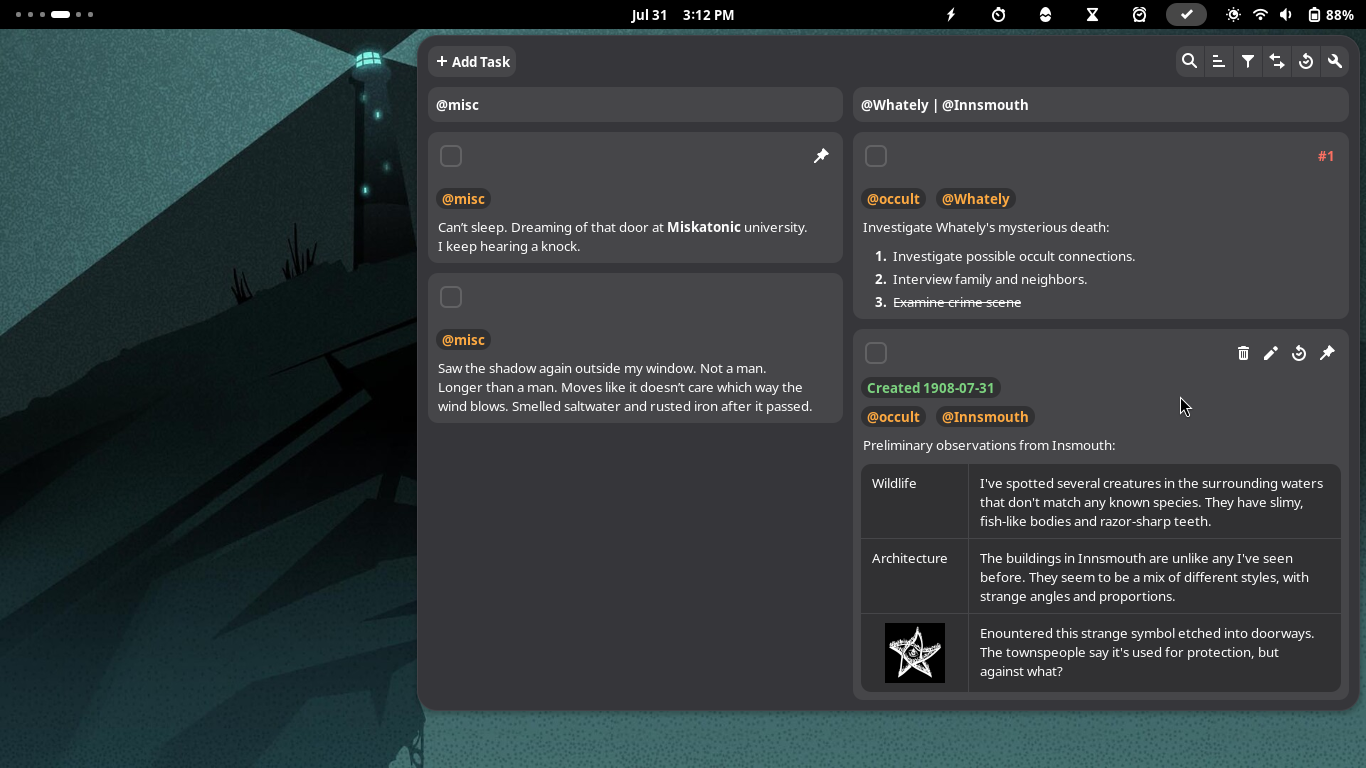
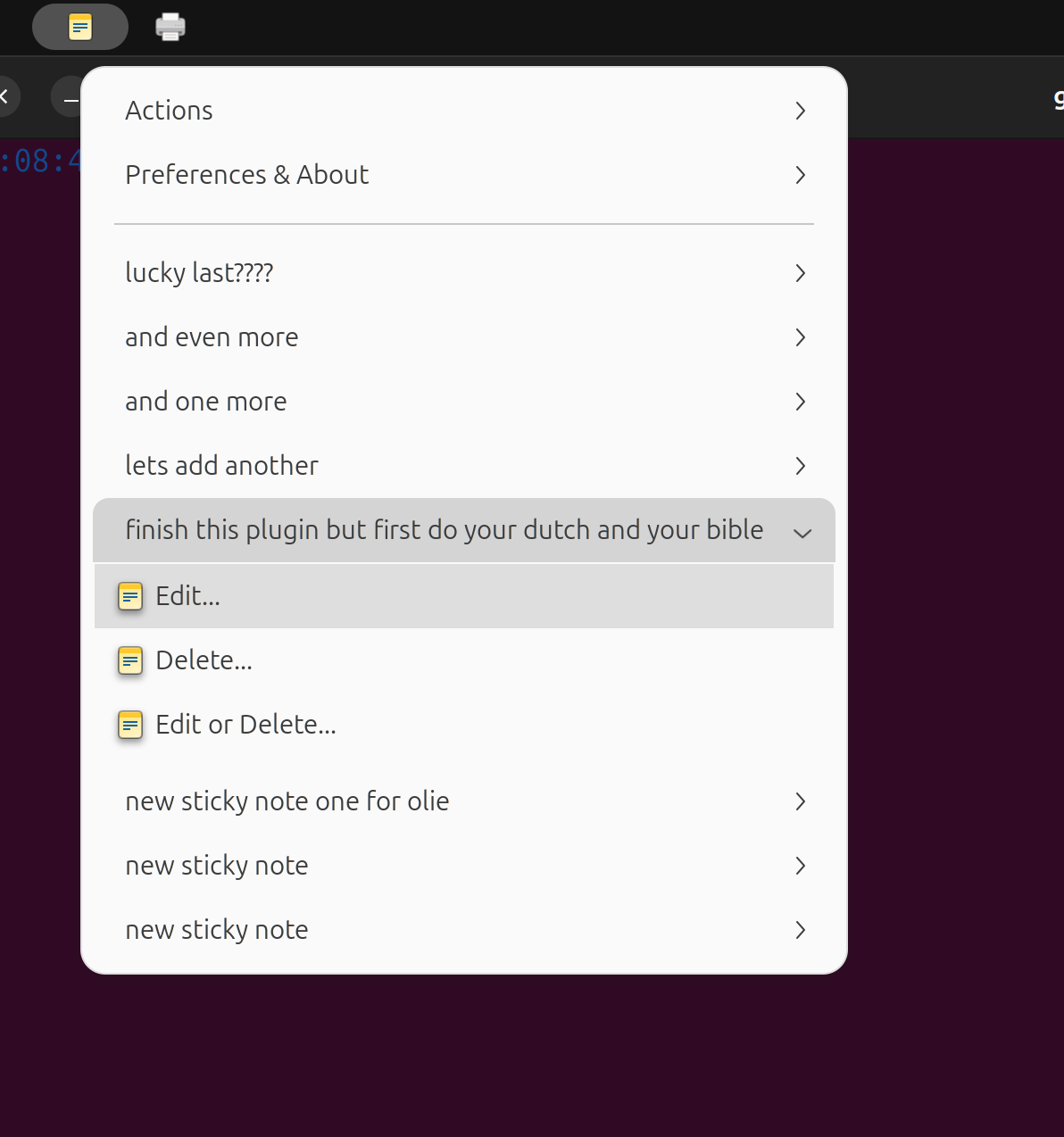
Sticky notes are a staple of office productivity, but they often clutter the desktop environment. Notes With History moves these reminders into the panel.

- Functionality: It provides a searchable, reorderable list of notes that remains accessible without taking up screen real estate. This is ideal for drafting quick commands, temporary snippets, or reminders that do not warrant a full-blown note-taking application like Obsidian or Joplin.
9. Freon: Monitoring System Vitality
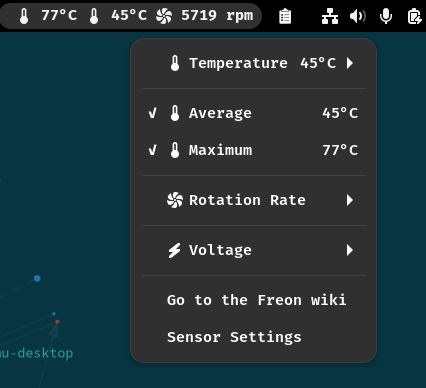
System performance is the foundation of productivity. When a machine begins to lag, it is often due to thermal throttling or an errant background process. Freon provides real-time monitoring of CPU, GPU, and disk temperatures.
- Utility: By keeping these metrics in the top bar, users can immediately identify if a slowdown is hardware-related (e.g., thermal issues) or software-related (e.g., an app consuming excessive resources).
Native Solutions: The GNOME 48 "Digital Wellbeing" Shift
While extensions offer specialized power, the GNOME project itself has begun integrating these concepts into the base OS. Since the release of GNOME 48, the Settings menu now features a Digital Wellbeing section.
Implications of Built-in Wellbeing
- Screen Time Tracking: Users can now monitor daily screen time, providing a data-driven look at their habits compared to previous weeks.
- Break Reminders: The system now includes native prompts for movement and eye strain, reducing the dependency on third-party extensions.
- The Grayscale Shift: One of the most effective features is the ability to turn the screen grayscale upon reaching a set time limit, providing a visual cue to step away and reset.
Conclusion: The Path Forward
Productivity is not achieved by accumulating more tools, but by refining the interaction between the human operator and the machine. Whether through the surgical precision of Tiling Shell or the comprehensive utility of Cronomix, these extensions allow GNOME users to construct an environment that respects the limitations of the human brain.
As GNOME continues to evolve, the distinction between "extension-provided" features and "native" features is narrowing. However, for the professional user, the ability to customize their interface via these extensions remains one of the most compelling arguments for using Linux as a primary workstation. By carefully curating your setup to reduce friction, you are not just optimizing your machine—you are reclaiming your time.