Mastering Adaptive Android Development: Streamlining Workflow with Terminal-Based Emulator Control
In the modern mobile ecosystem, the "one size fits all" approach to Android development has long been obsolete. With the proliferation of foldables, tablets, and varying aspect ratios, developers are tasked with the herculean challenge of ensuring a seamless user experience across a fragmented device landscape. While Android Studio provides robust GUI-based tools like the Resizable Emulator, professional developers are increasingly turning to the command line to accelerate their testing cycles. By utilizing adb emu commands, developers can now manipulate virtual hardware state, orientation, and posture with surgical precision, drastically reducing the friction inherent in adaptive UI testing.
The Shift Toward Command-Line Efficiency
For years, the standard workflow for testing responsive layouts involved manually interacting with the emulator’s extended controls—clicking through menus, dragging window corners, and toggling sensors. While intuitive, this manual approach is inherently slow and difficult to integrate into automated testing suites or repetitive debugging tasks.
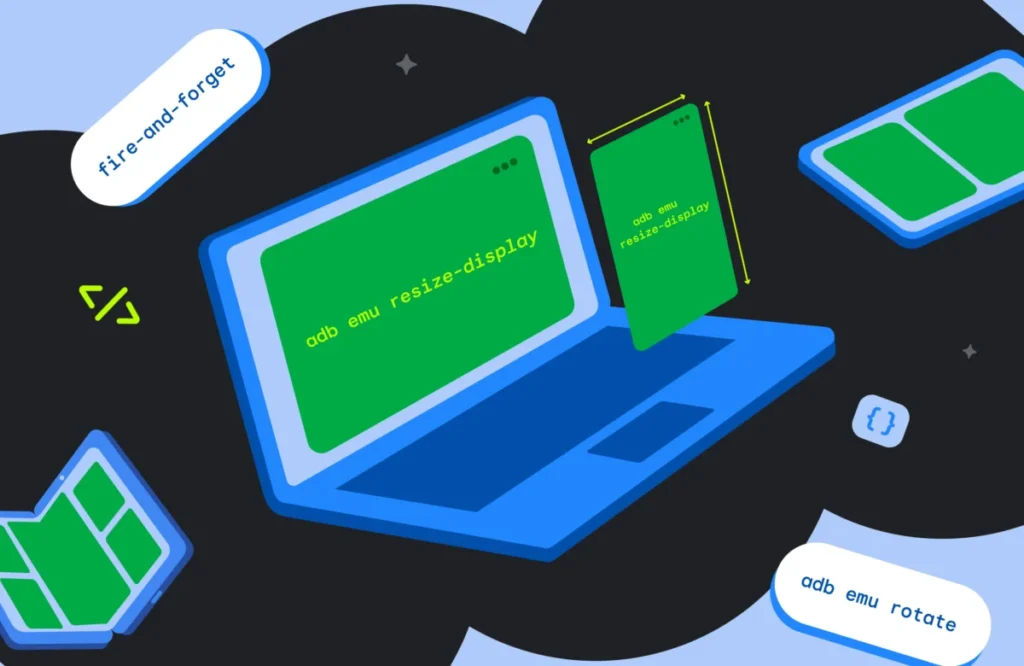
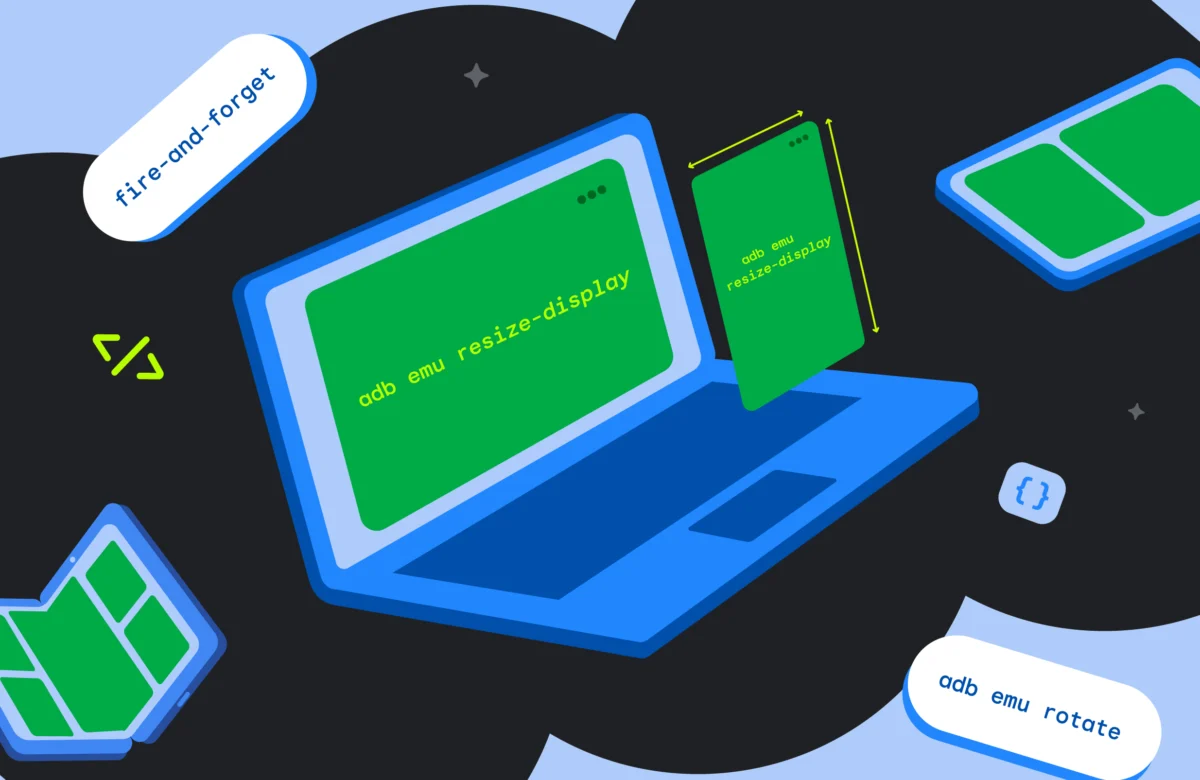
The introduction of direct terminal control via the adb emu shortcut marks a significant evolution in developer tooling. By treating the emulator as a programmatic entity rather than just a visual interface, developers can execute "fire-and-forget" commands. These commands allow the developer to remain within their IDE or terminal environment, eliminating the need to context-switch between code and the emulator window. This shift is not merely a matter of convenience; it is a fundamental optimization of the development lifecycle, allowing for faster iterations and more rigorous testing of edge-case scenarios.
Chronology of Android’s Adaptive Evolution
The journey toward the current state of adaptive development has been marked by several key milestones:
- The Era of Fragmentation: Early Android development was dominated by a handful of screen sizes. Testing was manageable, and "adaptive" design was largely a suggestion rather than a requirement.
- The Rise of Multi-Window Support: With Android 7.0 (Nougat), the introduction of multi-window and split-screen functionality forced developers to consider how apps behave when they do not occupy the full screen.
- The Foldable Revolution: The launch of devices like the original Samsung Galaxy Fold and the Pixel Fold fundamentally altered the stakes. Apps now had to handle "continuity"—the ability to transition seamlessly between a small outer display and a large inner canvas.
- Standardization of Tooling: Recognizing the developer burden, Google introduced the Resizable Emulator and consolidated command-line control, providing a unified way to test these complex hardware states without needing a physical device for every test case.
Supporting Data: Why Command-Line Control Matters
Efficiency in software engineering is often measured by the reduction of "micro-interruptions." According to developer experience research, context-switching—moving from the code editor to a GUI-based emulator control panel—can cost a developer up to 20% of their focus time during a debugging session.
By utilizing the adb -s <serial> emu <command> syntax, developers can target specific instances of the emulator. This is particularly vital for developers testing multi-device synchronization or communication between two distinct virtual form factors. Instead of managing multiple GUI windows, a script can be written to trigger a "fold" on one emulator and a "rotate" on another simultaneously. This level of granular control is impossible through the traditional mouse-and-keyboard approach.
Official Guidelines and Technical Deep-Dive
To effectively harness these tools, developers must understand the underlying structure of the adb emu command set. The following sections detail the core operations required for modern adaptive testing.
Folding and Unfolding: Testing Continuity
The most significant challenge for foldable devices is state preservation during transition. Does the app crash when the device folds? Does it correctly re-layout its elements when the internal display is exposed?
adb emu fold: Instantly triggers the fold event, simulating the closing of the device.adb emu unfold: Reverts the device to its open state, powering on the internal display.
By automating these calls, developers can write shell scripts that cycle through these states hundreds of times, testing the robustness of onConfigurationChanged handlers and lifecycle state restoration far more effectively than manual testing ever could.
Dynamic Orientation Management
Orientation changes remain a leading cause of runtime crashes in Android applications. The adb emu rotate command provides a clean way to test the 90-degree clockwise rotation. When integrated into a test script, this ensures that the activity lifecycle is being handled correctly, particularly for views that rely on savedInstanceState to maintain user progress during an orientation shift.
Simulating Postures and Sensors
Perhaps the most complex aspect of modern foldables is "posture"—specifically, the "tabletop mode" where the device is partially folded. Querying the available postures via adb emu posture allows the developer to map exactly what the emulator supports.

The Posture Hierarchy:
- Closed: The external display is active.
- Half-Opened (Tabletop): The device is bent at an angle, usually triggering specific UI adjustments.
- Opened: The device is fully flat.
It is critical to note that the emulator’s hardware abstraction layer (HAL) is strict. Attempting to force an unsupported posture (such as an experimental "4" or "5" on standard Pixel Fold templates) will result in a KO: Failed to set posture error. Developers should always query the current capabilities of their specific AVD before executing commands.
Resizing the Display
For the Resizable Emulator, the command-line interface provides a shortcut to toggle between predefined presets. By running adb emu resize-display, developers receive a list of indexed options (e.g., 0 for Phone, 1 for Unfolded, 2 for Tablet). Passing the corresponding index to the command allows for rapid switching between form factors, ensuring that responsive design breakpoints are triggered and verified in seconds rather than minutes.
Implications for the Development Lifecycle
The move toward programmatic control over the emulator has profound implications for both individual productivity and team-wide Quality Assurance (QA).
1. Enhanced Automated Testing
When developers can script the emulator, they can create automated smoke tests that run every time code is committed. A CI/CD pipeline can now launch an emulator, resize it to a tablet, rotate it to landscape, fold it, and verify that the UI hasn’t broken—all without human intervention. This shifts testing "left," catching layout bugs long before the app reaches the beta stage.
2. Improved Debugging of Lifecycle Events
Many bugs related to configuration changes are "heisenbugs"—they disappear when you try to observe them. By automating the trigger of these changes, developers can attach a debugger and reliably hit the exact moment of transition, making it significantly easier to diagnose state-loss issues.
3. Reduced Hardware Dependency
While physical device testing remains the "gold standard," the cost and logistical difficulty of maintaining a library of every foldable and tablet on the market are prohibitive for most teams. By mastering terminal-based emulator commands, teams can achieve a higher degree of confidence in their app’s cross-device behavior, using the emulator as a high-fidelity proxy for the actual hardware.
Conclusion: The Path Forward
The Android ecosystem is not slowing down in its complexity. As new form factors—perhaps even more experimental ones—enter the market, the tools to manage them must become more sophisticated. The adb emu command set is a bridge to this future.
Developers who invest the time to learn these shortcuts are not just saving themselves a few seconds of clicking; they are building a more resilient, scalable, and professional development process. By integrating these commands into daily workflows, documentation, and automated test suites, teams can ensure their applications are as adaptive and robust as the devices they run on.
For those ready to transition from the GUI to the terminal, the official Android documentation remains the definitive resource for advanced emulator console commands. Start by listing your current AVD capabilities, experiment with the fold/unfold triggers, and begin building the scripts that will define the next generation of adaptive Android excellence.