Building a Sovereign Digital Mind: How to Construct a Privacy-First ‘Second Brain’ on Your Raspberry Pi
Main Facts
In an era defined by a ceaseless deluge of digital notifications, emails, and information streams, cognitive overload has become an occupational hazard for students, professionals, and makers alike. To combat this modern malady, the latest issue of Raspberry Pi Official Magazine (Issue 169) features a comprehensive Maker Monday tutorial on building a Personal Knowledge Management (PKM) system.
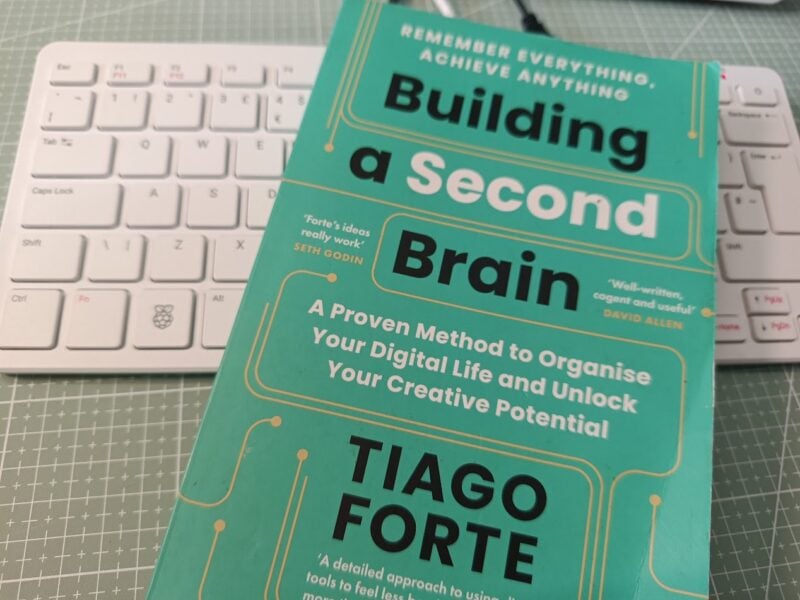
Inspired by Tiago Forte’s acclaimed framework, Building a Second Brain, this project moves beyond traditional analog sticky notes and cloud-locked proprietary software. Instead, it leverages open-source tools—specifically Logseq for knowledge cataloguing and Syncthing for peer-to-peer file synchronization—running entirely on local hardware powered by the Raspberry Pi ecosystem.
Key facts of the implementation include:
- Local-First Architecture: All notes, PDFs, audio files, and markdown assets reside strictly on user-controlled hardware, ensuring absolute data privacy.
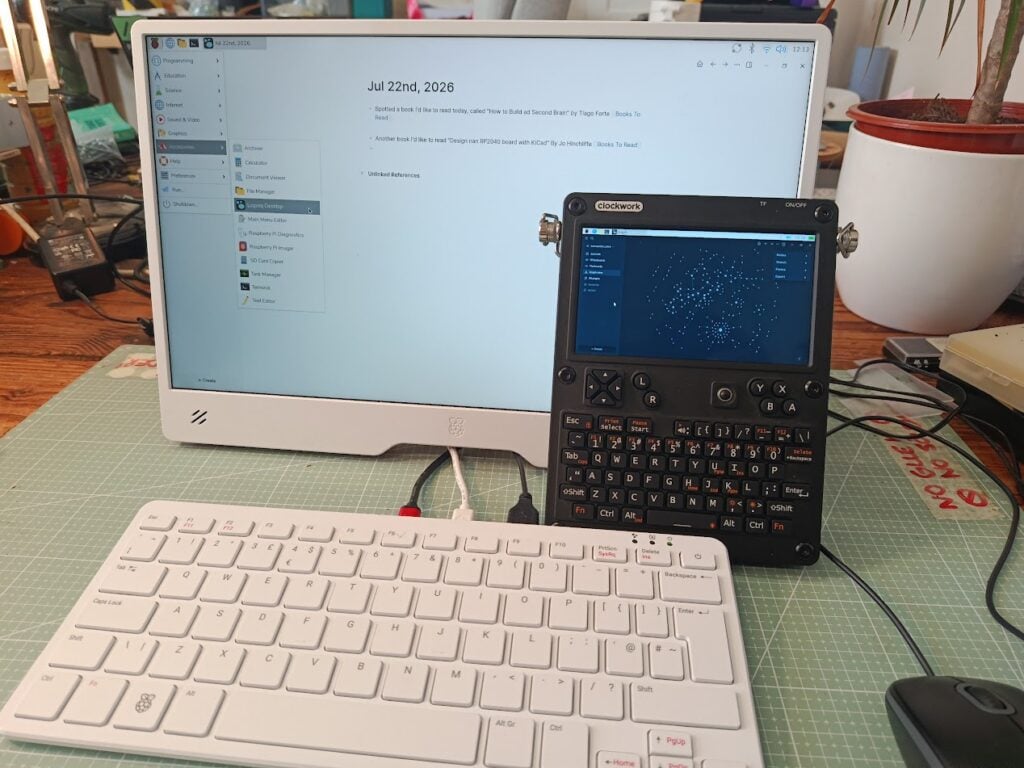
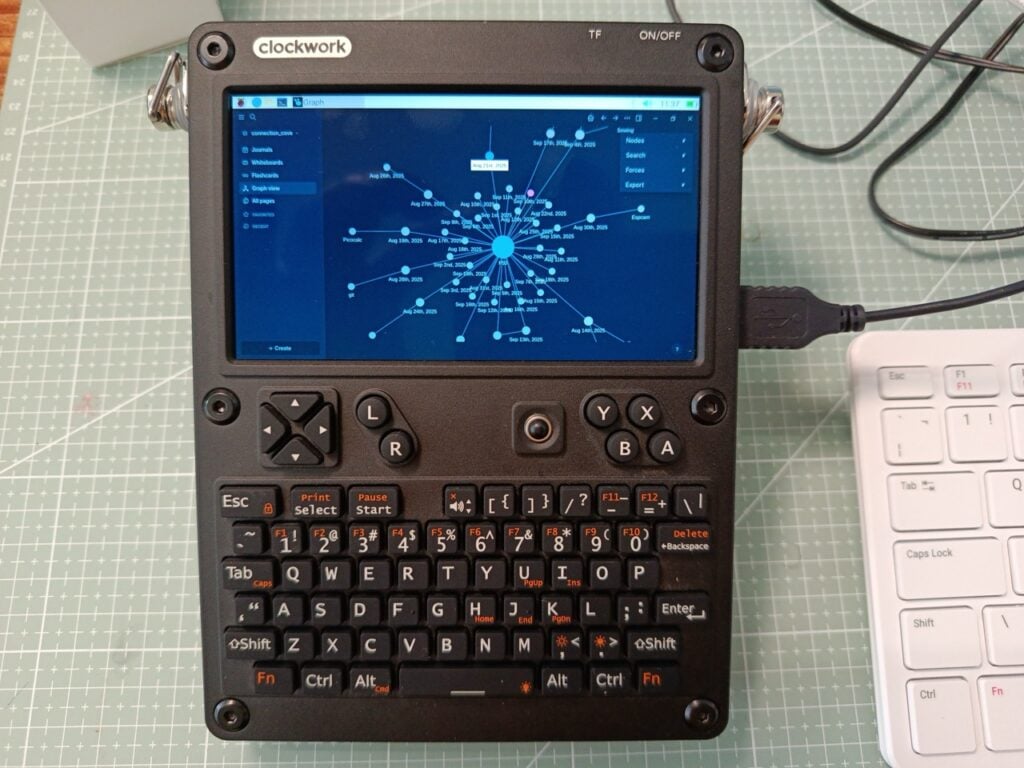
- Cross-Device Parity: The system seamlessly synchronizes across diverse hardware variants, including the Raspberry Pi 500, Raspberry Pi Zero, and Compute Module 4-powered Uconsole devices, without ever touching a commercial cloud server.
- Dynamic Tagging: Utilizing Logseq’s bidirectional linking (
[[Tag Name]]), users can establish complex webs of contextual data, replacing rigid folder hierarchies with organic knowledge graphs. - Automated Safety Nets: By integrating Bash scripts and the
cronutility, users can establish robust local backup systems to mitigate the risks associated with peer-to-peer synchronization.
Chronology: Step-by-Step Implementation Guide
Setting up a sovereign knowledge management system requires a deliberate, step-by-step technical progression. Below is the chronological blueprint detailed in the official tutorial.
Phase 1: Installing Logseq via Snap
Because Logseq relies on the Snap package manager for Raspberry Pi OS deployments, the initial phase focuses on environment preparation.
- Update System Packages:
Open the Terminal and ensure the system is current:$ sudo apt update - Install Snapd:
Install the Snap package manager service:$ sudo apt install snapd - Reboot and Finalize Snap Configuration:
Reboot the device to initialize system sockets properly:$ sudo rebootUpon restarting, open the terminal again and finalize the snapd installation:
$ sudo snap install snapd - Install Logseq:
Pull the official Logseq build using the specified channel:$ sudo snap install logseq --channel=ogLaunch: Access Logseq via the desktop applications menu under Accessories > Logseq Desktop. Upon opening, designate a dedicated local directory (e.g.,
~/2nd_Brain) to serve as your primary information "graph."
Phase 2: Populating and Tagging the Knowledge Base
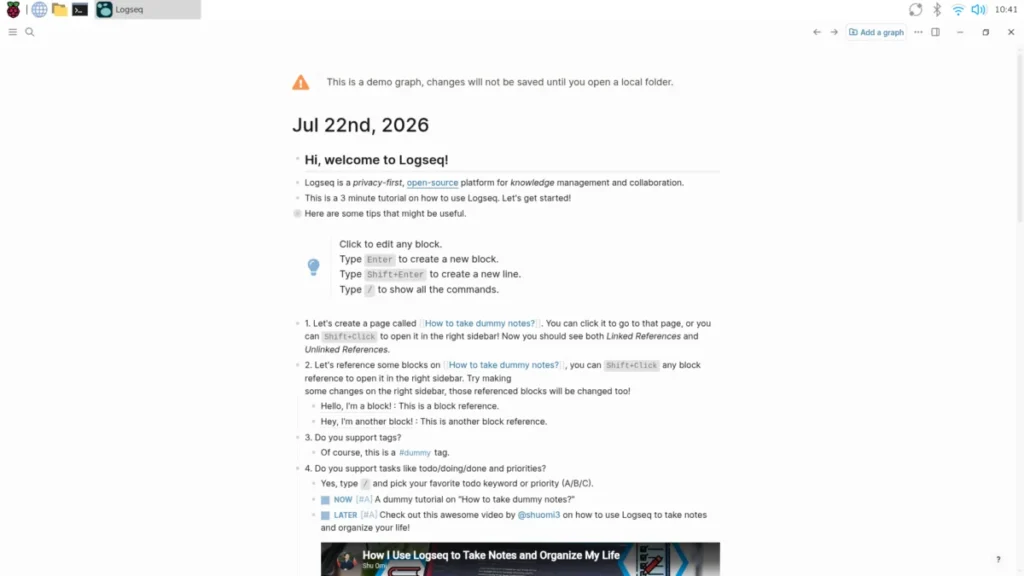
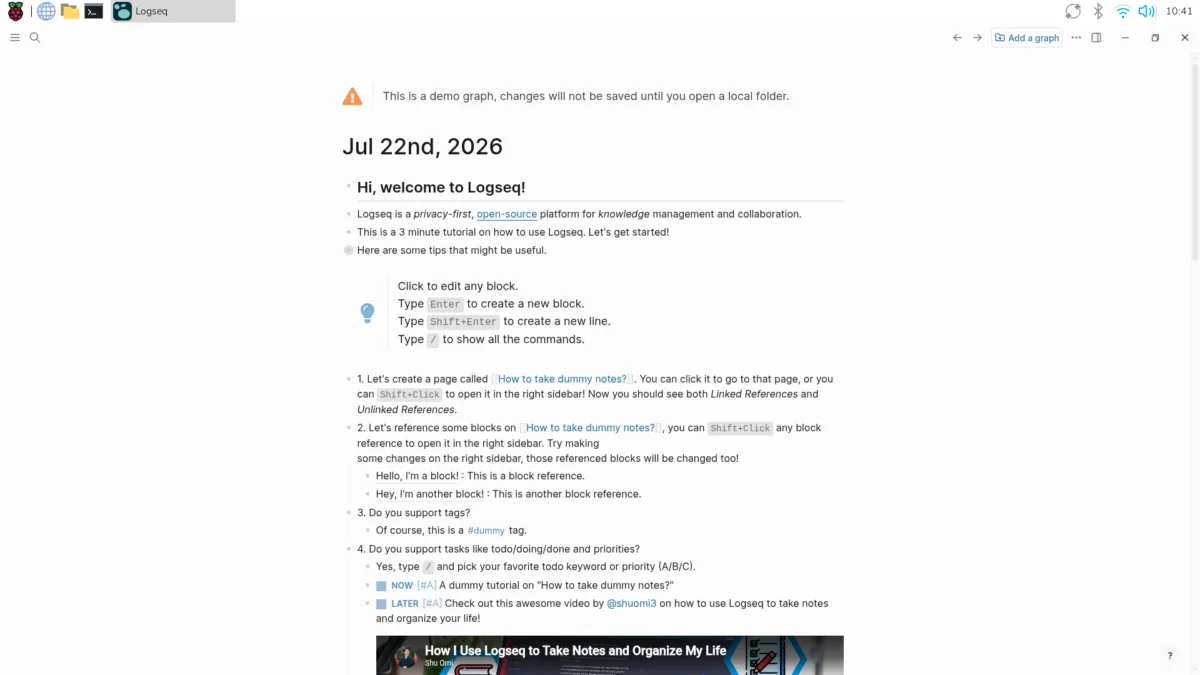
Logseq operates on a daily journal format coupled with markdown files.
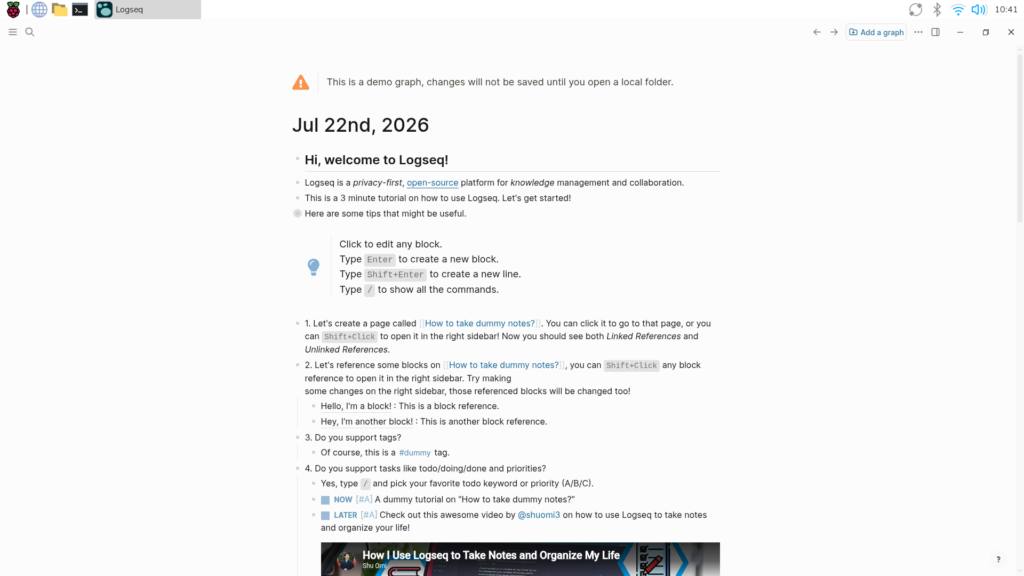
- Journal Entries: Every time Logseq launches, it generates a clean, empty journal entry for the current date.
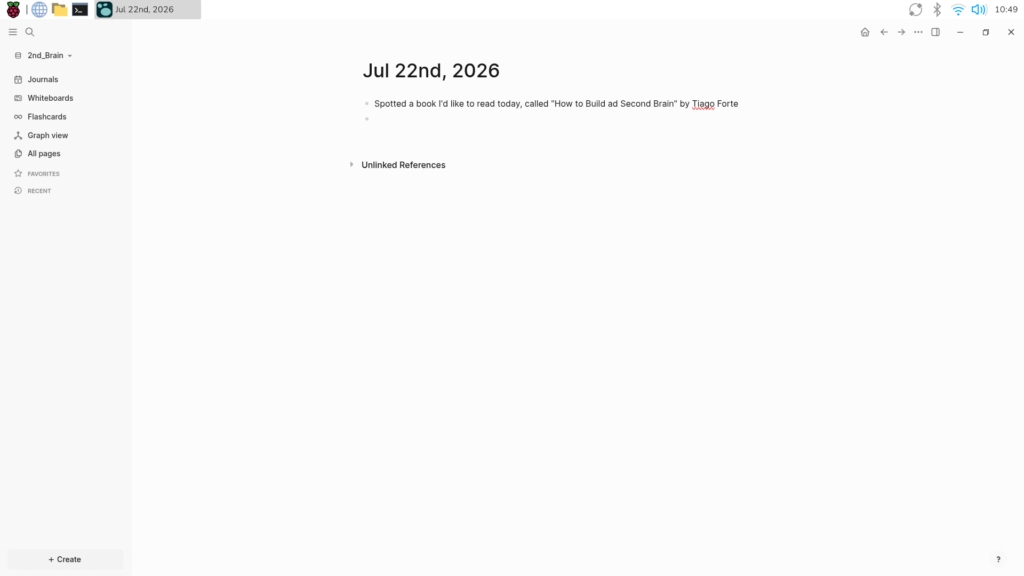
- Ubiquitous Capture: Type a raw note—for instance, noting a book title or a complex customs tariff number.
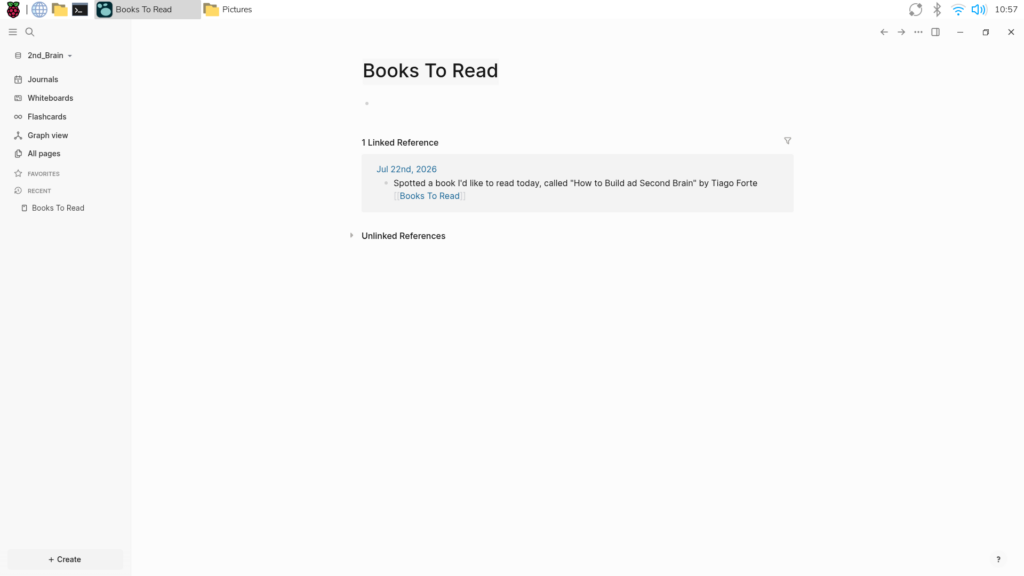
- Bidirectional Tagging: To ensure the note is retrievable beyond simple chronological searches, append a tag inside double square brackets, such as
[[Books To Read]]or[[Tariff]]. Clicking this tag instantly generates a dedicated page compiling every instance across your entire system where that tag was utilized. - Asset Integration: Type
/Upload an assetto embed PDFs, images, or audio clips directly into your notes, where they are automatically catalogued in a local subfolder.
Phase 3: Cross-Device Synchronization with Syncthing
To make your second brain accessible across multiple machines without relying on commercial cloud infrastructure, implement Syncthing.
- Update and Prepare Dependencies:
$ sudo apt update $ sudo apt upgrade $ sudo apt install apt-transport-https - Secure the Repository Keys:
Download and store the official Syncthing GPG keys securely in your keyrings directory:$ curl -s https://syncthing.net/release-key.txt | gpg --dearmor | sudo tee /usr/share/keyrings/syncthing-archive-keyring.gpg >/dev/null - Add the Repository and Install:
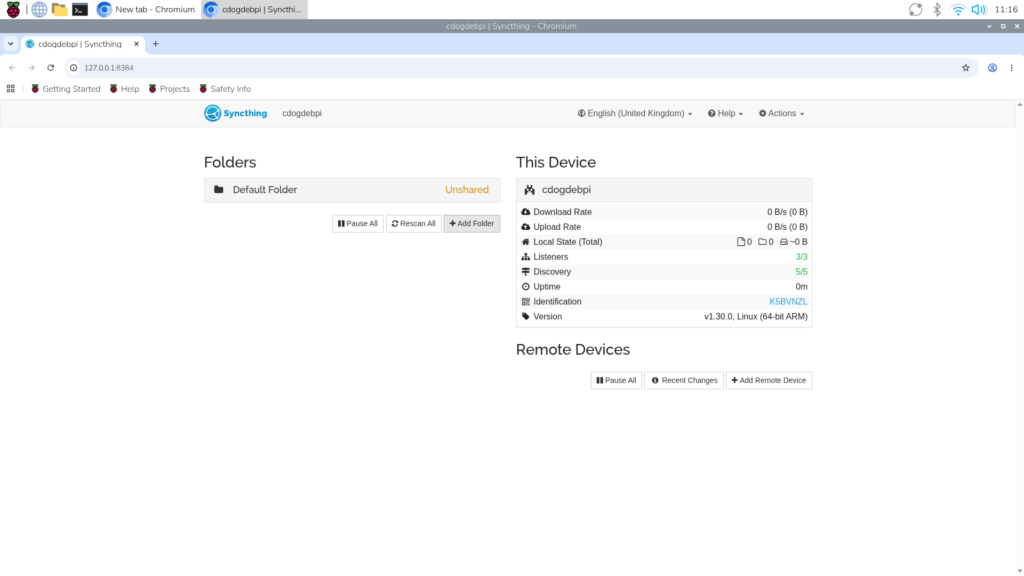
$ echo "deb [signed-by=/usr/share/keyrings/syncthing-archive-keyring.gpg] https://apt.syncthing.net/ syncthing stable" | sudo tee /etc/apt/sources.list.d/syncthing.list $ sudo apt update $ sudo apt install syncthing - Configure the Web UI:
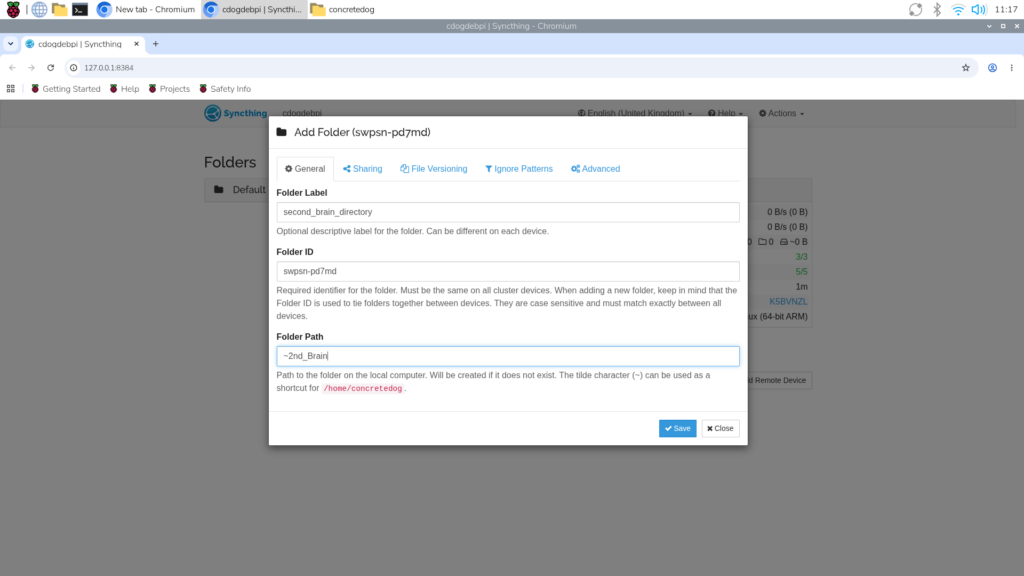
Launch Start Syncthing followed by Syncthing Web UI from your application menu.- Add Folder: Designate your
~/2nd_Braindirectory. - Add Remote Device: Exchange device IDs with your secondary hardware (such as a Uconsole or Pi Zero) via the intuitive web administration console. Once linked, enable folder sharing between the nodes.
- Add Folder: Designate your
Phase 4: Implementing Automated Local Backups
Peer-to-peer synchronization is not a substitute for a backup; accidental deletions will propagate instantly across all synced nodes. To prevent data loss, construct an automated backup pipeline.
- Create a Backup Script:
Open the nano text editor:$ sudo nano backup_script.shInsert the following
rsynccommand, substituting your actual directory paths:#!/bin/sh rsync -avh /home/pi/2nd_Brain /home/pi/backup_2nd_brain - Make the Script Executable:
$ sudo chmod +x backup_script.sh - Automate via Cron:
Open the crontab configuration utility:$ crontab -eAppend a scheduling rule to execute the backup automatically (e.g., daily at 10:30 AM):
30 10 * * * /home/pi/backup_script.sh
Supporting Data & Technical Specifications
To contextualize the viability of running a heavy personal knowledge management and synchronization suite on single-board computers, consider the underlying technical metrics:
- Hardware Compatibility: The software stack has been successfully validated across the Raspberry Pi 500 (ideal desktop environment), Raspberry Pi Zero W (optimal for headless, 24/7 background syncing and backup execution), and the Raspberry Pi Compute Module 4 (utilized in portable form-factor devices like the Uconsole).
- Data Transport Security: Syncthing utilizes TLS (Transport Layer Security) for all data in transit. Communications feature mandatory device authentication, ensuring that data packets cannot be intercepted or spoofed by malicious actors on local or wide-area networks.
- Storage Footprint: Logseq stores information as plain-text Markdown files (
.md). This guarantees long-term data longevity, as text files are impervious to proprietary software deprecation and can be read by virtually any text editor in existence.
Official Insights: The Philosophy of Personal Knowledge Management
The tutorial draws heavily on the structural paradigms popularized by productivity experts. Tiago Forte’s Building a Second Brain posits that human biological memory is optimized for having ideas, not holding them. When individuals attempt to memorize administrative data, complex product tariffs, research bibliographies, or project schedules, cognitive bandwidth is drained.

By offloading these data points into an external, searchable repository, individuals free up mental processing power for creative problem-solving. Furthermore, the decision to anchor this methodology within the Raspberry Pi ecosystem reflects a growing counter-movement against "subscription fatigue" and privacy erosion. By refusing to route personal journals, thoughts, and intellectual property through centralized corporate servers, makers reclaim absolute ownership over their digital identities.
Implications and Future Horizons
The convergence of affordable, powerful single-board computers like the Raspberry Pi with sophisticated open-source software like Logseq and Syncthing has profound implications for digital sovereignty, education, and mobile productivity.
1. The Death of Surveillance Capitalism in Personal Notes
For years, mainstream note-taking applications have subtly nudged users toward cloud-tethered ecosystems. While convenient, these platforms expose sensitive journals, business ideas, and personal data to algorithmic scanning and potential data breaches. This open-source workflow demonstrates that absolute privacy does not require corporate enterprise budgets; it can be achieved on a credit-card-sized computer sitting on a desktop.
2. True Cross-Platform Portability
Because Logseq utilizes localized Markdown files and Syncthing operates independently of external relay servers once peered, users are liberated from vendor lock-in. A student can capture notes on a Raspberry Pi 500 in a home workshop, review and edit them on a portable Uconsole during a commute, and sync everything back to a headless Raspberry Pi Zero server—all without a single byte of data leaving private networks.
3. Expanding Maker Horizons
As demonstrated in Issue 169 of Raspberry Pi Official Magazine, the maker community continues to push single-board computers far beyond simple electronic tinkering and LED blinking. By transforming low-power hardware into mission-critical infrastructure for daily life management, users are proving that the Raspberry Pi is just as formidable a tool for mental organization as it is for physical engineering.
To explore more hardware tutorials, community builds, and deep dives into the maker ecosystem, readers can access Issue 169 of Raspberry Pi Official Magazine online or subscribe to the print edition.