From Hobbyist Board to Enterprise Workstation: The Evolution of Raspberry Pi as a Desktop PC
In the rapidly evolving landscape of personal and enterprise computing, the definition of a "desktop PC" is undergoing a radical transformation. Once characterized by bulky towers and power-hungry processors, the modern workstation is increasingly defined by efficiency, compact form factors, and cost-effectiveness. Leading this charge is an unlikely candidate: the Raspberry Pi.
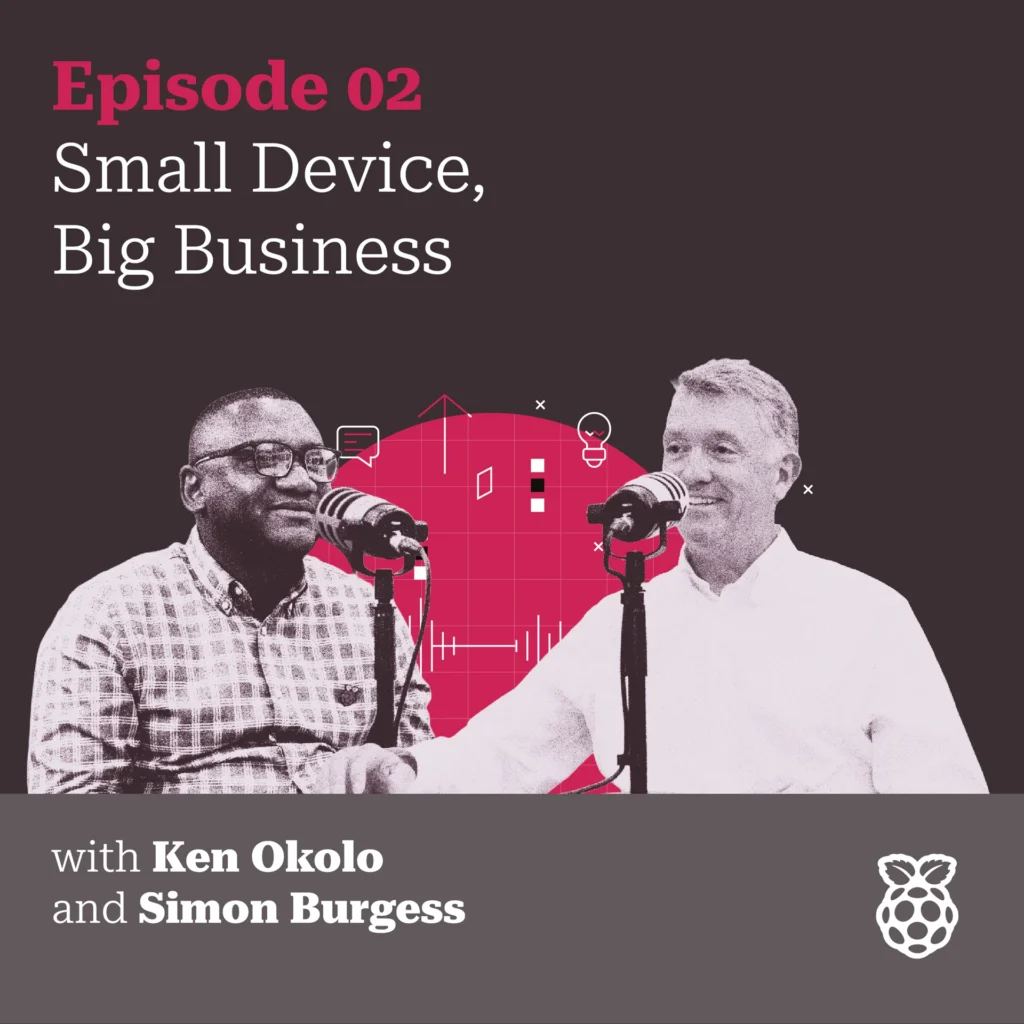
In the latest installment of the Raspberry Pi Podcast, host Ken Okolo sat down with Simon Burgess, a key figure in Raspberry Pi’s commercial team, to dissect the brand’s transition from an educational curiosity to a legitimate desktop powerhouse. The episode provides a comprehensive look at the current hardware lineup, including the Raspberry Pi 4, the flagship Raspberry Pi 5, and the innovative all-in-one keyboard computers, the Raspberry Pi 400, 500, and the newly highlighted 500+.
Main Facts: The Paradigm Shift in Affordable Computing
The central premise of the discussion is a challenge to a long-standing industry misconception: that the Raspberry Pi is exclusively a tool for hobbyists, coders, and "tinkerers." While its roots remain firmly planted in the DIY community, the hardware has matured to a point where it can capably serve as a primary computing device for both home users and multinational corporations.
The core facts presented in the podcast highlight several critical developments:
- Performance Parity: With the release of the Raspberry Pi 5, the performance gap between Single Board Computers (SBCs) and entry-level traditional PCs has narrowed significantly. The Pi 5 features a 64-bit quad-core Arm Cortex-A76 processor running at 2.4GHz, providing a smooth experience for web browsing, office productivity, and media consumption.
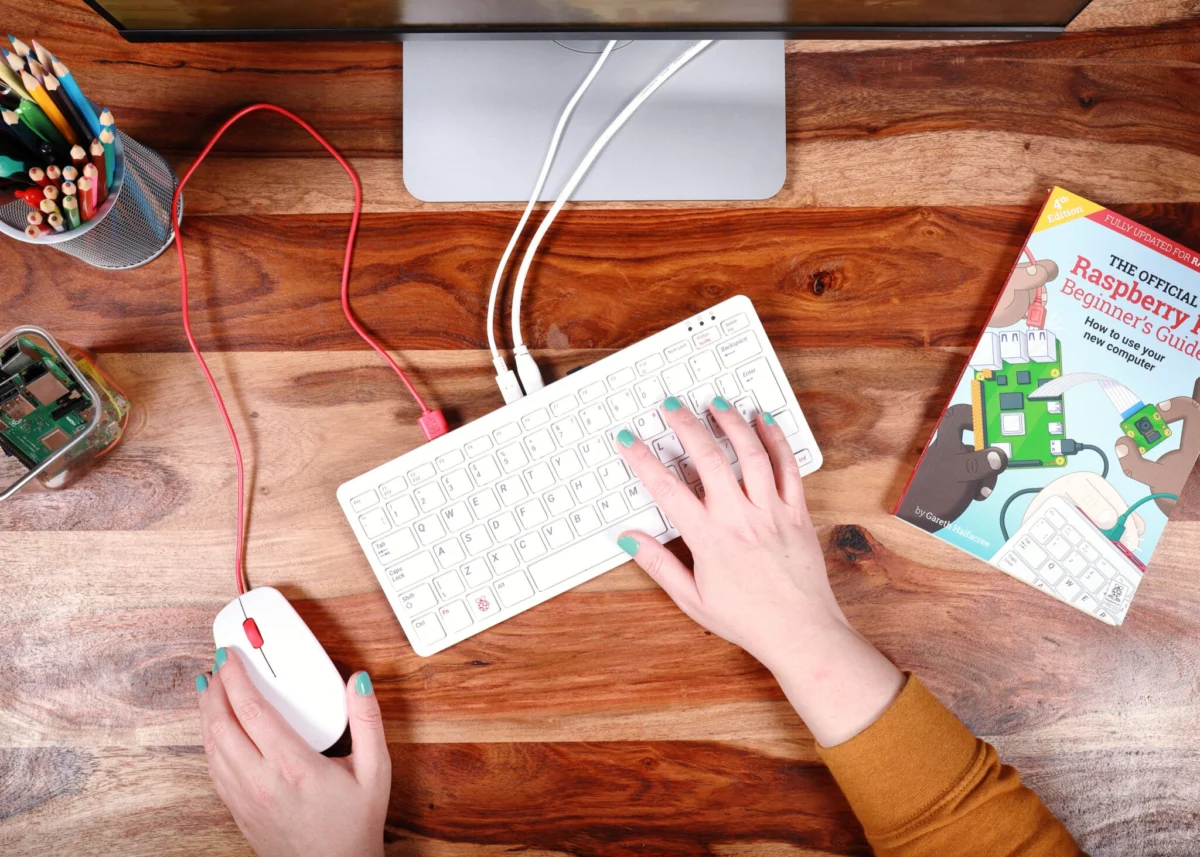
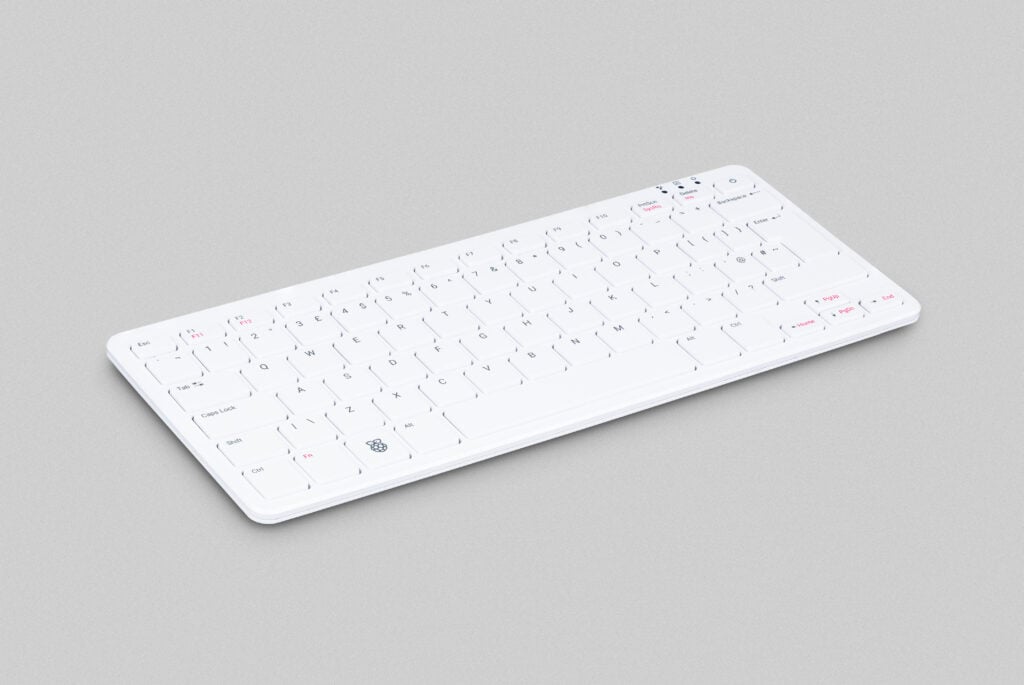
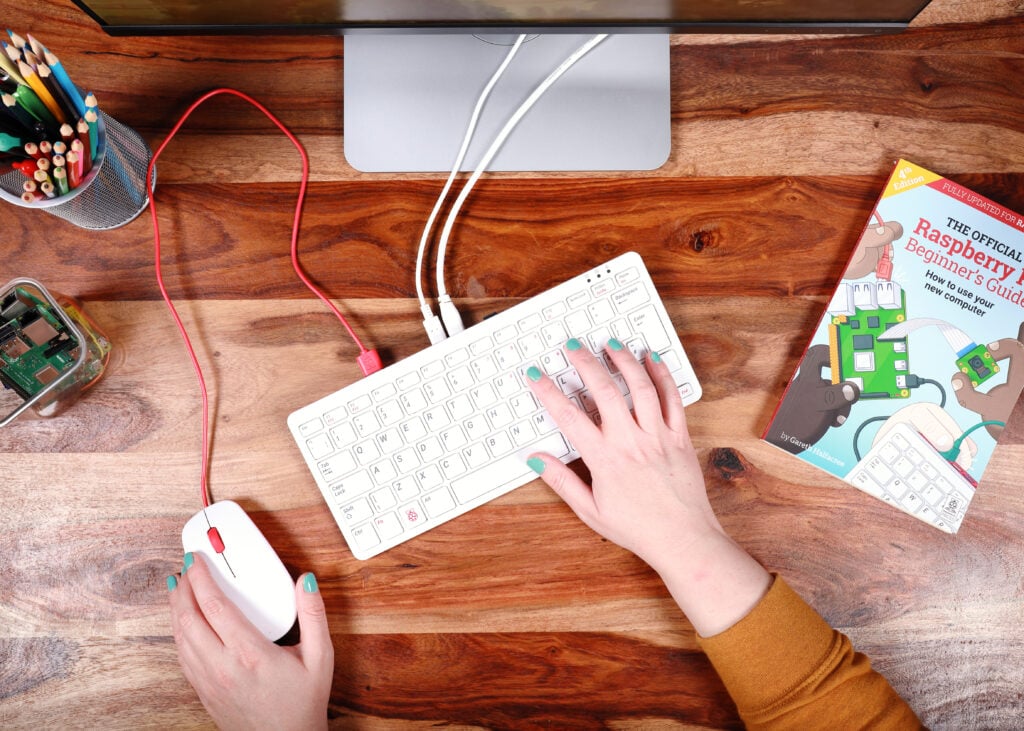
- The All-in-One Revolution: The "500 series" (Pi 400, 500, and 500+) integrates the computer directly into a sleek keyboard chassis. This "plug-and-play" approach removes the barrier to entry for non-technical users, offering a clutter-free, out-of-the-box desktop experience.
- Enterprise Adoption: Major organizations, including Arcos Dorados (the largest McDonald’s franchisee in the world) and the UK’s Explore Learning, have moved away from traditional x86 hardware in favor of Raspberry Pi-based thin clients.
- The Software Ecosystem: Raspberry Pi OS, based on Debian Linux, has evolved into a user-friendly, lightweight interface. Bundled with LibreOffice, it provides a free alternative to the Microsoft Office suite, though it remains fully compatible with cloud-based services like Microsoft 365 and Google Workspace.
Chronology: From Educational Tool to Desktop Replacement
To understand the current state of Raspberry Pi as a PC, one must look at the decade-long evolution of the hardware.
2012–2018: The Educational Foundation
When the first Raspberry Pi launched in 2012, its primary mission was to democratize access to computing. At $35, it was designed to be "breakable" and "hackable," encouraging students to learn Python and hardware interfacing without the fear of ruining an expensive family computer. However, even in these early stages, the community began using the Pi for basic server tasks and light web browsing.
2019: The Raspberry Pi 4 "Tipping Point"
The launch of the Raspberry Pi 4 Model B was a watershed moment. It was the first iteration to offer up to 8GB of RAM and dual-monitor support at 4K resolution. This was the point where the hardware truly began to look like a desktop PC. It could handle multiple browser tabs and office applications simultaneously, prompting many to experiment with it as their daily driver.
2020: The Birth of the Keyboard PC
Recognizing that many users were buying the Pi specifically for desktop use, the company released the Raspberry Pi 400. By housing the Pi 4’s internals inside a keyboard, they created a form factor reminiscent of the classic 1980s home computers like the Commodore 64 or BBC Micro, but with modern power.
2023–2025: The Raspberry Pi 5 and the 500 Series
The Raspberry Pi 5 arrived with a massive leap in processing power and I/O speed. This was followed by the expansion of the "500" series, including the 500 and 500+, which refined the keyboard-computer concept with better thermal management and updated internals. As Simon Burgess noted in the podcast, this era marks the Pi’s definitive entry into the professional workstation market.
Supporting Data: The Economics of the Pi Desktop
The shift toward Raspberry Pi is driven by more than just performance; the economic data presents a compelling case for mass deployment.
1. Capital Expenditure (CAPEX) vs. Operational Expenditure (OPEX)
A standard enterprise-grade desktop PC often costs between $500 and $1,200. In contrast, a Raspberry Pi 5 setup—including the board, case, power supply, and storage—typically retails for under $150. For a business deploying 5,000 units, the initial savings run into the millions of dollars.
2. Energy Efficiency
Sustainability is no longer a "nice-to-have" but a corporate mandate. A traditional desktop tower can consume between 60W and 250W of power. The Raspberry Pi 5, even under heavy load, typically draws less than 15W. In large-scale deployments, such as the 2,500 units used by McDonald’s in South America, the reduction in electricity costs and carbon footprint is substantial.
3. Longevity and Reliability
Unlike consumer laptops that often suffer from planned obsolescence or fragile hinges, the Raspberry Pi is a solid-state device with no moving parts (unless an active cooling fan is added). This leads to a lower failure rate in harsh environments—such as a hot restaurant kitchen or a high-traffic learning center.
Official Responses: Insights from the Commercial Team
During the podcast, Simon Burgess provided a peek behind the curtain of Raspberry Pi’s commercial strategy. He emphasized that the "prosumer" and "enterprise" markets are now central to their growth.
Burgess shared a personal anecdote that resonated with many listeners: “My mother-in-law uses a Raspberry Pi 5. She uses it for Duolingo and emails, and she’s delighted with it.” This simple statement highlights the user-friendliness of the modern Raspberry Pi OS. It is no longer a system where one must use a command line to perform basic tasks; it is an intuitive environment that appeals to the "non-techie" demographic.
Addressing the business sector, Burgess focused on the "Thin Client" model. In this setup, the Raspberry Pi serves as a gateway to a powerful central server. The Pi handles the display and user input, while the heavy lifting is done elsewhere. This allows companies to provide a high-end computing experience to staff using low-cost, low-power hardware at the desk.
Case Study: Arcos Dorados (McDonald’s South America)
Burgess detailed the deployment of 2,500 Raspberry Pi-based thin clients across McDonald’s locations in South America and the Caribbean. The motivation was twofold: reducing the physical footprint in crowded back-office environments and lowering energy consumption. By mounting the Pi directly to the back of monitors using VESA mounts, the company effectively "reclaimed" desk space while cutting hardware costs.
Case Study: Explore Learning (UK)
In the UK, the private tutoring company Explore Learning replaced 5,000 aging PCs with Raspberry Pis. The transition allowed the centers to provide a modern, fast computing experience for students and staff without the massive overhead of a traditional hardware refresh.
Implications: The Future of the Desktop
The transition of Raspberry Pi from a "computer for kids" to a "computer for everyone" has profound implications for the future of the industry.
The Democratization of Computing
The low price point of the Pi ensures that high-quality computing is not a luxury. As remote work and digital literacy become global requirements, the Pi provides a pathway for families in developing economies to access the same tools used in Silicon Valley.
The Decline of Bloatware
One of the most significant advantages of Raspberry Pi OS mentioned in the discussion is the lack of "bloatware." Traditional Windows PCs often come pre-loaded with trial software and background processes that slow the system down. The Raspberry Pi offers a "clean" experience, ensuring that every cycle of the processor is dedicated to the user’s actual work.
A Shift in IT Management
For IT managers, the Raspberry Pi represents a shift toward "disposable" or "easily swappable" hardware. If a Pi fails, it can be replaced in minutes for a nominal cost, with the user’s data remaining safe on a centralized server or cloud drive. This reduces downtime and the need for specialized on-site repair technicians.
Environmental Impact
As the world grapples with e-waste, the Raspberry Pi’s minimal packaging, long lifecycle, and low power requirements offer a blueprint for more sustainable tech consumption. The ability to repurpose an old Pi (e.g., turning a desktop Pi 4 into a home media server after upgrading to a Pi 5) extends the hardware’s utility far beyond that of a standard PC.
Conclusion
The latest episode of the Raspberry Pi Podcast serves as a definitive status report on the state of the "alternative" PC. Whether it is a grandmother learning a new language on Duolingo or a global fast-food giant streamlining its operations, the Raspberry Pi has proven that it is more than capable of handling the demands of modern computing.
As Simon Burgess and Ken Okolo concluded, the question is no longer "Can a Raspberry Pi be your PC?" but rather, "Why hasn’t it become your PC yet?" With the continued refinement of the 500 series and the robust performance of the Pi 5, the line between "hobbyist board" and "professional workstation" has finally been erased.
For those interested in the full technical breakdown, the episode is available on all major podcasting platforms, including Spotify, Apple Podcasts, and Amazon Music, as well as a video version on the Raspberry Pi YouTube channel.