
The Dawn of ariaNotify(): A New Era for Web Accessibility or a Potential UX Minefield?
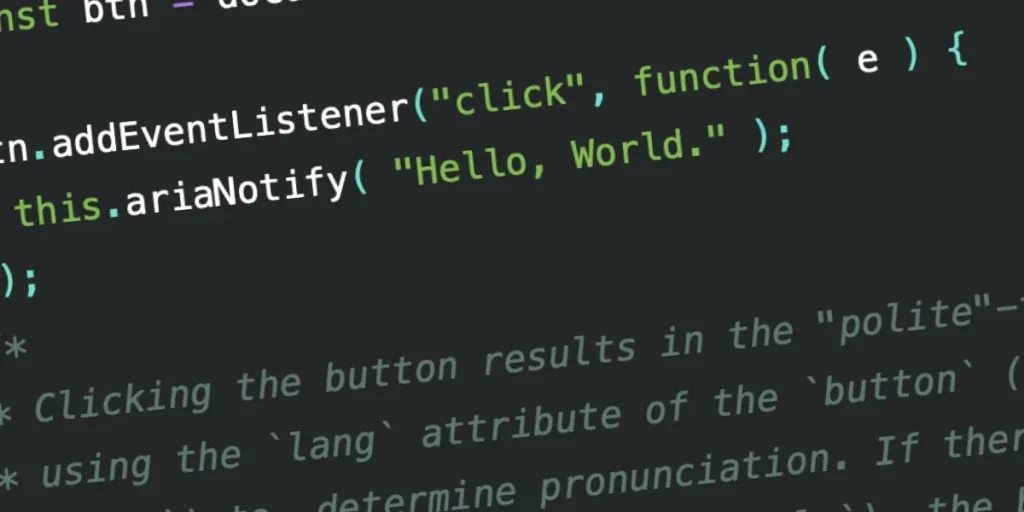
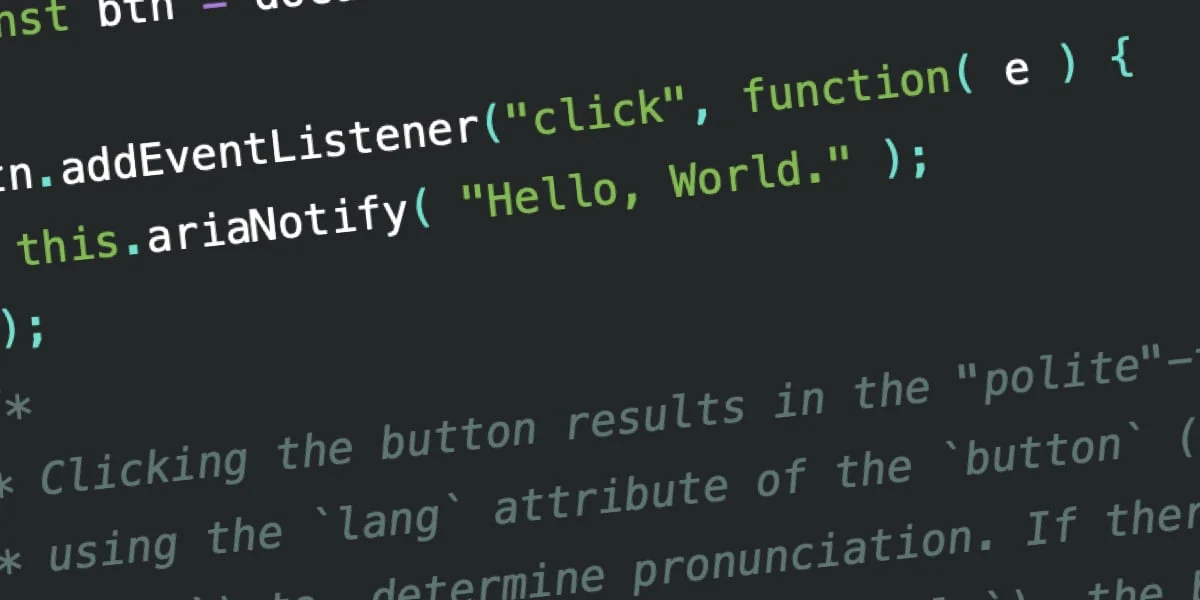
For years, web developers have grappled with a persistent, often frustrating challenge: how to inform users of screen readers that a background process has completed or that a subtle UI change has occurred without breaking the flow of their experience. The W3C’s WAI-ARIA 1.3 specification has finally introduced a solution that promises to cut the Gordian knot of live-region management: the ariaNotify() method.
While the developer community is buzzing with excitement over this "developer catnip," a note of caution accompanies its arrival. This powerful new API offers a direct line to the user’s assistive technology, but with that power comes the potential for misuse that could mirror the infamous, intrusive days of the JavaScript alert() dialog.
The Evolution of Accessibility Notifications
To understand the gravity of ariaNotify(), one must look at the historical "mess" that was the ARIA live region. Before this method, developers relied on aria-live attributes—polite for non-urgent updates and assertive for immediate interruptions.
The "Rube Goldberg" Era
Historically, developers implemented live regions by injecting hidden containers into the DOM. This was a fragile, non-semantic, and often inconsistent practice. If you wanted to announce a state change, you had to ensure a container existed in the DOM, then update its text content, all while praying that the browser and screen reader combination would actually fire the event.
Common pitfalls included:
- Timing Issues: If the live region was injected at the same time as the content, screen readers often failed to announce it because the "watching" mechanism hadn’t yet initialized.
- Browser Inconsistency: Support for
aria-livevaries wildly between browsers like Chrome, Firefox, and Safari, and their respective screen readers (NVDA, JAWS, VoiceOver). - DOM Bloat: Maintaining hidden, persistent elements for the sole purpose of triggering narration led to "accessibility pollution," where users were forced to navigate through invisible, irrelevant text nodes.
Introducing ariaNotify(): A Modern Standard
The ariaNotify() method, as defined in the latest WAI-ARIA 1.3 draft, bypasses the need for hidden DOM elements. It is a clean, programmatic way to command a screen reader to speak.
// The syntax is deceptive in its simplicity
document.ariaNotify("Operation successful.",  priority: "normal" );
How It Works
The method is available on both the Document and Element interfaces. When invoked, it triggers a narration event. The first argument is the string to be narrated; the second is an optional configuration object that allows developers to define the priority level:
normal(Default): Functions similarly toaria-live="polite", waiting for a natural break in the user’s current task before speaking.high: Functions likearia-live="assertive", interrupting the user to deliver the message immediately.
Furthermore, ariaNotify() intelligently inherits the lang attribute. When called from the document, it respects the language set on the <html> tag. When called from a specific element, it looks up the DOM tree for the nearest lang attribute, ensuring that pronunciation is handled correctly for multilingual applications.
Early Testing and Performance
Initial testing in environments like Firefox has shown that ariaNotify() performs with remarkable efficiency. In side-by-side comparisons with legacy live regions, the new method avoids the "timing lag" that often plagued dynamic updates.
However, as the testing data suggests, the implementation is still maturing. While JAWS, NVDA, and VoiceOver are beginning to interpret the method correctly, some edge cases—such as the application of lang attributes—remain inconsistent. For instance, while the "polite" and "assertive" flags generally translate well, the underlying pronunciation engines sometimes struggle with localized content if the document structure is complex.
The "First Rule of ARIA" and the Risk of Over-Reliance
The W3C’s "First Rule of ARIA" states: "If you can use a native HTML element or attribute with the semantics and behavior you require already built in, instead of re-purposing an element and adding an ARIA role, state or property to make it accessible, then do so."
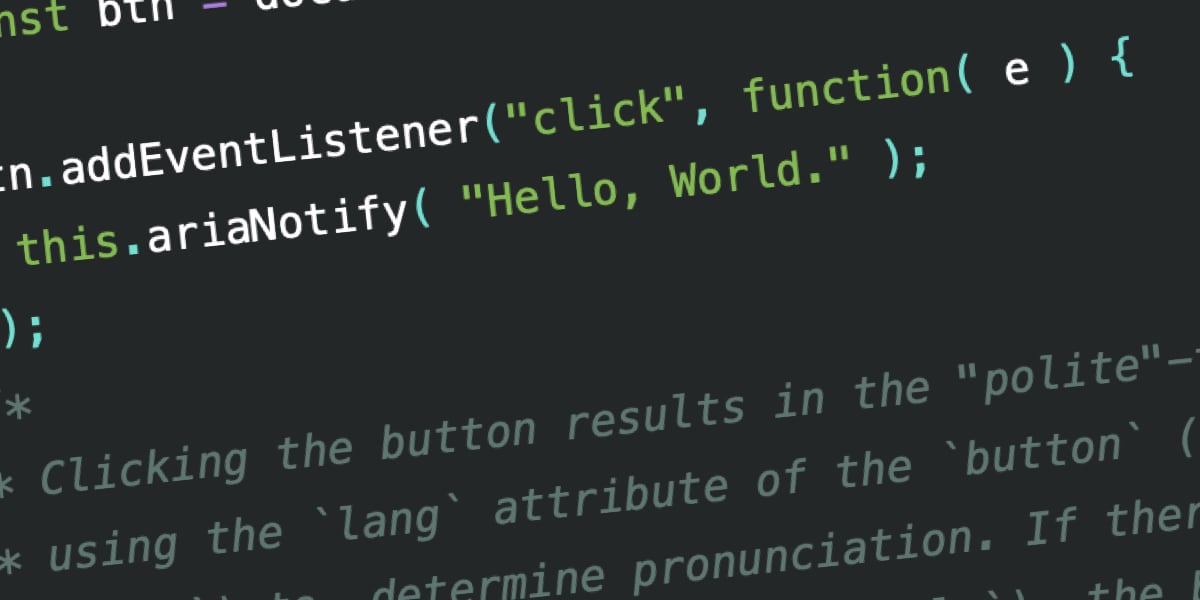
This rule is the heartbeat of professional accessibility engineering. The concern among experts is that ariaNotify() is so easy to use that developers will ignore this rule.
The "Alert" Comparison
There is a legitimate fear that ariaNotify() will become the modern version of window.alert(). In the early days of the web, developers used alert() to communicate everything from form validation errors to "Welcome" messages. It was effective, but it was also universally despised because it forced a modal interruption on the user.
If developers begin using ariaNotify() to narrate every minor interaction—such as "You clicked the button" or "The tab has changed"—they will create an environment that is "noisy" and intrusive. A screen reader user who is trying to focus on a piece of content does not need to be told the state of every interactive element if the UI already conveys that information through standard semantic means (like aria-expanded or aria-pressed).
Implications for Web Standards and UX
The long-term success of ariaNotify() depends on discipline. While it solves a genuine engineering headache, it introduces a social contract between the developer and the user.
1. The Death of the "Hidden Notification"
By eliminating the need for hidden aria-live containers, we are cleaning up the DOM. This is a massive win for performance and maintainability. Developers no longer need to keep track of state-dependent hidden elements, which reduces the surface area for bugs.
2. The Danger of "Announcing the Obvious"
The risk is that developers will use the method to "narrate" the user’s own actions. If a user clicks a button to expand a menu, the screen reader should ideally handle the state change through standard semantic associations. If a developer also adds ariaNotify("Menu expanded"), they risk redundant or contradictory feedback. When the narration and the user’s experience fall out of sync, the result is a disorienting, confusing, and ultimately exclusionary experience.
3. Dedicated Testing is Mandatory
The arrival of this feature underscores a critical industry trend: the need for dedicated accessibility QA. Because ariaNotify() is so powerful, it is invisible to visual testers. A developer might think they are being helpful, but without testing the impact of these notifications across various screen readers, they might be inadvertently spamming the user with audio clutter.
Conclusion: A Tool of Great Responsibility
The ariaNotify() method is a landmark achievement in the W3C’s quest to make the web more accessible. It effectively replaces a decade of "hacky" workarounds with a robust, native API. It is, by all accounts, a welcome evolution for developers who have spent years fighting with the inconsistent behavior of live regions.
However, the industry must approach this tool with a high degree of professional maturity. Just because we can speak directly to the user does not mean we should do so at every turn. Accessibility is about providing a seamless experience, not a running commentary.
If we use ariaNotify() with the same caution and respect that we apply to other disruptive UI elements, it will be a revolutionary tool. If we treat it as a "quick fix" for poor design, we risk turning the assistive technology experience into a cluttered, noisy, and frustrating ordeal. The code is ready; the question is whether we are ready to be "cool" about it.








