
Beyond the Network: A Deep Dive into the Orico 8848U4 USB4 NVMe DAS
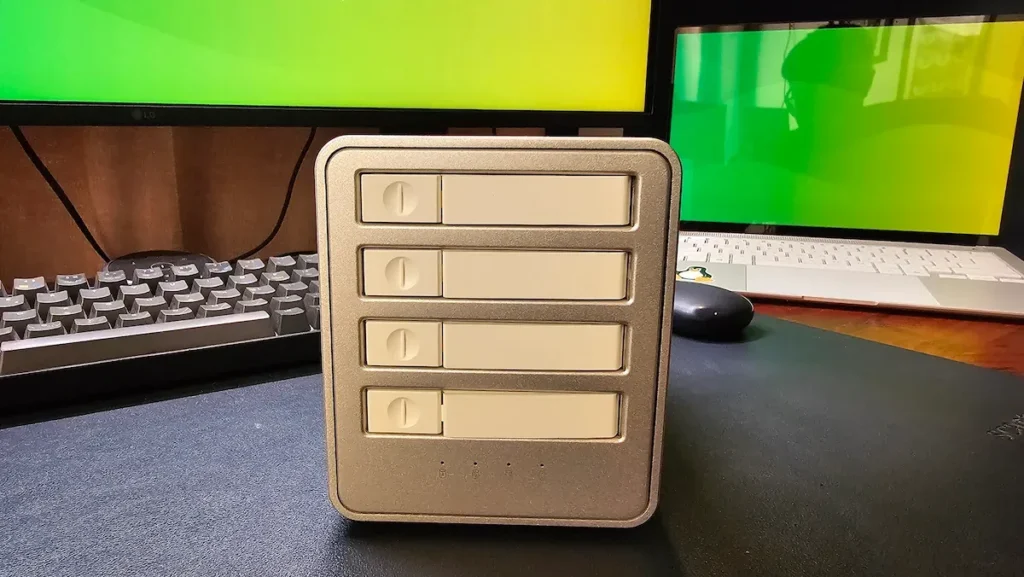
In the modern digital landscape, the distinction between local and networked storage has become increasingly blurred. While Network-Attached Storage (NAS) units have long dominated the conversation for home and small-office data management, a more direct, high-performance alternative has been quietly reclaiming desk space: the Direct-Attached Storage (DAS) device.
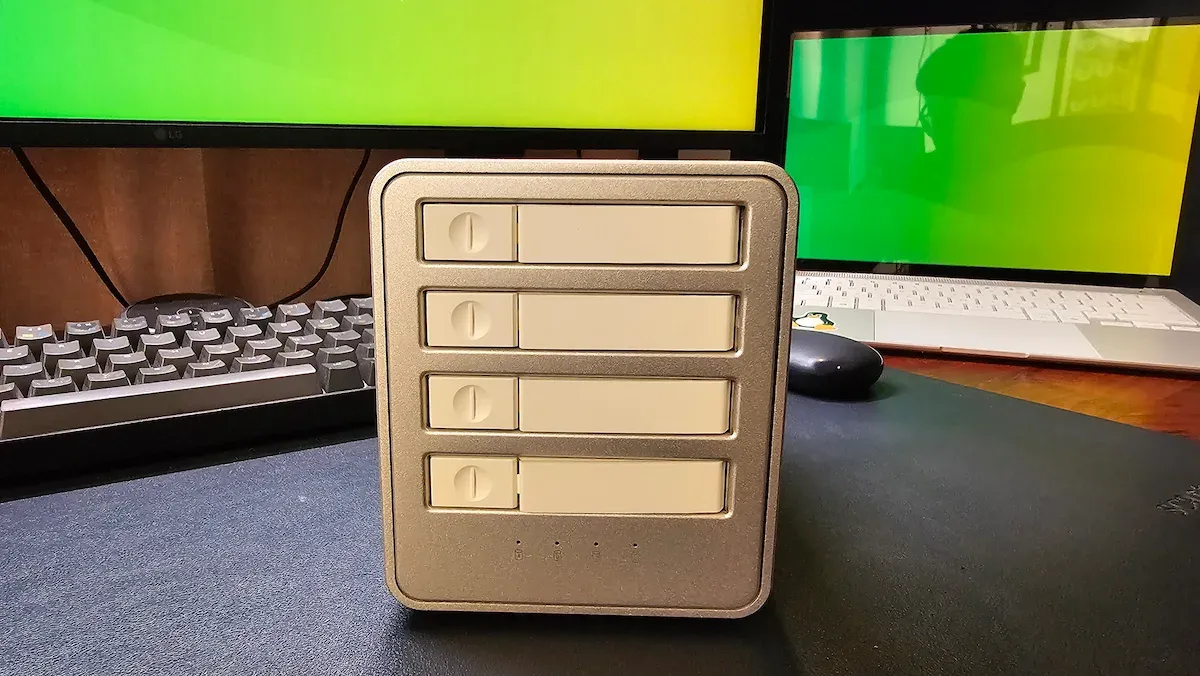
Recently, the hardware landscape saw the release of the Orico 88 Series 4-Bay USB4 NVMe SSD Enclosure (Model 8848U4). This device represents a specialized bridge between high-speed local NVMe performance and multi-drive capacity. Unlike a NAS, which relies on network protocols and software abstraction layers, this DAS treats every inserted drive as a direct extension of your computer’s PCIe bus.
Main Facts: High-Speed Storage Without the Network Overhead
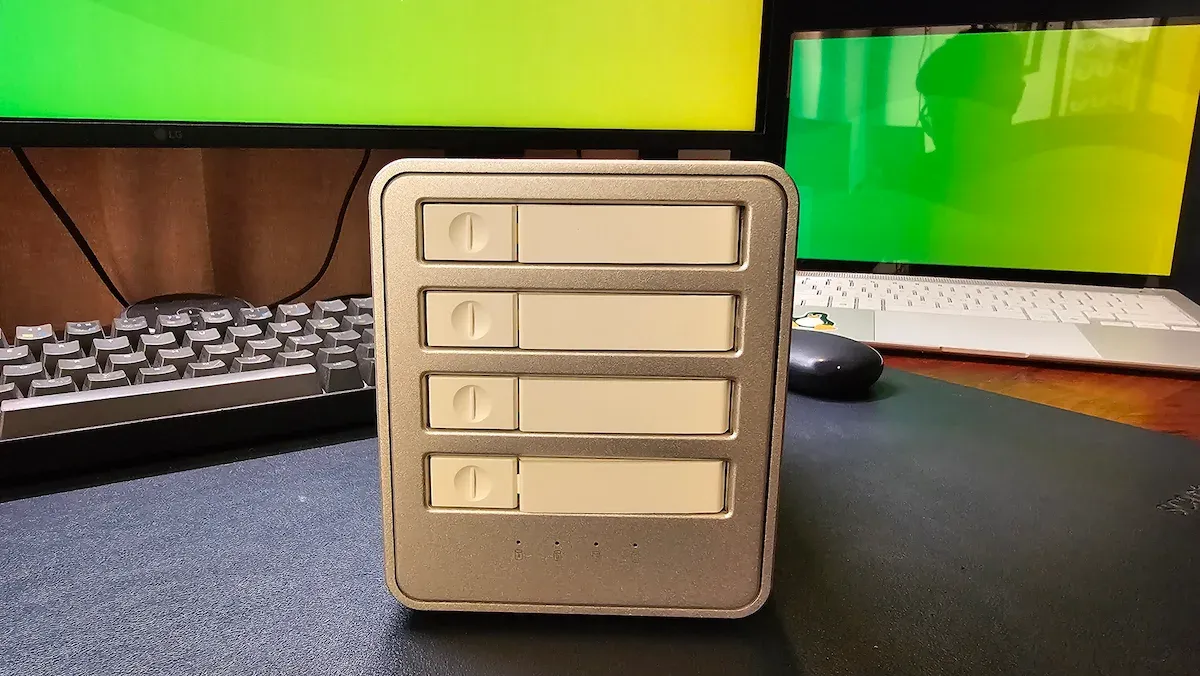
The Orico 8848U4 is not a server; it is a high-bandwidth peripheral. Designed specifically for users who require massive, lightning-fast storage for workflows like 4K/8K video editing or large-scale data analysis, the unit provides a home for four M.2 NVMe SSDs.
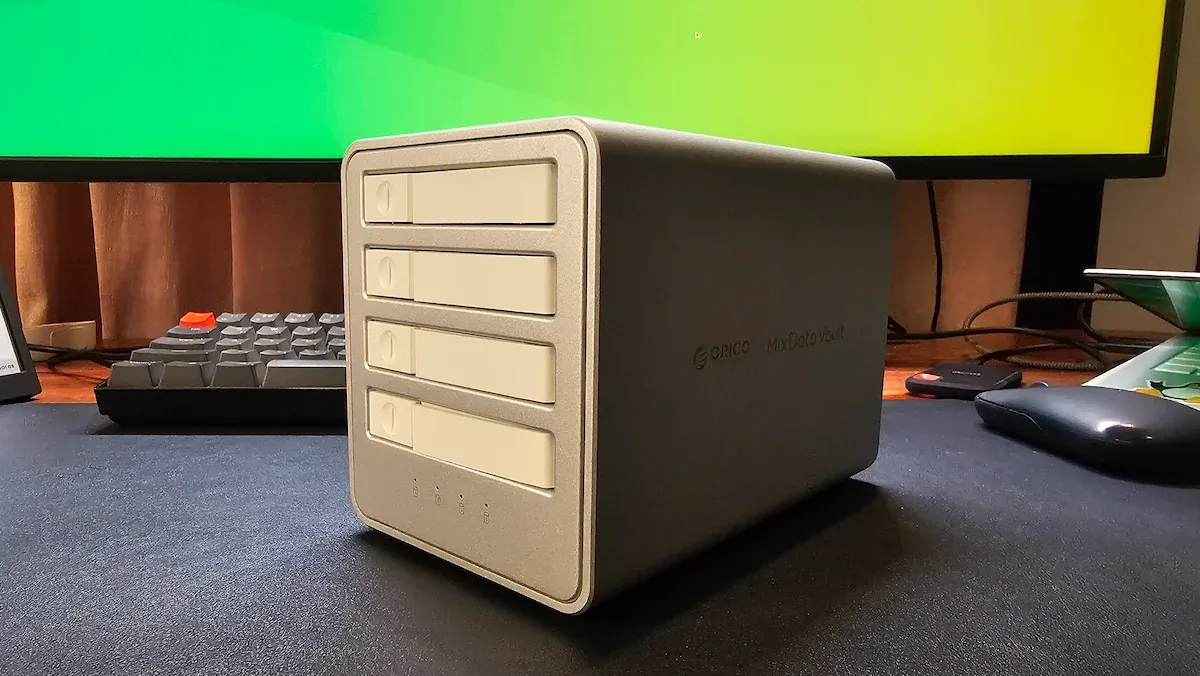
Key Technical Specifications:
- Interface: USB4 (40Gbps aggregate bandwidth).
- Capacity: Supports up to 32TB total (8TB per bay).
- Compatibility: Broad support across Windows, macOS, and Linux kernels.
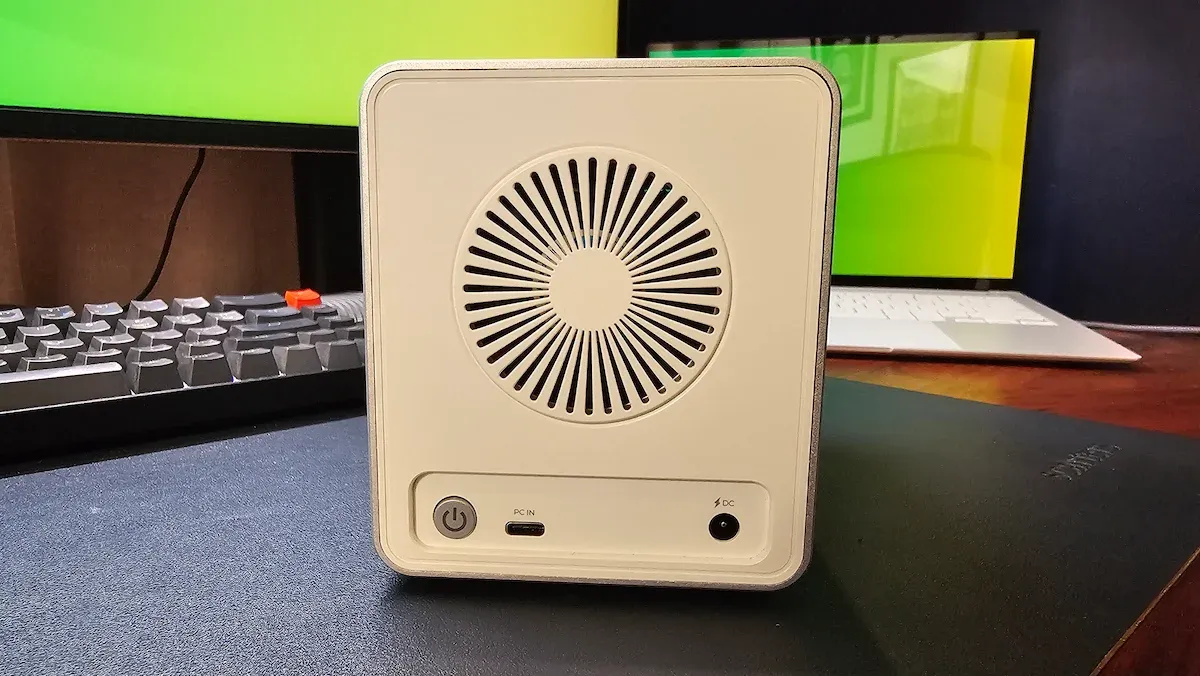
- Cooling: Integrated active cooling fan with an aluminum chassis for thermal dissipation.
- Build: CNC-machined aluminum with a focus on desktop aesthetics.
It is critical to note that the 8848U4 is a "diskless" enclosure. Users must supply their own NVMe modules. In an era where "AI-ready" pre-built systems often come with marked-up storage, this modular approach allows professionals to leverage their own hardware, ensuring the quality and capacity of the drives meet their specific project requirements.
Chronology of the Review: From Unboxing to Benchmark
My introduction to the 8848U4 began with the typical skepticism reserved for high-performance external storage. Over the course of a week-long testing period, I moved the unit from an unboxed state to a fully integrated component of a Linux-based creative workstation.

- Initial Setup: Upon physical installation, the unit’s industrial design stood out. Its silver, CNC-machined aluminum chassis evokes a minimalist aesthetic that aligns well with premium workstations. The physical installation of an M.2 2280 drive was straightforward, though the front-loading slider mechanism requires a firm hand.
- System Recognition: Unlike standard external USB drives that appear as mass-storage classes (often limited by the USB-to-SATA or USB-to-NVMe bridge overhead), the Orico 8848U4 presents itself via Thunderbolt/USB4 PCIe tunneling. On a Linux kernel, each drive is immediately recognized as a native NVMe namespace, providing direct access to the drive’s controller features.
- Performance Baseline: I utilized the
fioandhdparmutilities to establish a performance floor. By testing against bothext4andNTFSfilesystems, I identified clear bottlenecks that often plague cross-platform users, specifically related to the Linux FUSE driver overhead when dealing with NTFS.
Supporting Data: The Performance Breakdown
The "40Gbps" marketing claim often leads to confusion. It is essential to clarify that 40Gbps is the total aggregate bandwidth across all four bays. Under the current USB4/Thunderbolt 4 standard, which tunnels PCIe 3.0 x4, the ceiling is roughly 3,500 MB/s. When divided, each drive receives a healthy headroom of approximately 800–900 MB/s.
Comparative Performance Metrics (ext4 vs. NTFS)
| Metric | NTFS (FUSE) | ext4 (Native) |
|---|---|---|
| Sequential Read | 820 MB/s* | 729 MB/s |
| Sequential Write | 231 MB/s | 669 MB/s |
| Random 4K Write | ~2.3 MB/s | 103 MB/s |
Note: The NTFS read score is inflated due to OS-level cache interference via FUSE. The write performance highlights the significant disadvantage of using non-native filesystems on Linux.
Real-world testing confirmed these synthetic results. Transferring a 5GB 4K video file was completed in approximately 4.5 seconds. A more demanding batch—2,800 files totaling 10.2GB—was handled in under 12 seconds. These numbers solidify the device as a legitimate "working drive" rather than a mere backup target.
Official Perspective and Design Philosophies
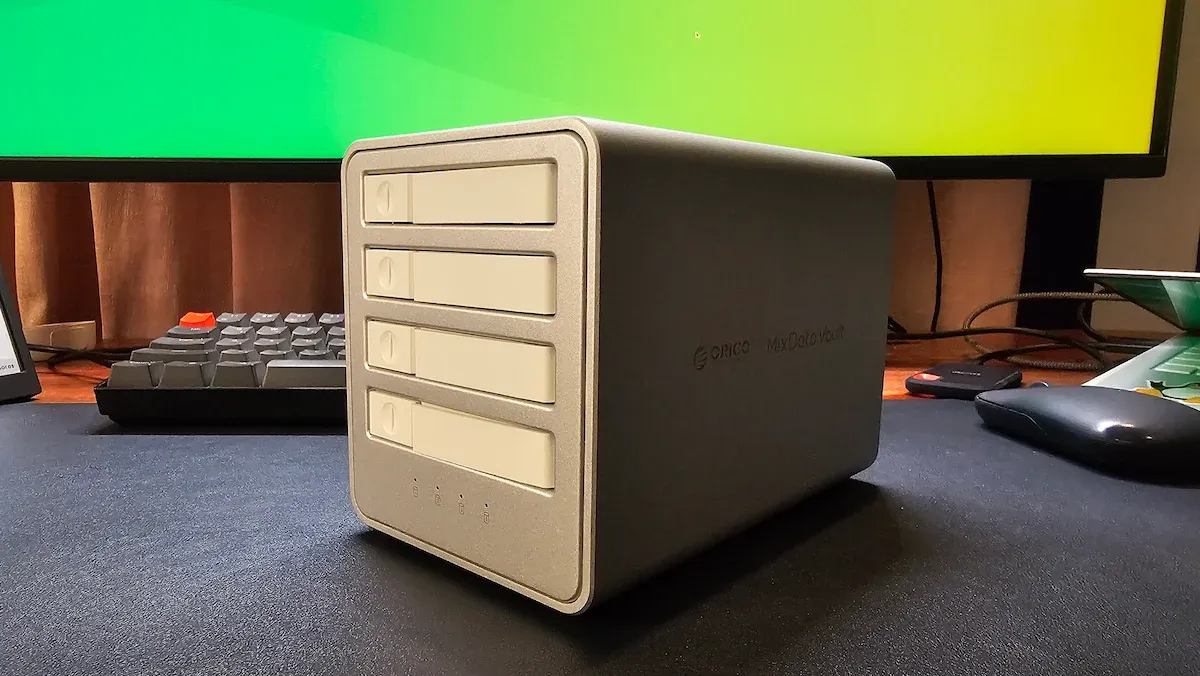
Orico has intentionally omitted RAID support in this specific model. While some competitors in the 88 Series lineup include hardware RAID, the 8848U4 is designed for "raw performance." By removing the RAID controller layer, Orico avoids the latency added by XOR parity calculations or controller overhead.
Furthermore, the lack of passthrough ports (daisy-chaining) was a conscious design choice to maintain a compact footprint. For the power user, this means the device will consume one full Thunderbolt/USB4 port. This is a significant consideration for laptop users who have a limited number of I/O ports available.
Implications: Who is this for?
The Orico 8848U4 exists at a unique intersection of cost and utility.
For the Video Editor:
The primary target is the creative professional. When your internal SSD is full of high-bitrate footage, moving data to a traditional network NAS introduces latency that can jitter a timeline. The 8848U4 provides "local" speed, allowing editors to scrub through 8K raw files as if they were stored on the system’s primary NVMe drive.
For the Linux Enthusiast:
The "plug-and-play" nature of this device on Linux is its most compelling feature. Because it uses PCIe tunneling, the OS treats the drives as native NVMe hardware. There is no need for proprietary drivers or complex mounting configurations. If you are a power user who prefers to manage your storage via mdadm or ZFS pools at the OS level, this enclosure provides the clean, transparent access you need.
The "Do Not Buy" Caveat:
If you are looking for simple, portable storage for documents or a small photo collection, this is overkill. The $219 price tag (for the enclosure alone) is a premium investment. For simple backups, a standard USB-C NVMe enclosure is more portable, cheaper, and more power-efficient.
Final Thoughts: A Specialized Tool for Specialized Work
The Orico 8848U4 is a sophisticated piece of hardware that delivers exactly what it promises: high-speed, multi-bay NVMe storage that bypasses the limitations of traditional network storage. It is not designed to be the "easy" option; it is designed to be the "fast" option.
For those who have the hardware—the spare NVMe drives, the high-end Thunderbolt port, and the need for significant, high-speed storage—this unit serves as an excellent, clutter-free solution. It transforms the way a workspace handles data, turning four disparate drives into a cohesive, high-performance storage array that feels, for all intents and purposes, like a permanent, internal upgrade to your machine.
As the industry moves further toward high-resolution content and data-intensive AI workloads, the Orico 8848U4 stands as a testament to the enduring value of direct-attached, high-bandwidth hardware. It is a niche product, but for those within that niche, it is nearly indispensable.







