
The Arrival of Scroll-Triggered Animations: A New Era for Web Interactivity
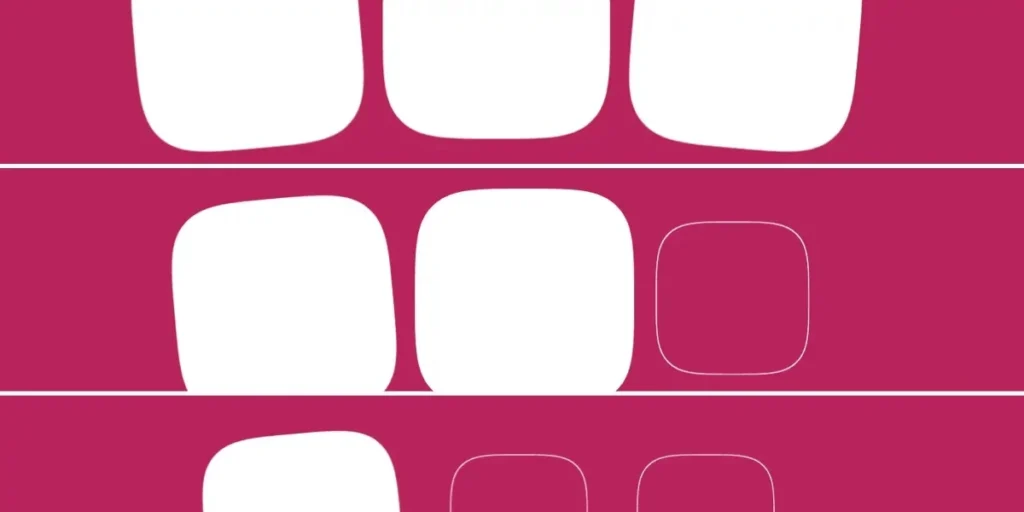
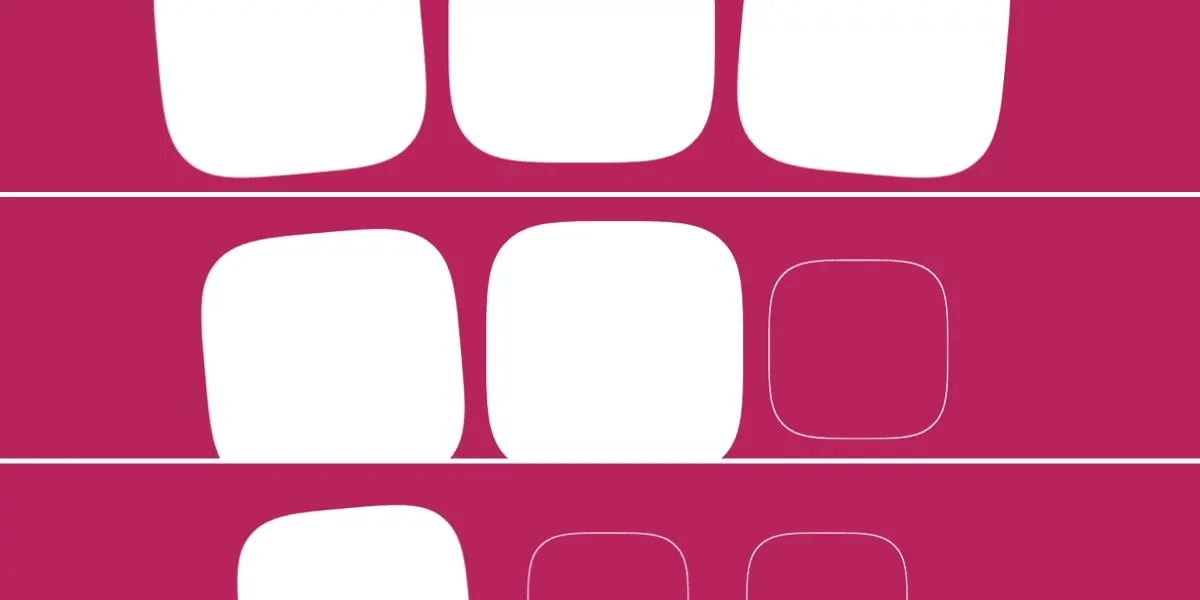
In a significant leap forward for native web design, Chrome has become the first browser to ship support for "scroll-triggered animations." This milestone, arriving with the release of Chrome 146, marks a fundamental shift in how developers handle element transitions based on user behavior. By moving away from heavy JavaScript-dependent solutions like the Intersection Observer API, developers can now orchestrate sophisticated, performant, and declarative animations directly within CSS.
Main Facts: Defining the Scroll-Triggered Paradigm
At its core, a scroll-triggered animation is a CSS-driven event that initiates once a specific scroll threshold is crossed. Unlike standard animations that play immediately upon page load, these animations remain dormant until an element enters the viewport. Once the browser detects the element, it executes the defined animation for a fixed duration—for example, a 300ms fade-in effect.
The mechanism is powered by a new suite of CSS properties, primarily timeline-trigger and animation-trigger. By linking these properties via a "dashed ident" (an identifier prefixed with two dashes), developers can create a robust bridge between scroll position and animation playback.
The critical distinction here lies in how the browser interprets the scroll. In previous iterations—such as "scroll-driven animations"—the animation’s progress was strictly locked to the scrollbar’s position. If the user stopped scrolling, the animation froze. Scroll-triggered animations, by contrast, treat the scroll as a triggering event. Once the threshold is met, the animation plays to completion regardless of further scroll activity, offering a more traditional "animation" feel with a "modern" reactive trigger.
Chronology of Development
The journey toward this feature has been a long-standing goal of the CSS Working Group. For years, developers relied on complex JavaScript loops to calculate getBoundingClientRect() or utilized the Intersection Observer API to toggle CSS classes on elements as they scrolled into view. While functional, these methods often led to layout thrashing and performance degradation, particularly on mobile devices.
- Pre-2024: The era of "Scroll-Jacking." Developers utilized third-party libraries like GSAP or ScrollMagic to handle viewport-based animations.
- 2024-2025: The introduction of Scroll-Driven Animations (
animation-timeline: scroll()). This allowed for smooth, synchronized movement but lacked the ability to trigger a standalone, fixed-duration animation easily. - April 2026: Chrome 146 is released, officially introducing the
timeline-triggerandanimation-triggerproperties, effectively closing the gap between JS-based intersection logic and native CSS capabilities.
Supporting Data and Technical Mechanics
To implement these animations, developers must understand the interplay between the view() function, timeline ranges, and animation actions.
The Anatomy of the Trigger
The timeline-trigger property determines when the animation begins. The syntax view() entry 100% exit 0% defines a scroll zone. "Entry 100%" signals that the animation should fire only when the entire element has crossed the threshold into the viewport, while "exit 0%" acts as the boundary for when the animation might be triggered in reverse or stopped.
Controlling the Action
Once the trigger is defined, the animation-trigger property dictates the behavior of the animation using specific keywords:
play-forwards: Initiates the animation as the element enters the view.play-backwards: Reverses the animation as the element leaves the view, ensuring visual consistency.play-once: A "lock-in" feature that ensures an animation runs only the first time an element is viewed, preventing repetitive flickering.reset: Pauses and snaps the element back to its initial state.
By combining these, developers can create complex, multi-element interactions. For example, by utilizing sibling-count() and sibling-index(), developers can create staggered, cascading animations that feel fluid and highly responsive without writing a single line of JavaScript.
Implications for Modern Web Design
The implications of this update are profound for both performance and developer experience.
1. Performance Gains
Because these animations are handled by the browser’s rendering engine rather than the main thread (where JavaScript executes), they are significantly more performant. They avoid the overhead of heavy event listeners and the potential for "jank" during rapid scrolling.
2. Design System Scalability
The decoupled nature of these mechanics—where triggers, ranges, and animation names are distinct properties—allows for highly modular design systems. A developer can define a base "fade-in" animation and apply it to dozens of different elements with varying trigger ranges, all while maintaining a single, clean source of truth in their CSS files.
3. Complexity vs. Utility
Despite the benefits, there is a legitimate concern regarding the learning curve. The CSS specifications for these features are dense, involving "dashed idents" and "timeline ranges" that can feel unintuitive to developers accustomed to simpler CSS transitions. The "back-and-forth" behavior, for instance, requires a nuanced understanding of animation-fill-mode versus <animation-action> to avoid visual glitches, such as an element "flashing" when it re-enters the viewport.
Future Outlook: A New Standard
While the current implementation in Chrome 146 is a powerful proof of concept, it is not without its "growing pains." As noted in the early developer feedback, some behaviors—such as the way animation-delay interacts with play-backwards—may still be subject to refinement.
Furthermore, widespread adoption will depend on cross-browser support. While Firefox and Safari have historically been quick to adopt CSS standards, the success of scroll-triggered animations relies on a unified implementation of the Animation Triggers specification.
Final Thoughts
Are scroll-triggered animations the future of web design? They certainly offer a more declarative and performant path toward the interactive, high-end experiences users have come to expect. However, their complexity suggests they may initially be reserved for specialized UI components rather than general-purpose web layouts.
As the industry moves away from JavaScript-heavy animation libraries, we are entering a phase where the browser itself is becoming the primary engine for design creativity. Whether this leads to a cleaner web or a more convoluted CSS ecosystem will depend on how effectively these tools are documented and abstracted for the average front-end developer. For now, the "lock-in" and "back-and-forth" capabilities are a clear win for developers looking to add that extra layer of polish to their projects without sacrificing site performance.








