The Terminal Redefined: Why TTT is Challenging the GUI Hegemony
For many developers, the terminal is not just a tool; it is a sanctuary. It is the command center for infrastructure management, script automation, and deep-dive system configuration. Yet, there has long existed a "complexity ceiling" in terminal-based workflows. As projects scale, many developers inevitably migrate their focus from the terminal to feature-rich graphical code editors like Zed, VS Code, or Sublime Text.
The traditional hurdle for those wishing to remain in the terminal has been the steep learning curve associated with modal editors like Vim or Neovim. While powerful, the commitment to mastering complex keybindings and building a bespoke configuration from scratch is a barrier many developers—prioritizing efficiency over ritual—are unwilling to cross.
Enter TTT, a project that is rapidly gaining traction as a genuine, modern alternative to GUI editors, all while living entirely within the terminal.
Main Facts: A New Breed of Terminal Editor
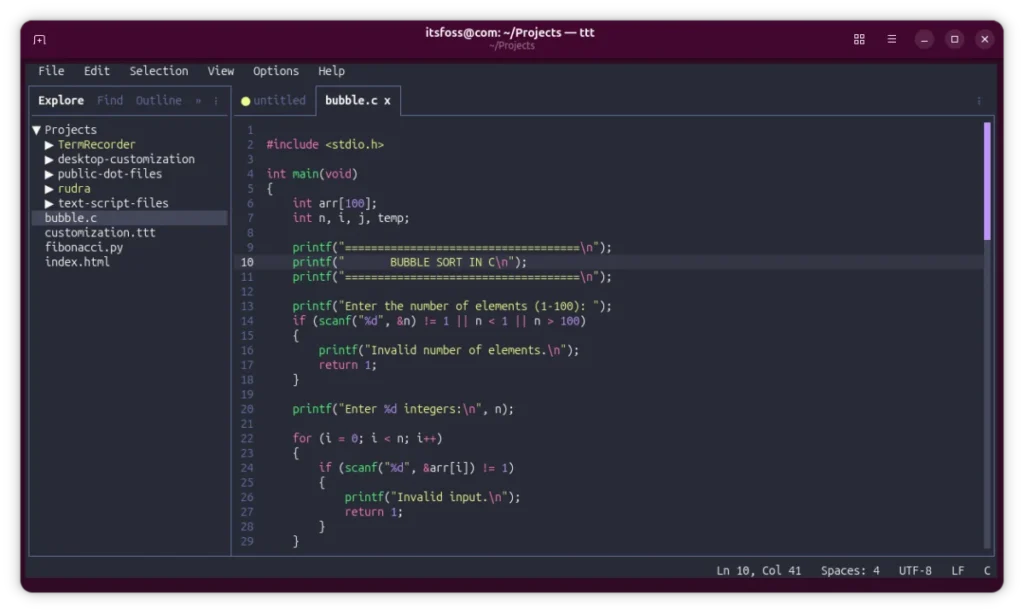
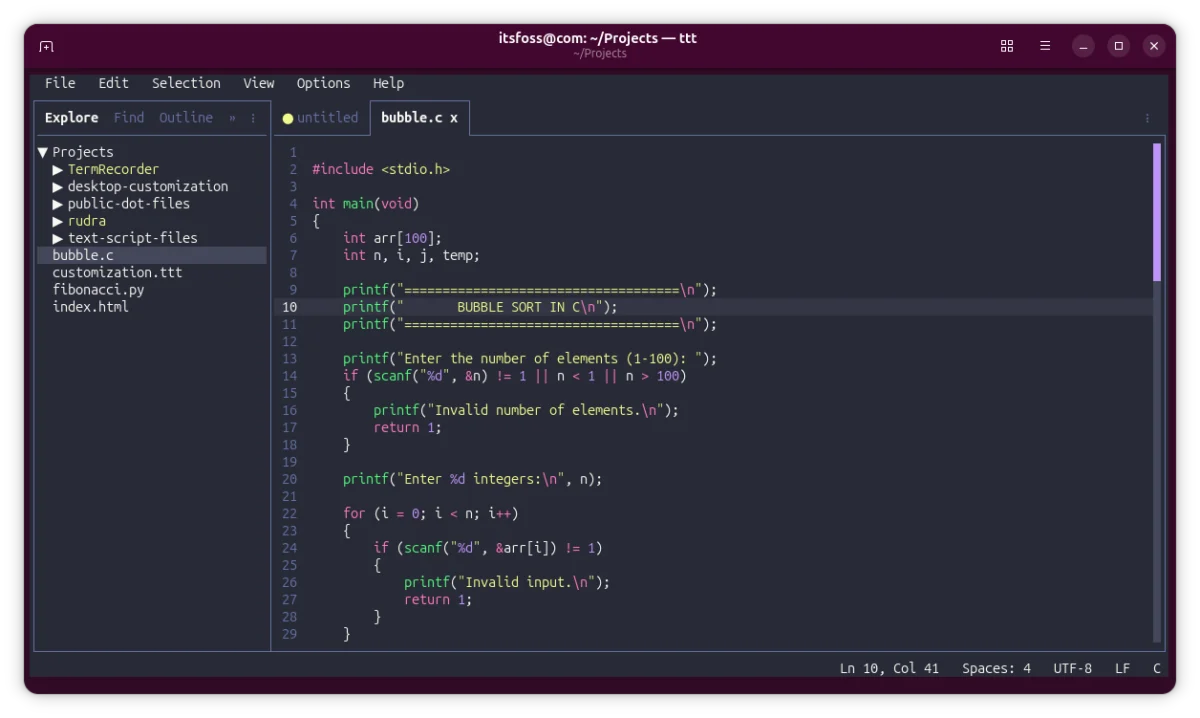
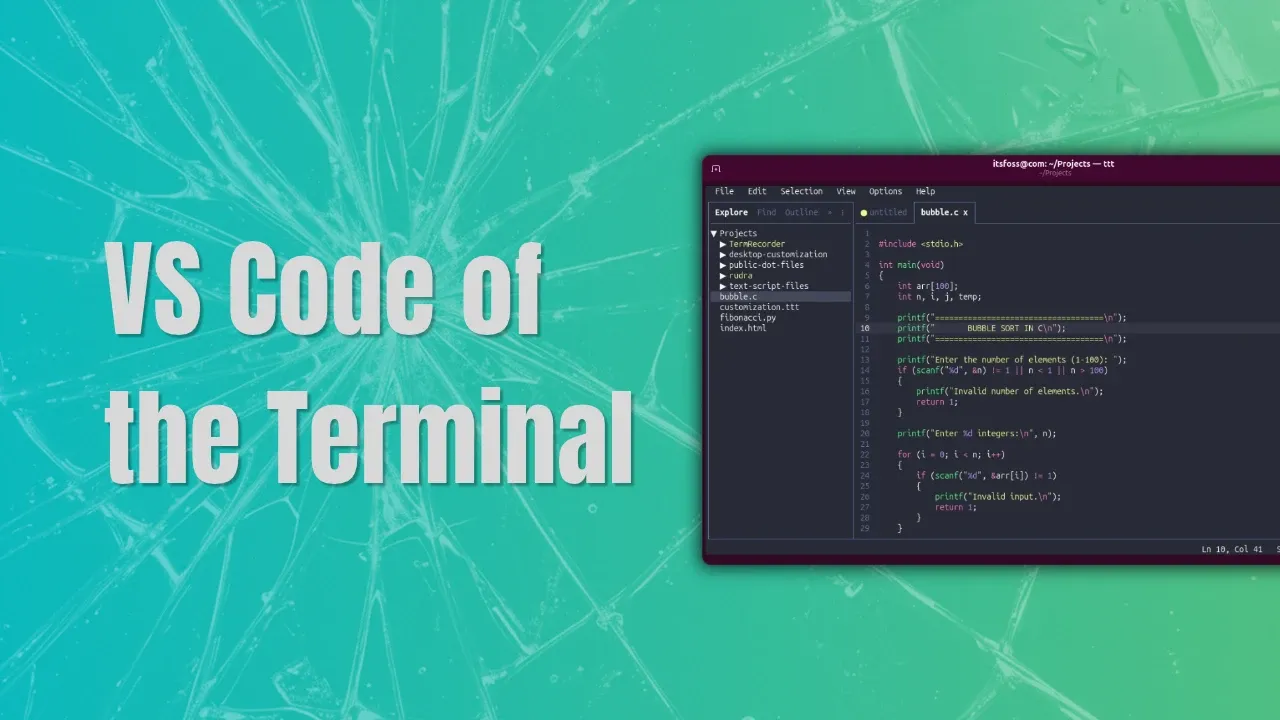
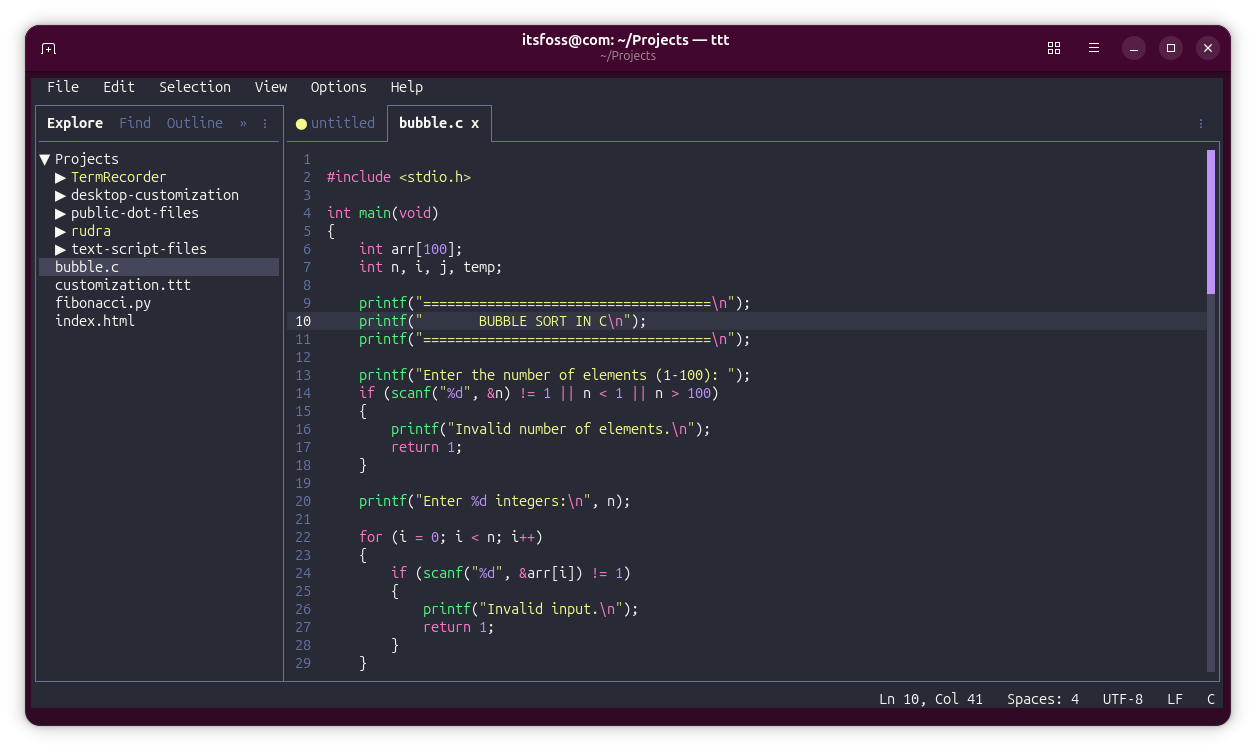
TTT stands at the intersection of TUI (Terminal User Interface) design and GUI-level functionality. Unlike classic terminal editors that prioritize minimalism and keystroke-centric navigation, TTT aims to provide a "zero-configuration" experience that mirrors the comfort of a modern integrated development environment (IDE).
The core philosophy of TTT is to remove the friction between terminal-based tasks and high-level coding workflows. It achieves this by providing out-of-the-box features that previously required hours of plugin configuration:
- TextMate-based Syntax Highlighting: Utilizing the
textmate-goengine, it supports over 120 programming languages natively. - Intuitive Multi-cursor Editing: A feature traditionally reserved for GUI editors, allowing for rapid, synchronized code manipulation.
- Comprehensive Mouse Support: Beyond simple scrolling, TTT allows users to drag-to-select, right-click for contextual menus, and navigate with a level of fluidity typically absent in standard terminal interfaces.
- LSP Integration: First-class support for the Language Server Protocol ensures that intelligent code completion and diagnostics are available for any language that supports it.
Chronology of Development
The emergence of TTT is a testament to the current era of "AI-assisted open source." Developed with the aid of modern AI coding assistants, the project has seen a rapid iteration cycle.

- Conceptualization Phase: TTT emerged as a response to the "configuration fatigue" experienced by developers who found Neovim too abstract and VS Code too heavy for their server-side workflows.
- Alpha/Beta Release: The project entered public view with a focus on simplicity. By adopting a "curl-to-install" methodology—a common, albeit debated, trend in modern Linux tooling—the developers prioritized accessibility over traditional repository packaging.
- Feature Expansion: Over recent months, the tool has shifted from a basic text editor to a comprehensive workspace manager. The implementation of multi-folder workspaces and Git integration marked a turning point, signaling that TTT was intended to be a primary development tool rather than a quick-edit utility.
- Plugin Ecosystem Maturation: The introduction of Lua-based, sandboxed plugins allowed the community to extend TTT’s capabilities without compromising its performance or security, moving it from a static tool to a platform.
Supporting Data: Why TTT Matters
To understand the impact of TTT, one must look at the data points of developer workflow efficiency.
Performance and Search
TTT integrates ripgrep natively. In large codebases, the speed of ripgrep is widely recognized as superior to traditional grep-based search tools. By hardcoding this engine into its search-and-replace functionality, TTT allows users to navigate projects containing millions of lines of code with near-instantaneous feedback.
The Workspace Model
The "multi-folder workspace" feature is perhaps the most significant efficiency booster. By using a workspace.ttt file, developers can define a project structure that encompasses multiple directories—perhaps a backend API, a frontend client, and a shared library directory—and open them in a single command.
  "folders": [
     "path": "/home/user/projects/api/" ,
     "path": "/home/user/projects/ui/"
  ]
This metadata-driven approach to project management removes the "context switching" tax, where developers spend minutes every morning re-opening file trees and terminal tabs.
Sandboxed Extensibility
One of the primary concerns with modern editors is the security of third-party plugins. TTT addresses this by running all Lua-based plugins within a sandboxed environment. Every plugin must explicitly request permissions for system access, providing a layer of security that is often overlooked in other editors.
Official Responses and Community Reception
The reception within the Linux community has been polarized, reflecting a long-standing ideological divide.
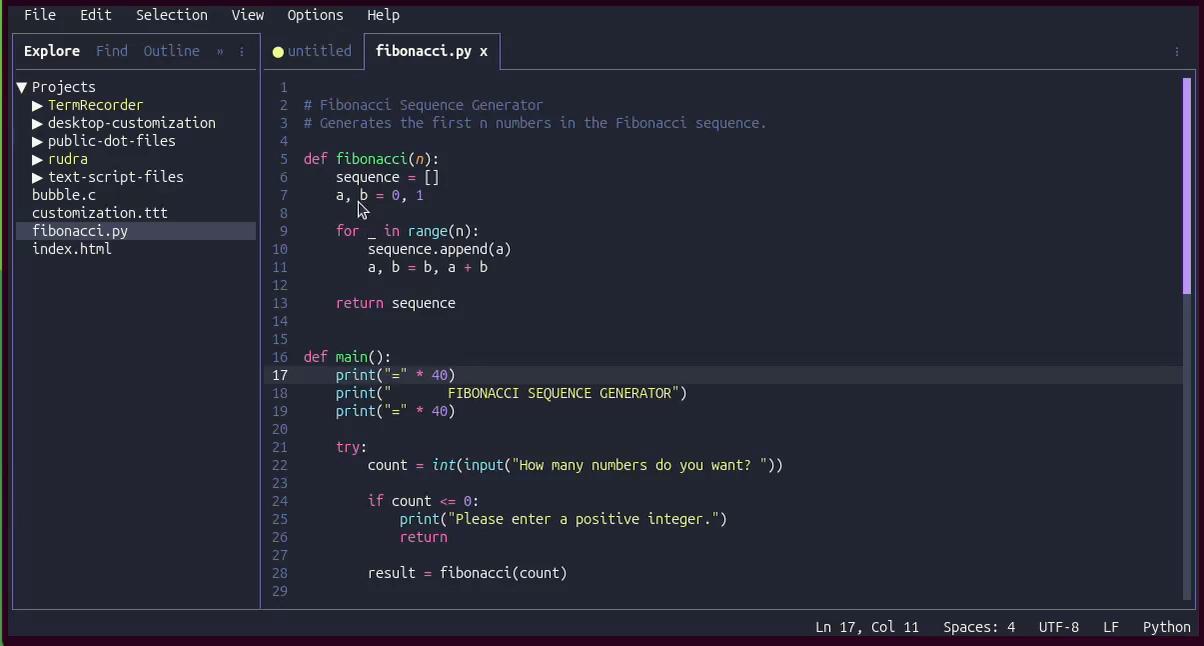
The Pro-TTT Camp: Supporters argue that TTT represents the evolution of the terminal. They believe that terminal tools should not be forced into "legacy modes" of interaction just because the terminal is an old technology. For this group, the ability to have a GUI-like experience (mouse support, context menus) without the memory overhead of an Electron-based application like VS Code is the "holy grail" of development.
The Traditionalist Camp: Critics have raised concerns about the "bloat" inherent in mimicking GUI behavior. Some argue that by bringing mouse-driven menus into the terminal, developers lose the efficiency of keyboard-driven workflows that make the terminal powerful in the first place. Furthermore, the reliance on an automated installation script (curl | sh) has been flagged by security-conscious sysadmins who prefer the integrity of signed package managers (APT, DNF, Pacman).
Implications: The Future of Terminal Editors
The rise of TTT carries significant implications for the software development ecosystem.

Blurring the Line Between GUI and TUI
TTT is effectively redefining the "Terminal User Interface." Historically, TUIs were defined by their limitations—low bandwidth, text-only, and high keyboard reliance. TTT suggests that the terminal can be a high-fidelity environment. If this trend continues, we may see a decline in the dominance of "heavy" GUI editors for tasks that don’t strictly require a graphical display, potentially saving massive amounts of RAM and CPU cycles across the industry.
The "AI-Assisted" Development Paradigm
TTT serves as a case study for AI-assisted software engineering. The project demonstrates that complex, feature-dense applications can be built rapidly by small teams when they leverage AI to handle the boilerplate of cross-language syntax highlighting and LSP integration. This could lead to an explosion of niche, highly optimized terminal tools in the coming years.
The "Easy-to-Use" Mandate
For years, the barrier to entry for terminal-based development was high. Tools like TTT, alongside others such as Microsoft’s Edit or Helix, are lowering that bar. This could lead to a generational shift where younger developers—who grew up with the visual feedback of VS Code—feel comfortable migrating their primary workflows into the terminal.

Conclusion
TTT is not merely another text editor; it is a provocation. It challenges the assumption that terminal-based workflows must be difficult, obscure, or minimalist. By providing a familiar, polished environment that respects the power of the terminal while adopting the conveniences of a modern GUI, TTT offers a compelling middle ground.
Whether you are a terminal purist or a developer looking to reclaim the resources currently consumed by your bloated IDE, TTT warrants your attention. It is a bold experiment in how we interact with our code, proving that the terminal—the oldest interface in computing—still has the potential to lead the way into the future of software development.
If you are curious, the installation is a simple command away, but be warned: once you experience the speed of ripgrep-powered search and the convenience of multi-folder workspaces within your terminal, there may be no going back to the heavy GUIs of the past.