Empowering the Future: Googlebook Unveils Powerful Linux Terminal for Agentic AI Workflows
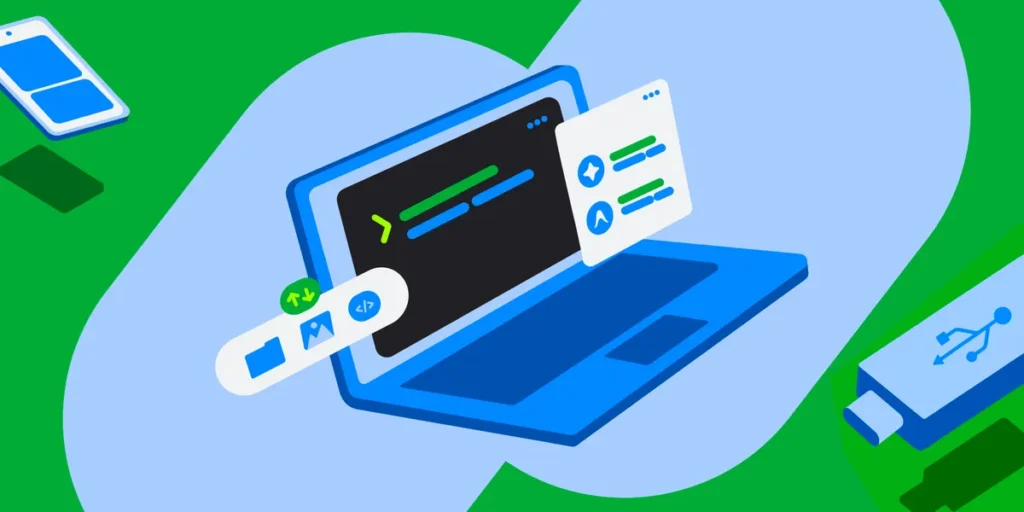
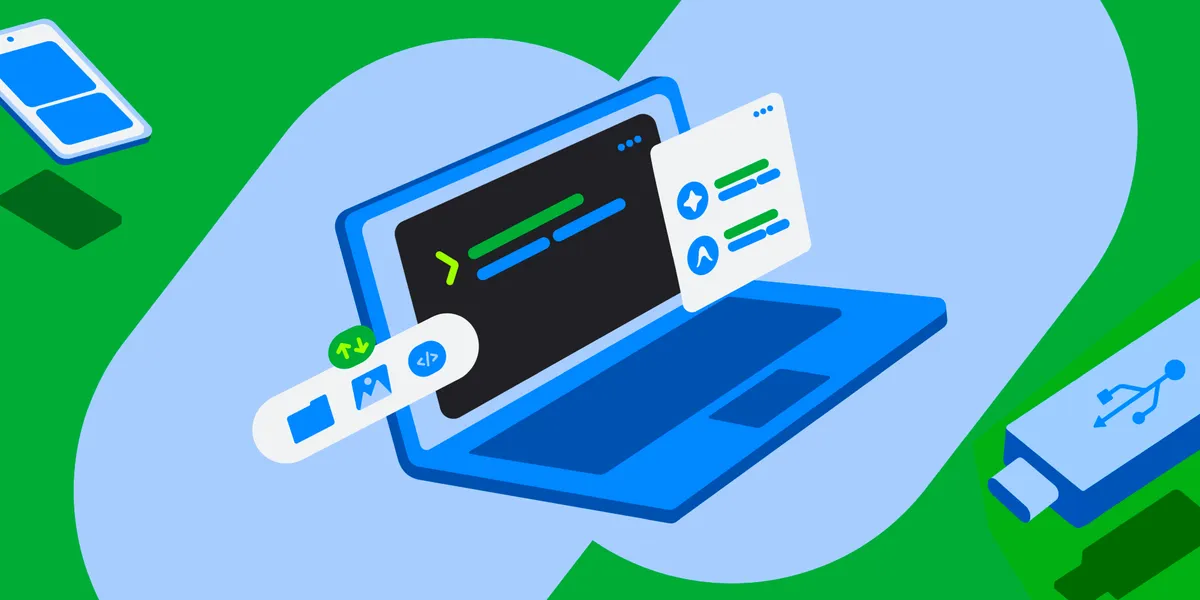
In a significant move to bridge the gap between casual users and high-level computational power, Google has announced the preview release of a new, robust Linux terminal for Googlebook. This development marks a pivotal shift in how non-programmers and developers alike can interact with the rapidly evolving ecosystem of AI agents. By integrating a professional-grade terminal directly into the Googlebook OS, the company is democratizing access to the command-line interface (CLI)—a prerequisite for modern AI-driven automation.
Main Facts: A New Frontier in Personal Computing
The core of this announcement is the integration of a Linux virtual machine (VM) into the Googlebook environment. While power users have long utilized terminal access, this update makes the CLI accessible to a broader audience, specifically those looking to leverage "agentic AI."
Agentic AI refers to software systems that can perform complex tasks autonomously, such as installing packages, writing code, manipulating files, and orchestrating multi-step workflows based on natural language prompts. Previously, these powerful AI tools were often gated behind complex installation processes that required deep technical knowledge.
The new Googlebook terminal streamlines this by providing a pre-configured Debian-based Linux environment. It is designed to be a sandbox—an isolated, secure container where users can run scripts, compile code, and execute AI agents without risking the stability of their primary host operating system. This move is not merely a utility update; it is a strategic maneuver to position the Googlebook as the primary hardware platform for the next wave of agentic software development.
Chronology: The Evolution of the Googlebook Terminal
The journey toward this release began with the recognition that AI workflows were becoming increasingly dependent on Linux-based environments. Over the past several years, Google engineers observed that developers were consistently seeking ways to bridge the simplicity of the Googlebook OS with the flexibility of a Unix-like environment.
- Early Development: Initial efforts focused on providing basic Linux support for web development, targeting developers who needed a lightweight environment for testing and deployment.
- The AI Pivot: As the industry shifted toward Large Language Models (LLMs) and AI agents, the requirements for the terminal changed. The need for
sudoaccess, complex Python environments, and local file manipulation became critical. - Security Architecture Phase: Recognizing the risks of granting elevated privileges to AI agents, the Googlebook team spent months architecting a "defense-in-depth" strategy, focusing on VM isolation and granular file mounting.
- The Preview Launch: Today, the feature is officially in its preview phase, inviting the public to experiment with the terminal, provide feedback, and help shape the final roadmap.
Supporting Data: Why the Linux VM Matters
The technical specifications of the new terminal are designed to balance performance with user-friendly accessibility. The environment is built on Debian Linux, ensuring that users have access to a vast repository of industry-standard tools.
Technical Infrastructure
- VM Isolation: By running all terminal commands in an isolated Linux VM, the system ensures that any corruption or security breach remains contained. Even if an AI agent runs a malicious script, it cannot reach the host OS.
- Permission-Based Mounting: Files on the local machine are not accessible to the Linux VM by default. Users must grant explicit, folder-by-folder permission for the VM to "see" their documents, photos, or downloads.
- Seamless Integration: The Linux VM can be accessed via the Googlebook Files app. This allows users to move data between their Android mobile devices and the Linux environment effortlessly.
- Resource Allocation: Users are given the agency to manage their own hardware resources. They can adjust the amount of memory (RAM) allocated to the VM, allowing them to scale up for heavy data processing or scale down to save battery life.
Developer-Centric Ecosystem
The terminal supports a modern stack out of the box, including Node.js, Python, Ruby, Go, and Rust. It also includes automatic localhost port forwarding, meaning that a developer can spin up a web server in the terminal and instantly view it through their browser, creating a seamless feedback loop for web and application development.
Official Responses and Strategic Vision
In their official statement, the Googlebook development team emphasized that this is a community-driven project. "Today, getting the most out of AI workflows requires access to a terminal," the team noted. "We’re excited to help users express themselves and gain access to these tools."
The company has taken a transparent approach to this launch, inviting community members to participate in the development process via the r/googlebook subreddit and official support channels. By acknowledging that AI comes with inherent risks—such as the potential for unauthorized file access or system crashes—the team is positioning the "one-click VM reset" as the ultimate safety net. This feature allows users to wipe the virtual environment and start fresh in seconds, without losing their personal files stored on the host OS.
The philosophy behind this, according to internal sources, is to provide "frictionless experimentation." If a user breaks their Linux environment while installing experimental AI agents, they are only a single click away from a clean slate.
Implications: How This Changes Personal Computing
The integration of a Linux terminal into a consumer-facing device like the Googlebook has profound implications for the future of computing.
1. The Democratization of AI Development
For the first time, a user without a computer science degree can easily set up a sophisticated AI agent that manages their local files. By using simple Python scripts or natural language prompts, a user could theoretically automate the sorting, renaming, and batch-processing of thousands of photos from their Android phone in seconds.
2. A New Paradigm for Professional Work
This update transforms the Googlebook from a web-browsing machine into a legitimate workstation for platform engineers. With the ability to build a Linux kernel or engage in full-stack development, the device is now capable of handling professional workloads that were previously reserved for high-end Windows or macOS machines.
3. The Future Roadmap: GUI Integration
Looking ahead, the roadmap is ambitious. The team has confirmed that they are working on Linux GUI app support. This means that, in the near future, Linux-based applications will not only run in the terminal but will also appear directly in the user’s main app launcher, effectively blurring the lines between a native Googlebook app and a Linux-based tool.
4. A Shift in Security Expectations
By normalizing the use of a sandboxed VM, Google is educating the average user on the importance of "defense-in-depth." The reliance on explicit, user-granted permissions for folder access is a lesson in digital hygiene that will likely influence how users manage privacy in other areas of their digital lives.
Conclusion: Shaping the Ecosystem Together
The release of the Googlebook terminal is more than just a software update; it is an invitation to explore the frontier of personal computing. As AI agents continue to evolve, the ability to interact with them via a command line will become a vital skill. By providing a safe, powerful, and easily accessible environment, Google is ensuring that its users are not just passive consumers of AI, but active participants in the creation and deployment of these transformative technologies.
For those eager to dive in, the preview is currently live. Whether you are an experienced software developer looking for a portable machine to compile code, or a curious enthusiast wanting to experiment with the latest agentic AI, the tools are now at your fingertips. As the roadmap unfolds and GUI support arrives, the Googlebook will undoubtedly cement its place as a cornerstone of the modern, AI-augmented workspace. The company encourages all users to share their feedback, as they continue to iterate on what promises to be one of the most significant upgrades in the platform’s history.