The 328-Foot Threshold: Understanding Ethernet Distance Limits and Data Integrity
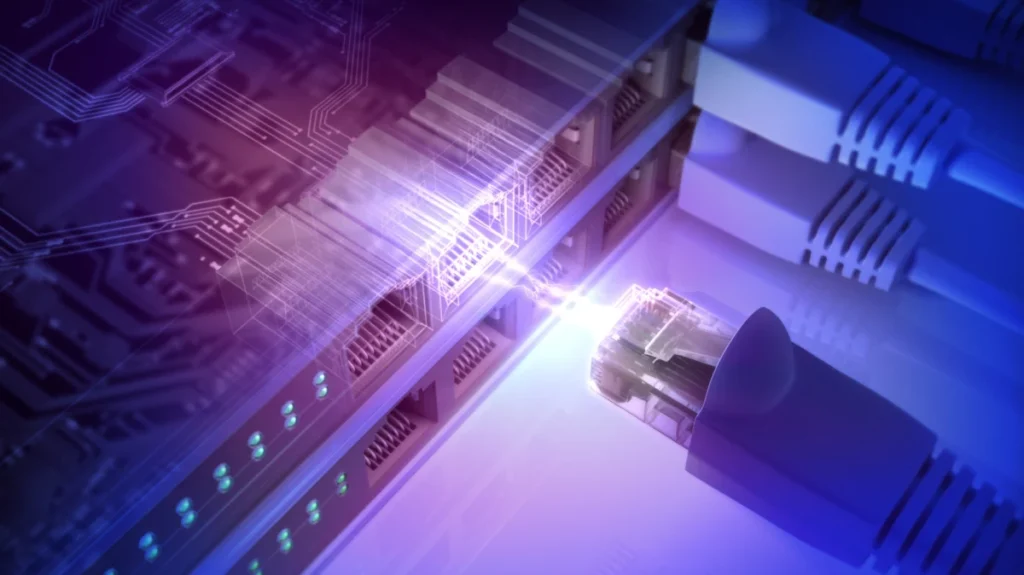
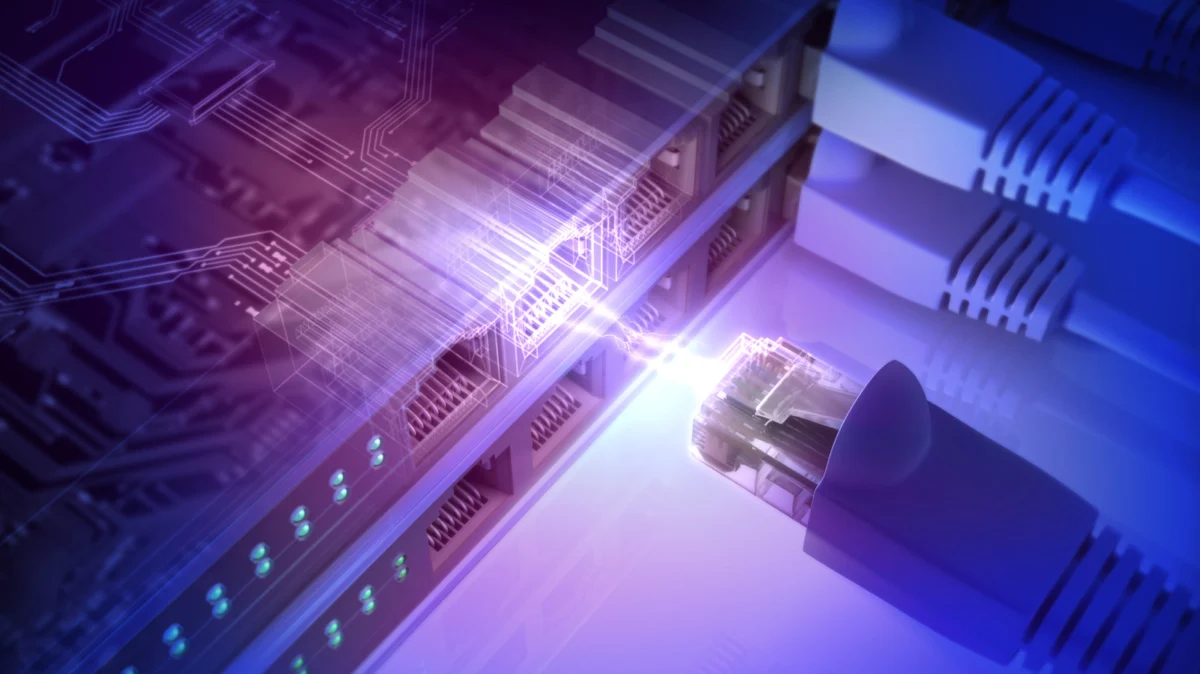
In the modern digital landscape, where ultra-high-speed fiber internet and multi-gigabit local networks are becoming the standard, the humble Ethernet cable remains the backbone of reliable connectivity. Yet, many users remain baffled by the physical limitations of these copper-based lifelines. The prevailing wisdom suggests a "328-foot rule"—a specific distance after which network performance purportedly plummets. But why this exact number, and what happens when you push beyond it?
To optimize a home or office network, one must look past the simple geometry of a cable and into the complex physics of signal attenuation, electromagnetic interference (EMI), and the interplay between cable categories and hardware standards.
The Physics of the 328-Foot Standard
The figure of 328 feet (or 100 meters) is not an arbitrary choice made by manufacturers; it is a rigid technical requirement defined by international standards bodies, including the TIA/EIA (Telecommunications Industry Association/Electronic Industries Alliance).
Signal Attenuation and Data Integrity
At its core, Ethernet operates by sending electrical pulses through copper wires. As these signals travel, they encounter resistance, causing the energy to dissipate—a phenomenon known as attenuation. As the cable length increases, the signal weakens, and the "noise floor" of the environment begins to overwhelm the data pulses. Eventually, the receiving device can no longer distinguish between a legitimate data bit and background electrical interference, leading to packet loss, retransmissions, and, ultimately, a dramatic drop in throughput.
The 328-foot limit accounts for a standard installation environment: 295 feet (90 meters) of solid-core, horizontal cabling hidden within walls or ceilings, plus a combined total of 33 feet (10 meters) of flexible, stranded-core patch cabling at the ends to connect wall jacks to workstations, routers, or switches.
Chronology of Ethernet Standards: From Coax to Cat8
To understand why your network might be underperforming, it is essential to look at the evolution of twisted-pair cabling.
The Early Years (Cat1–Cat4)
In the infancy of structured cabling, "Category 1" through "Category 4" were the industry standards. These were designed primarily for analog voice communication. As data requirements grew, these cables were pushed to their limits to support early Ethernet speeds (10 Mbps). They are entirely inadequate for modern networking and lack the shielding and twist rates required to maintain signal integrity over any significant distance.
The Gigabit Era (Cat5e and Cat6)
Cat5e (Enhanced) became the workhorse of the early 2000s, designed to support 1 Gbps speeds over the full 328-foot distance. Cat6 followed, offering a tighter twist and a spline to separate wire pairs, allowing for higher bandwidth. However, Cat6 introduced a notable caveat: while it is capable of 10 Gbps, its efficiency degrades significantly over long runs compared to its predecessor.
The Modern High-Speed Standard (Cat6a and Beyond)
Cat6a (Augmented) was developed specifically to address the 10 Gbps requirement over the full 100-meter length. By utilizing thicker gauge copper and superior shielding, it minimizes "crosstalk"—interference between adjacent pairs—ensuring that high-speed data remains stable across the entire 328-foot stretch.
Supporting Data: When Speed Drops
The relationship between distance and speed is rarely a linear decline. Instead, it often manifests as a "cliff" or a series of intermittent connection errors.
| Category | Max Speed | Distance for Max Speed |
|---|---|---|
| Cat5e | 1 Gbps | 328 ft (100m) |
| Cat6 | 1 Gbps | 328 ft (100m) |
| Cat6 | 10 Gbps | 180 ft (55m) |
| Cat6a | 10 Gbps | 328 ft (100m) |
The "Cat6 Cliff"
As noted in technical data, Cat6 is rated for 10 Gbps only up to 180 feet. Beyond this, the cable may still attempt to negotiate a 10 Gbps link, but the error rate will spike. Most modern network interface cards (NICs) are designed to "auto-negotiate." If they detect excessive packet loss, they will automatically downgrade the connection from 10 Gbps to 1 Gbps to maintain a stable link. This is why users often report that a cable "works fine" but isn’t providing the expected speed.
Official Industry Perspectives
Network infrastructure experts and standards bodies emphasize that the 328-foot limit is a "guaranteed" performance metric.
"When you stay within the 100-meter envelope, you are within the specification where the hardware is guaranteed to perform to its rated standard," says a spokesperson for a leading cabling manufacturer. "When you exceed that, you move into ‘best effort’ territory. You might get a link, and it might even seem fast, but you are effectively gambling with the stability of your network."
Furthermore, official documentation from the IEEE (Institute of Electrical and Electronics Engineers) regarding 10GBASE-T standards highlights that environmental factors—such as running cables near fluorescent lights, high-voltage power lines, or in environments with high heat—can significantly shrink these effective distances.
Implications for Modern Installations
If you are currently designing a home office, a gaming setup, or a small business network, the implications of these physical limitations are critical.
1. The Over-Engineering Trap
Consumers often fall into the trap of purchasing "Cat8" cables for home use. Cat8 is designed for data centers and short-run top-of-rack switching (up to 30 meters). For home use, it provides no benefit over Cat6a and is often stiffer, harder to route, and significantly more expensive. Matching your cable category to your ISP plan is the most cost-effective strategy.
2. Solving Long-Distance Requirements
If your network needs to traverse a distance greater than 328 feet, do not attempt to daisy-chain multiple long cables. Each connection point (coupler or patch panel) introduces additional signal loss and impedance mismatch.
Instead, the industry-standard solutions are:
- Ethernet Switches: Placing a managed or unmanaged switch at the 250-foot mark acts as a signal repeater, essentially "refreshing" the electrical pulse and resetting the distance clock.
- Fiber Optic Cabling: For runs exceeding 328 feet, fiber optics are the gold standard. They use light pulses rather than electricity, making them immune to the electromagnetic interference that plagues copper and capable of running for kilometers without signal degradation. Media converters can bridge the gap between your existing copper-based hardware and a fiber backbone.
3. The PoE (Power over Ethernet) Variable
For those utilizing Power over Ethernet to drive security cameras, Wi-Fi access points, or smart lighting, the 328-foot rule is even more critical. While data might survive a slightly longer run, the voltage drop over long cables can prevent devices from powering up or cause them to reboot under high-load scenarios. Always verify the power budget of your PoE switch and the voltage requirements of your peripheral device.
Conclusion
The 328-foot limit is more than just a recommendation—it is a boundary defined by the physical limits of copper transmission. By respecting this threshold and choosing the correct cable category (Cat6a for 10Gbps, Cat5e/6 for 1Gbps), users can ensure their networks remain robust, fast, and reliable. When the architecture of a building forces a longer run, the move to active switching or fiber optics is not merely a luxury; it is a technical necessity to prevent the inevitable degradation of the digital experience.