The Invisible Decline: How to Recognize When Your iPhone Battery Needs Replacing
In the modern digital era, the smartphone is the central nervous system of our daily lives. From managing bank accounts and professional communications to serving as a primary entertainment hub, the iPhone has become an indispensable tool. Yet, beneath the sleek glass and aluminum chassis lies a component governed by the immutable laws of chemistry: the lithium-ion battery. While Apple’s integration of hardware and software is among the best in the industry, even the most sophisticated engineering cannot exempt a battery from the natural process of chemical aging.
Understanding when your iPhone has reached the end of its functional lifespan is no longer just a matter of convenience; it is a necessity for maintaining device performance, security, and safety.
The Science of Degradation: Why Batteries Age
To understand why your once-reliable iPhone now dies by mid-afternoon, one must first understand the life cycle of a lithium-ion battery. These batteries work by moving ions between a cathode and an anode. Every time you charge and discharge your device—a process known as a "charge cycle"—the internal chemistry undergoes microscopic changes.
Over time, these cycles, combined with environmental factors such as ambient temperature and your specific usage habits, lead to a loss of total capacity. Apple’s official documentation notes that batteries are "consumable components," meaning they have a finite lifespan. When the chemical age of the battery increases, its ability to hold a charge diminishes, and its capacity to deliver high peak power—required for processor-intensive tasks—becomes compromised.
Chronology of Battery Decline
The decline of a battery is rarely an overnight event. Instead, it follows a predictable trajectory that users can monitor if they know what to look for.
1. The "Peak Performance" Phase (New to 18 Months)
In the first year to 18 months of ownership, most users experience consistent battery life. The "Maximum Capacity" indicator in iOS settings will likely sit between 100% and 90%. During this period, the power management system is rarely forced to throttle the CPU, and the device should handle demanding applications without interruption.
2. The Warning Phase (18 to 30 Months)
As the device moves past the two-year mark, users typically begin to notice the first signs of wear. The maximum capacity often dips toward the 85% range. This is the stage where you might notice that the phone doesn’t last as long as it did when it was fresh out of the box, necessitating an occasional midday charge.
3. The "Significantly Degraded" Phase (30+ Months)
Once a battery falls below 80% of its original capacity, Apple considers it "consumed." At this stage, the chemical resistance within the battery increases, making it harder for the phone to draw the power it needs. This is when the most disruptive symptoms—unexpected shutdowns and extreme sluggishness—typically manifest.
Recognizing the Red Flags: A Diagnostic Guide
While the software provides data, your daily experience is the most accurate diagnostic tool. If you suspect your battery is failing, look for these specific indicators:
Sudden Power Drops and Unexpected Shutdowns
If your iPhone shuts down while the battery indicator still shows 15% or 20% remaining, this is a classic sign of high internal resistance. The phone is essentially "tripping a circuit breaker" because it cannot supply the voltage requested by the processor.
Noticeable Sluggishness
iOS is designed to prevent unexpected shutdowns by dynamically managing peak performance. If your battery cannot provide the necessary "burst" of power, the system will slow down the processor to match what the battery can supply. If you notice your iPhone lagging while opening apps, stuttering during video playback, or taking longer to launch the camera, the battery is likely the culprit.
Thermal Anomalies
Does your phone feel uncomfortably warm while it is sitting on a desk or performing light tasks? A battery that is struggling to hold a charge may generate excess heat during the charging and discharging process. If the device is consistently hot to the touch while unplugged, it is working overtime, and the battery may be nearing the end of its life.
Physical Deformation (The Safety Hazard)
Perhaps the most critical warning sign is a change in the phone’s physical shape. If your screen begins to lift, or if you notice a slight bulge on the back of the device, stop using the phone immediately. This indicates that the battery has begun to swell—a dangerous condition that requires immediate professional attention from an Apple-authorized service center.
Leveraging iOS Diagnostic Tools
Modern iOS versions have made it significantly easier to track these metrics without needing third-party software.
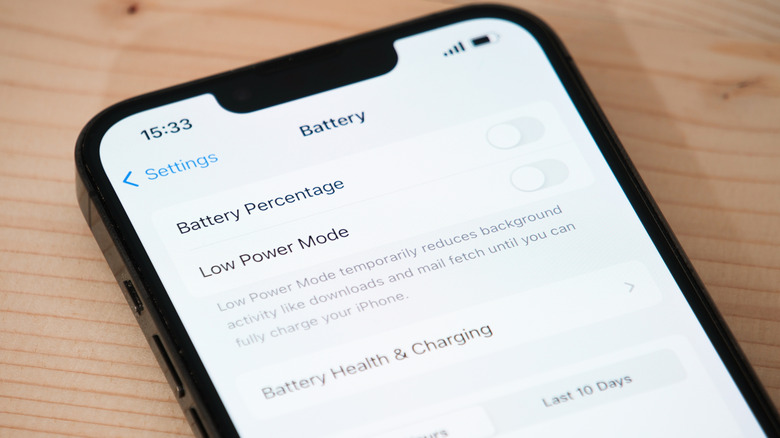
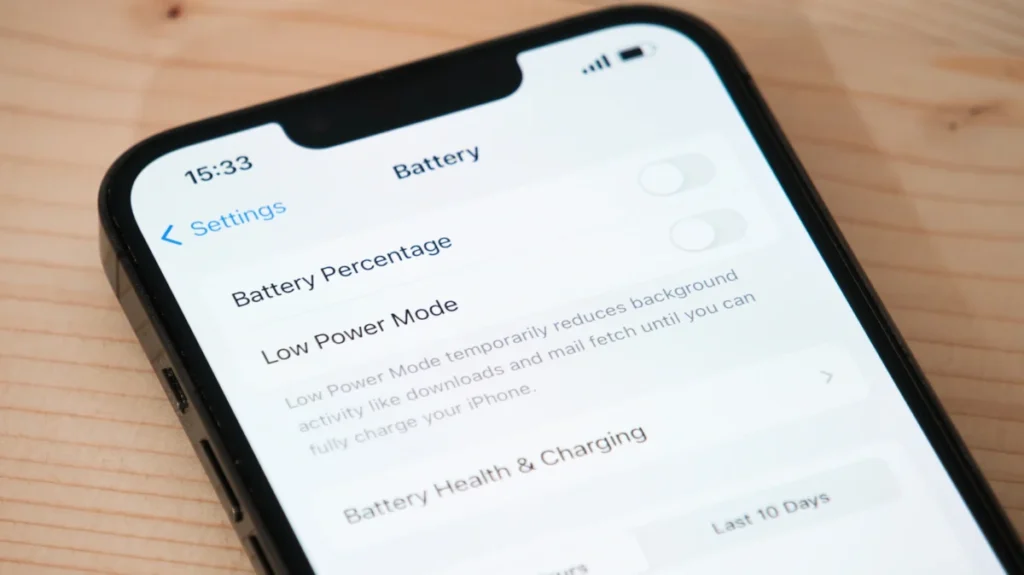
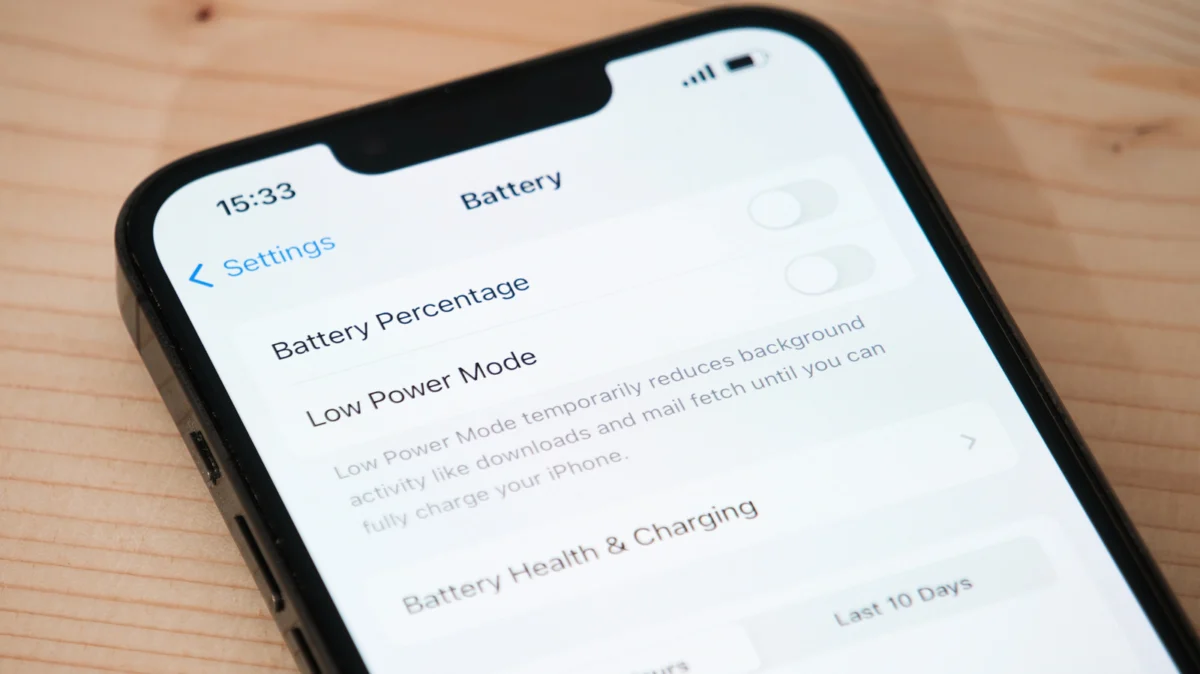
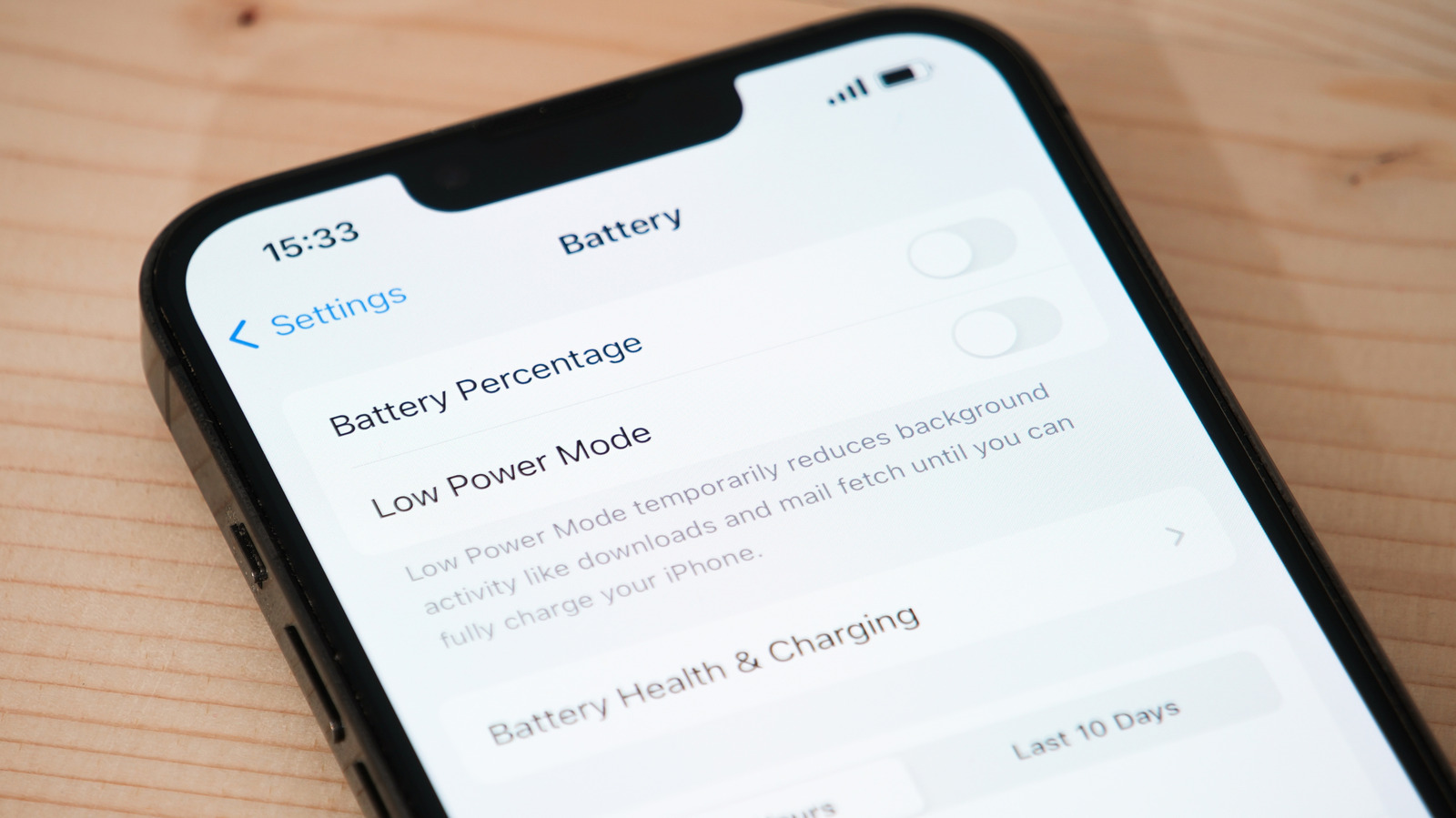
- Battery Health Menu: By navigating to Settings > Battery > Battery Health & Charging, you can view the "Maximum Capacity." If this number is below 80%, Apple strongly recommends replacement.
- Cycle Count: For users of the iPhone 15 series and newer, Apple now displays the cycle count directly. Understanding that the iPhone 14 and older are rated for 500 cycles to retain 80% capacity, while the iPhone 15 and 16 series are rated for 1,000 cycles, helps set realistic expectations for your specific hardware.
- Performance Management: If your phone has experienced an unexpected shutdown, you will see a notification in the Battery Health menu informing you that "Performance Management" has been applied. This confirms the system is actively throttling your speed to prevent further shutdowns.
Official Responses and Service Implications
Apple’s stance on battery health has evolved significantly over the last decade. Following the "Batterygate" controversy of 2017, where Apple was criticized for slowing down older phones without clear user transparency, the company overhauled its software to be more communicative.
The Role of AppleCare+
For those who invest in AppleCare+, battery replacement is often a cost-effective safety net. If your battery drops below 80% capacity during the coverage period, Apple will typically replace it at no additional charge. This is a significant incentive to consider the insurance plan at the time of purchase, especially for users who intend to keep their phones for three years or longer.
Out-of-Warranty Costs
For those without AppleCare+, the cost of replacement is a standard service fee. As of current pricing, this typically ranges from $69 to $129 depending on the model. While it may feel like an unnecessary expense, replacing a battery is significantly cheaper than replacing a $1,000 smartphone. It effectively "resets" the performance of the device, often extending its usable life by another two to three years.
Implications for the Future
The move toward more durable batteries is a priority for Apple, as evidenced by the upgraded 1,000-cycle threshold for the latest iPhone models. However, the basic physics remain the same. As consumers hold onto their devices longer, understanding the health of the battery has become a vital part of digital hygiene.
If you find yourself constantly tethered to a portable power bank, or if your phone feels like it belongs in the past despite having a modern processor, it is time to stop blaming your apps or your background settings. The solution is rarely a software update; it is a hardware refresh. By keeping an eye on the Battery Health menu and acting when the capacity dips below the 80% threshold, you can ensure your iPhone remains a high-performance companion rather than a source of daily frustration.
When in doubt, consult an Apple Store or an authorized service provider. A fresh battery is the closest thing to buying a brand-new phone without the associated price tag.