Digital Fortresses: Understanding Apple’s Lockdown Mode and the Reality of Mobile Espionage
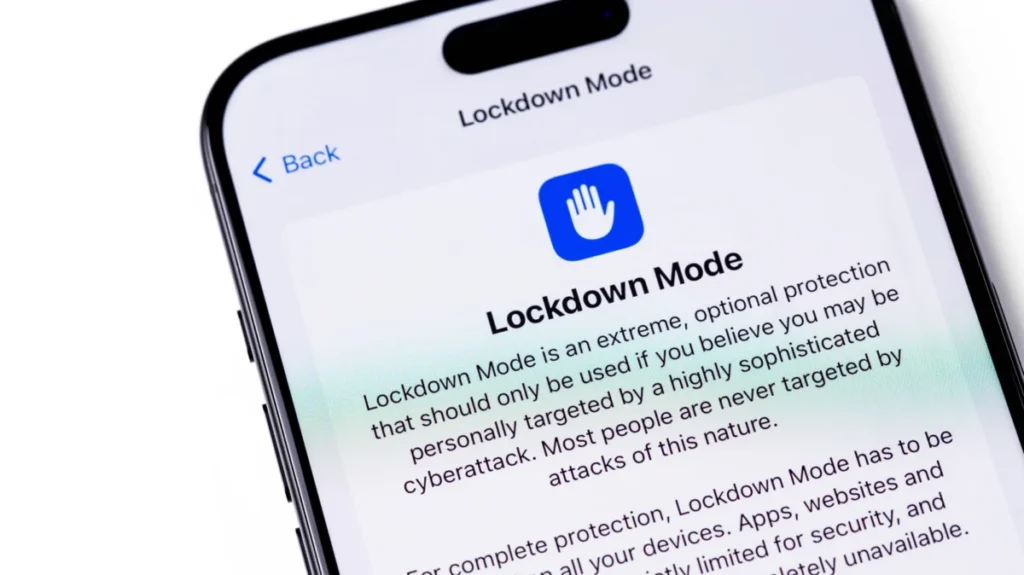
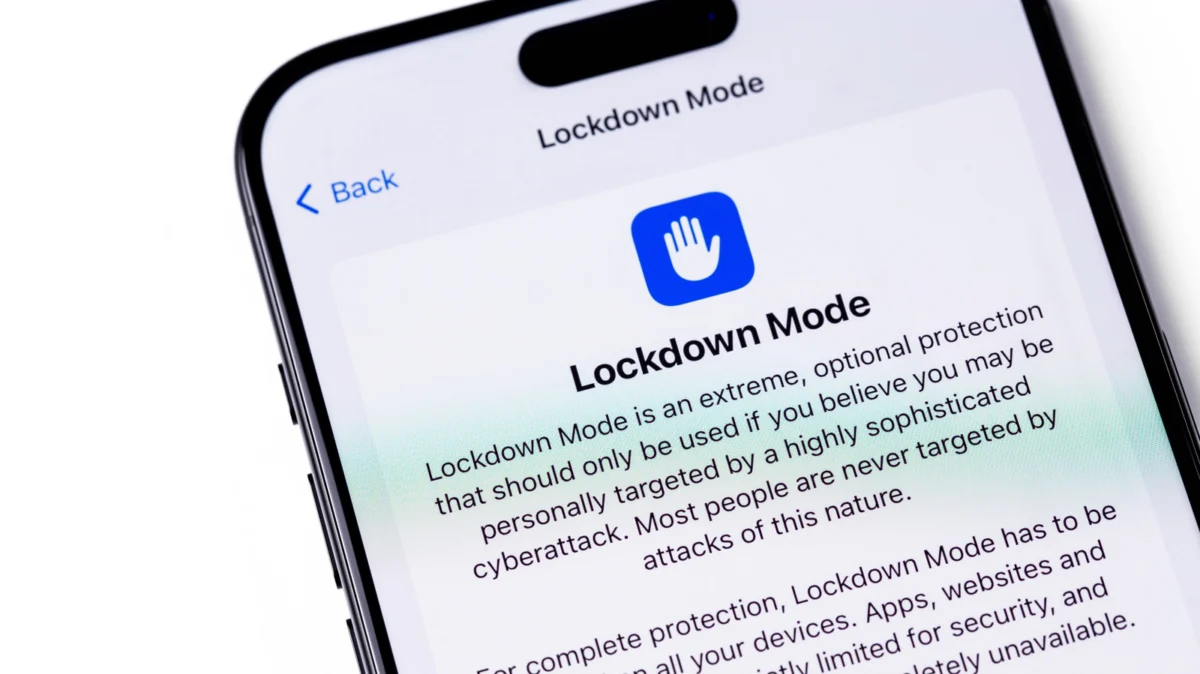
In an era where the smartphone has become an extension of the human consciousness—housing our most intimate conversations, financial data, and personal archives—the threat of sophisticated, state-sponsored cyber-espionage has moved from the realm of thriller novels into the daily reality for high-profile individuals. Since 2022, Apple has provided a radical solution for those in the crosshairs of such threats: Lockdown Mode. While it represents the pinnacle of consumer-grade mobile security, it is a tool defined as much by its extreme limitations as it is by its defensive capabilities.
The Evolution of the Threat: A Chronology of Mobile Espionage
The necessity for Lockdown Mode was born out of a series of high-profile security failures that highlighted the vulnerability of even the most secure operating systems.
- 2016 – The Pegasus Emergence: The world learned of the NSO Group’s Pegasus spyware, which could silently infect iPhones via a simple text message. This marked a paradigm shift in how intelligence agencies and private actors viewed mobile devices: as targets of opportunity.
- 2021 – The "Zero-Click" Revolution: Security researchers began documenting "zero-click" exploits. Unlike traditional malware that requires a user to click a malicious link, these sophisticated packages—such as those discovered in the "FORCEDENTRY" exploit—could compromise an iPhone without the user ever interacting with a notification.
- 2022 – The Launch of Lockdown: Recognizing that traditional software updates were reactive, Apple introduced Lockdown Mode with the release of iOS 16. It was explicitly designed as a "break-glass" protocol for journalists, human rights activists, and government officials facing "mercenary spyware."
- 2023 – The Blastpass Victory: A significant real-world test occurred when the "Blastpass" exploit, which targeted iMessage, was used to deploy Pegasus. Researchers confirmed that while the vulnerability was devastating for standard users, devices running with Lockdown Mode enabled remained completely untouched, effectively proving the feature’s efficacy.
How Lockdown Mode Transforms Your iPhone
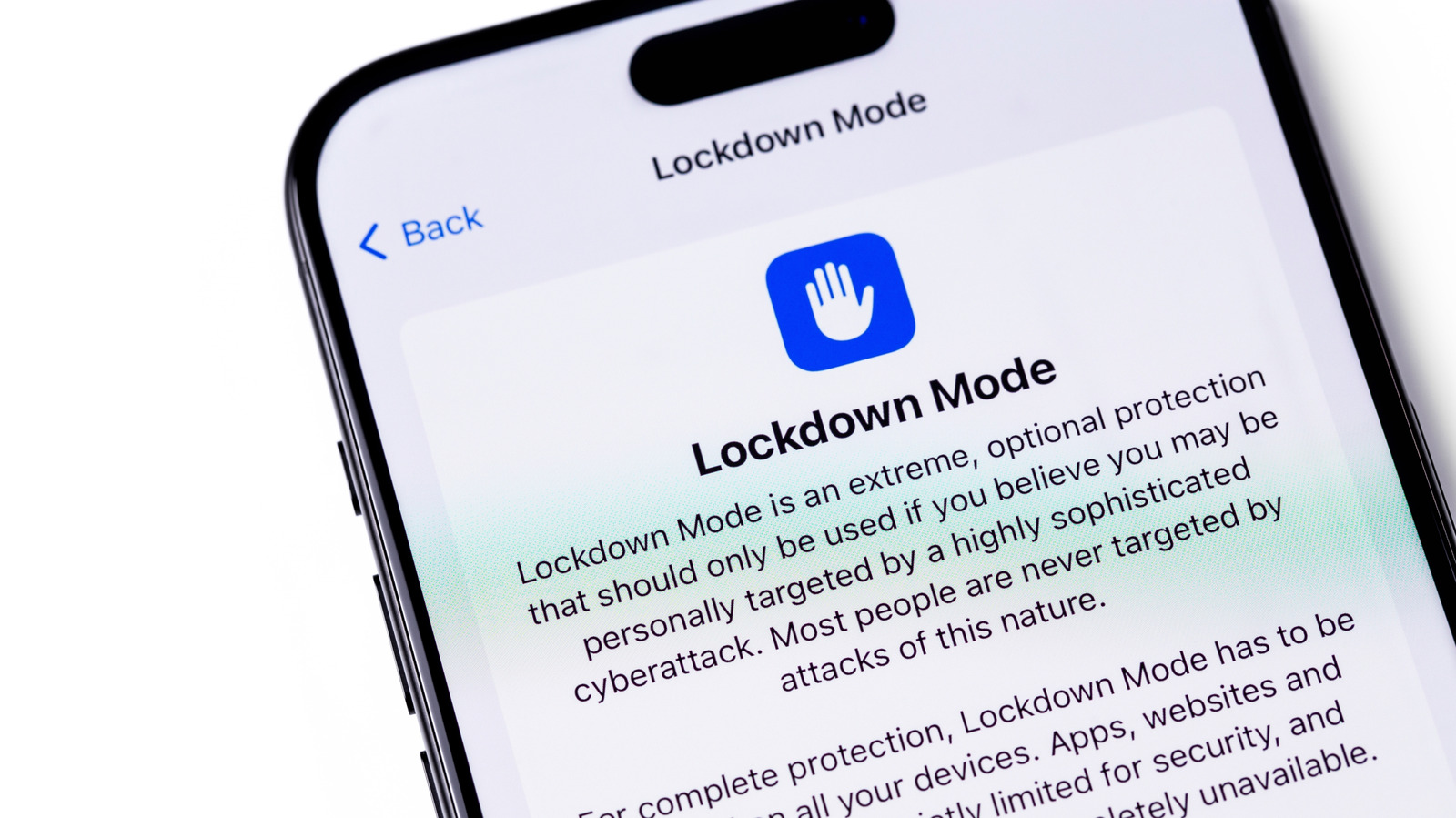
Lockdown Mode does not simply "harden" the system; it surgically removes the most common vectors used by sophisticated hackers. By enabling this mode, a user essentially converts their smartphone into a "dumbed-down" secure communications device.
1. Messaging and Media Restrictions
In standard operation, iMessage is a feature-rich platform. Under Lockdown Mode, it becomes a restricted environment. Most attachment types are blocked, and link previews—which often contain metadata that can be used to track or exploit a device—are disabled. This prevents a hacker from using a specially crafted image or document to trigger a buffer overflow exploit.
2. Browsing and Web Content
Web browsers are the most common gateway for malware. Lockdown Mode restricts complex web technologies like Just-In-Time (JIT) JavaScript compilation. While this makes the web significantly faster under normal conditions, it is also a primary target for remote code execution. With JIT disabled, the browsing experience becomes slower and less compatible with modern, script-heavy websites, but the attack surface is reduced exponentially.
3. Connectivity and Peripheral Security
The physical port of an iPhone can be a vulnerability. When an iPhone is locked in Lockdown Mode, it refuses to establish a wired connection with computers or accessories. This prevents "juice jacking" or physical exploitation tools from communicating with the device’s file system. Furthermore, the phone refuses to join unsecured Wi-Fi networks and completely blocks legacy 2G and 3G cellular connections, which are notorious for being susceptible to "stingray" interceptors that force a device to downgrade its security protocols.
4. Service and Feature Crippling
Lockdown Mode goes beyond simple settings. It disables the ability to install custom configuration profiles, which are often used by corporations or malicious actors to monitor traffic. Additionally, shared photo albums are removed, Home app invitations are blocked, and even the Apple Watch integration is hampered—phone calls will not be mirrored to the wrist to prevent potential data leakage via the watch’s own operating system.
The Economics of Security: Apple’s Bounty Program
Apple’s confidence in Lockdown Mode is not merely marketing; it is backed by cold, hard cash. As part of its Security Bounty program, Apple has offered significant rewards for researchers who can find ways to bypass the protections offered by the mode. In some instances, the company has doubled its maximum payout—offering up to $2 million—to anyone capable of finding a way to compromise a device in Lockdown Mode.
This "bounty" approach serves two purposes. First, it incentivizes the world’s most talented security researchers to spend their time hunting for vulnerabilities within the mode, effectively using the "white hat" community to stress-test the defense. Second, it serves as a public declaration of the company’s commitment to protecting high-value targets from state-sponsored surveillance.
Implications for the User: Is It Worth It?
The primary question for the average user is: "Should I turn this on?" The answer is almost universally no.
The Cost of Privacy
The trade-off for the security provided by Lockdown Mode is a significant loss of convenience. A device in this state is arguably less "smart." You will lose the ability to easily share high-resolution photos, your web browsing experience will be marred by broken scripts, and your connectivity will be restricted. For the average user, these are not mere inconveniences; they are major disruptions to the daily utility of the device.
Who Should Use It?
If you are a high-profile individual, a political dissident, a journalist operating in a hostile environment, or someone who has received a "threat notification" from Apple regarding mercenary spyware, Lockdown Mode is not just a feature—it is a necessity. Apple has integrated a notification system that alerts users if they have been specifically targeted. If you receive such a notification, activating Lockdown Mode should be your immediate priority.
A Layered Defense Strategy
It is crucial to understand that Lockdown Mode is a reactive measure, not a silver bullet. While it makes remote exploitation incredibly difficult, it does not prevent all forms of attack. Social engineering—tricking a user into revealing their password or authentication code—remains a viable method for attackers, regardless of the software on the device. Therefore, security experts advocate for a "defense-in-depth" approach:
- Use Lockdown Mode if you are a high-risk target.
- Enable Two-Factor Authentication (2FA) using physical security keys (like YubiKeys) for all critical accounts.
- Practice Digital Hygiene: Regularly review installed apps, clear browser caches, and avoid clicking on unsolicited links.
- Keep Software Updated: Even without Lockdown Mode, the standard updates Apple releases are the first line of defense against known vulnerabilities.
Conclusion: The Price of Absolute Security
Lockdown Mode is a testament to the arms race between tech giants and state-level cyber-actors. It is an "extreme" measure because the threats it counters are, by definition, extreme. For the vast majority of the population, the standard protections built into iOS—such as encrypted iMessages, sandboxed apps, and secure enclave processing—are more than sufficient to ward off common digital threats.
However, for the activist in an oppressive regime or the journalist investigating corruption, Lockdown Mode represents a vital technological shield. It reminds us that our devices are not just tools for social media and navigation; they are powerful gateways that require constant vigilance. Apple has provided the tools to turn our phones into digital fortresses, but it is up to the user to determine if they are willing to pay the price of admission—a life lived in a restricted, albeit significantly safer, digital ecosystem. As the landscape of cyber-warfare continues to evolve, Lockdown Mode will likely become more refined, proving that in the digital age, security is not a static state, but a constant, evolving struggle.