The Great Streaming Debate: Why Your Smart TV’s Wi-Fi Often Outperforms Ethernet
In the modern living room, the battle for connectivity supremacy is fought between two titans: the convenience of Wi-Fi and the reliability of Ethernet. As smart TVs become the central hubs for high-fidelity home entertainment, users are increasingly scrutinizing their network configurations. While common wisdom suggests that a physical cable is always superior to a wireless signal, the reality of modern consumer electronics is far more nuanced. Surprisingly, your smart TV’s Wi-Fi chip is often capable of significantly higher throughput than the physical Ethernet port integrated into its chassis. However, in the world of 4K HDR streaming, raw speed is not the only metric that dictates the quality of your viewing experience.
Main Facts: The Connectivity Paradox
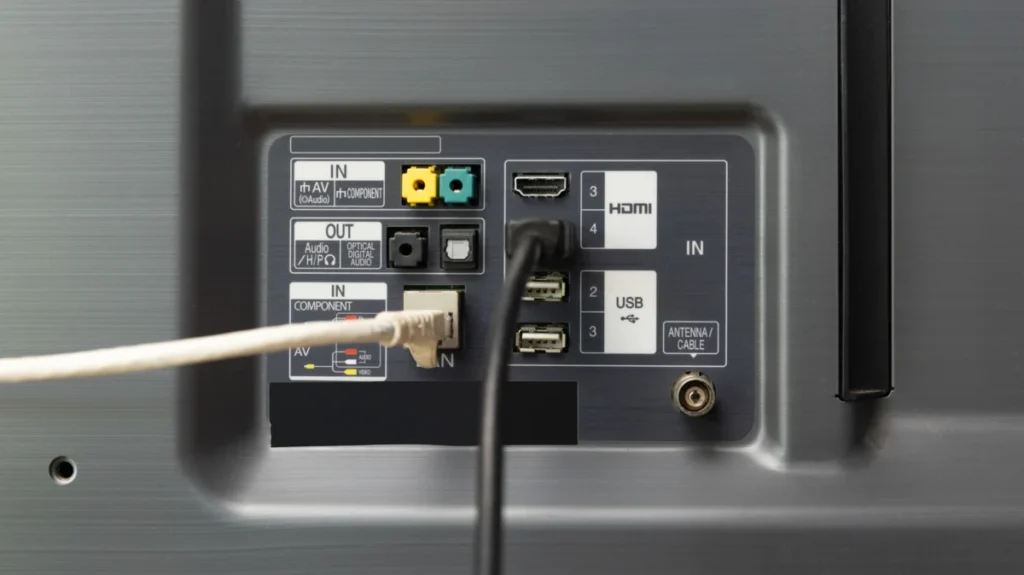
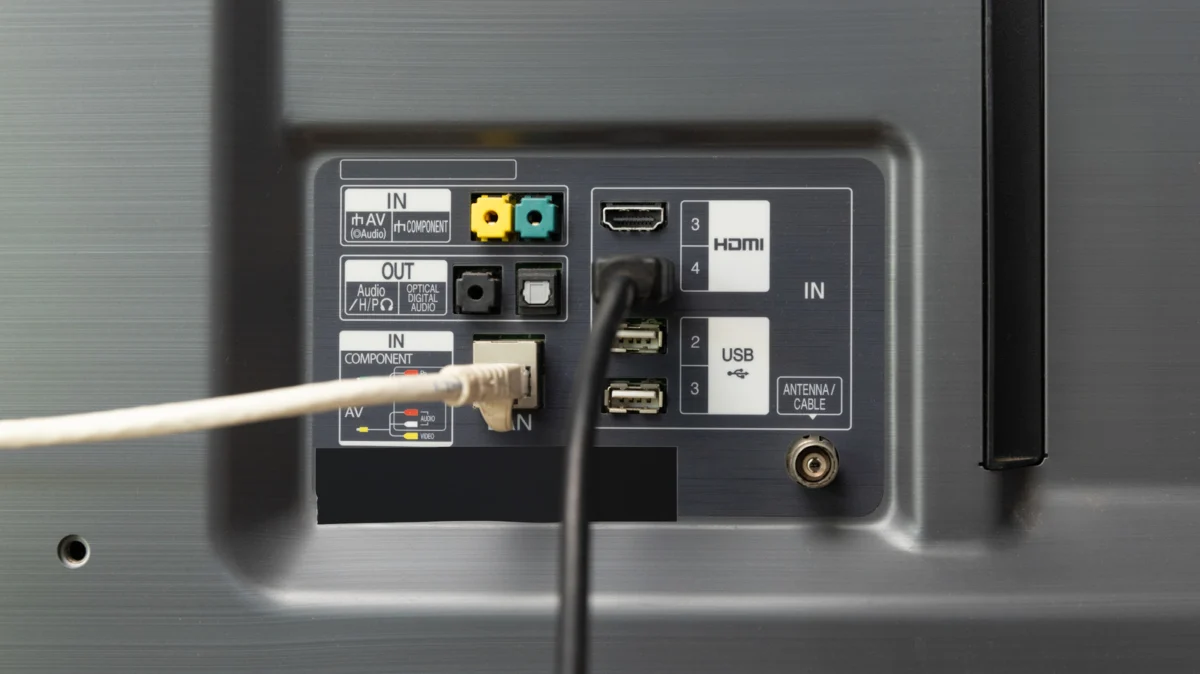
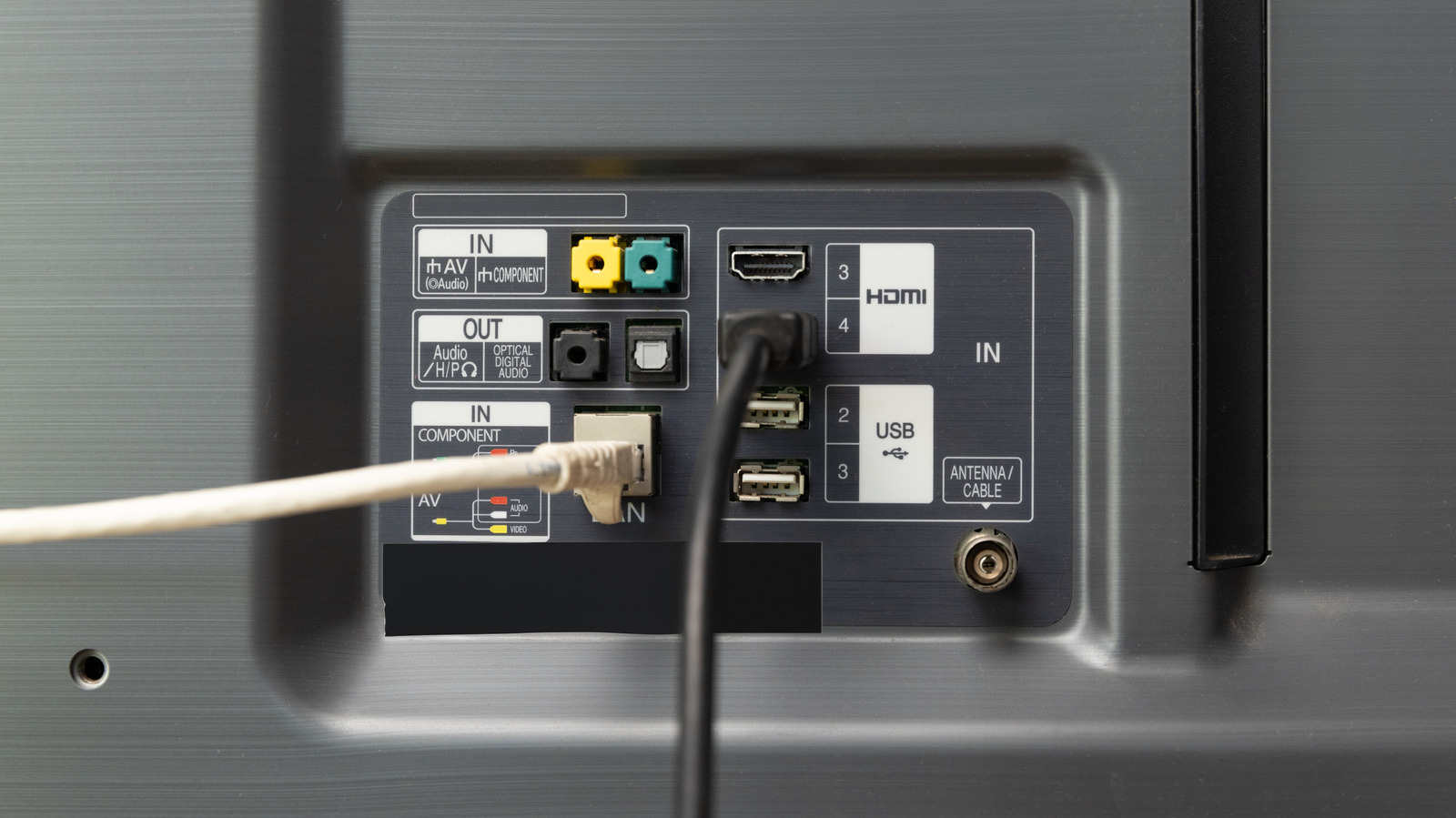
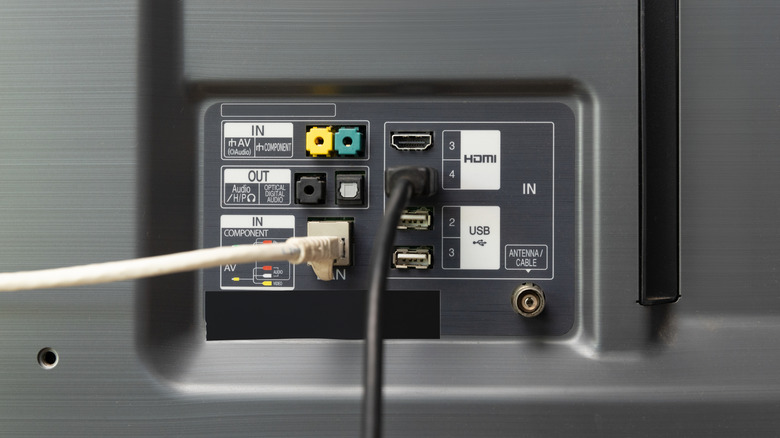
The primary disconnect between hardware specifications and actual performance lies in the cost-cutting measures adopted by television manufacturers. Most premium smart TVs today support modern Wi-Fi standards—often Wi-Fi 6 (802.11ax)—which can theoretical handle gigabit-plus speeds. Conversely, the Ethernet ports found on the vast majority of current-generation TVs are capped at 100 Mbps (Fast Ethernet).
This hardware limitation is a deliberate design choice, likely intended to shave cents off the bill-of-materials for each unit. Because 100 Mbps is technically sufficient to stream a high-bitrate 4K Netflix feed (which typically requires 15 to 25 Mbps), manufacturers gamble that the average consumer will not notice the bottleneck. Yet, this creates a bizarre technical reality: a wireless connection in your living room might offer five times the bandwidth of a hardwired connection to the same device.
Chronology: The Evolution of Home Networking for Media
The trajectory of home entertainment has evolved from simple over-the-air broadcasts to bandwidth-heavy streaming, fundamentally changing our networking requirements.
- The Early Streaming Era (2005–2012): During the dawn of services like Netflix, bandwidth requirements were modest. A standard 720p or 1080p stream could comfortably function on basic 802.11g or early 802.11n Wi-Fi, and Ethernet was considered the "gold standard" for stability.
- The 4K HDR Transition (2015–2018): As 4K resolution became the standard for flagship TVs, the demand for bandwidth tripled. Simultaneously, wireless mesh networking became popularized, making high-speed Wi-Fi reliable enough to challenge Ethernet.
- The Modern Era (2020–Present): With the rise of high-bitrate 4K HDR, Dolby Atmos, and massive application updates, the 100 Mbps Ethernet port has become a legacy constraint. Consumers are now realizing that their TVs are physically unable to utilize the full speed of their fiber-optic internet packages through a physical wire.
Supporting Data: Understanding the Bandwidth Requirements
To understand why this gap matters, one must look at the data requirements of current streaming platforms.
| Content Quality | Minimum Speed | Recommended Speed |
|---|---|---|
| 1080p (HD) | 5 Mbps | 8 Mbps |
| 4K (UHD) | 15 Mbps | 25 Mbps |
| 4K HDR/Dolby Vision | 25 Mbps | 30+ Mbps |
While 25 Mbps is the standard "recommended" speed for 4K, this does not account for the overhead required for stable playback, nor does it account for other devices on your network competing for that same bandwidth. If your TV’s Ethernet port is capped at 100 Mbps, it is functionally limited. While this is sufficient for a single 4K stream, it provides zero "headroom." If the bitrate of the video spikes—which happens frequently in complex, high-motion scenes—or if the TV needs to pull a large software update, the 100 Mbps limit can lead to buffering or a forced drop in resolution.
The Case for Stability: Why Ethernet Still Matters
Despite the speed deficit, Ethernet maintains a structural advantage: stability. Wi-Fi, no matter how fast, is a shared medium. It is subject to radio frequency interference from neighbors, walls, and other appliances. In an apartment complex, the 2.4GHz and 5GHz bands are often saturated, leading to packet loss and latency spikes.
Ethernet is immune to these variables. Because every device connected via Ethernet enjoys its own "lane" back to the switch or router, it is not susceptible to the intermittent signal drops that plague wireless connections. For users who prioritize a "set it and forget it" experience, the consistency of a physical cable—even at 100 Mbps—can be preferable to a high-speed Wi-Fi connection that fluctuates during peak usage hours in the evening.
Official Perspectives and Industry Trends
Industry experts note that the decision to stick with 100 Mbps Ethernet is almost purely economic. Adding a gigabit-capable Ethernet controller increases the cost of the motherboard. In an industry where profit margins are razor-thin, manufacturers prioritize features that sell units in the store—such as screen brightness, thin bezels, and smart platform integration—over the technical specifications of the network interface card (NIC).
While there is no formal "official response" from the manufacturing consortiums, the trend suggests that unless consumers begin to demand gigabit ports as a standard requirement, the 100 Mbps limitation will persist. Currently, the responsibility for high-performance networking has shifted to the consumer, who must decide between the speed of Wi-Fi or the reliability of a wired connection.
Implications for the Modern User
The implications of these findings for the home theater enthusiast are significant.
1. Evaluate Your Environment
If your TV is located in a room with high signal interference or at a significant distance from your router, Ethernet remains the superior choice, even if it is capped at 100 Mbps. The stability of the connection will prevent the dreaded "spinning wheel" of buffering more effectively than a weak, albeit faster, Wi-Fi signal.
2. Optimize Your Wi-Fi
If you choose to use Wi-Fi, ensure your router is positioned correctly. It should be elevated, unobstructed, and centrally located. If your TV supports the 5GHz or 6GHz bands, ensure it is connected to these rather than the more congested 2.4GHz band.
3. The "Offload" Strategy
A practical solution for power users is to offload the streaming tasks to an external device. Devices like the Apple TV 4K, Nvidia Shield TV, or high-end streaming sticks often feature much more robust networking hardware than the TVs themselves. By connecting a powerful streaming box to your TV via HDMI, you bypass the internal TV software’s limitations, allowing you to enjoy gigabit-speed networking and a snappier interface.
4. Avoiding the "Cable Trap"
Avoid the temptation to use "flat" Ethernet cables or overly long, poorly shielded runs. If you are going to run a cable, do it correctly with Cat 6 or higher. However, do not feel compelled to "wire everything" if your Wi-Fi is performing optimally. In many modern homes with high-quality mesh systems, the difference between Wi-Fi and Ethernet is invisible to the end user.

Conclusion: A Nuanced Choice
The narrative that "Ethernet is always better" is an antiquated holdover from an era before high-performance wireless standards. While Ethernet provides an unmatched level of stability, the reality is that for the vast majority of consumers, a modern Wi-Fi 6 connection will provide a faster, more reliable experience than the throttled 100 Mbps Ethernet ports found on most televisions.
As we look toward the future of 8K streaming and higher-bitrate content, the industry will eventually be forced to adopt gigabit Ethernet as a baseline. Until then, users should prioritize the connection method that best fits their specific home environment, remembering that in the world of high-definition streaming, a stable 25 Mbps is infinitely better than an unstable 500 Mbps.