Cutting the Cord: The Definitive Guide to Upgrading Your Wired CarPlay to Wireless
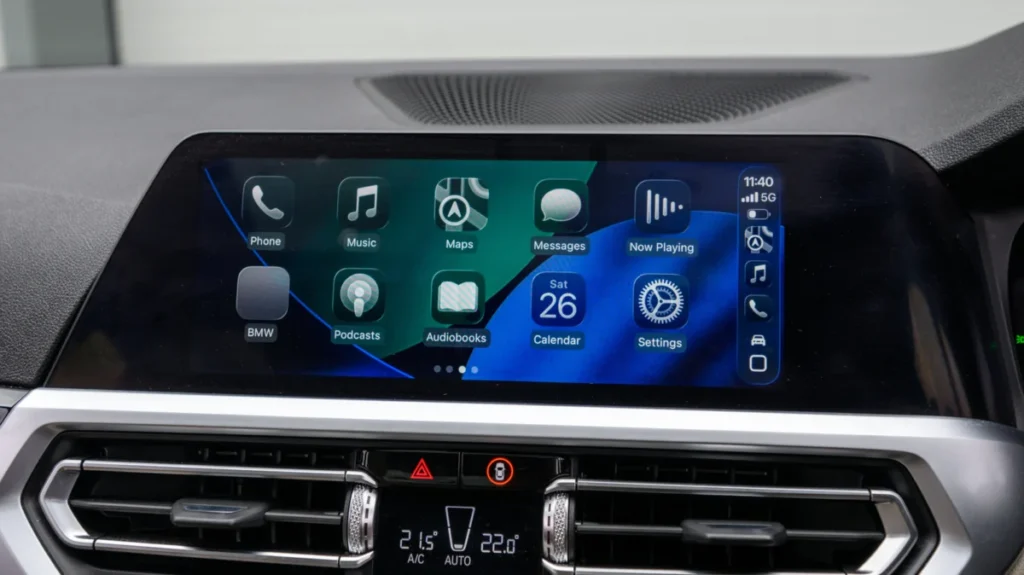
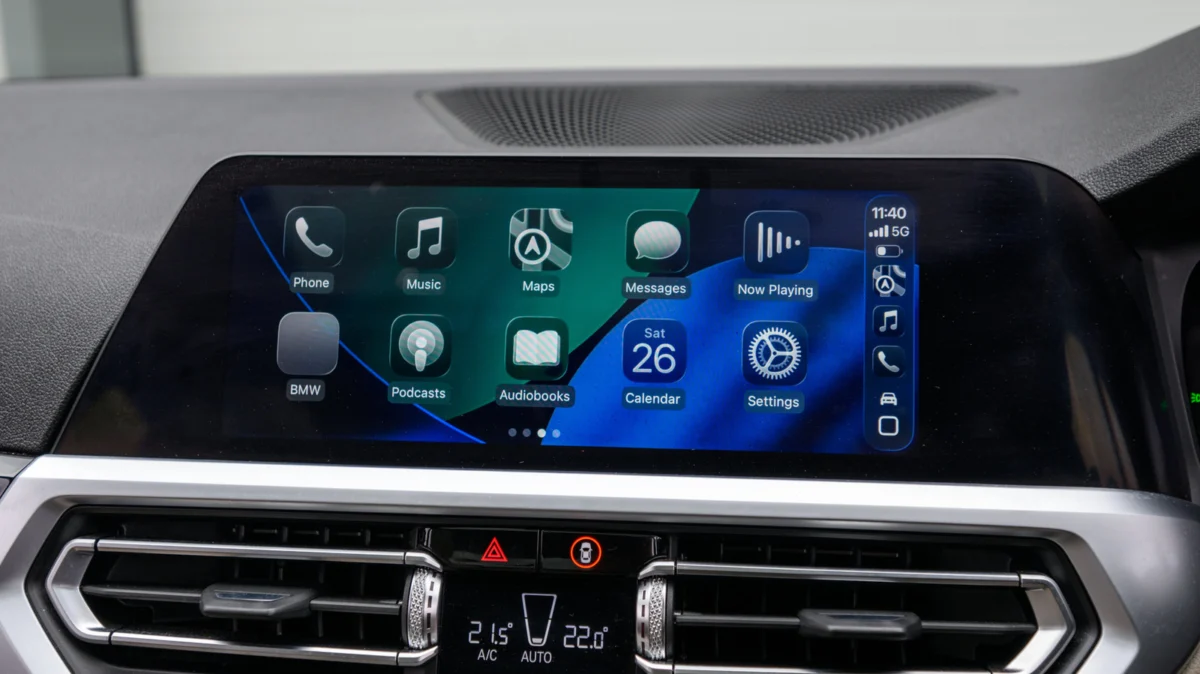
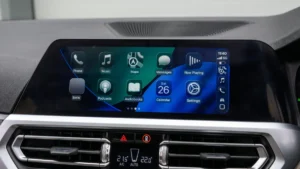
For millions of drivers, Apple CarPlay has become an essential companion on the road. It provides a seamless interface for navigation, communication, and entertainment, effectively turning your vehicle’s infotainment screen into an extension of your iPhone. However, a significant portion of these users remains tethered to their dashboards via a Lightning or USB-C cable. While a wired connection is undeniably stable, the convenience of wireless connectivity—the ability to keep your phone in your pocket or a wireless charging pad while you drive—is a luxury many are eager to adopt.
The good news is that you do not need to trade in your current vehicle or invest thousands of dollars in an aftermarket head unit to join the wireless revolution. A burgeoning market of "plug-and-play" wireless CarPlay adapters promises to bridge the gap. Yet, as with any accessory that integrates deeply with your vehicle’s software, the reality is more nuanced than a simple Amazon purchase. Choosing the wrong device can lead to connection dropouts, audio lag, and severe frustration.
The Core Mechanics: How Wireless Adapters Function
To understand why choosing the right adapter is vital, one must first understand how they function. Wireless CarPlay is not merely a Bluetooth stream; it is a complex handshake between your iPhone and your vehicle’s infotainment system. The protocol uses Bluetooth for the initial discovery and pairing process, but once the connection is established, the high-bandwidth data—such as maps, high-fidelity audio, and interface updates—is transferred over a 5GHz Wi-Fi network.
A wireless CarPlay adapter acts as an intermediary. It plugs into the USB port that would normally host your iPhone. The adapter then masquerades as an iPhone to your car’s head unit, while simultaneously hosting a wireless hotspot to which your actual iPhone connects. It essentially translates the wireless data stream from your phone into a wired signal the car’s infotainment system can interpret. Because this process involves significant real-time data translation, the internal hardware of the adapter—specifically its processing power and its Wi-Fi antenna quality—is the primary determinant of whether your experience will be smooth or stutter-filled.
Chronology of Connectivity: From Wired to Wireless
The shift from wired-only to wireless-native CarPlay has been gradual. When Apple first introduced CarPlay in 2014, it was exclusively a wired experience. It wasn’t until iOS 9 in 2015 that Apple laid the software groundwork for wireless connectivity, and even then, it took years for vehicle manufacturers to integrate the necessary Wi-Fi hardware into their factory head units.
- 2014–2017: The era of the "wired-only" dashboard. Most vehicles equipped with CarPlay required a physical connection.
- 2018–2020: Early adoption of native wireless CarPlay began in luxury vehicles, but mainstream manufacturers lagged behind.
- 2021–Present: The aftermarket adapter boom. As demand for wireless convenience skyrocketed, third-party manufacturers began producing compact dongles that allowed owners of older, wired-only systems to bypass the cable.
Today, we are in a phase of market maturation. Early, cheap, and unreliable dongles have given way to more sophisticated hardware capable of firmware updates, reduced latency, and multi-device support.

Critical Considerations Before You Buy
Before you commit to a purchase, you must perform a due diligence audit of your current vehicle and your daily habits.
1. The "Native CarPlay" Prerequisite
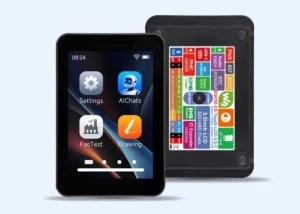
The most common misconception among consumers is that these adapters add CarPlay to a car that doesn’t have it. This is false. These devices are converters, not upgrades. If your vehicle’s infotainment system does not support CarPlay natively through a USB connection, a wireless adapter will not magically grant you the functionality. If you are in this category, your only solution is to replace your head unit with a third-party system (like those from Alpine, Pioneer, or Kenwood) or purchase a portable CarPlay display unit that mounts to your dashboard.
2. Physical Port Compatibility
Do not overlook the simple hardware connection. Your vehicle’s USB port will be either USB-A (the standard rectangular connector) or USB-C (the smaller, rounded connector). While you can use a physical USB-A-to-C adapter, they often add bulk and can be a point of failure or signal degradation. Always prioritize buying an adapter that matches your car’s existing port natively.
3. Firmware and iOS Support
This is the most critical technical factor. Apple updates iOS annually, and these updates occasionally alter the handshake protocols for CarPlay. Cheap, "disposable" adapters often lack a mechanism for firmware updates, meaning a single iOS update could render your device obsolete overnight. Look for manufacturers that offer a dedicated companion app or a web-based portal to download and install firmware updates.
Performance Metrics: What Makes a "Good" Adapter?
When comparing products from brands like Ottocast, Amzfeel, or others, look for these specific performance indicators:
- 5GHz Wi-Fi Support: Avoid any device that only supports 2.4GHz. The 2.4GHz band is crowded with other signals (including home Wi-Fi and Bluetooth), leading to interference and "stuttering" audio. 5GHz is mandatory for a stable, high-bandwidth connection.
- Auto-Reconnect Speeds: A quality adapter should "handshake" with your phone within 10 to 15 seconds of starting your vehicle. Anything longer than 30 seconds becomes a genuine inconvenience.
- Multi-Device Management: If you share your car with a spouse or partner, look for an adapter that supports multiple paired devices. High-end units can remember multiple phones and connect to whichever is present, or allow you to switch between them via an on-screen menu.
- Steering Wheel Control Integration: Most reputable adapters maintain full integration with your car’s physical buttons, including volume knobs, track skip buttons, and voice command triggers (Siri). However, some entry-level models fail to translate these signals properly.
Implications for the Modern Driver
The transition to wireless CarPlay is more than just a convenience upgrade; it is an improvement in safety and vehicle ergonomics. By removing the cable, you eliminate the "dangling cord" hazard, which can obstruct gear shifters or become tangled while driving. Furthermore, it allows for a cleaner cabin aesthetic, as you no longer need to route cables through center consoles or cup holders.
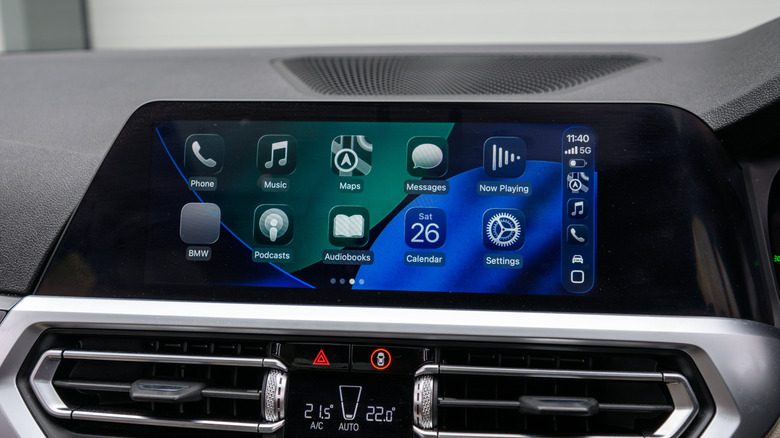
However, there is a trade-off: Battery consumption. Wireless CarPlay uses a significant amount of power because your iPhone is constantly managing a high-frequency Wi-Fi connection and a Bluetooth link, in addition to GPS data processing. If you are a high-mileage driver, you will quickly find that wireless CarPlay drains your battery faster than a wired connection. Many drivers mitigate this by installing a dedicated wireless charging pad or mount, creating a "wireless ecosystem" in their car.
The Verdict: Quality Over Cost
In the current market, you can find adapters ranging from $30 to over $150. While the lower-end models might work for a few months, they are frequently plagued by "heat soak" (where the device crashes after running for an hour) and connection drops.
When choosing your device, look for:
- Manufacturer support: Are there regular firmware updates?
- Community consensus: Check forums like Reddit (r/CarPlay) for real-world user reports on specific models.
- Return policy: Given that some infotainment systems are notoriously picky about USB devices, ensure you purchase from a retailer with a generous return policy.
In conclusion, moving to wireless CarPlay is an excellent way to modernize an older vehicle. By understanding the underlying technology and focusing on adapters that prioritize high-speed wireless standards and firmware support, you can enjoy a clutter-free, high-performance driving experience that brings your vehicle’s technology firmly into the current era.