
Bridging the Gap: How ‘Prop For That’ Is Redefining the CSS-JavaScript Relationship
For years, the divide between CSS and JavaScript has been a fundamental pillar of web development. CSS was the realm of static presentation—layouts, colors, and typography—while JavaScript acted as the logic layer, sniffing out browser events and manipulating the Document Object Model (DOM) to create interactivity. While CSS custom properties (variables) have evolved significantly, they have historically struggled to bridge the gap between "static styling" and "dynamic, event-driven state."
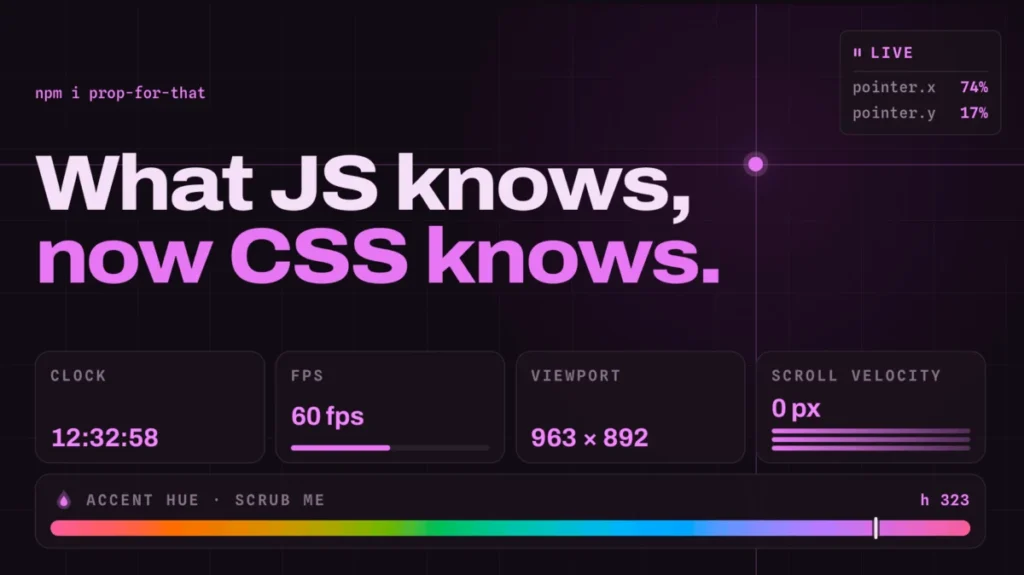
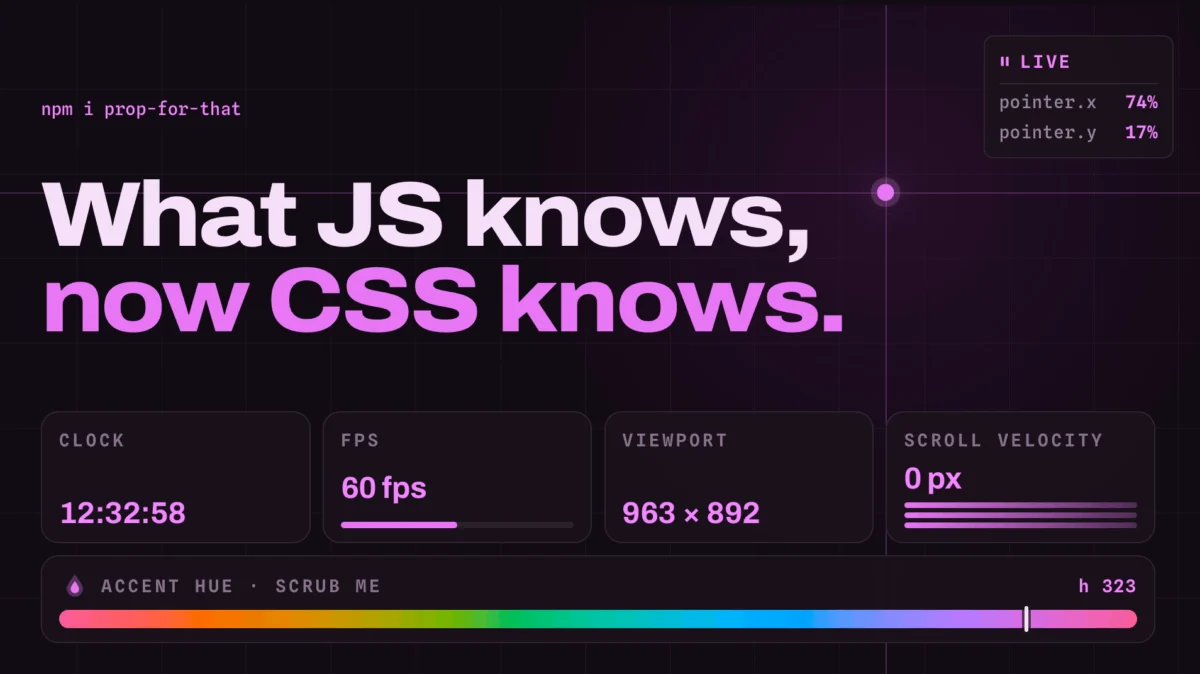
Adam Argyle, a lead developer known for his contributions to modern web standards and his previous toolkit, Open Props, is looking to dissolve that barrier. His latest project, Prop For That, is an ambitious library designed to inject complex, real-time browser data directly into CSS. By treating ephemeral browser states—like scroll velocity, precise pointer coordinates, and element progress—as native-feeling CSS variables, Argyle is effectively turning the stylesheet into an active, responsive engine.
The Evolution of CSS: From Static Sheets to Dynamic Engines
To understand the significance of Prop For That, one must look at the trajectory of CSS. In its infancy, CSS was strictly declarative. If you wanted an element to move based on the mouse, you were tethered to JavaScript event listeners. You would track mousemove, calculate offsets, and manually update the style attribute of a DOM node.
Chronology of CSS-JS Interoperability
- The Early Web (1995–2010): Developers relied on heavy DOM manipulation. To create a "follow the cursor" effect, developers had to trigger
requestAnimationFrameloops, calculating positions and applying inline styles every few milliseconds. This was performant-heavy and often resulted in "jank." - The Rise of Custom Properties (2015–2018): With the arrival of CSS Variables (
--variable-name), the ability to pass data from JavaScript to CSS improved. However, the developer still had to write the "bridge" code:element.style.setProperty('--x', event.clientX). - The Current Era (2024): With the introduction of libraries like Prop For That, the boilerplate code disappears. The bridge is abstracted away, allowing developers to focus on the design rather than the plumbing of event listeners.
Inside the Mechanics: How ‘Prop For That’ Works
At its core, Prop For That is an elegant abstraction layer. Rather than requiring developers to manually bind events, the library leverages the power of data attributes. By simply adding a data-props-for attribute to an HTML element, the library identifies the type of data the element needs to "observe" and automatically begins syncing that data to CSS custom properties.
The Implementation Workflow
The beauty of this approach lies in its simplicity. The process can be broken down into three distinct phases:
- Library Initialization: Once the script is imported into a project, it registers a series of listeners that track global and local browser states.
- Markup Declaration: The developer identifies the target element and specifies the "prop" required. For instance, using
data-props-for="pointer"signals the library to begin feeding the mouse coordinates into the stylesheet. - CSS Consumption: Within the stylesheet, these values become immediately available via variables such as
--live-pointer-xor--live-pointer-y. Because these are standard CSS variables, they can be manipulated withcalc(), clamped, or used in transitions without a single line of custom JavaScript.
Supporting Data: Why This Matters for Performance
One of the primary concerns in front-end development is the "Main Thread" bottleneck. When JavaScript performs excessive DOM updates, it competes for the same thread used for rendering, leading to stuttering animations.
Prop For That optimizes this by using efficient observers and batching updates. By centralizing the logic for tracking cursor positions, scroll progress, and time, the library ensures that the browser isn’t being hit with redundant, unoptimized event listeners.
Furthermore, the data attributes pattern allows for "opt-in" performance. Instead of tracking the entire viewport for every element, the library only activates listeners when a specific element requires that data. This modularity ensures that the performance cost of the library remains negligible, even in complex, data-heavy applications.
Official Perspectives and Philosophy
Adam Argyle has long championed the idea of "CSS-first" development. In his view, the browser is becoming more capable, and our development patterns should reflect that.
"The goal isn’t to replace JavaScript," Argyle noted in recent discussions regarding his toolkits. "The goal is to allow CSS to do what it was always intended to do: represent the visual state of the document. If the document state is dynamic—if the scroll position is changing or the user is hovering—the CSS should be aware of that state in real-time."
This philosophy resonates with the broader "Platform over Framework" movement. As developers grow weary of the complexity introduced by massive JavaScript frameworks, tools that extend the native capabilities of CSS offer a refreshing, lightweight alternative.
Implications for Future Web Design
The implications of Prop For That extend far beyond simple mouse-tracking effects. By standardizing the way we expose browser state to the styling layer, Argyle is opening the door for several design paradigms:
1. Declarative Scroll-Driven Interactions
Scroll-driven animations have historically been the "holy grail" of CSS. While the browser is slowly introducing native scroll-timeline support, Prop For That provides an immediate, polyfilled approach that works across a wider variety of use cases, including tracking the scroll velocity of individual containers.
2. Time-Based Styling
The library tracks current time, allowing for "time-of-day" themes that automatically shift based on the user’s system clock—without needing to refresh the page or run complex logic in the background.
3. Form State Visuals
One of the most intriguing aspects of the library is its potential to handle form states. Instead of writing complex CSS :has() or :checked selectors, developers can use the library to pass "form-valid" or "input-focused" states as variables, allowing for much more granular control over error messaging and visual feedback.
The Professional Verdict
From a professional standpoint, Prop For That is more than just a novelty; it is a bridge to a more performant future. By moving the "state-to-style" pipeline into a dedicated, optimized library, developers can reduce their custom boilerplate by significant margins.
However, a word of caution is necessary: as with any library that introduces dynamic styling, developers must be wary of "variable sprawl." If every element on a page is tracking its own scroll velocity and pointer position, the sheer number of CSS updates could eventually impact rendering performance. The key to using Prop For That effectively is strategic implementation—using it to enhance, not define, the primary experience.
Conclusion: A New Era for CSS
As the web continues to demand more fluid, interactive, and responsive experiences, the tools we use to build them must evolve. Prop For That represents a significant leap forward in how we view the relationship between data and presentation. By enabling CSS to "see" the things it previously couldn’t, Adam Argyle has provided a toolkit that makes the impossible feel native.
For the modern developer, the takeaway is clear: the wall between CSS and JavaScript is thinning. Tools like Prop For That are making it easier than ever to build high-fidelity interfaces that respond to the user with the fluidity of a native app, all while maintaining the clean, maintainable, and declarative spirit of CSS. Whether you are a fan of Open Props or simply a developer looking to refine your animation workflows, this library is an essential addition to your utility belt.
As we look toward the future, one can only expect that these patterns will eventually become part of the CSS specification itself. Until then, Prop For That serves as the bridge to that future, proving that with a little bit of clever engineering, we can make the web feel more alive than ever before.








