The Bottleneck Dilemma: Are eGPUs Worth the Investment in the Modern Era?
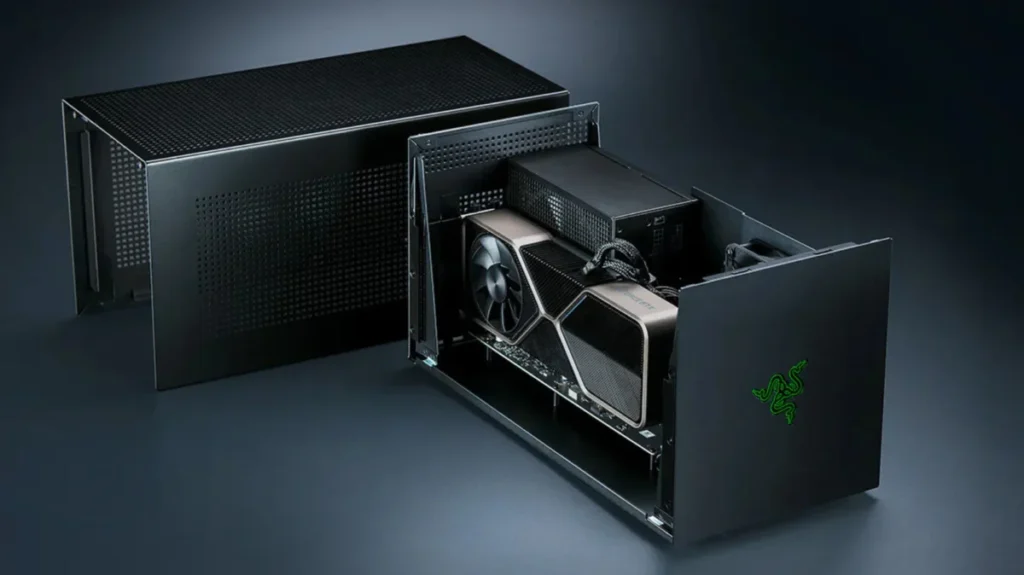
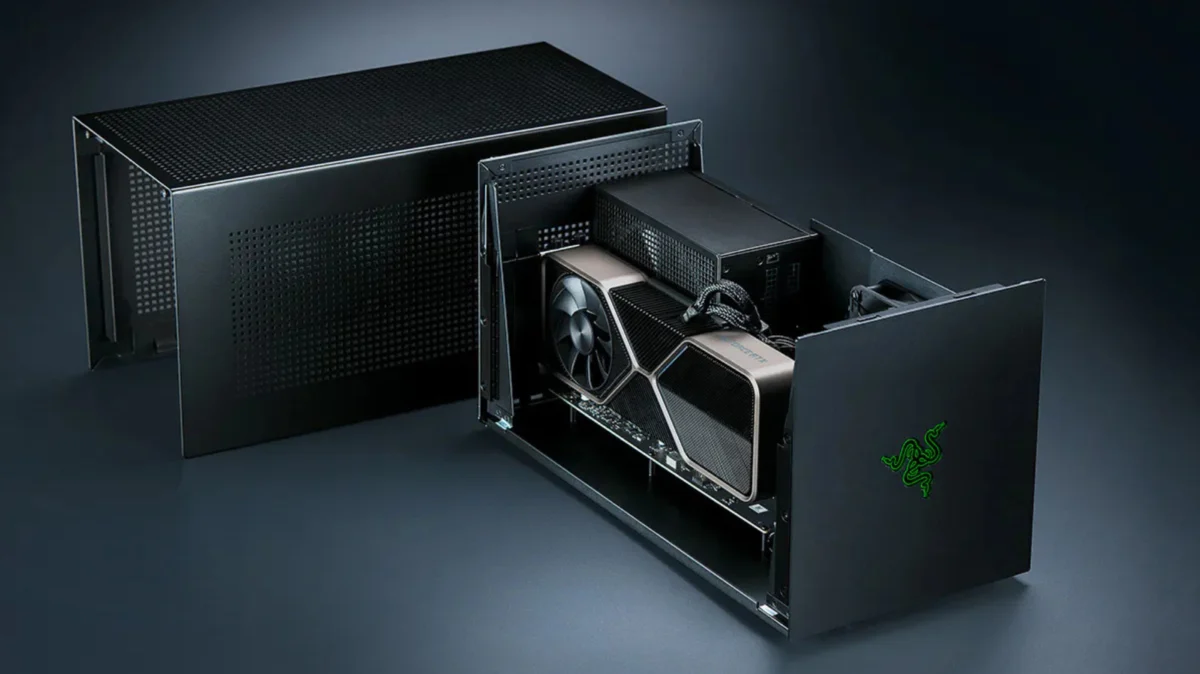
For years, the promise of the external Graphics Processing Unit (eGPU) has been the "holy grail" of mobile computing: the ability to carry a thin, lightweight, and professional-looking laptop during the day, only to dock it into a powerhouse enclosure at night to enjoy high-fidelity gaming or professional-grade rendering. However, as the hardware landscape evolves, the reality of eGPU performance—plagued by bandwidth limitations, compatibility hurdles, and exorbitant pricing—suggests that for most users, the dream remains more of a compromise than a solution.
Main Facts: The Reality of External Rendering
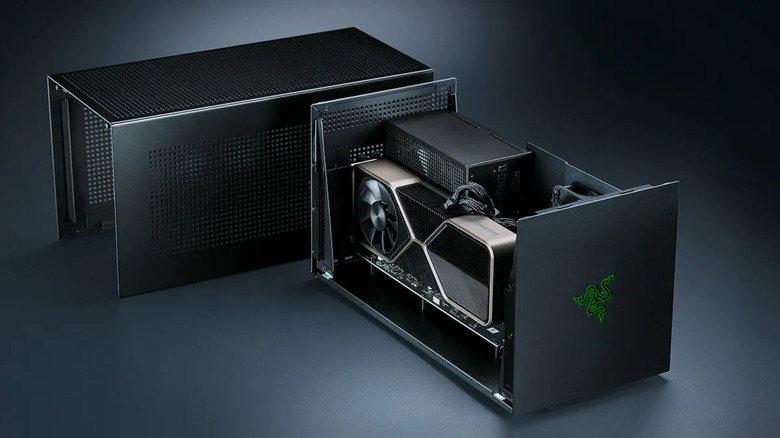
An eGPU is essentially a desktop-class graphics card housed in an external chassis, linked to a laptop via a high-speed data interface, most commonly Thunderbolt or, more recently, OCuLink. The goal is simple: offload the intensive graphical tasks from the laptop’s integrated or modest discrete GPU to a full-sized card.
While the technology is technically functional, it is governed by a fundamental physics problem: the "bandwidth wall." A modern desktop GPU is designed to communicate with a motherboard via a PCIe 4.0 or 5.0 x16 slot. In contrast, even the latest Thunderbolt 4 standard is restricted to 40Gbps of total throughput, with only 32Gbps allocated for PCIe data. This is roughly one-eighth of the bandwidth available in a standard desktop configuration. While this is sufficient for many tasks, it creates a significant bottleneck that throttles high-end hardware, leading to diminished returns and performance instability.
Chronology: A Brief History of External Graphics
The journey of the eGPU has been marked by fragmentation and shifting industry standards:
- 2010s: The Early Days: The concept gained traction through proprietary solutions and early, unstable implementations of Thunderbolt 1 and 2. Performance was erratic, and hardware compatibility was limited to a handful of enthusiast laptops.
- 2016: The Thunderbolt 3 Era: The introduction of Thunderbolt 3, utilizing the USB-C connector, brought eGPUs into the mainstream. Companies like Razer and Blackmagic Design released "plug-and-play" enclosures, making the dream feel attainable for the first time.
- 2020: The Apple Silicon Transition: A massive blow to the industry occurred when Apple moved away from Intel processors to its proprietary M-series chips. With this architectural shift, macOS support for eGPUs was effectively killed, alienating a massive segment of creative professionals who relied on external rendering power.
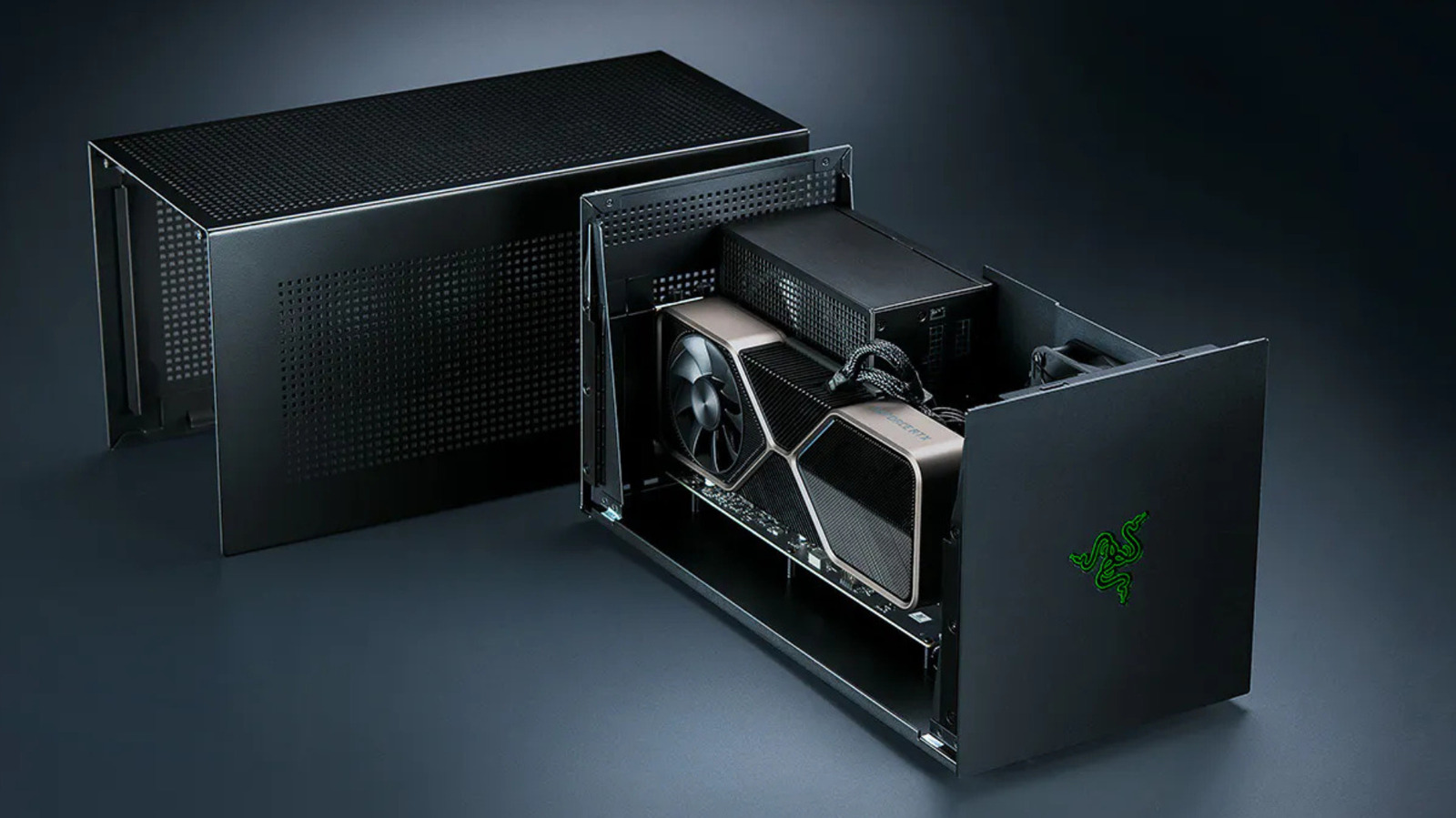
- 2024-2025: The Rise of Thunderbolt 5 and OCuLink: Recent developments have seen renewed interest. Razer revived its eGPU line with a Thunderbolt 5-compatible dock, and companies like Framework began exploring OCuLink—a direct PCIe connection—to bypass the limitations of Thunderbolt protocols entirely.
Supporting Data: Performance Losses and Bottlenecks
The gap between desktop performance and eGPU performance is not merely theoretical; it is measurable and often severe.
Independent testing by outlets such as Notebookcheck and PC Gamer has consistently demonstrated that the performance penalty is proportional to the card’s power. In 2021, Notebookcheck testing revealed that an RTX 2080 Ti in an eGPU enclosure suffered a performance drop of 7% to 32% compared to a desktop environment.
More modern testing, specifically with high-end cards like the NVIDIA RTX 4070 Ti and 4090, has shown that as the GPU becomes more powerful, the bottleneck becomes more pronounced. A top-tier card essentially "starves" for data when forced to communicate through the restricted lanes of a Thunderbolt cable. Consequently, pairing an ultra-high-end card with an eGPU enclosure often results in a poor "price-to-performance" ratio; you are paying for 100% of the GPU’s potential but receiving perhaps 70% or 60% of the output.
Furthermore, "1% lows"—the metric used to measure frame-rate stability—are significantly worse in eGPU setups. This manifests as stuttering or frame-time inconsistencies, which can be more detrimental to the gaming experience than a lower average frame rate.
Official Responses and Industry Shifts
The industry’s response to these limitations has been split between refining the interface and diversifying the connection type.
Razer’s Strategy: Razer continues to advocate for the convenience of the Thunderbolt ecosystem. By launching the Thunderbolt 5 dock, they are banking on the increased bandwidth (80Gbps) to mitigate the bottleneck. However, their ecosystem requires a significant financial commitment—often approaching the cost of an entire mid-range gaming desktop—without offering the stability of a dedicated PCIe connection.
The OCuLink Alternative: Framework’s approach with the Laptop 16 represents a "pro-consumer" pivot. By utilizing OCuLink, they are essentially exposing raw PCIe lanes to an external device. This offers significantly higher bandwidth (up to 128 Gbps in some configurations) and lower latency. The downside is the loss of the "one-cable" convenience. Unlike Thunderbolt, OCuLink does not inherently support hot-plugging, power delivery, or the seamless docking experience that casual users expect.
The Apple Stance: Apple has remained largely silent on the prospect of bringing eGPU support back to macOS. While the "TinyGPU" driver extension project—a community-led effort—has enabled some functionality for AMD and NVIDIA cards, it is strictly limited to AI workloads. For the gamer, the current ecosystem on macOS remains closed, essentially forcing users to look toward PC platforms if they require external graphical acceleration.
Implications: The Verdict for the Consumer
When evaluating whether to invest in an eGPU, the conclusion remains sobering: Just buy a basic gaming PC instead.
The Financial Argument
If you tally the cost of a high-quality enclosure (often $350+), a modern GPU ($500-$800), and the necessary power supply and peripheral docks, you are well within the price range of a dedicated gaming desktop. A desktop build offers superior performance, upgradeability, and stability. You are not fighting with drivers, bandwidth limitations, or compatibility issues.
The Portability Fallacy
Many users purchase eGPUs under the impression that they can take their laptop to a cafe during the day and "game hard" at night. However, the friction involved in managing eGPU drivers, ensuring the connection is initialized correctly, and dealing with the external power requirements often makes the setup more of a desk-bound installation than a truly mobile one.
The Future Outlook
eGPUs will likely remain a niche product for specific use cases, such as AI research, data science, or specialized professional rendering where internal space is at a premium and the specific software is optimized for external accelerators. For the average gamer or student, however, the technology has reached a plateau. Until interface standards can provide full-speed, plug-and-play PCIe bandwidth without the extreme cost and complexity of current solutions, the "external graphics" dream will continue to be eclipsed by the simple, reliable, and cost-effective nature of the dedicated gaming PC.
In summary, before spending hundreds on an enclosure, ask yourself if the convenience of a single-laptop lifestyle is worth the 30% performance tax and the ongoing technical headache. For most, the answer is a resounding no.