The Double-Edged Sword: Understanding ariaNotify() and the Future of Web Accessibility
In the ongoing evolution of the World Wide Web, the gap between visual interfaces and assistive technology has long been a source of friction for developers. For years, engineers have relied on "live regions"—a collection of ARIA attributes designed to signal dynamic updates to screen readers—as the primary mechanism for informing users about asynchronous page changes. However, these tools have historically been plagued by browser inconsistencies, timing errors, and architectural fragility.
Now, the W3C’s Accessible Rich Internet Applications (WAI-ARIA) 1.3 Specification introduces a paradigm shift: the ariaNotify() method. This new programmatic interface promises to replace the "Rube Goldberg-esque" hacks of the past with a direct, reliable API. But as the developer community celebrates this long-overdue solution, a critical question emerges: does this newfound ease of use invite a new era of "notification fatigue" for users who rely on assistive technology?
The Core Innovation: What is ariaNotify()?
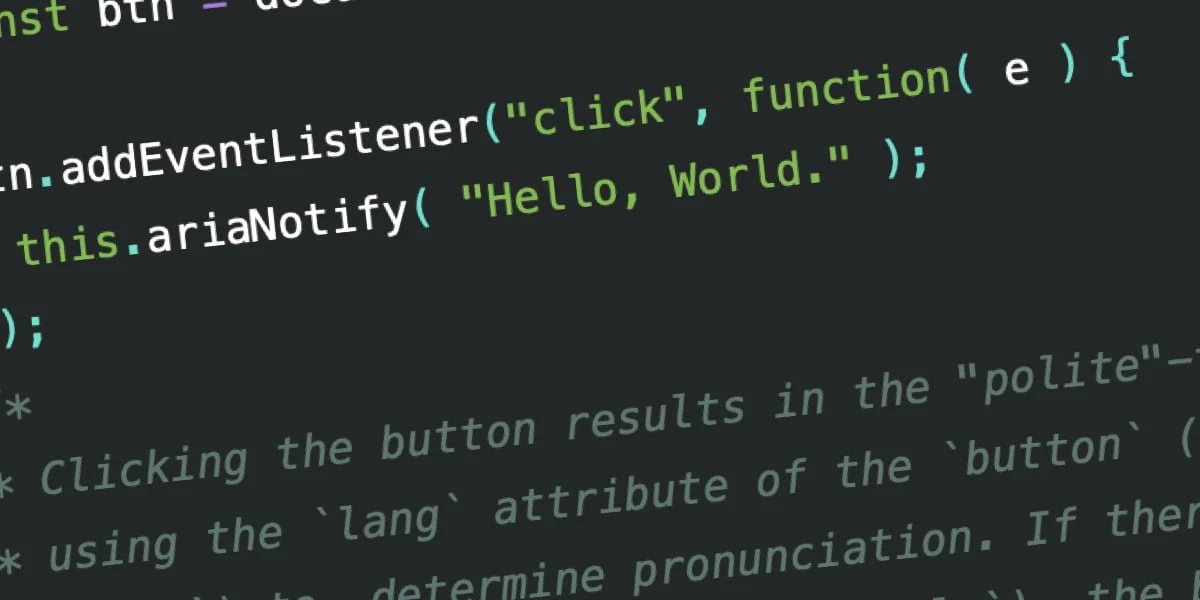
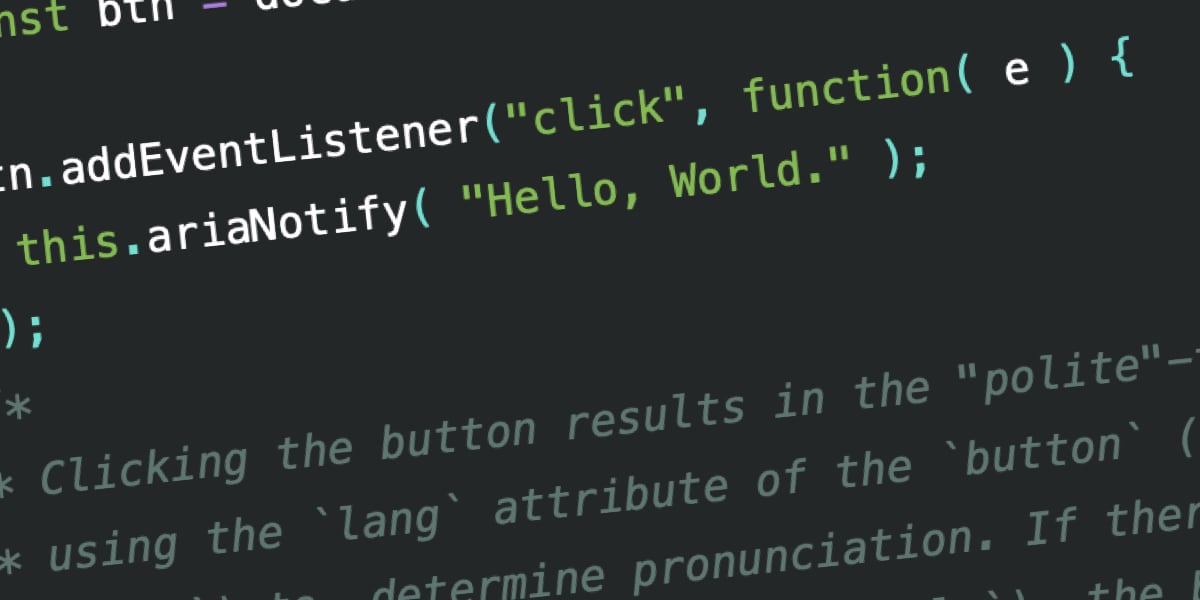
At its simplest, ariaNotify() is a JavaScript method that allows developers to send a string of text directly to a user’s screen reader. Defined as part of the WAI-ARIA 1.3 spec, the method accepts two arguments: the message to be announced and an optional configuration object to define the priority level.
document.ariaNotify("Update successful: Your changes have been saved.",
  priority: "high"
);
The syntax is deceptively simple. Unlike the current aria-live attribute—which requires developers to manage complex DOM structures, hidden containers, and state updates—ariaNotify() functions like a direct channel. By calling this method on the document or an Element interface, the browser handles the orchestration of the announcement, respecting the user’s context and language settings defined by the lang attribute.
Chronology: The Struggle with Live Regions
To appreciate the gravity of this change, one must understand the history of the "live region." Before ariaNotify(), developers relied on attributes like aria-live="polite" or aria-live="assertive" to handle dynamic content.
The Era of "Live Region" Workarounds
- Early Web (Pre-ARIA): There was no standard way to inform screen reader users of background changes. If content loaded asynchronously, the user remained blissfully unaware unless they manually navigated to the new element.
- The Rise of
aria-live: The introduction of live regions provided a mechanism where an element with anaria-liveattribute would trigger an announcement when its internal markup changed. - The "Hack" Period: Developers discovered that standard implementations were inconsistent. To ensure reliability, many began using "visually hidden" containers that existed in the DOM solely to house text strings intended for narration. This required careful management to avoid "polluting" the accessibility tree with redundant or contextually irrelevant information.
- The Modern Standard: With the adoption of ARIA 1.3, the industry is moving away from these makeshift DOM-based solutions in favor of a native, imperative API.
Supporting Data: Why the Old Way Failed
The transition to ariaNotify() is driven by the technical failures of the current aria-live ecosystem. According to extensive research from accessibility experts at Vispero and various browser testing suites, the implementation of live regions across different screen readers (like JAWS, NVDA, and VoiceOver) is notoriously "wildly inconsistent."
Key failures of the old system include:
- The "Display: None" Trap: If a developer attempts to toggle a live region’s visibility, the browser often fails to register the update, causing the screen reader to ignore the content entirely.
- Timing Sensitivity: Because
aria-livewatches for structural changes in the DOM, adding content to the page simultaneously with the creation of the container often results in the screen reader missing the initial state. - Semantic Clutter: Injected content often persists in the accessibility tree, leading to a confusing experience where users find "ghost" text that has no visible presence on the screen.
In contrast, testing data shows that ariaNotify() is significantly more predictable. When tested across major screen readers, ariaNotify() consistently triggers the expected narration, correctly interpreting language attributes and priority levels without requiring the developer to maintain invisible "dummy" DOM elements.
The "First Rule of ARIA" and Official Perspectives
The W3C has long maintained the "First Rule of ARIA": If you can use a native HTML element, do so. The committee’s concern is that developers will use ariaNotify() as a crutch rather than fixing the underlying accessibility of the page.
If an interface is poorly designed, no amount of narration can fix it. For instance, if a button is not semantically a button, adding an aria-live alert to describe its action is an attempt to patch a broken foundation. The W3C warns that ariaNotify() should be a tool of last resort, used only when a feature is absolutely necessary and cannot be achieved through semantic HTML or standard interaction patterns.
Implications: The Return of the "Alert" Infamy
The most significant implication of ariaNotify() is its potential for misuse. Developers who have been in the industry for more than a decade will recall the era of window.alert(). A simple, effective, and incredibly annoying method, alert() allowed developers to interrupt a user’s flow at will.
The Risk of Notification Overload
If misused, ariaNotify() could become the "new alert()." Imagine a scenario where a user navigates a website and is bombarded by a constant stream of status updates: "Click here to open the menu," "Navigation is now open," "Your mouse is over the sidebar."
This creates an "unskippable tutorial" experience that serves only to frustrate the user. For a person relying on a screen reader, who may already be listening to a high-speed synthetic voice, these unnecessary interruptions can turn a functional interface into a cacophony of noise.
The Danger of Inaccuracy
Furthermore, there is the risk of "state drift." If a developer uses ariaNotify() to announce that a modal has opened, but the modal fails to open due to a JavaScript error, the user is left in a state of confusion. The screen reader has told them one thing, while the reality of the interface is another. This disconnect is significantly harder to debug than structural markup issues because it is invisible to traditional testing tools.
A Call for Restraint
The introduction of ariaNotify() is a technical triumph. It gives developers the power to communicate directly with users in a way that is clean, programmatic, and technically sound. However, the true test of this feature will not be in how well it functions, but in how well it is ignored.
The best accessibility implementations are often the ones the user doesn’t notice because the interface feels intuitive and responsive. If you find yourself reaching for ariaNotify(), ask yourself: Is this information necessary, or is it noise?
We must treat this tool with the same caution we apply to any high-authority interface. Use it to solve genuine problems where other methods fail. But for the sake of the end-user experience, remember: just because you can say something, doesn’t mean you always should.
As the web continues to evolve, let us hope that the developer community maintains the discipline required to use ariaNotify() as an elegant, surgical tool, rather than a blunt instrument of interruption. Let us be "cool" about this—because the power to define the user’s experience is a responsibility that requires our full, unblinking attention.