
The Power and Peril of ariaNotify(): A New Era for Web Accessibility
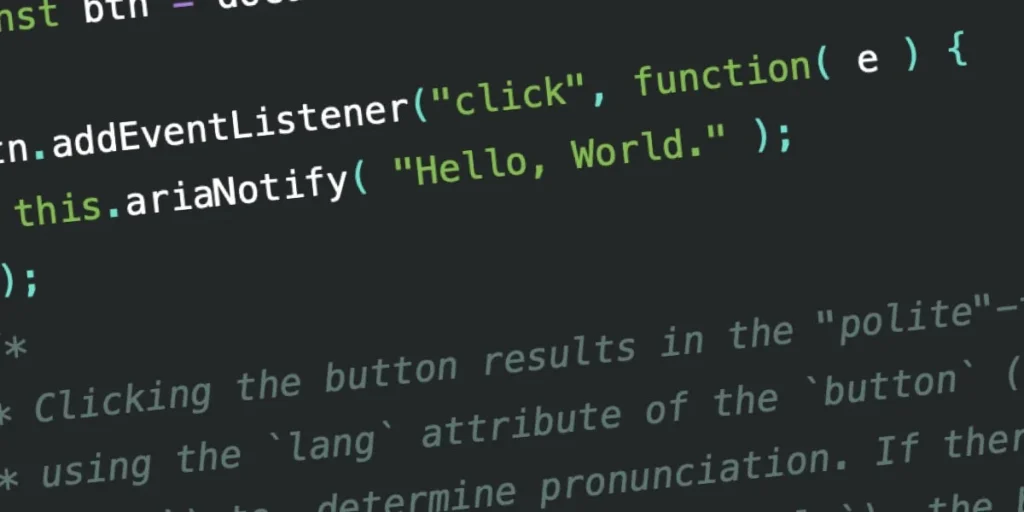
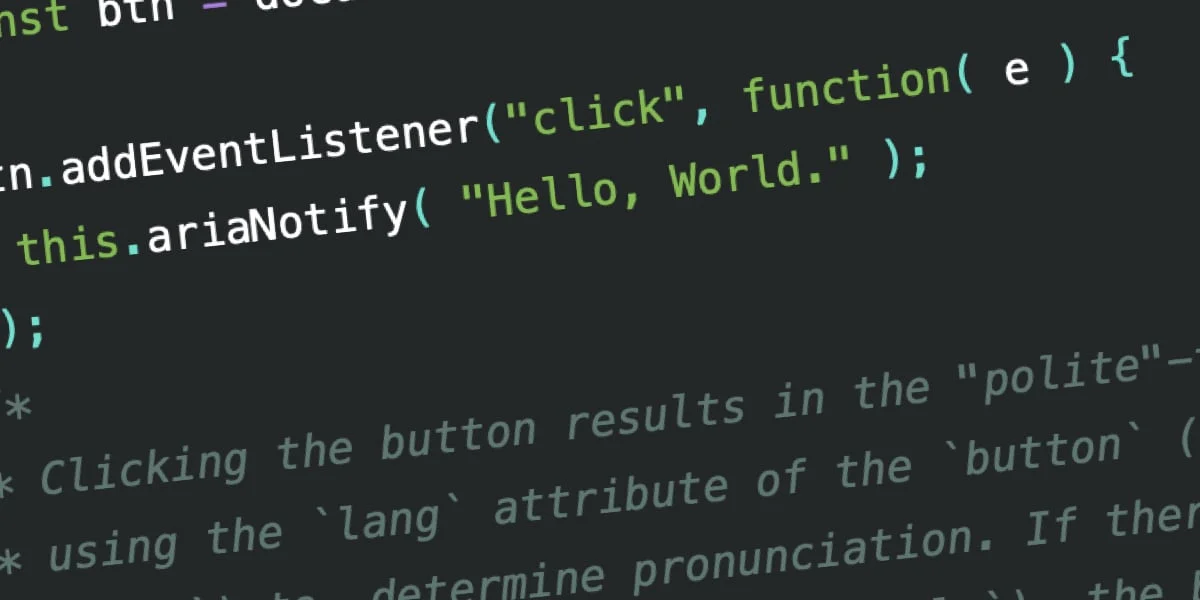
The World Wide Web Consortium (W3C) has recently introduced a powerful new tool in the Accessible Rich Internet Applications (WAI-ARIA) 1.3 Specification: the ariaNotify() method. This programmatic interface promises to fundamentally change how developers signal updates to screen reader users. However, while it solves a decade-long struggle with “live regions,” it also introduces a significant risk of developer overreach, leading industry experts to sound a note of profound caution.
The Evolution of Accessibility: From Live Regions to ariaNotify()
To understand the gravity of this new feature, one must understand the history of the "live region." For years, web developers have relied on aria-live attributes to notify users of asynchronous content changes. If a user triggers an action—like adding an item to a shopping cart or receiving a chat message—the page must signal this update to assistive technology (AT).
Historically, this was achieved by designating an element as a "live region." When its content changed, the screen reader would announce the new text. Developers were forced to use aria-live="polite" for non-urgent updates or aria-live="assertive" for critical alerts.
However, the implementation of live regions has been notoriously inconsistent. Browser engines and screen readers (such as JAWS, NVDA, and VoiceOver) have long struggled to interpret these regions uniformly. Issues such as timing conflicts, browser-level bugs, and the requirement to keep "ghost" elements in the DOM (Document Object Model) have turned what should be a simple task into a "Rube Goldberg" machine of accessibility workarounds. Developers have spent years hiding empty <div> tags in the DOM just to act as conduits for narration, a practice that is not only clunky but prone to failure.
Understanding the ariaNotify() API
The ariaNotify() method simplifies this process by providing a direct, programmatic bridge between the application state and the user’s assistive technology. The syntax is deceptively simple:
// A standard, polite notification
document.ariaNotify("Task completed successfully.");

// A high-priority, assertive notification
document.ariaNotify("Session expired. Please log in again.",
  priority: "high"
);
The API functions on both the Document and Element interfaces. When invoked, it bypasses the need for existing DOM structures entirely. It respects the lang attribute of the element it is called from (or the document root), ensuring that pronunciation remains localized and accurate.
Key Features of the API:
- Decoupling from Markup: No more hidden
aria-livecontainers. - Priority Management: Explicit control over whether a notification should "polite" (queue) or "assertive" (interrupt).
- Contextual Language Support: The method intelligently inherits language settings to ensure proper screen reader pronunciation.
Supporting Data: Testing Across Platforms
Initial testing of the W3C draft reveals a promising, if slightly inconsistent, landscape. When compared to the legacy aria-live method, ariaNotify() provides more reliable timing and less "ghosting" in the accessibility tree.
Recent benchmarks on major screen readers show:
- NVDA: Consistently processes both "polite" and "high" priority notifications without requiring page reloads or DOM manipulation.
- JAWS: Successfully queues notifications, though there are minor latency variations depending on the browser environment.
- VoiceOver: Handles the API as expected, though developers should remain wary of how different operating systems buffer these calls.
While these results suggest that the "mess" of legacy live regions is nearing an end, developers are still encouraged to prioritize semantic HTML whenever possible. The W3C’s "First Rule of ARIA" remains the industry gold standard: If you can use a native HTML element, do so.
The "Alert" Problem: The Danger of Over-Communication
Despite the technical triumph of ariaNotify(), the developer community is raising alarms regarding the potential for abuse. The industry is drawing direct comparisons to the infamous window.alert() method of the late 1990s and early 2000s.
window.alert() was, in its time, the easiest way to display information to a user. However, it quickly became a source of intense irritation, as developers used it to interrupt user flows for trivial feedback. Critics fear that ariaNotify() could become the alert() of the accessibility world—a "developer catnip" tool that is misused to narrate every single state change on a page, effectively "talking over" the user.
"If you interrupt a user who is reading a paragraph because they clicked a button that was already explicitly labeled ‘expandable,’ you aren’t helping them," notes one accessibility engineer. "You are just cluttering their audio feed with redundant noise."
Implications for Future Web Development
The introduction of this method forces a shift in how we approach user experience (UX) design for the visually impaired.
1. The Death of the "Ghost" Element
The most immediate implication is the removal of thousands of lines of "hacky" code from production websites. Developers will no longer need to maintain hidden <div> tags that do nothing but hold strings for screen readers. This will lead to cleaner DOM trees and improved performance.
2. The Responsibility of Restraint
The true test for developers will be discipline. Just because we can notify a user of every minor change doesn’t mean we should. Accessibility is not about creating a running commentary of the page; it is about providing critical, context-aware information that is otherwise missing from the user’s experience.
3. The Need for New Testing Paradigms
QA teams must now account for "notification fatigue." Automated accessibility testing tools will likely update their rulesets to flag excessive or high-frequency calls to ariaNotify(). Organizations should implement strict guidelines on when it is appropriate to use the method, treating it as an "emergency-only" or "significant-event-only" interface.
Official Responses and Industry Outlook
The W3C working group views this addition as a maturing of the ARIA specification. By moving away from "side-effect" accessibility (where we trigger narration by changing hidden markup) to "intentional" accessibility (where we explicitly call an API), the standard has become more robust.
However, advocates within the community remain vigilant. There is a concern that if screen reader users find their browsing sessions frequently interrupted by overly chatty websites, they may resort to disabling these notifications at the browser or AT level. This would be a catastrophic outcome, as it would render truly necessary, life-saving, or security-critical notifications invisible.
Conclusion: A Tool for Professionals
The ariaNotify() method is a landmark achievement for web accessibility. It solves a long-standing, technical debt that has plagued the industry for years. Yet, it serves as a stark reminder that technology is only as good as the intent of its user.
In the hands of a thoughtful developer, ariaNotify() will provide a seamless, intuitive experience for users who rely on assistive technology. In the hands of a reckless developer, it will be a source of noise, frustration, and disruption. As we integrate this into our modern web stacks, we must remember: just because we have a new way to speak to our users does not mean we should never stop talking.
The goal of the accessible web is not to be loud; it is to be clear. We must promise to be "cool" about this new power—using it only when it is truly necessary, and always with the user’s experience in mind.








