The Power Paradox: Understanding the Charging Capabilities of Your iPhone and iPad
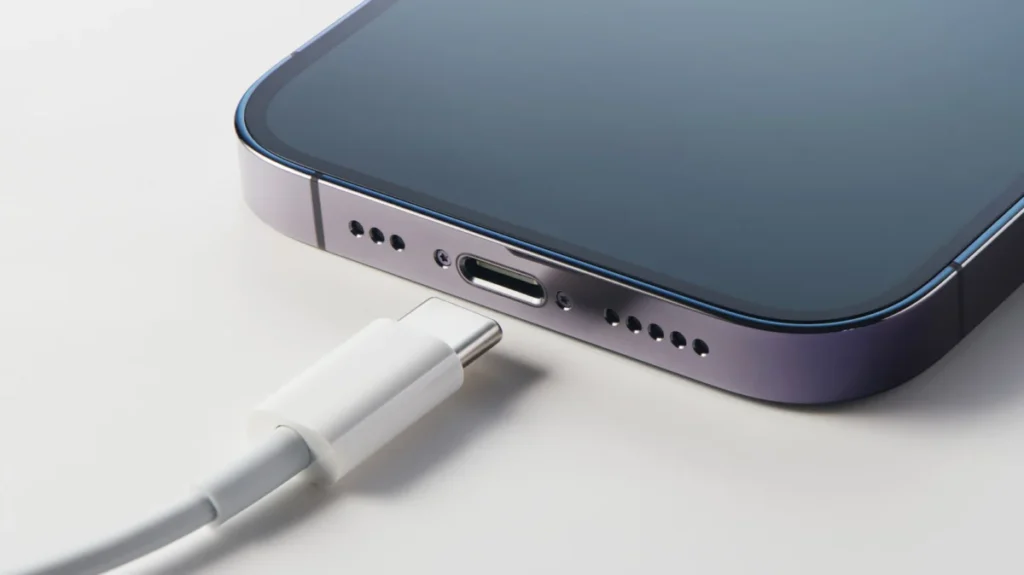
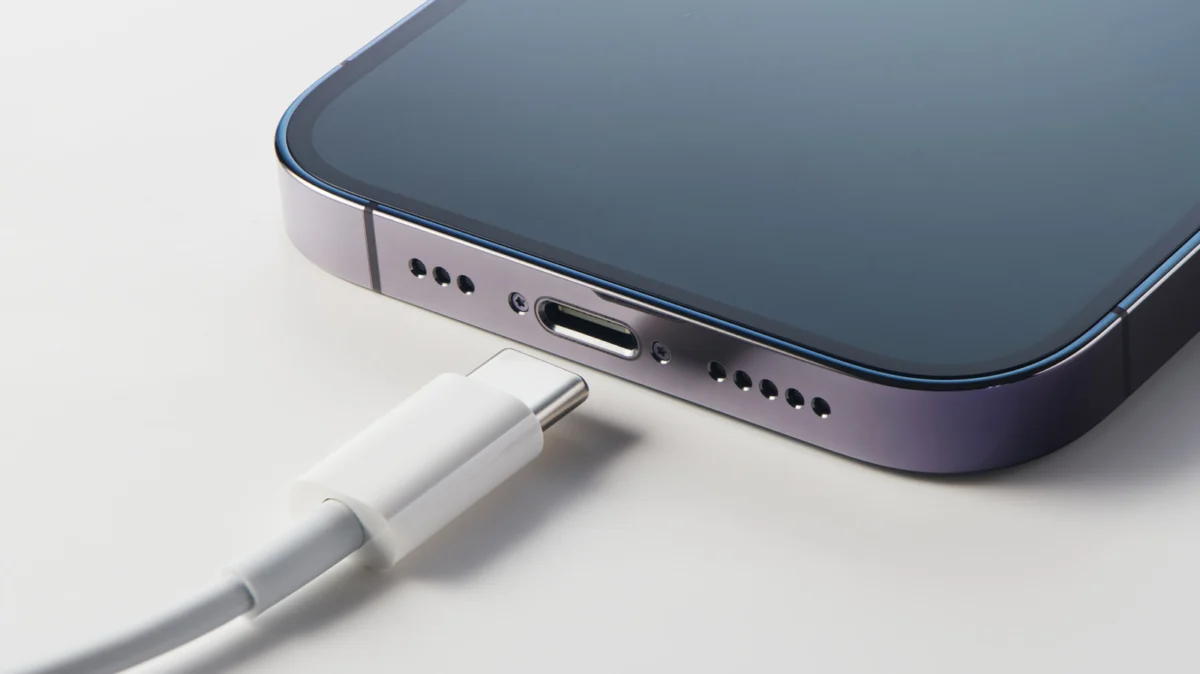
In the modern digital era, the tether between a user and their device is defined by the battery icon. We live in a state of perpetual "low battery anxiety," where the ability to rapidly replenish our mobile devices is no longer a luxury but a functional requirement for productivity and communication. Yet, a significant gap exists between the hardware potential of our devices and the real-world charging experience of the average consumer.
While Apple’s ecosystem is renowned for its seamless integration, the company has remained notoriously opaque regarding the technical specifications of its charging standards. With the inclusion of charging bricks now a relic of the past for iPhones, and the default inclusion of low-wattage adapters for iPads, many users are unknowingly bottlenecking their devices. To optimize your battery health and daily efficiency, it is essential to move beyond the "one-size-fits-all" charging mindset and understand the interplay between hardware, wattage, and power delivery standards.
The Fundamentals: How Charging Speeds Are Quantified
To understand why your device charges at a specific rate, one must first understand the metrics of power. Battery capacity is measured in milliamp-hours (mAh), which represents the total charge a battery can hold. However, the speed at which that capacity is replenished is measured in watts (W)—the product of voltage and amperage.
Battery Capacity vs. Charging Throughput
A standard modern smartphone, such as the iPhone 17, relies on a 3,692mAh battery, while its larger sibling, the iPhone 17 Pro Max, houses a 5,088mAh cell. Tablets, due to their larger surface area and display power requirements, demand significantly more. The 11th Generation iPad features a 7,698mAh battery, whereas the high-performance M5 iPad Pro pushes the envelope with a massive 10,290mAh capacity.
Charging speed is essentially the "flow rate" of electricity into these cells. While physical laws dictate that larger batteries require more time to fill, modern power delivery (USB-PD) protocols have allowed for rapid, high-wattage intake that was previously impossible. However, the device itself acts as a regulator; even if you plug your iPhone into a 140W MacBook Pro power brick, the phone will only draw what its internal circuitry allows.
A Chronological Perspective: The Shift from 5W to 60W
The evolution of Apple’s charging speeds has been a slow, deliberate crawl rather than a sprint.
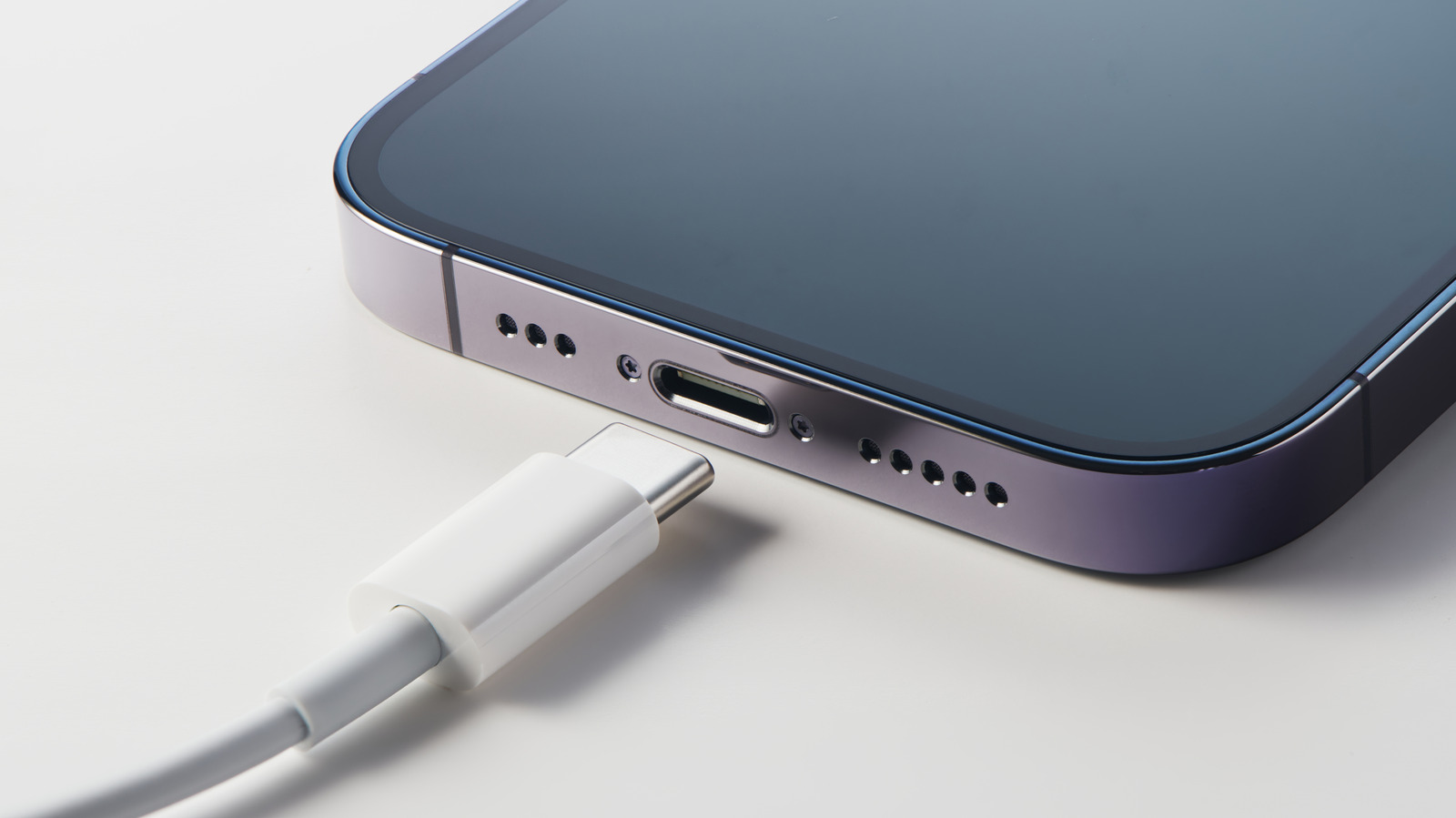
- The 5W Era (Pre-2020): For over a decade, Apple bundled a meager 5W power adapter with iPhones. This provided a slow, "trickle-charge" experience that was notoriously inefficient by modern standards.
- The Transition (2020–2022): Following the release of the iPhone 12, Apple removed the power adapter from the box, citing environmental concerns. This forced a transition to USB-C, but left many consumers relying on their legacy 5W or 18W bricks.
- The Modern Standard (2025–2026): We have entered an era where premium devices now support significantly higher inputs. The iPhone 17 lineup now supports up to 40W, while the high-end M5 iPad Pro has reached the 60W threshold.
This timeline illustrates a growing disconnect. While the devices have become more power-hungry and capable of faster intake, the legacy accessories still prevalent in consumer junk drawers are insufficient to meet the hardware’s demand, leading to hours of wasted time.
Supporting Data: The Bottleneck of Included Accessories
One of the most persistent issues in the Apple ecosystem is the disparity between device capability and accessory inclusion. While Apple has moved away from including chargers with iPhones, the base model iPads still ship with a 20W adapter.
When you connect a 60W-capable M5 iPad Pro to a 20W charger, you are operating at only 33% of the device’s potential intake capacity. This doesn’t just mean a longer wait time; it creates a scenario where the device may struggle to charge at all if it is being used for power-intensive tasks like video editing or gaming, as the power input is barely keeping pace with consumption.
Charging Efficiency Table
| Device | Max Supported Wattage | Recommended Charger |
|---|---|---|
| iPhone 17 / 17 Pro | 40W | 45W+ USB-PD |
| iPhone 17 Air | 20W | 20W+ USB-PD |
| iPad (11th Gen) | 45W | 45W+ USB-PD |
| iPad Pro (M5) | 60W | 65W+ USB-PD |
Official Responses and Industry Standards
Apple has remained largely quiet regarding specific "fast charging" numbers in their marketing materials, preferring to emphasize "50% charge in 30 minutes" metrics. This approach shifts the focus from raw wattage to user experience. However, the industry at large—driven by the USB Implementers Forum (USB-IF)—has moved toward the USB Power Delivery (USB-PD) standard.
By adopting USB-PD, Apple has ensured that their devices are compatible with a wide array of third-party chargers. Manufacturers like Anker, Ugreen, and Satechi have capitalized on this, offering compact Gallium Nitride (GaN) chargers that are significantly smaller and more efficient than the original Apple bricks of yesteryear.
When queried about why they do not provide higher-wattage chargers with their professional tablets, Apple representatives generally point toward a commitment to carbon neutrality and the reduction of e-waste, suggesting that most consumers already possess a compatible USB-C charger.
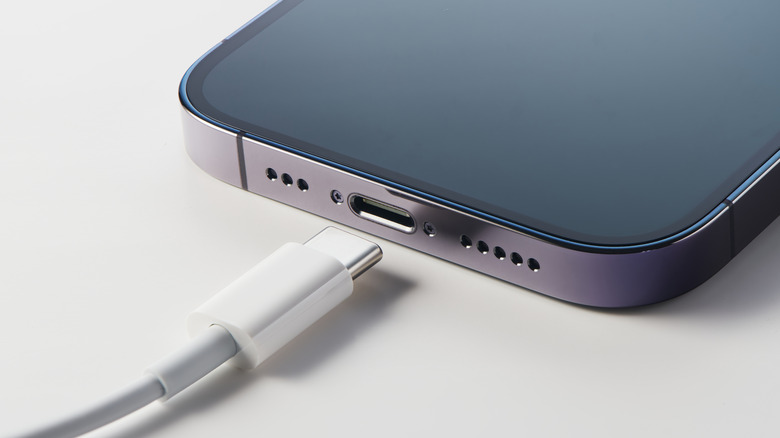
Implications: The Long-Term Health of Your Battery
A common misconception is that "fast charging" inherently destroys a battery. While it is true that extreme heat is the enemy of lithium-ion cells, modern devices use sophisticated power management integrated circuits (PMICs) to throttle the intake speed as the battery reaches 80% capacity.
The Real Cost of Inefficiency
The real danger to your battery longevity is not fast charging, but the frequency and duration of charge cycles. If you use an undersized charger, you are forced to keep your device plugged in for longer durations, which can lead to extended periods of heat accumulation and stress on the battery’s chemical composition.
Conversely, using a high-quality, high-wattage GaN charger allows the device to reach an optimal charge level quickly, after which the charger can effectively "hand off" the power management to the phone’s internal system.
Recommendations for the Informed User
- Audit Your Bricks: Check the fine print on your current power adapters. If you are using a 5W or 10W brick, recycle it.
- Invest in GaN Technology: GaN chargers are smaller, run cooler, and are more efficient at delivering high wattages. A 65W GaN charger is a versatile investment that can power your phone, tablet, and even a laptop simultaneously.
- Prioritize USB-PD: Ensure any third-party charger you purchase is "USB-PD certified." This ensures the handshake between the charger and your device is safe and efficient.
- Monitor Your Habits: If you find yourself in a rush, utilize high-wattage charging to get the necessary boost. If you are charging overnight, a lower-wattage charger (or optimized battery charging settings) is perfectly acceptable and arguably healthier for the long-term cycle count.
Conclusion
The "Fastest Charging Speed" is not just a technical specification; it is a tool for managing your time. By recognizing that your iPhone or iPad is capable of significantly higher intake than the default accessories provide, you reclaim the autonomy to fuel your devices on your own terms. Whether you are a professional using an M5 iPad Pro for creative work or a daily user relying on an iPhone 17, matching your hardware with the correct power delivery solution is the most effective way to ensure your devices remain powered, protected, and ready for whatever the day demands.