
Obsidian vs. Logseq: Choosing the Right Engine for Your Personal Knowledge Base
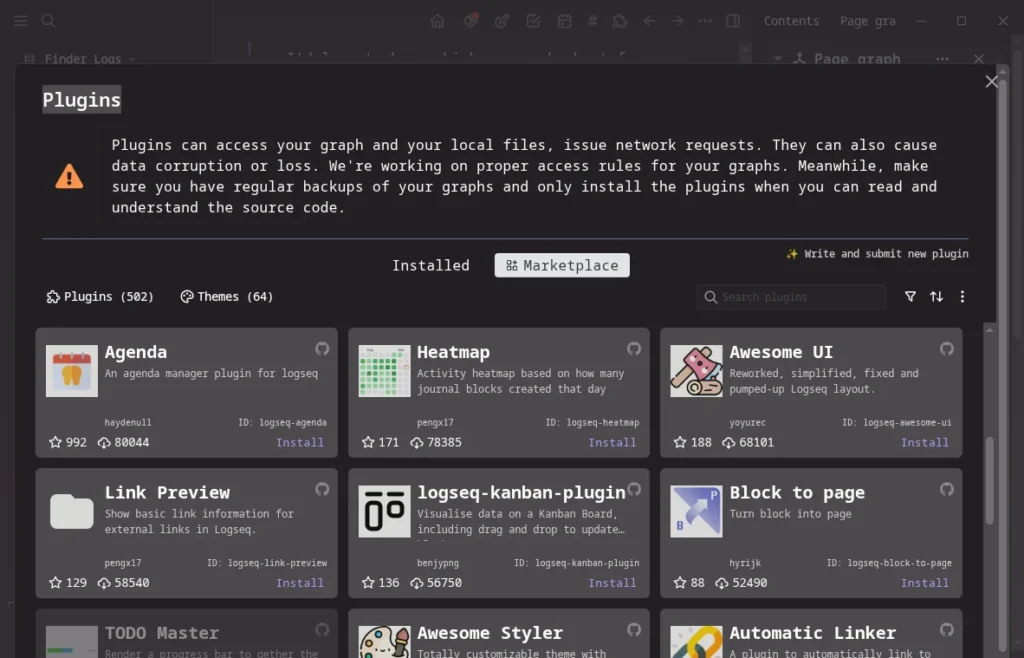
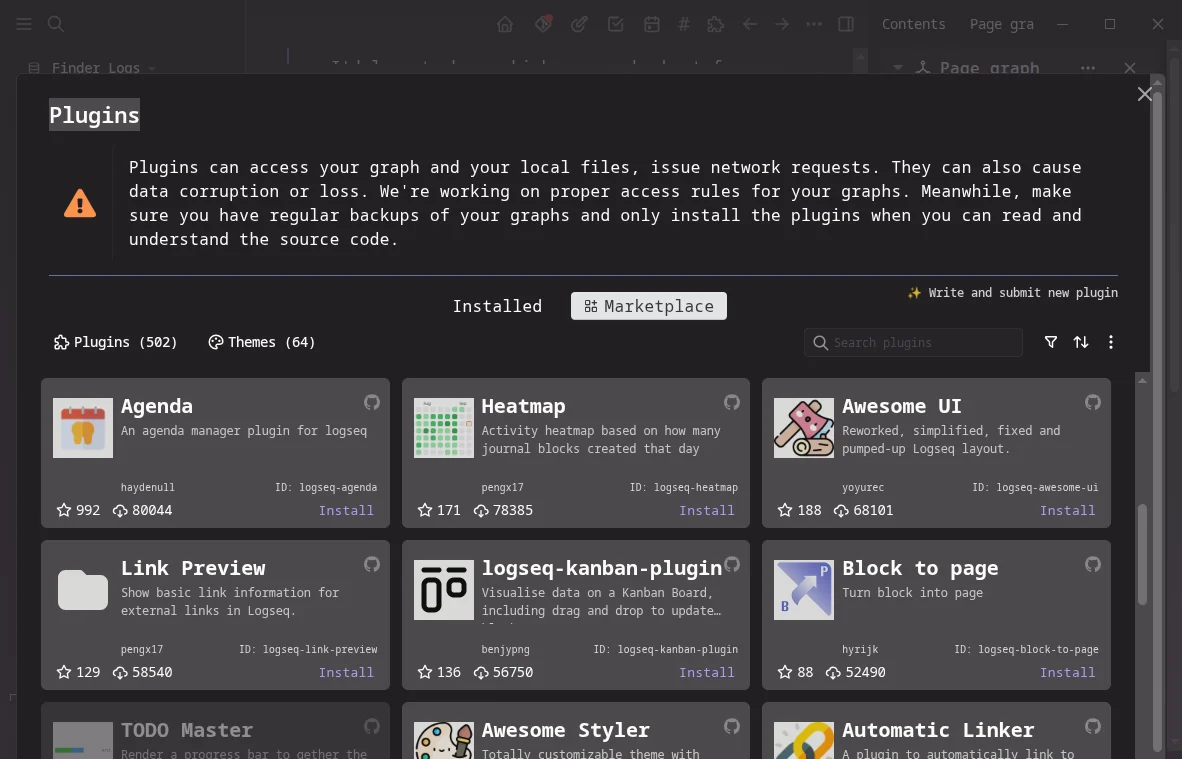
In the burgeoning field of Personal Knowledge Management (PKM), two names frequently dominate the conversation: Obsidian and Logseq. While both are local-first, Markdown-based applications designed to help users build a "second brain," they are fundamentally different creatures. Obsidian is a sophisticated writing environment, while Logseq is a dynamic, block-based outliner.
After three years of daily usage across both platforms, it becomes clear that these tools are not merely competitors; they are designed for distinct cognitive workflows. This comprehensive analysis explores their architectures, usability, and the long-term implications of choosing one over the other for your digital archive.

The Core Philosophy: A Tale of Two Architectures
Obsidian: The Structured Document Paradigm
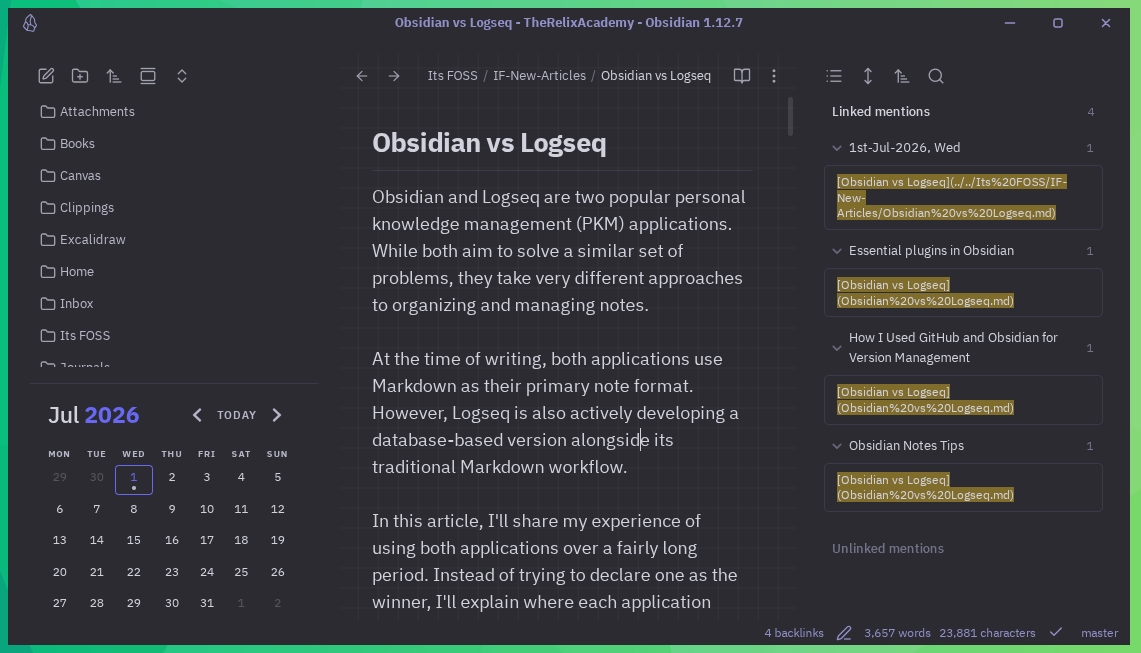
Obsidian operates on a traditional file-and-folder system. Every note is a standard Markdown (.md) file stored locally in a "Vault." This approach prioritizes the document as the primary unit of information. It is designed for creators who favor structure, long-form composition, and meticulous organization. By treating notes as standalone files, Obsidian mimics the behavior of a digital library where you curate your shelves.
Logseq: The Outliner and Database Future
Conversely, Logseq functions as an outliner. In this system, the "block"—a single bullet point—is the fundamental unit of data. Everything is collapsible, nestable, and uniquely referenceable. Logseq is currently in a transitional phase, moving from a traditional folder-based Markdown architecture toward a high-performance local SQLite database. This shift aims to enhance query capabilities and overall system stability, positioning Logseq as a more dynamic, "thought-capturing" machine.

Chronology of Adoption and User Evolution
The rise of these tools parallels the modern shift toward data sovereignty.
- The Rise of Local-First (2020-2021): As users grew weary of subscription-based cloud services (like Evernote or Notion), Obsidian gained traction by emphasizing that your notes stay on your disk.
- The Outliner Movement (2022-2023): Logseq emerged as a darling for the research and academic communities, offering an "idea-first" experience that bypassed the friction of folder management.
- The Maturity Phase (2024-Present): Both communities have matured. Obsidian has solidified its reputation as a powerhouse for writers, while Logseq has doubled down on its database-driven, block-based innovation.
Feature Comparison: A Data-Driven Breakdown
| Feature | Obsidian | Logseq |
|---|---|---|
| Primary Unit | Page/File | Block/Bullet |
| Philosophy | Writing-focused | Outlining-focused |
| Data Format | Markdown (.md) | Markdown/Org (Moving to SQL) |
| Open Source | No (Proprietary) | Yes (AGPL-3.0) |
| Learning Curve | Moderate | Steep |
| Linking Style | File-level | Block-level |
| Web Clipper | Excellent (Official) | Third-party only |
| Sync Options | Obsidian Sync/Git | Logseq Sync/Git |
Detailed Analysis: Where Each Tool Excels
The Writing Experience
For long-form projects, such as articles or research papers, Obsidian remains unrivaled. Because it treats the entire file as a document, it allows for a "distraction-free" flow that is difficult to replicate in an outliner. You can easily visualize the document structure, manage headers, and format text without the constant interference of bullet points.
Logseq, however, excels in the "input" phase. Its daily journal entry system is designed to catch fleeting thoughts. If you find yourself in a brainstorming session, the ability to nest ideas and collapse them later makes Logseq feel like a digital extension of your working memory.
Interlinking and Block References
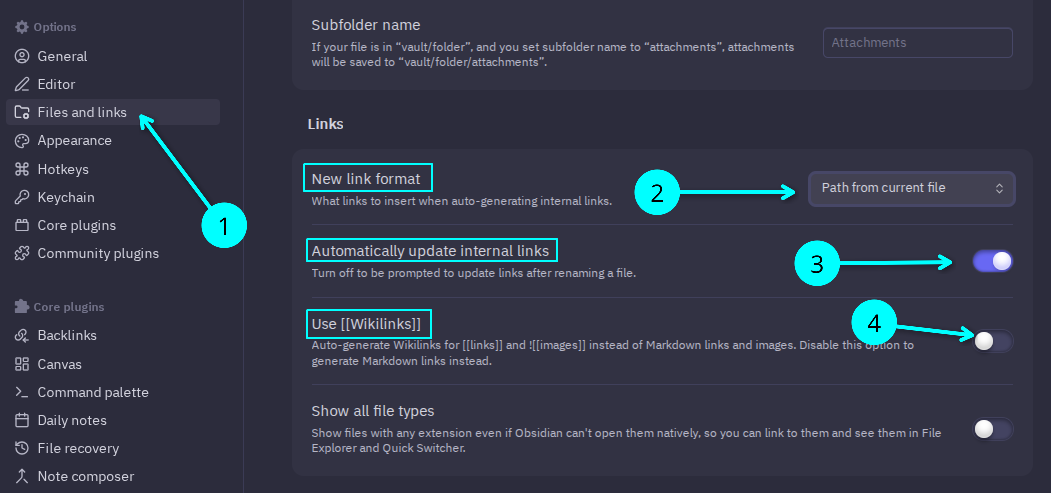
Linking is the "killer feature" of modern PKM. Obsidian uses Wiki-style links that connect entire pages. While effective, this can lead to a "fragmentation" problem where you create dozens of tiny files to maintain clean links.
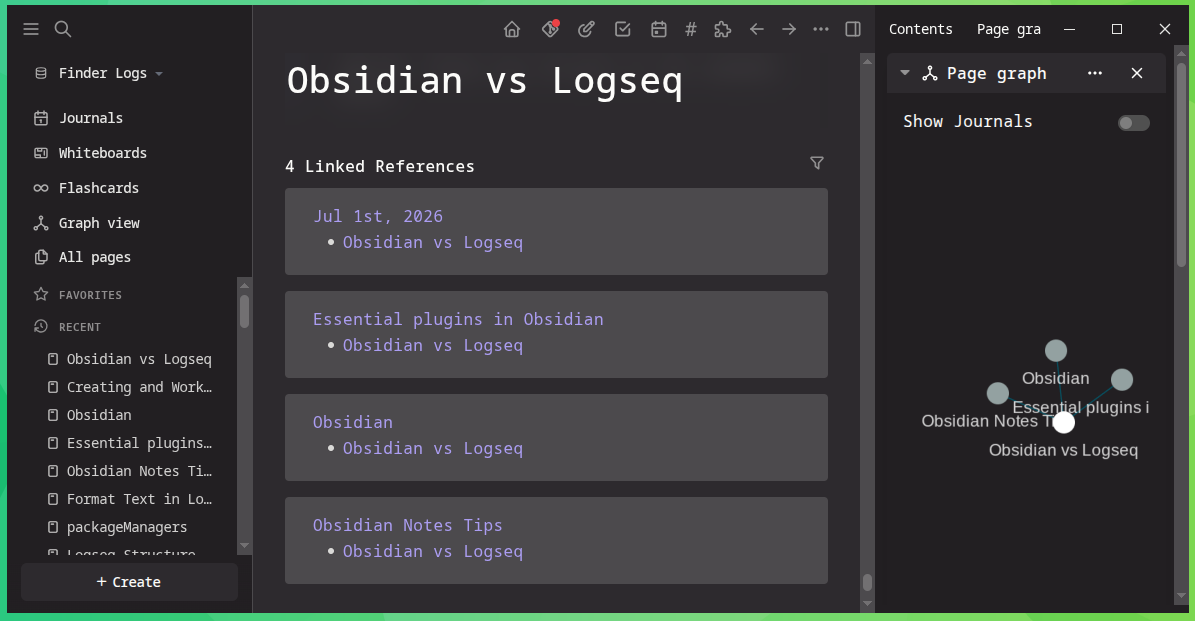
Logseq solves this with block-level references. You can embed a specific line from a note located anywhere in your system into your current view. This removes the need to create extra "stub" notes, as you can pull the exact information you need directly into your current context. However, this power comes at a cost: if you don’t maintain a consistent indentation structure, your knowledge base can quickly become a "spaghetti" of references that are hard to untangle.
Portability and Ownership
Both applications champion local storage, ensuring that you—not a server—own your data. However, portability is a nuanced topic.
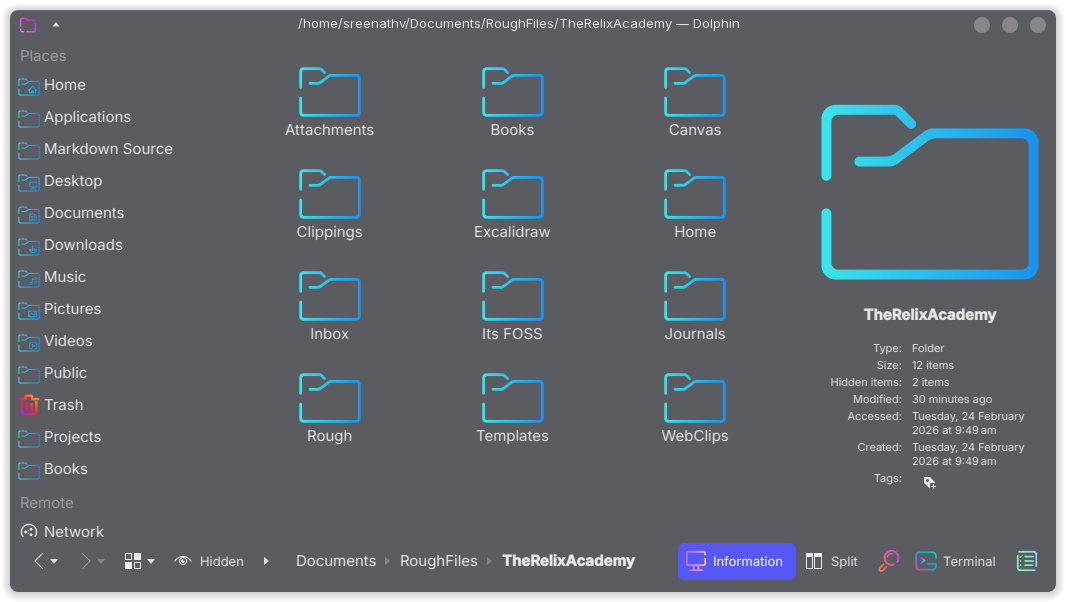
- Obsidian files are highly portable because they follow standard Markdown conventions. Even if the app disappeared tomorrow, your notes remain human-readable in any text editor.
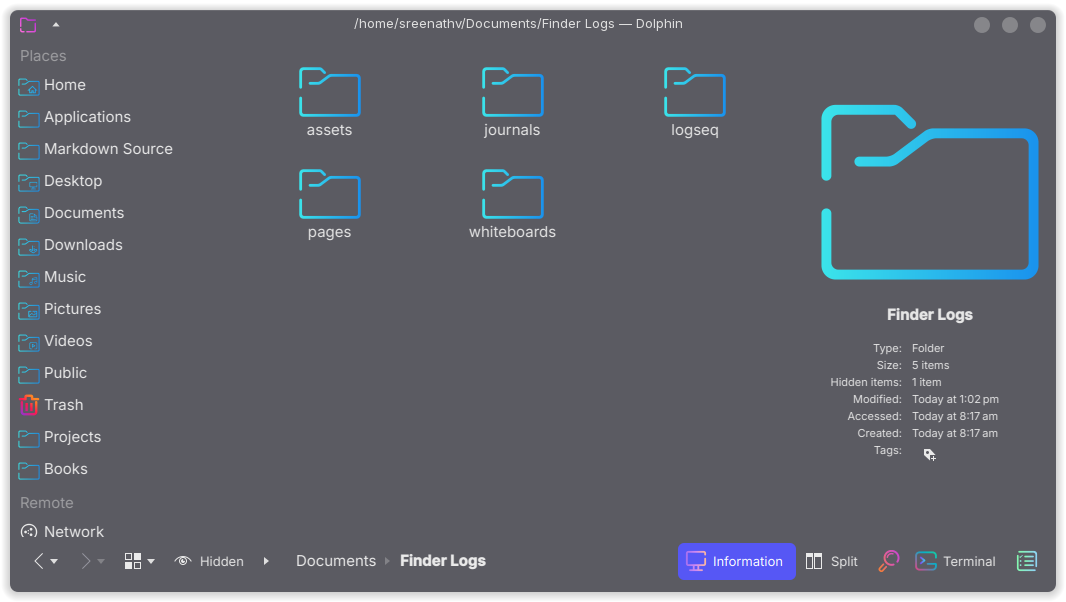
- Logseq files, while technically Markdown, are heavily modified by block-level syntax and internal identifiers. Moving these into a standard editor often results in "messy" files that require significant cleanup.
Official Stances and Development Trajectories
The development teams behind these tools have taken starkly different paths regarding their business models.
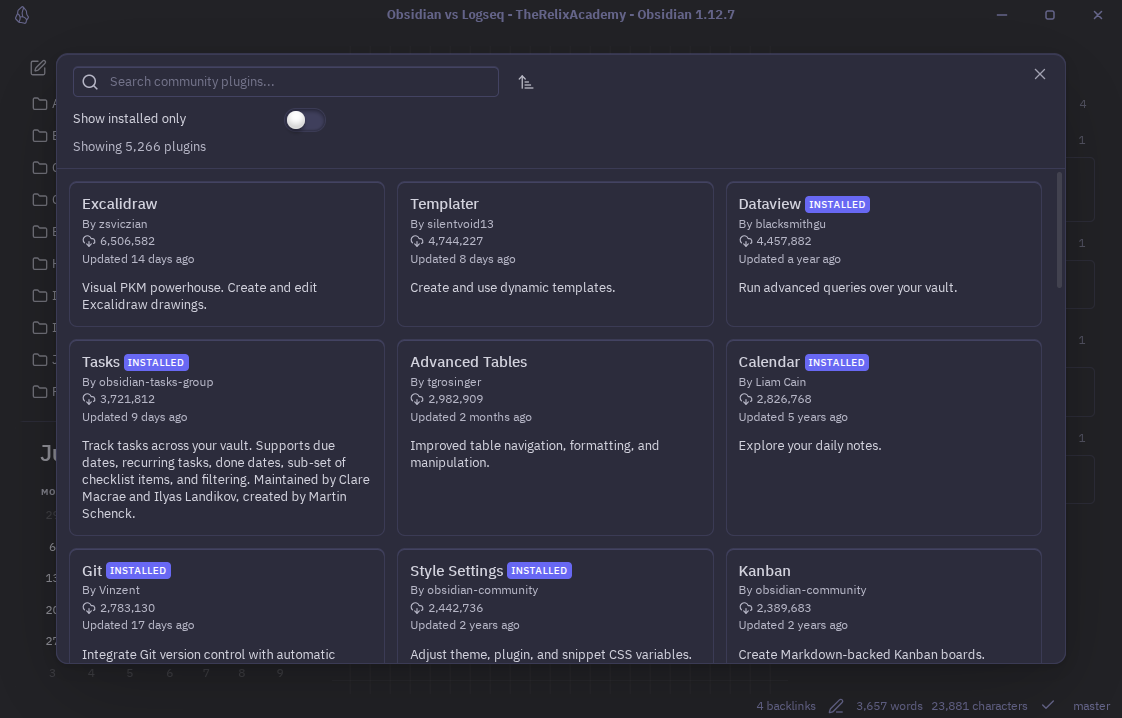
- Obsidian’s Proprietary Model: Obsidian remains a closed-source product. While free for personal use, its commercial license and proprietary core have drawn criticism from privacy purists. Despite this, the community has built a massive ecosystem of open-source plugins that bridge the gap, effectively "open-sourcing" the functionality of the app.
- Logseq’s Open Source Commitment: Logseq is firmly committed to the AGPL-3.0 license. This transparency is a major selling point for users who prioritize software freedom. Their roadmap includes the "time-travel database," a feature that tracks every edit as a transaction, potentially revolutionizing how we view version control in note-taking.
Implications for Your Workflow
Why Obsidian Wins for Beginners
For the casual user, Obsidian is the more intuitive choice. The folder-and-file structure is a mental model we have used for decades. It is predictable, easy to back up, and visually consistent. If you want to build a system that you can maintain for the next ten years without constantly "learning" the software, Obsidian is the safer bet.
Why Logseq Wins for Power Users
Logseq is for the "knowledge architect." If you are a researcher, a student, or a developer, the ability to use queries, PDF annotation, and flashcards natively is a massive productivity boost. It requires a "leap of faith" into a new way of thinking, but the payoff is a system that grows in intelligence as you add more data.
The "Hybrid" Reality
Many power users have adopted a dual-workflow strategy. I personally use Obsidian for writing—drafting articles, maintaining long-form documentation, and archiving finished work. I use Logseq for collecting—daily journals, meeting notes, and rapid-fire idea generation. Once a set of ideas in Logseq matures, I export them into a structured Obsidian vault.
Conclusion: The Best Tool is the One You Use
There is no "winner" in the Obsidian vs. Logseq debate. The tension between these two tools is actually a reflection of the creative process itself. We need moments of "capture" (Logseq) and moments of "curation" (Obsidian).
If you are just starting, begin with Obsidian. Its lower barrier to entry and familiar file structure will allow you to focus on your notes rather than the software. If you find yourself hitting a wall where your notes feel disconnected, or you need to manage hundreds of daily bullet points, Logseq will be waiting to transform your workflow.
Ultimately, both applications represent a massive leap forward from the monolithic, cloud-locked apps of the past. By keeping your data local and your formats portable, you are already ahead of the curve. Choose the tool that feels like an extension of your mind, and you will find that the system you build is more important than the software that powers it.







