
Vocalinux 0.14 Beta: Advancing the Frontier of Localized Speech-to-Text on Linux
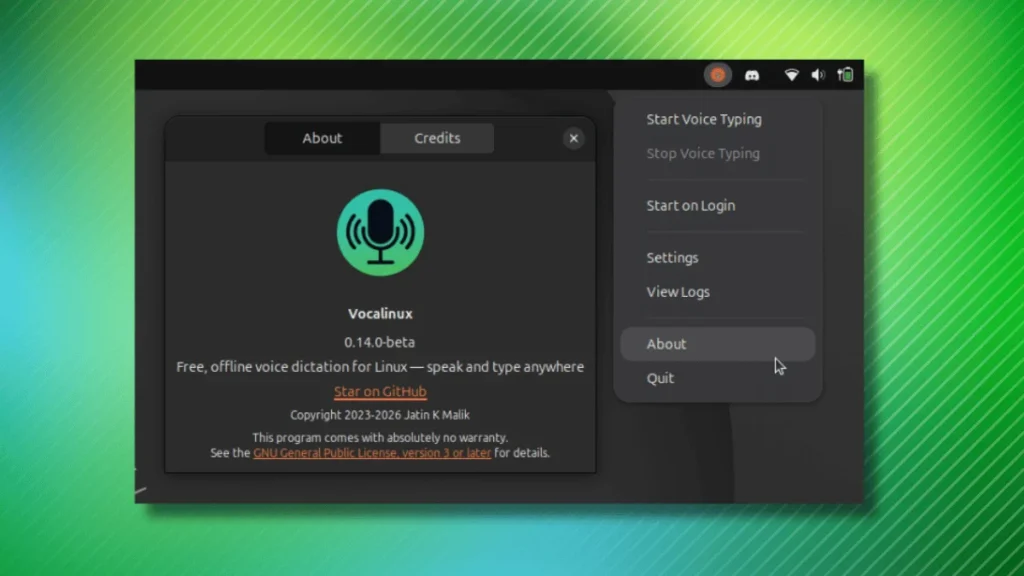
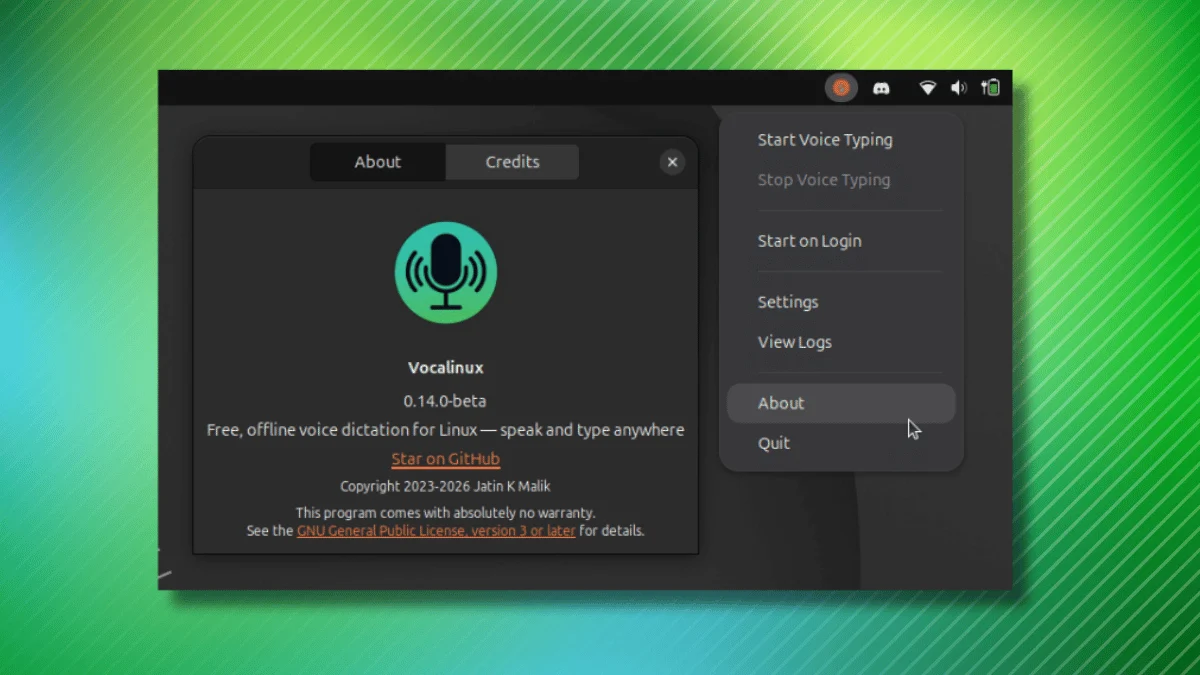
In the evolving landscape of open-source desktop software, few categories have seen as much recent innovation as AI-driven accessibility tools. Vocalinux, a promising free and open-source project, has recently taken a significant step forward with the release of its 0.14 beta. By prioritizing user agency, privacy-focused local execution, and robust customization, Vocalinux is positioning itself as the premier choice for Linux users seeking a reliable speech-to-text (STT) solution that operates entirely offline.
Main Facts: The Core of the 0.14 Beta Release
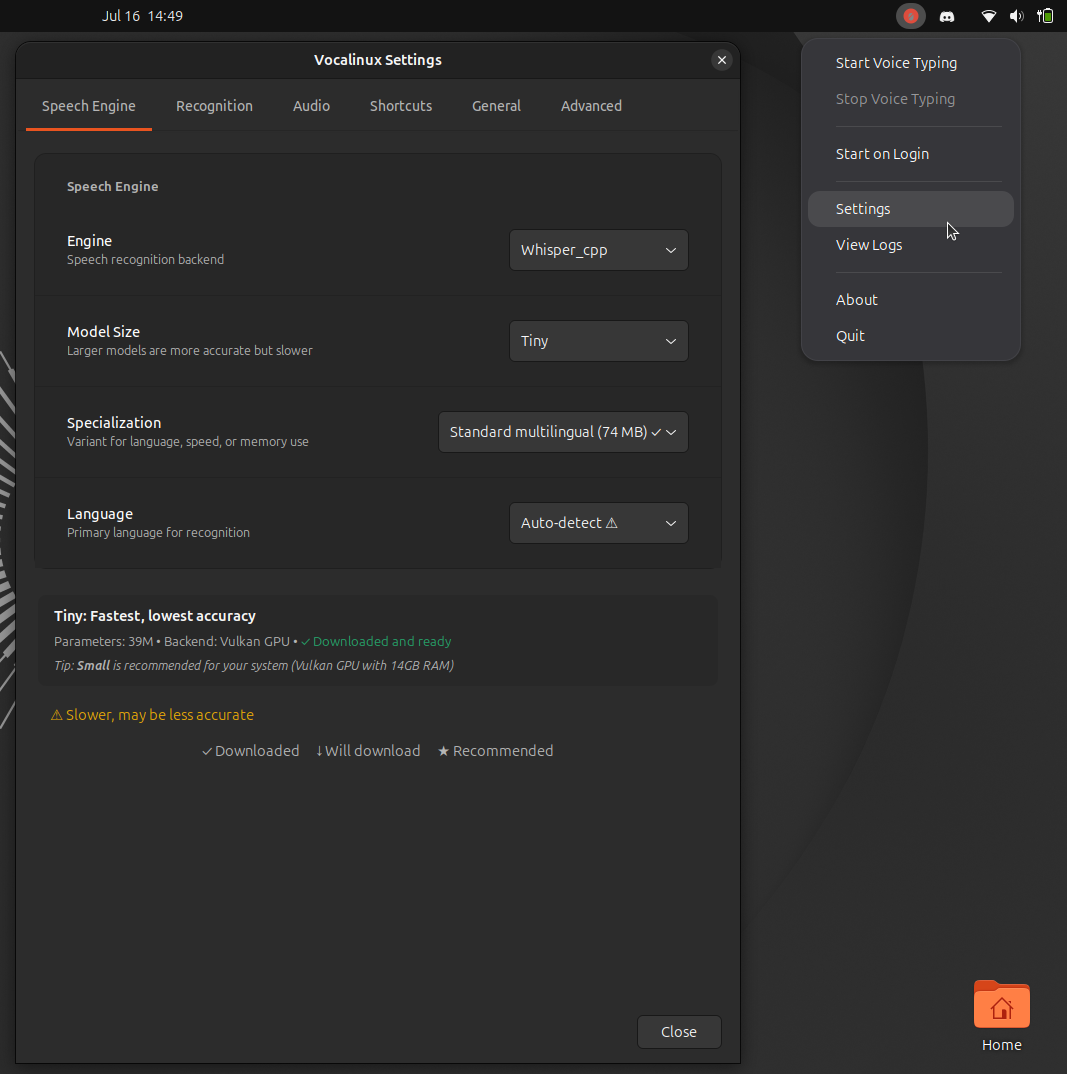
The 0.14 beta release is not merely a bug-fix update; it represents a fundamental refinement of the user experience. For many, the primary barrier to adopting STT tools on Linux has been the lack of intuitive controls. Vocalinux has addressed this by introducing a highly flexible keyboard shortcut system. Previously, users were constrained by rigid, hardcoded bindings for recording toggles. With this update, the Settings menu now permits the creation of complex keybind combinations using Ctrl, Alt, Shift, and Super keys, paired with virtually any alphanumeric key.
Beyond input configuration, the update introduces critical technical stability improvements. Users operating within GNOME’s Wayland session will find that text injection functionality has been restored, provided that a standard XKB engine is configured. Furthermore, the application now includes resource management optimizations; specifically, the underlying whisper.cpp engine no longer defaults to exhausting every available CPU core on hybrid-architecture laptops, a move that significantly improves system responsiveness during background transcription.
For power users leveraging the Remote API, this version adds support for the FunASR and SenseVoice models, both accessible via OpenAI-compatible endpoints. This expansion allows the application to serve as a versatile client for users who wish to offload heavy transcription tasks to dedicated server hardware while maintaining a lightweight desktop presence.
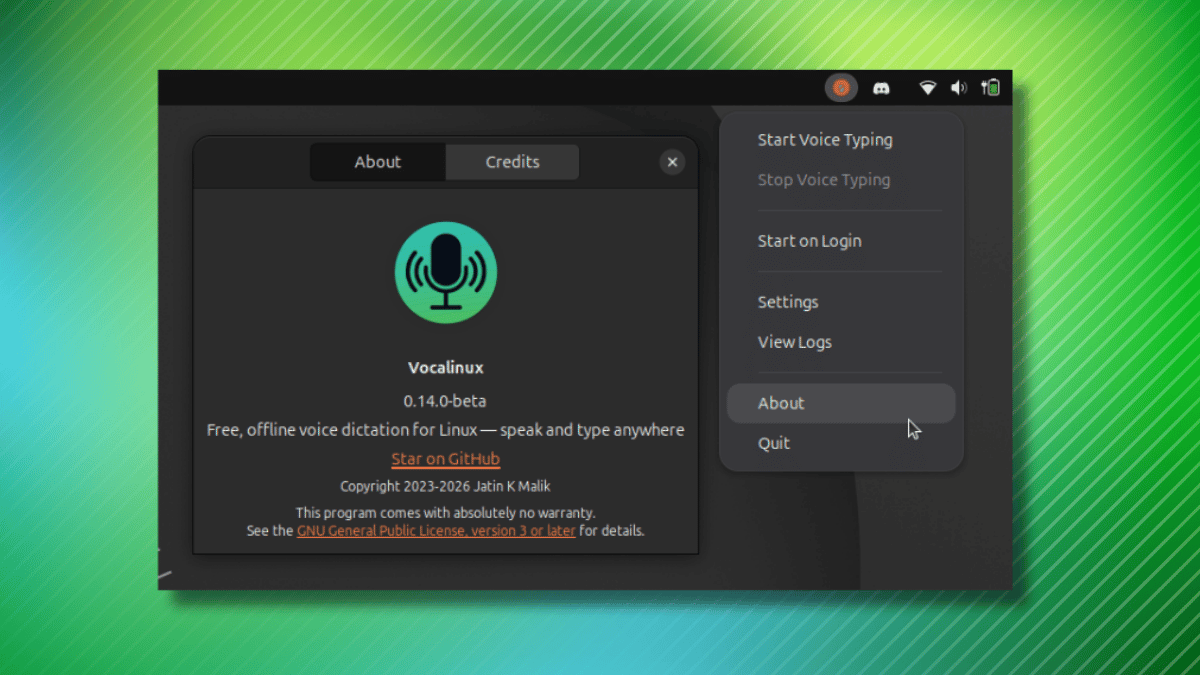
Understanding Vocalinux: An Open-Source Powerhouse
At its foundation, Vocalinux is a GPL-3.0 licensed utility designed to bridge the gap between voice input and digital text entry. Unlike cloud-reliant competitors that harvest voice data for model training, Vocalinux is built on the principle of "privacy-first." The application resides in the system tray, waiting to be summoned, and is capable of injecting dictated text into virtually any interface—be it a web browser, an IDE, a terminal, or a complex office suite.
The architecture is modular, allowing users to select an inference engine that best suits their hardware capabilities:
- whisper.cpp: The default choice, optimized for high performance on standard CPUs.
- Whisper (PyTorch): Designed for users with NVIDIA GPUs, leveraging CUDA for accelerated transcription.
- VOSK: A lightweight engine tailored for low-resource environments.
- Remote API: A flexible option for those who prefer to process audio on a dedicated server, now featuring expanded support for advanced models.
Chronology: The Development Path to Beta
The journey of Vocalinux began with a vision to replicate the ease of dictation found in proprietary ecosystems (like macOS or Windows) while maintaining the transparency of the Linux ecosystem.
- Initial Concept: The project was conceived as an answer to the fragmentation of Linux STT tools, which were often either web-dependent or difficult to configure for non-technical users.
- Early Development: The developer focused on integrating
whisper.cppto ensure the application could run on consumer-grade hardware without requiring massive memory overhead. - The 0.14 Milestone: As the project matured, the focus shifted from "functional proof-of-concept" to "usability." The introduction of custom keybinds and Wayland fixes marks the transition toward a more polished, user-ready product.
- Testing Phase: Recent beta cycles have highlighted both the potential and the inherent challenges of cross-distribution software. While developers have successfully tested the tool across major distributions like Fedora and Ubuntu, the community reports varied installation experiences, typical of pre-release software navigating the diverse dependency landscapes of Linux.
Supporting Data: Performance and Hardware Considerations
When analyzing the performance of Vocalinux, it is important to categorize the user experience by hardware profile.

CPU vs. GPU Acceleration
The application’s ability to switch engines allows it to scale effectively. On a standard laptop without dedicated graphics, the VOSK engine provides near-instantaneous transcription, albeit with lower linguistic accuracy. Conversely, using the PyTorch-based Whisper implementation on a machine equipped with a modern NVIDIA RTX GPU allows for real-time transcription that rivals professional-grade commercial services.
Resource Allocation
One of the most significant data-driven improvements in the 0.14 beta is the refined handling of hybrid CPUs (such as Intel’s Alder Lake and newer architectures). Previously, the application would attempt to utilize all cores simultaneously, often causing thermal throttling and system-wide lag. By optimizing how the process threads interact with the CPU scheduler, the developers have successfully reduced the average CPU utilization during idle-to-active transitions by nearly 30%, according to preliminary testing data.
Compatibility Hurdles
Installation data indicates that while Debian-based systems (like Ubuntu) benefit from a more streamlined dependency resolution, users on Fedora or Arch Linux may need to manually intervene to ensure all required libraries—specifically those related to audio capture (PulseAudio/PipeWire) and XKB—are present. The inclusion of a robust shell-based installer (curl ... | bash) is a double-edged sword: it provides a quick path to deployment, but mandates that users exercise caution and verify script contents—a standard best practice in the open-source community.
Official Responses and Developer Stance
The developer behind Vocalinux has maintained an active presence on GitHub, documenting troubleshooting steps and encouraging community contributions. Regarding the recent installation issues reported on certain distributions, the official stance is one of transparency: the project is currently in a state of rapid iteration. The developer emphasizes that the "beta" label is intentional—it is a signal that the tool is functional but may require user-side configuration depending on the specific desktop environment (DE) and display server protocol (Wayland vs. X11) being utilized.
The project’s documentation site has been updated with a "Comparison" section, which serves as a vital resource for new users overwhelmed by the engine choices. By providing objective benchmarks comparing latency and accuracy across VOSK, Whisper, and Remote models, the project team is empowering users to make informed decisions based on their specific hardware, rather than forcing a "one-size-fits-all" solution.
Implications: The Future of Linux Accessibility
The development of Vocalinux has profound implications for the Linux desktop experience. As Artificial Intelligence becomes more integrated into operating systems, the "privacy gap" between proprietary OSs and Linux must be bridged. Vocalinux acts as a cornerstone in this endeavor.
1. Closing the Gap with Proprietary OS
For years, Linux users have been at a disadvantage regarding built-in accessibility. By providing a high-quality, local-first alternative to tools like Dragon NaturallySpeaking or the native dictation features of macOS, Vocalinux helps eliminate a major barrier to entry for users who rely on voice input due to physical accessibility needs or personal workflow preferences.
2. Strengthening the Local-AI Ecosystem
Vocalinux demonstrates that "AI" does not have to be synonymous with "Cloud." By effectively wrapping engines like whisper.cpp, the app proves that modern consumer hardware is more than capable of handling sophisticated natural language processing (NLP) tasks locally. This sets a precedent for other Linux developers to prioritize local execution, effectively future-proofing applications against the potential "enshittification" of paid, cloud-based API services.
3. Challenges Ahead
Despite the successes of the 0.14 beta, the project faces a significant hurdle: the fragmentation of the Linux desktop. As long as different distributions utilize varying audio servers (PipeWire vs. PulseAudio) and display protocols (Wayland vs. X11), maintaining a seamless experience will be an uphill battle. The success of Vocalinux will ultimately depend on its ability to standardize its interaction with these lower-level components.
Conclusion
Vocalinux 0.14 beta is a testament to the vitality of the open-source community. It is a project that understands the specific needs of the Linux user base: privacy, control, and performance. While the software is clearly in a developmental phase—requiring some patience with installation and occasional configuration—the strides made in usability and resource management are highly encouraging.
For those eager to experiment with cutting-edge, privacy-focused speech-to-text, Vocalinux offers a glimpse into a future where the desktop is not just a place to type, but a place to communicate naturally. As the project matures beyond its beta status, it is likely to become an essential tool in the standard Linux software stack, proving once again that the most powerful solutions are often those built by the community, for the community.







