The DDR5 Performance Paradox: Does RAM Speed Actually Change Your Gaming Experience?
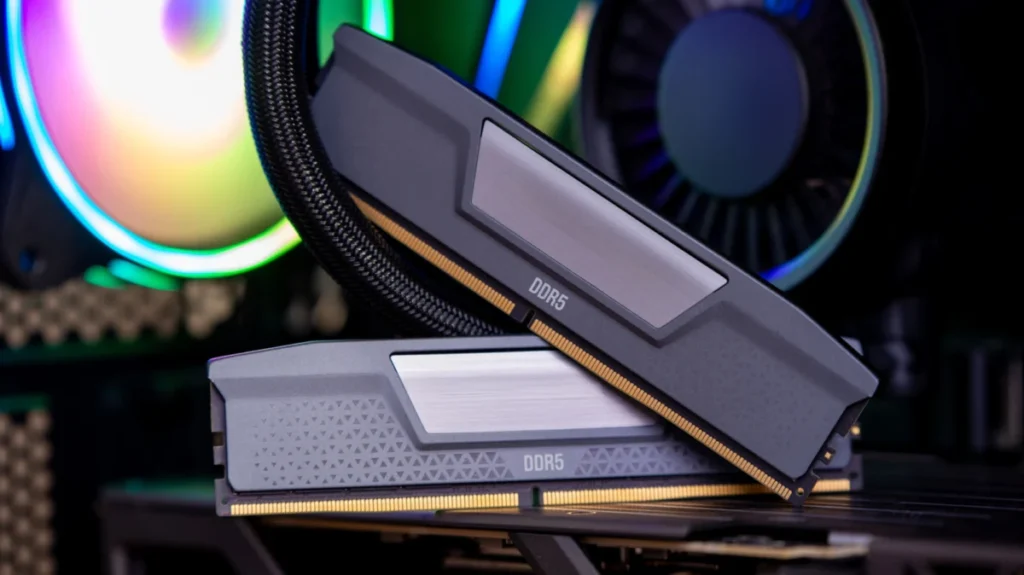
In the fast-paced world of PC building, few components are as surrounded by marketing hyperbole as Random Access Memory (RAM). When you browse the shelves of your local tech retailer or scroll through online storefronts, you are met with a dizzying array of DDR5 kits. They all promise "extreme performance," "low latency," and "enthusiast-grade speeds," differentiated only by cryptic alphanumeric codes and varying price tags.
For the average gamer, the question is simple: If I pay double the price for a 7200MT/s kit over a base-model 4800MT/s kit, will my frame rates actually double? The reality, as it turns out, is far more nuanced—and perhaps a bit disappointing for those looking to squeeze every last frame out of their hardware.
The Core of the Confusion: Data Rate vs. Clock Speed
To understand the value proposition of DDR5, one must first demystify the labeling. A typical kit might be labeled "DDR5-6000 CL30." The "6000" refers to the data rate—the number of millions of transfers per second (MT/s). It is frequently misidentified as "clock speed," but the internal clock of a DDR5-6000 kit actually ticks at 3,000 MHz. Because the memory moves data on both the rising and falling edges of the clock cycle, the effective rate is doubled to 6,000 MT/s.
The "CL30" is the CAS (Column Address Strobe) latency. This represents the number of clock cycles the memory must wait between receiving a command from the CPU and actually beginning to output data. While high data rates (the "6000" part) allow for a wider pipe through which data can flow, the latency (the "CL" part) determines how quickly that pipe starts working.
As memory frequencies increase, the clock cycles themselves become shorter. Consequently, a high-speed kit with a high CAS latency can often be just as responsive as a lower-speed kit with a lower latency. For the enthusiast, the "sweet spot" is finding that perfect balance where the data rate is high enough to avoid bottlenecks, but the latency remains tight enough to ensure snappy system performance.
A Chronology of DDR5 Evolution
The journey of DDR5 began in 2021, arriving as the successor to the long-reigning DDR4 standard. It promised higher bandwidth, lower power consumption, and greater capacity density.
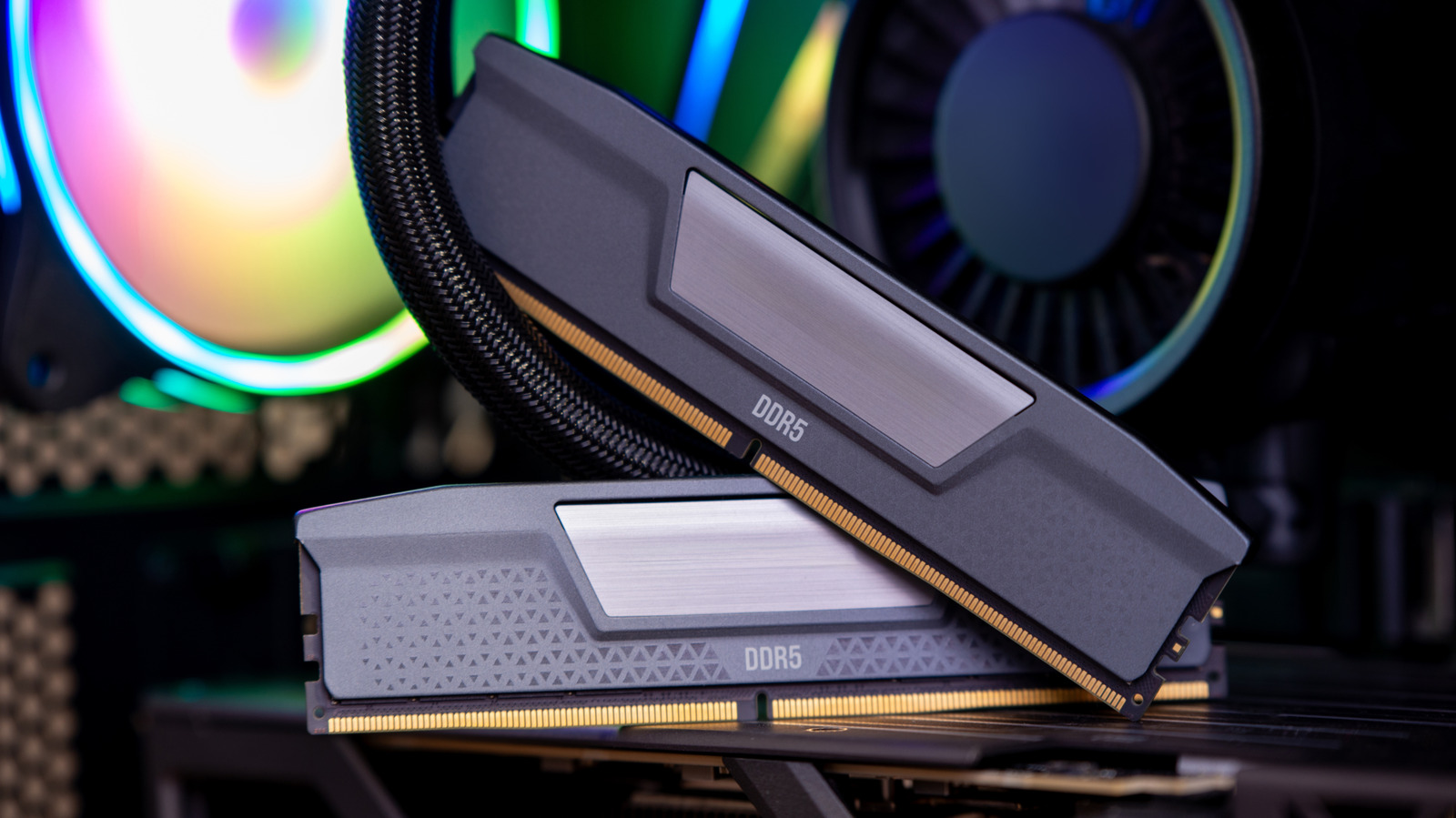
- 2021 (The Launch): DDR5-4800 was the initial baseline. It was designed to offer significant efficiency gains over DDR4. At the time, it was the only speed officially supported by the nascent Intel Alder Lake (12th Gen) platform.
- 2022-2023 (The Maturity Phase): As manufacturing processes improved, kits with speeds of 5600MT/s and 6000MT/s became the standard "enthusiast" choice. AMD’s Ryzen 7000 series launched, with the company identifying 6000MT/s as the "sweet spot" for its Infinity Fabric architecture.
- 2024 (The High-End Expansion): JEDEC, the governing body for memory standards, officially pushed the envelope to 8,800 MT/s. Meanwhile, extreme overclockers using liquid nitrogen have managed to push commercial modules past 13,000 MT/s in controlled, non-gaming environments.
Despite this rapid climb in numbers, the actual utility for the end-user has seen diminishing returns. While the jump from DDR4 to early DDR5 was revolutionary, the jump from DDR5-6000 to DDR5-8400 offers, in most real-world scenarios, a negligible performance uplift.
Supporting Data: When Speed Meets Reality
The industry consensus, supported by extensive testing from hardware outlets like Tom’s Hardware, suggests that for the vast majority of gaming applications, the "fastest" RAM is not necessarily the best.
In various benchmarks, the performance gap between a baseline DDR5-4800 kit and a high-end DDR5-7200 kit is often within the margin of error, typically hovering around 3% to 5% in gaming scenarios. These gains are primarily found in "processor-bound" games—titles that rely heavily on the CPU to feed data to the GPU. In graphically intensive games where the GPU is the primary bottleneck, swapping your RAM will likely yield zero noticeable difference in frame rates.
Furthermore, there is the issue of "diminishing returns" on investment. A high-end kit costing $300 will not provide a gaming experience that is even remotely proportional to its price increase over a $100 kit. That capital would almost universally provide a more significant performance boost if redirected toward a better GPU or a faster CPU.
The Architecture Bottleneck: Processor Limitations
The most significant factor governing RAM performance is not the RAM itself, but the memory controller inside your processor.
The AMD Approach
For AMD’s Ryzen 7000 and 9000 series, the memory controller is tightly coupled with the Infinity Fabric clock. AMD officially validates speeds around 5200-5600 MT/s. When users install a 6000 MT/s kit, the controller runs at a 1:1 ratio with the memory. If a user tries to push past this—say, installing an 8000 MT/s kit—the memory controller is often forced to switch to a 1:2 ratio. This internal "gear down" introduces significant latency that essentially cancels out the speed benefit of the faster RAM.
The Intel Approach
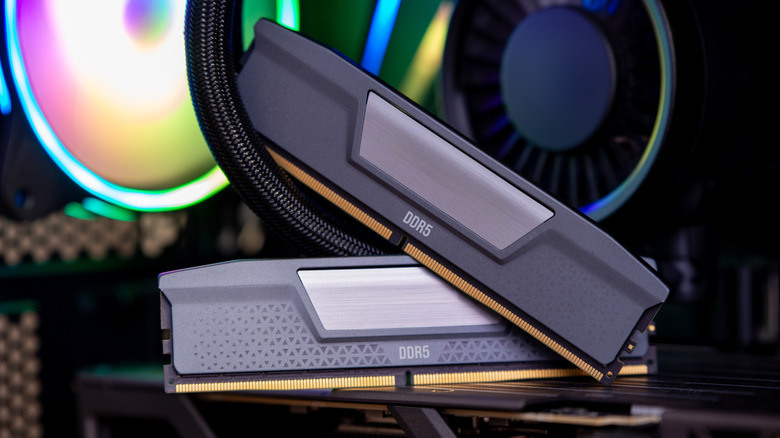
Intel’s architecture, specifically the Core Ultra 200S and 13th/14th Gen chips, is generally more forgiving of high-frequency memory. However, even here, there is a point of saturation. While Intel chips can utilize higher-speed CUDIMMs (Clocked Unbuffered Dual In-line Memory Modules), the real-world gaming performance remains tethered to the limits of the game engine and the CPU’s L3 cache.
Official Industry Perspectives
Memory manufacturers like Corsair, G.Skill, and Kingston are often the primary drivers behind the "faster is better" narrative. Their marketing focuses on the top-tier potential of their silicon. It is worth noting, however, that these companies are also transparent about their compatibility lists. They acknowledge that achieving speeds above 7200 MT/s requires high-end motherboards with superior trace routing and a "silicon lottery" winner in the form of a processor with a robust memory controller.
For the manufacturer, high-speed RAM is a halo product—a way to demonstrate technical prowess. For the consumer, it is often an exercise in troubleshooting. Many users who purchase "extreme" kits find they cannot run them at their advertised XMP/EXPO speeds without manual tuning of voltages and sub-timings, a process that is far beyond the interest or expertise of the average gamer.
Implications: The Verdict for Your Next Build
So, what should the modern PC builder do?
- Prioritize Capacity over Speed: For modern gaming, 32GB is the new standard. A slower 32GB kit will always outperform a faster 16GB kit because it prevents the system from swapping data to the much slower storage drive.
- Stick to the "Sweet Spot": For current AMD systems, DDR5-6000 CL30 remains the gold standard. It provides the best balance of stability and performance without forcing the memory controller into a suboptimal gear ratio. For Intel, DDR5-6400 to 7200 is a reasonable target if you are using a high-end Z-series motherboard.
- Ignore the Marketing Noise: Do not let the "Extreme Overclocking" records or the massive MHz numbers on the box dictate your purchase. Those kits are designed for enthusiasts who enjoy the process of tweaking BIOS settings, not for the gamer who wants a "plug-and-play" experience.
Ultimately, DDR5-4800 is not "too slow." It is the foundation upon which the DDR5 standard was built, and it is more than capable of handling any modern game title. While high-frequency memory has its place in workstation environments—where large file compression and rendering can benefit from the extra bandwidth—it is largely a luxury for gamers.
Invest your budget in your GPU, your CPU, and a high-quality power supply. When it comes to RAM, choose a stable, reliable kit from a reputable manufacturer, ensure it has decent latency timings (like CL30 or CL32), and spend the money you saved on a game you’ll actually enjoy playing. After all, the best frame rate is the one you actually see on your screen, not the one you see on a benchmark chart.