The Architect’s Guide to Data Resilience: Mastering RAID and ZFS Storage Strategies
In the modern digital landscape, data is the most valuable currency an individual or organization possesses. Whether it is a lifetime of family photographs, critical business databases, or massive media libraries, the threat of hardware failure looms as an inevitable reality. Redundant Array of Independent Disks (RAID) technology has long served as the industry standard for ensuring that a single mechanical failure does not result in the total loss of one’s digital assets. However, as drive capacities grow into the double-digit terabytes, the strategies for protecting that data have become increasingly complex.
Choosing the right storage layout is no longer just about capacity; it is a delicate balancing act between performance, fault tolerance, and the physical limitations of the hardware itself.
The Evolution of Storage: From Simple Striping to Intelligent Filesystems
The history of RAID is a study in the trade-offs between speed and safety. In the early days of computing, the primary objective was performance. This led to the development of "Striping" (RAID 0), where data is broken into chunks and spread across multiple drives. While this provides exceptional read and write speeds, it creates a "house of cards" scenario: if a single drive fails, the entire array collapses, and all data is permanently lost.
As storage needs matured, the industry shifted toward fault tolerance. Mirroring (RAID 1) emerged as the baseline for reliability, ensuring that every piece of data is duplicated on at least two physical drives. While this provides peace of mind, it is prohibitively expensive, as 50% of your total hardware investment is dedicated solely to redundancy.
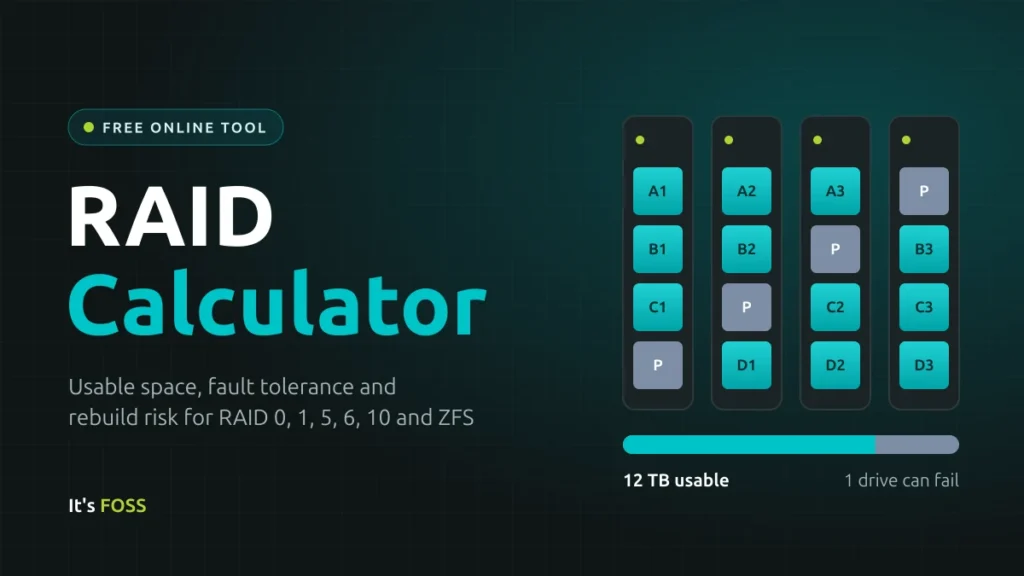
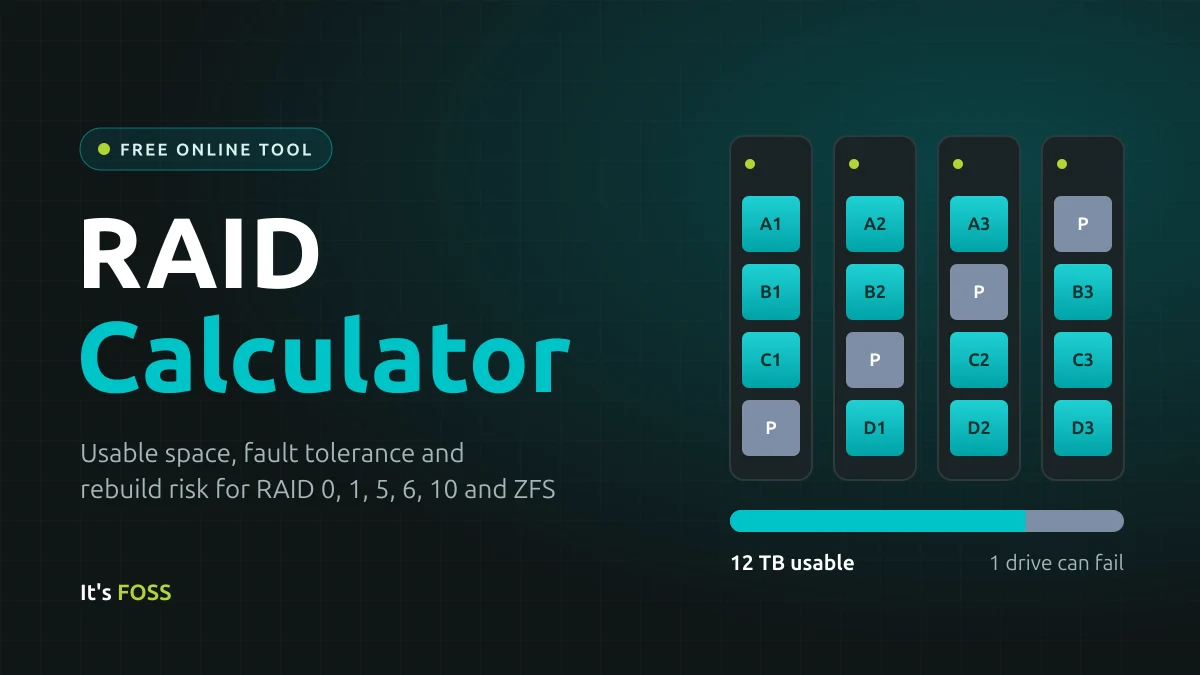
The middle ground, and the most common configuration for modern users, is Parity. By using mathematical calculations (XOR operations) to store "checksum" data across all drives in an array, systems can reconstruct a failed drive without the 1:1 storage cost of mirroring. This innovation paved the way for RAID 5 and RAID 6, the workhorses of the enterprise and prosumer NAS (Network Attached Storage) markets.
Understanding the Mechanics: Key RAID Terminologies
To build a resilient storage system, one must speak the language of data parity and recovery.
The Role of Parity
Parity acts as a digital safety net. If a drive fails, the controller or filesystem uses the parity data—essentially the result of a mathematical equation derived from your existing files—to deduce the contents of the missing drive.
- Single Parity (RAID 5/RAIDZ1): Allows the array to survive the failure of one drive.
- Double Parity (RAID 6/RAIDZ2): Allows the array to survive the failure of two drives simultaneously. This is increasingly vital in the era of high-capacity hard drives, where the time required to "rebuild" a drive after a failure can last several days, significantly increasing the statistical risk of a second drive failure occurring during the reconstruction process.
The Rebuild (Resilver) Process
When a drive fails, the system must perform a "rebuild" or "resilver." This is a high-stress event where the system reads every single bit of data from all surviving drives to recreate the data on the replacement drive. During this period, the array is in a vulnerable state. If an unrecoverable read error (URE) occurs on one of the surviving drives, the entire rebuild may fail.
URE and Drive Class Ratings
Manufacturers rate drives based on their reliability, specifically the frequency of UREs. Consumer-grade drives are typically rated for 1 error per $10^14$ bits read, while enterprise-class drives often boast 1 error per $10^15$ bits read. In a massive array, the math is unforgiving: reading through an 8TB or 12TB drive during a rebuild makes the statistical probability of encountering a URE high enough that relying on single-parity (RAID 5) is considered a dangerous gamble by many storage professionals.
ZFS: The Paradigm Shift in Data Integrity
While traditional hardware RAID controllers have served the industry for decades, the rise of ZFS (the Zettabyte Filesystem) has fundamentally changed how we manage storage.
Unlike traditional RAID, which operates at the block level and is "blind" to the data it manages, ZFS acts as both the filesystem and the volume manager. ZFS employs end-to-end checksumming. Every block of data is validated against a checksum upon being read. If the data is corrupted—a phenomenon known as "silent bit rot"—ZFS detects the mismatch and automatically repairs the block using the redundant parity or mirror data.
This makes ZFS a self-healing system. Furthermore, ZFS only rebuilds the data that is actually in use, rather than re-scanning the entire physical surface of the drives, which drastically reduces the time and risk associated with the resilver process. However, this power comes at a cost: ZFS is resource-intensive, requiring ample system RAM to cache metadata and maintain its integrity features.
Practical Implications: How to Configure Your Array
When designing a storage pool, the decision-making process should follow a logical hierarchy:
- Capacity vs. Redundancy: If you have 4 to 10 drives, RAIDZ2 (Double Parity) is generally the gold standard. It offers a robust balance, allowing for two drive failures while maintaining high storage efficiency.
- Performance Requirements: If your workload involves high-speed random input/output (like running virtual machines or editing 4K video directly off the server), a "striped mirror" (RAID 10) configuration is superior. It provides the speed of striping and the instant, low-stress recovery of mirrors, though you sacrifice half your raw storage capacity.
- Expansion Strategy: Expanding a traditional RAIDZ pool is notoriously rigid. While OpenZFS 2.3 has introduced the ability to add single drives to an existing array, it is still a complex operation. If you expect to grow your storage incrementally, a pool of mirrored pairs is often more flexible, as you can add pairs of drives over time.
Critical Warnings: The "RAID is Not a Backup" Mantra
Perhaps the most important takeaway for any storage architect is the distinction between availability and durability. RAID provides high availability; it ensures your system stays online when hardware fails. It is not a substitute for a backup.
RAID cannot protect you from:
- Accidental Deletion: If you delete a file, the system instantly "deletes" it from the parity/mirror as well.
- Ransomware: If your data is encrypted by malicious software, the parity copies will be encrypted just as quickly.
- Fire, Theft, or Controller Failure: These physical threats affect the entire array.
The industry-standard "3-2-1" rule remains the absolute requirement for data security:
- 3 copies of your data.
- 2 different media types (e.g., local NAS and cloud storage).
- 1 copy stored off-site.
Official Guidance and Industry Best Practices
Industry experts emphasize that the "best" RAID level is the one that accounts for the "worst-case scenario." For arrays exceeding 8TB per drive, RAID 5 is widely considered obsolete due to the length of rebuild times. The industry has trended toward RAID 6 or ZFS RAIDZ2 as the minimum safe threshold for modern home and small-business servers.
Furthermore, users should be wary of mixing drive sizes. While possible, traditional RAID will treat all drives as if they were the capacity of the smallest drive in the set, wasting the additional space on larger drives. Technologies like Unraid or Synology’s SHR (Synology Hybrid RAID) offer more flexibility for mixed-drive environments, though they operate differently than standard ZFS or hardware RAID.
Conclusion: Designing for the Long Term
Building a storage array is an exercise in managing risk. By understanding the underlying physics of drive failure, the mathematical necessity of parity, and the modern capabilities of filesystems like ZFS, users can build systems that are not only fast but resilient against the inevitable march of hardware degradation.
Remember that every storage array is a living system. It requires monitoring, regular testing of backups, and an understanding that the hardware you buy today will eventually fail. When that day comes, a well-planned RAID configuration will be the difference between a minor inconvenience and a catastrophic loss of your most important data. Choose your layout carefully, prioritize redundancy, and never forget the golden rule: if your data doesn’t exist in three places, it doesn’t exist at all.