Building the Ultimate Halloween Prop: How to Animate a Spooky Skeleton with a $4 Raspberry Pi Pico
Main Facts
As the spooky season approaches, makers and hobbyists worldwide are looking for ways to elevate their home decor beyond standard, static store-bought novelties. Leveraging the compact power of modern microcontrollers, a new DIY project demonstrates how to transform an inexpensive, plastic Halloween decoration into an interactive animatronic specter.
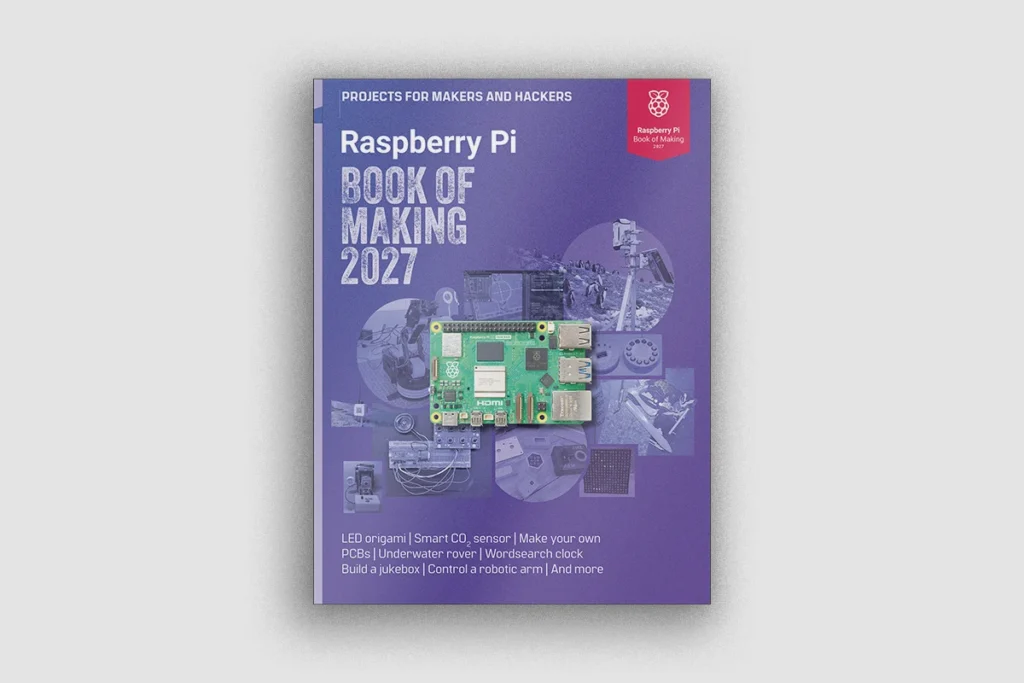
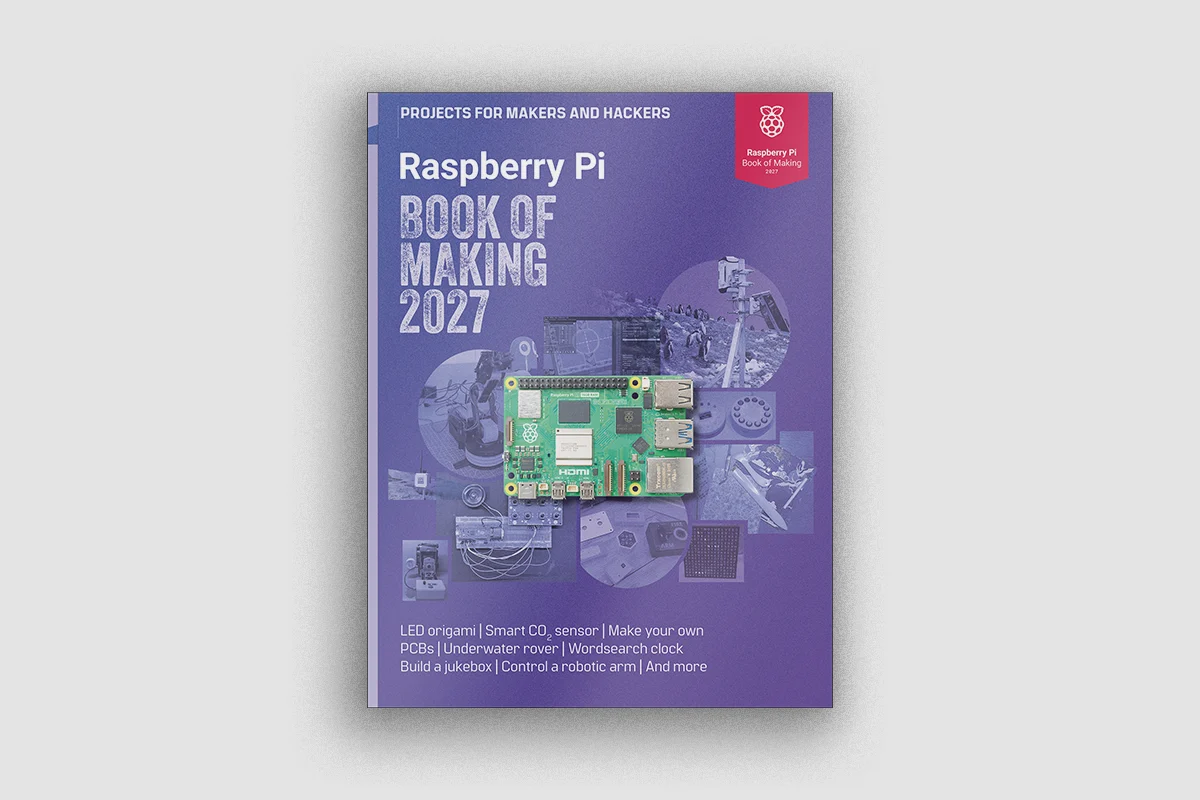
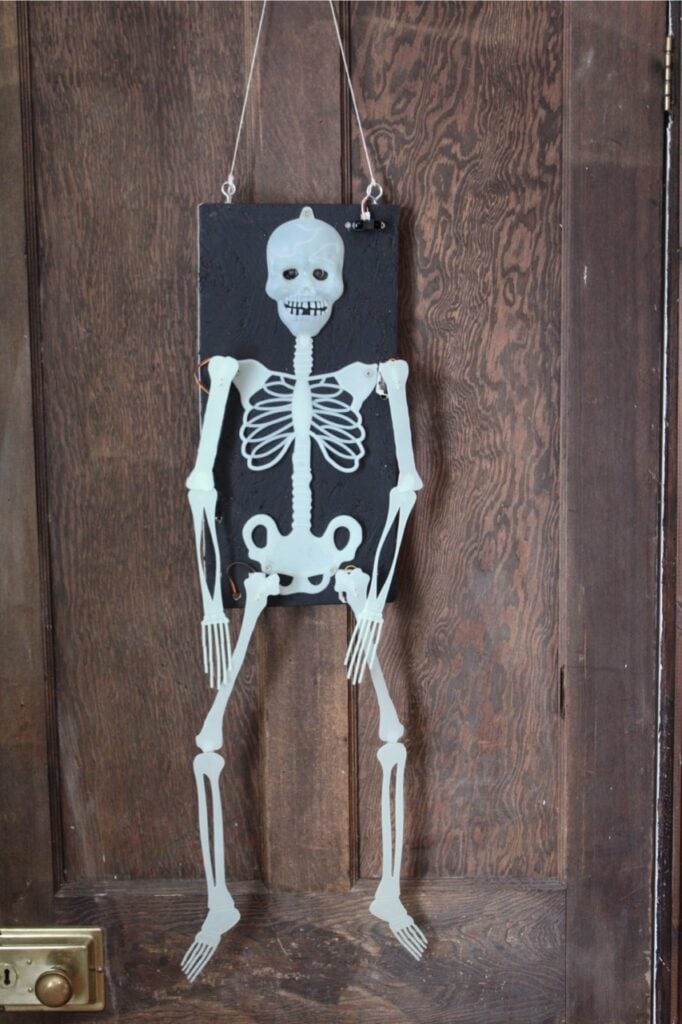
Featured prominently in the newly released Raspberry Pi Book of Making 2027, this project pairs a budget-friendly 90-centimeter glow-in-the-dark skeleton with a $4 Raspberry Pi Pico. Utilizing a network of 9g hobby servos, WS2811 addressable RGB LEDs for ominous glowing eyes, and an analog distance sensor, the completed installation reacts dynamically when unsuspecting trick-or-treaters approach.
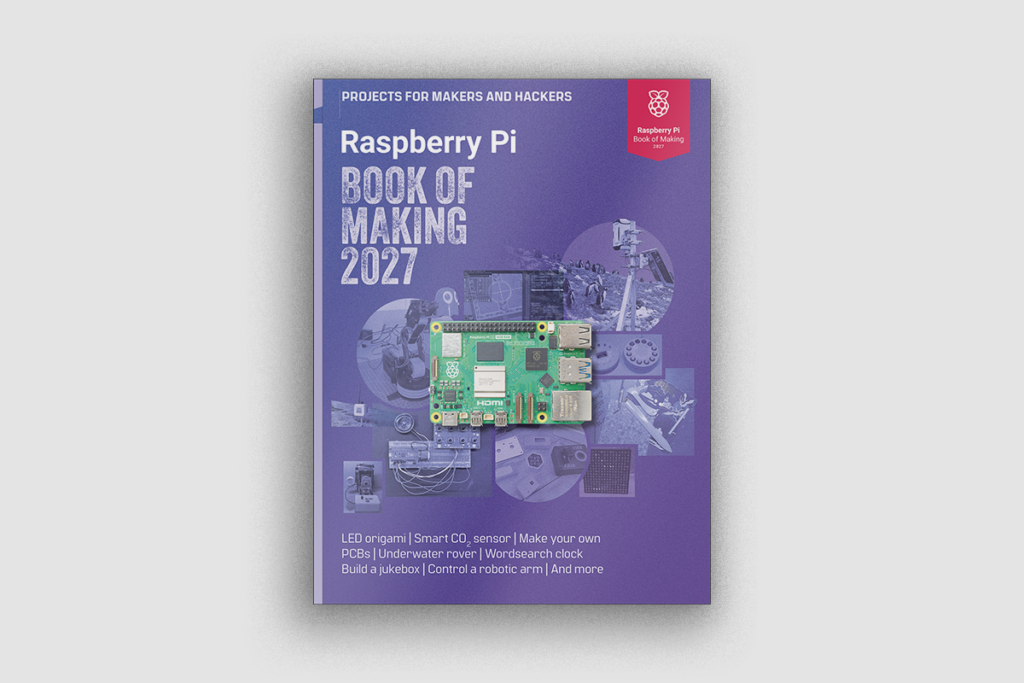
The build relies on MicroPython for control logic, proving that complex, responsive animatronics do not require industrial-grade hardware or expensive programming suites. The core components required for the project include:
- A 2D flat plastic glow-in-the-dark skeleton (approximately 90cm in height)
- A Raspberry Pi Pico or Pico W microcontroller
- Four 9g hobby servos for joint articulation
- A Sharp GP2Y0A02YK analog distance sensor
- Two 12mm WS2811 addressable RGB LEDs
- A rigid wooden backing board (OSB or plywood) and standard mounting hardware
Chronology of the Build: From Concept to Execution
Constructing an interactive animatronic prop requires careful planning, iterative mechanical adjustments, and step-by-step electronic integration. The development cycle can be broken down into distinct chronological phases:
Phase 1: Mechanical Evaluation and Disassembly
The project begins by selecting the proper foundational skeleton. Because true 3D anatomical skeletons feature complex multidirectional ball-and-socket joints that are notoriously difficult to actuate, makers must source a "2D" skeleton—a lightweight, flat model where all limbs move within a single, predictable plane.
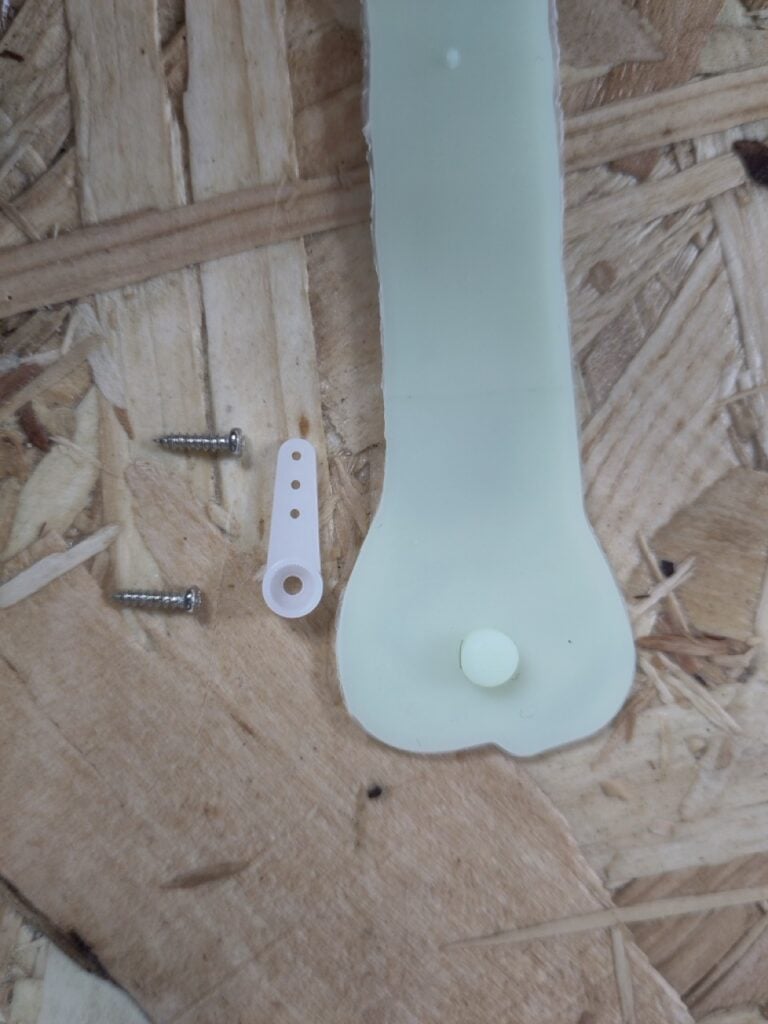
Upon acquiring a standard 90cm glow-in-the-dark skeleton (often found online for a nominal fee), the limbs are detached from their factory pin-and-socket joints. Direct pull-string puppetry is quickly abandoned due to the flimsy nature of the plastic, which tends to twist rather than cleanly pivot. Instead, the design calls for mounting micro-servos directly to the limbs, positioning the servo horns as close to the original joints as possible.
Phase 2: Backboard Preparation and Chassis Assembly
Because the plastic skeleton lacks structural rigidity, it must be secured to a sturdy backing board. The creator utilized Oriented Strand Board (OSB) measuring at least 45 × 21 cm, painted matte black to seamlessly blend into nighttime environments.
- Eye Holes: 12mm holes are drilled into the skull to house the LED eyes.
- Wire Management Holes: 10mm holes are bored near each joint to route servo wires cleanly to the rear of the board.
- Microcontroller Mounting: Rather than fussing with hard-to-find M2.5 wood screws, the Raspberry Pi Pico is securely fastened to the board using a pair of 5mm holes and a heavy-duty cable tie, ensuring the USB port remains easily accessible.
Phase 3: Electronics and Servo Zeroing
Servos are inherently limited to a 180-degree range of motion, meaning their resting positions must be calibrated before attaching them to physical limbs.
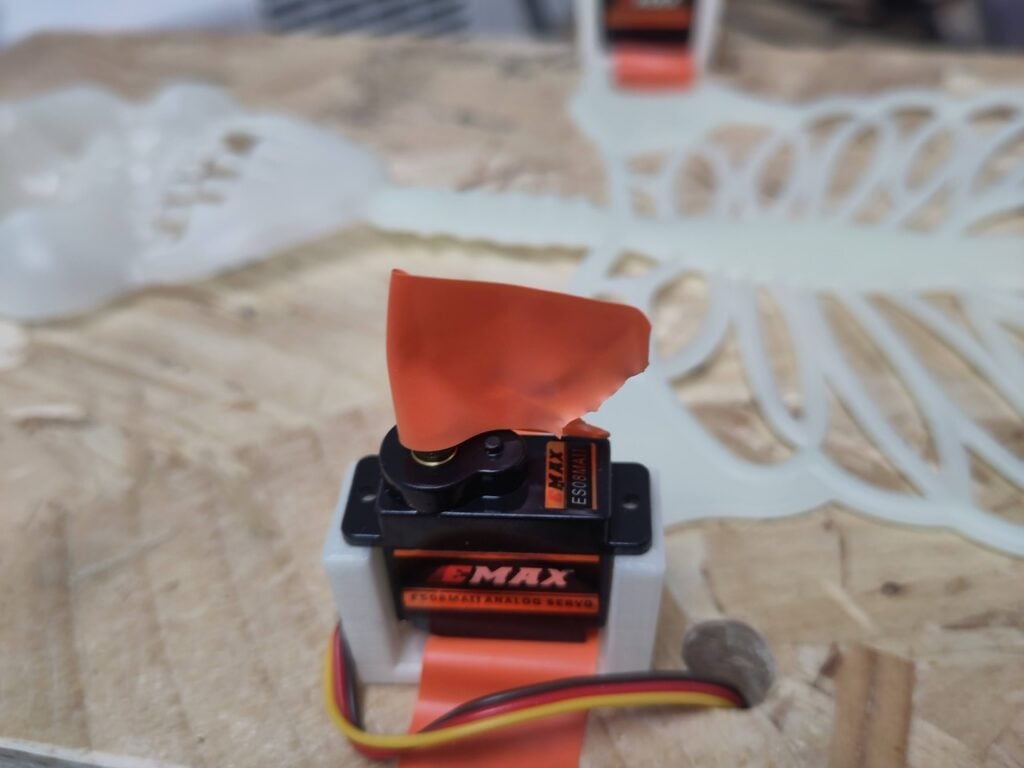
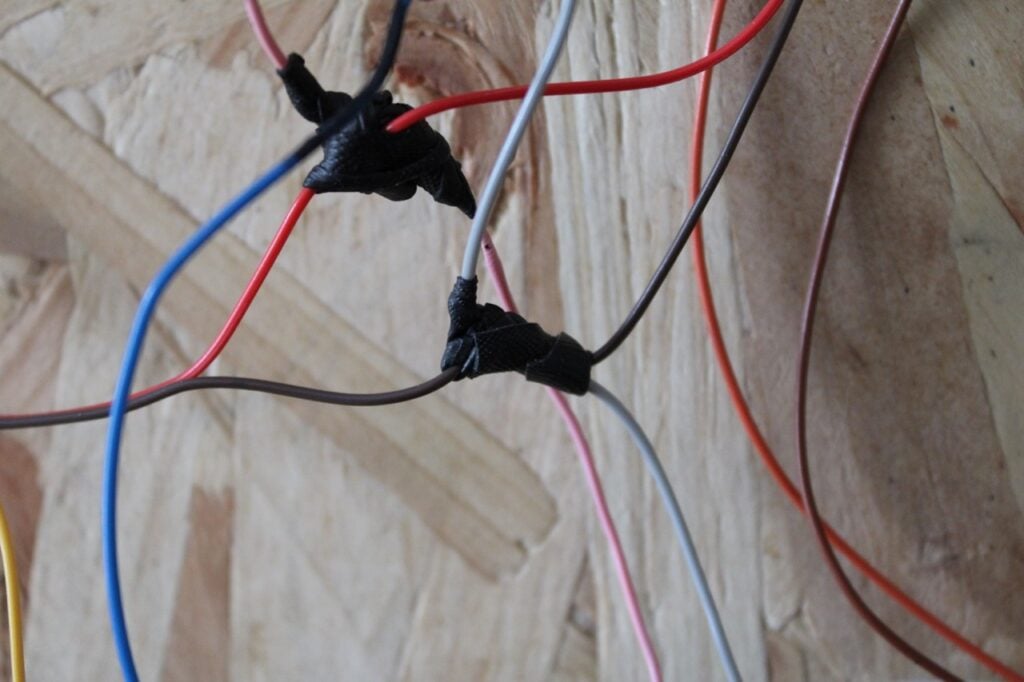
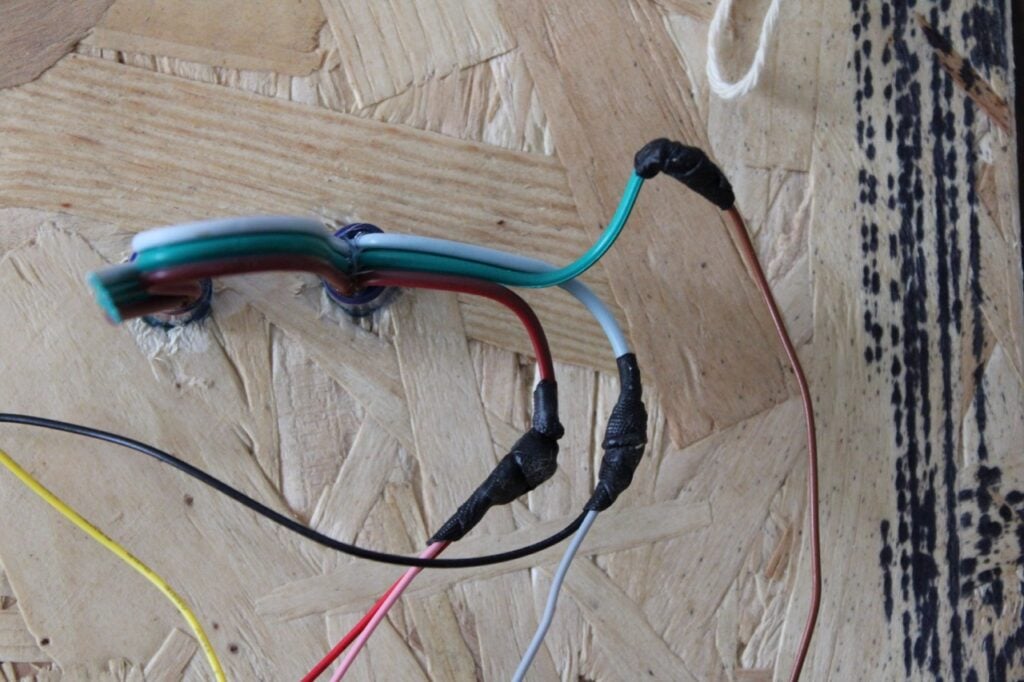
- The four servos (controlling the left hip, left shoulder, right hip, and right shoulder) are wired together in parallel to share a common power and ground bus, requiring careful soldering and self-amalgamating tape for insulation.
- Temporary alignment flags made from electrical tape are attached to the servo drive shafts.
- Using Thonny IDE and a simple MicroPython script utilizing a community servo library, the Pico commands the servos to cycle between "up" and "down" positions.
- Once the neutral angles are verified, the physical limbs of the skeleton are screwed onto the servo horns to match the calibrated range of motion.
Phase 4: Integration of Sensors and Lighting
With the motion mechanics established, environmental awareness and atmospheric lighting are integrated:
- The Eyes: Two 12mm WS2811 RGB LEDs are extracted from a string, paying close attention to the directional data arrows printed on the circuit board. They are friction-fit into the skull’s eye sockets to project an eerie glow.
- The Distance Sensor: A Sharp GP2Y0A02YK analog distance sensor is mounted to the chassis and connected to analog input pin A0 (GPIO 26) on the Pico. This sensor continuously monitors the immediate environment for motion, avoiding the false-positive triggers often associated with standard Passive Infrared (PIR) sensors in variable outdoor lighting.
Supporting Data & Technical Specifications
Building custom interactive hardware requires an understanding of electrical loads, data protocols, and spatial calibrations. The following metrics outline the operational parameters of the Pico skeleton project:
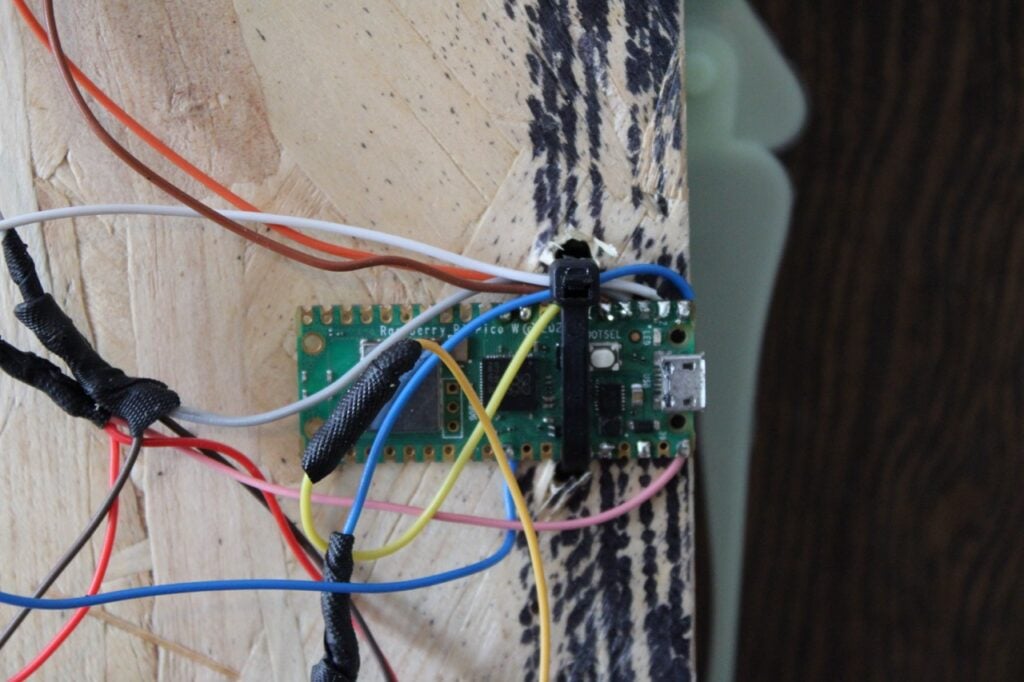
- Power Requirements: The entire circuit—comprising four 9g servos, a distance sensor, and two RGB LEDs—is driven via the single VBUS connection of the Raspberry Pi Pico. Because this pushes USB power delivery limits safely to the edge, makers are advised to utilize a stable 2A USB power supply. If additional lighting effects (such as simulated lightning flashes) are introduced, an independent external power supply is strongly recommended.
- Signal Processing: The Sharp distance sensor outputs an unsigned 16-bit analog value (
u16) ranging from0to65,535. In the default deployment script, a threshold value greater than10,000is used to flag a nearby presence. This threshold can be fine-tuned depending on whether the prop is placed in a tight hallway (where background walls might skew readings) or an open porch. - Software Environment: Development is managed via the Thonny IDE running MicroPython. Servo control is handled through a dedicated module directory containing initialization and execution scripts (
__init__.pyand__main__.py), while WS2811 communication utilizes the built-inneopixellibrary routed through GPIO 4.
Official Responses and Maker Community Perspectives
The release of the Raspberry Pi Book of Making 2027 has generated significant enthusiasm within the global maker community, bridging the gap between nostalgic holiday decorating and accessible microcontroller engineering.
Raspberry Pi Press editors emphasize that the annual collection is curated to highlight the most creative, inventive, and approachable DIY projects published in the Raspberry Pi Official Magazine over the past year. According to the development team, the primary goal of projects like the Pico-powered skeleton is to demystify hardware hacking for enthusiasts of all skill levels.
"Not since the seminal 1993 film Hocus Pocus has there been a more iconic book than the Raspberry Pi Book of Making 2027," editors noted in the official release announcement. "We wanted to share projects that prove you don’t need industrial robotics equipment to create professional-grade holiday magic. With a $4 microcontroller and a bit of ingenuity, anyone can bring everyday objects to life."
Community feedback on early builds has been overwhelmingly positive, particularly regarding the choice of the Raspberry Pi Pico. Makers praised the microcontroller’s low cost, reliable performance under MicroPython, and small form factor, which allows it to be hidden discreetly behind standard decorative props.
Implications for Hobbyist Electronics and Holiday Crafting
The success of projects featured in the Raspberry Pi Book of Making 2027 underscores broader trends in the consumer electronics and DIY crafting markets:
- Democratization of Animatronics: Historically, building animatronic props for Halloween, theater productions, or home displays required expensive proprietary controllers, complex wiring harnesses, or advanced knowledge of C++ and soldering. The widespread adoption of MicroPython-compatible microcontrollers like the Raspberry Pi Pico has lowered the barrier to entry, allowing novices to write reactive code in minutes rather than days.
- The Rise of Upcycling: Rather than designing mechanical frames from scratch, modern makers increasingly rely on "upcycling" inexpensive, mass-produced seasonal items—such as $3 plastic skeletons—and augmenting them with smart components. This hybrid approach drastically reduces project costs while yielding impressive visual results.
- Microcontroller Versatility: While Wi-Fi-enabled boards like the Raspberry Pi Pico W offer advanced IoT capabilities (such as remote-triggering via home automation assistants or web servers), this project proves that foundational microcontrollers remain remarkably powerful for standalone, edge-computed physical computing tasks.
As the Raspberry Pi Book of Making 2027 rolls out globally—available physically at an introductory price of £9.99 ($14 standard) and digitally via updated bookshelf applications—it serves as a testament to the endless creativity fostered by the maker movement. Whether deployed to frighten trick-or-treaters or simply to explore the fundamentals of sensor-driven automation, the Pico skeleton stands as a masterclass in accessible, imaginative engineering.