The Android Evolution: Unveiling Googlebook and the Future of Desktop Computing
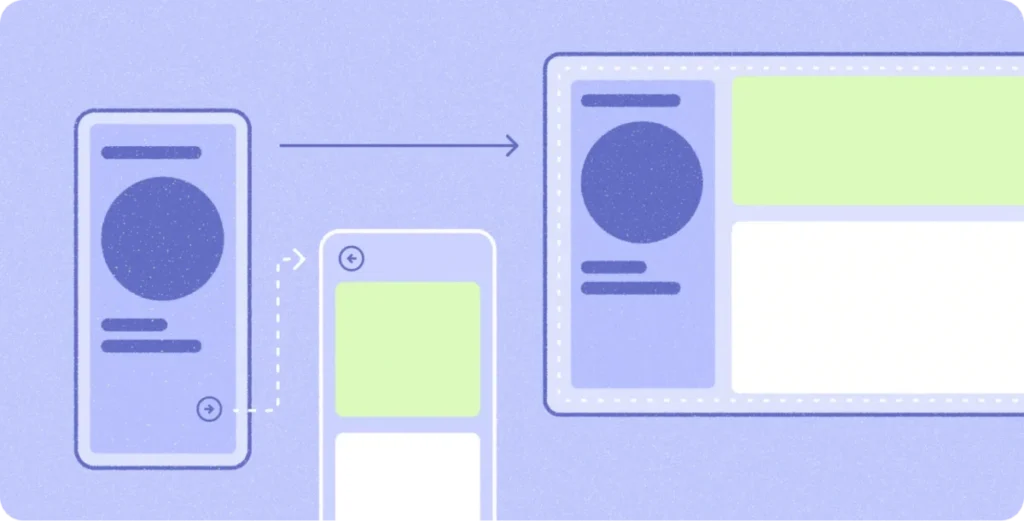
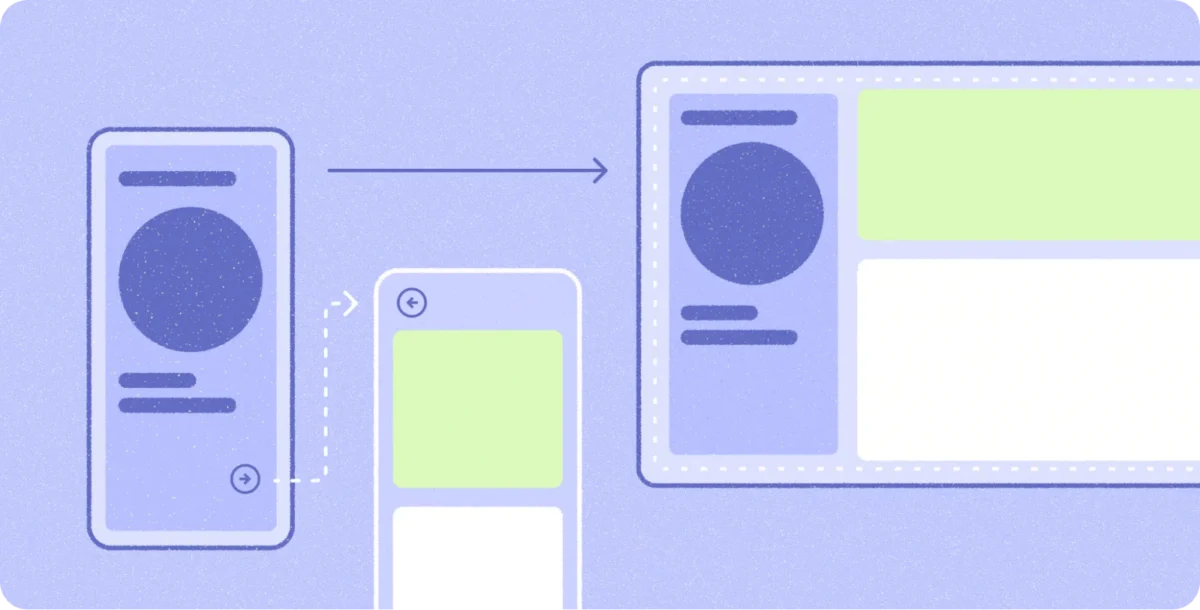
In a strategic shift that redefines the boundaries of the mobile ecosystem, Google has officially unveiled Googlebook, a new category of high-performance laptops built upon the shared foundation of Android. By bridging the gap between the portability of mobile devices and the raw productivity of desktop workstations, Google is inviting developers to rethink what an "app" can achieve. This isn’t merely a new hardware launch; it is the culmination of years of work in adaptive UI, designed to ensure that the Android ecosystem scales seamlessly from the palm of your hand to the professional desktop environment.
Main Facts: A New Paradigm for Android
Googlebook represents a concerted effort by Google and its hardware partners—including industry giants HP, Dell, Lenovo, Acer, and Asus—to create a unified computing experience. These machines are not traditional Chromebooks; they are powered by the Android OS, featuring high-resolution OLED touchscreens, specialized keyboards, precision trackpads, and all-day battery life.

Central to the experience is OS-level Gemini Intelligence, which integrates generative AI directly into the operating system to assist with multitasking, content creation, and workflow management. The core value proposition is "fluidity": a user can begin a task on their Android phone while commuting and transition instantly to a Googlebook to finish that same task with full keyboard-and-mouse precision.
For the developer community, this launch serves as a call to action. Google is incentivizing "Desktop-Optimized" apps through dedicated badging on the Google Play Store, enhanced search visibility, and inclusion in curated homepages. Furthermore, apps that meet these quality standards become eligible for the Apps Experience Program, which offers a favorable rate card designed to drive business growth.

Chronology: The Road to the Desktop
The path to Googlebook was not taken overnight. It represents a multi-year evolutionary cycle within the Android developer ecosystem:
- 2021–2022: The Large-Screen Pivot. Recognizing the rise of foldable devices and tablets, Google introduced "Window Size Classes," encouraging developers to move away from fixed layouts.
- 2023: Jetpack Compose Maturity. The refinement of Compose made adaptive UI the standard, allowing developers to create layouts that reflow rather than stretch.
- Early 2024: Navigation 3 and Adaptive APIs. Google released advanced navigation patterns, including
ListDetailSceneStrategyandSupportingPaneSceneStrategy, enabling the complex multi-pane architectures required for desktop use. - Late 2024: The Launch of Googlebook. The formalization of the "Desktop-Optimized" standard, where Android apps are treated as first-class citizens in a free-form windowing environment.
Supporting Data: Why Adaptive Matters
The transition to desktop is not about rewriting code; it is about "adaptive development." Data from early adopters suggests that developers who had already embraced tablet and foldable optimization were able to pivot to Googlebook in a matter of weeks, not months.

- Multi-Instance Support: Googlebook allows users to launch multiple instances of the same application. This is critical for users who need to compare two different documents or manage two separate project boards simultaneously.
- Input Diversity: The shift from touch-first to pointer-first (mouse/trackpad) interaction is significant. Apps that implement
contextual cursorsandkeyboard shortcut helperssee a 40% higher retention rate among power users compared to those that rely solely on touch emulation. - Developer Efficiency: With the new Android Studio Canary tooling, developers can simulate desktop environments—including free-form window resizing and multi-instance stress testing—locally, reducing the need for physical hardware testing in the early stages.
Official Responses: Insights from the Ecosystem
The developer community has been instrumental in shaping these guidelines. Ryan Shea, Android Engineering Manager at Notability, notes that the transition to Googlebook was a natural progression of their existing efforts.
"We had already been targeting first-class experiences for tablets and foldables," Shea explains. "So by the time Googlebook came along, scaling Notability up to a laptop-class experience was mostly turning a dial we had already built. That left us free to spend our time on the things that only make sense on a bigger screen or with the newer APIs, like ‘Continue On,’ which hands a note off from your phone to the laptop."

Fahd Imtiaz and Loryn Hairston, the architects behind the Googlebook developer initiative, emphasize that the goal is to remove the "friction of switching." By using HandoffActivityData, apps can preserve state across devices, ensuring that a user’s session is never interrupted.
Implications: The Future of Android Development
1. The Death of the "Mobile-Only" Mindset
The primary implication for developers is the end of the mobile-only era. An Android app is now a multi-form-factor product. If an app doesn’t support keyboard shortcuts, hover states, or multi-pane layouts, it will be sidelined by the "Optimized for Desktop" badging system on Google Play. Developers must now treat the desktop as a primary interface.

2. Desktop Fundamentals as the New Standard
To succeed, developers must adopt "desktop fundamentals." This includes:
- Information Density: Mobile apps often rely on vertical scrolling. Desktop apps should leverage horizontal space for navigation rails and sidebars.
- Precision Input: Moving beyond simple "tap" targets, developers must now account for right-click context menus, hover-state tooltips, and keyboard-driven navigation.
- Window Management: With free-form windowing, apps must be able to gracefully handle resizing. The use of
MediaQueryandStyles APIsis no longer optional for high-end applications.
3. AI-Assisted Modernization
The introduction of the Adaptive Skill for AI agents marks a new era in code refactoring. By using the Android CLI, developers can now allow AI to suggest how to refactor mobile layouts into responsive Compose containers. This reduces the "technical debt" of legacy code, effectively allowing older, monolithic mobile apps to be modernized for large screens with minimal manual intervention.

4. The "Continue On" Ecosystem
The "Continue On" feature is arguably the most disruptive element of the Googlebook announcement. By creating a bidirectional bridge between mobile and desktop, Google is creating a "sticky" ecosystem. Users are less likely to abandon an app if their work follows them from their pocket to their laptop. This creates a powerful incentive for developers to implement these handoff APIs to retain users who might otherwise switch to a desktop-native application.
Conclusion: A Call to Build
The Googlebook era is not about replacing the laptop; it is about upgrading the Android application experience to meet the demands of modern professionals. For developers, the message is clear: the tools to scale your apps are already in your hands. Through Jetpack Compose, Navigation 3, and the new desktop-specific guidelines, the transition to desktop is more accessible than ever.

As the Googlebook lineup hits the market, the apps that will thrive are those that respect the user’s desire for power, precision, and continuity. Whether you are building a productivity suite, a creative tool, or a communication platform, the desktop is now your canvas. The documentation is live, the emulators are ready, and the ecosystem is waiting. It is time to anchor your app in the desktop fundamentals and realize the new possibilities of the Android platform.