The Evolution of Syntax Highlighting: How MicroLighter is Rethinking Code Presentation
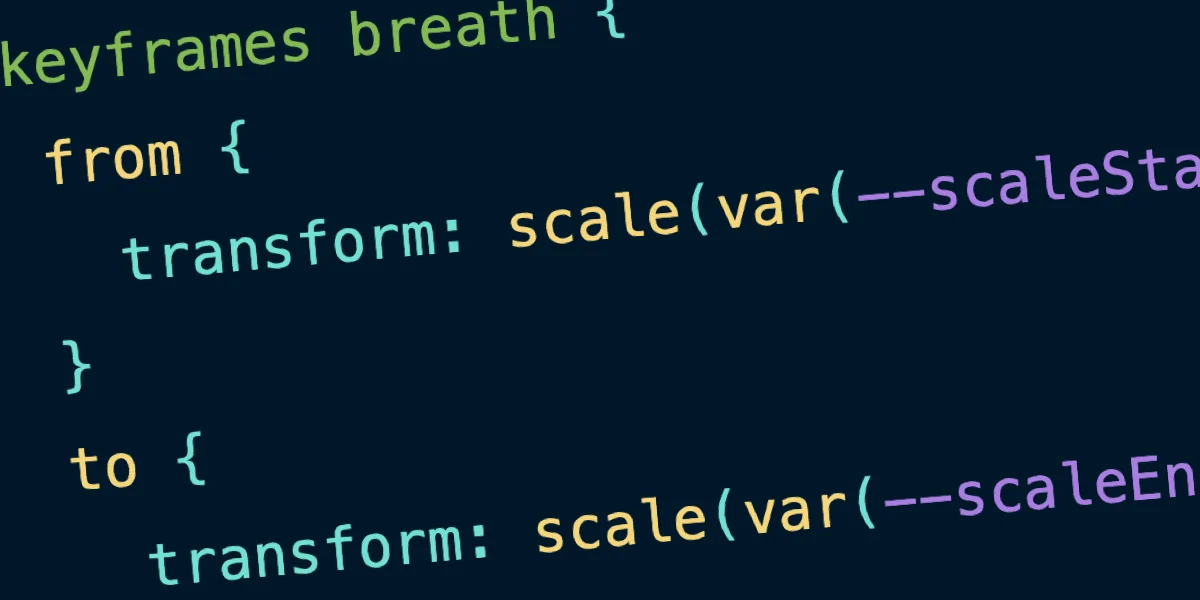
The landscape of modern web development is defined by a constant tension between feature richness and performance overhead. For years, the standard for displaying code snippets on the web has been dominated by heavy JavaScript libraries—robust, battle-tested tools that provide reliable syntax highlighting but often at the cost of significant page weight. However, a new approach is emerging, spearheaded by "Uncle Dave" (Dave Rupert), that aims to strip away the complexity of bloated dependencies in favor of modern, native web standards.
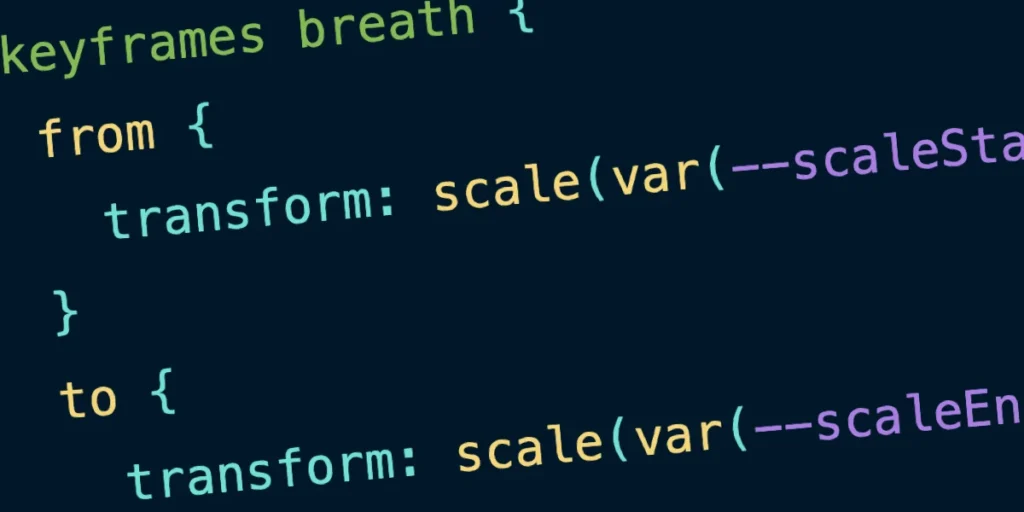
Enter MicroLighter, a lightweight syntax highlighting solution that leverages the browser’s native ::highlight() API. By shifting the heavy lifting from JavaScript execution to CSS rendering, MicroLighter offers a glimpse into a future where code blocks are as performant as they are aesthetically pleasing.
Main Facts: A Shift in Paradigms
At its core, MicroLighter is designed to solve a specific problem: the "bloated dependency" syndrome. Traditionally, platforms like CSS-Tricks have relied on powerful libraries like Prism.js to handle the complex task of tokenizing code and applying color-coded styling. While Prism.js is undeniably impressive, it necessitates the loading of large JavaScript bundles that must be parsed, compiled, and executed by the browser.
MicroLighter flips this script. It utilizes the CSS Custom Highlight API—a standard that reached Baseline status earlier this year—to apply styles to code blocks. Instead of injecting hundreds of <span> elements into the DOM, which can bloat the document object model and slow down rendering, MicroLighter keeps the markup clean and semantic.
Key Features of MicroLighter:
- Minimal JavaScript: It reduces the reliance on heavy runtime scripts, shifting the burden to the browser’s CSS engine.
- Semantic Markup: The HTML structure remains clean, typically requiring only standard
<pre>and<code>tags. - CSS-Native Styling: Because it relies on CSS, developers can use modern features like
light-dark()color functions and CSS custom properties to create dynamic, theme-aware code blocks. - Modular Architecture: Users can import only what they need, whether it be line numbering, specific language support, or a full web component.
Chronology: From Legacy Libraries to Native Standards
The journey toward a more efficient code-highlighting model has been a multi-year evolution within the web development community.
The Prism.js Era (2015–2024): For nearly a decade, Prism.js has been the industry standard. It offered a "plug-and-play" experience for WordPress and static sites, providing support for an exhaustive list of programming languages. During this time, the trade-off—sacrificing a few kilobytes of performance for extreme reliability—was considered the "cost of doing business."
The Rise of Custom Highlights (2022–2024): The introduction of the CSS Custom Highlight API marked a turning point. Developers began experimenting with ways to style ranges of text without wrapping them in DOM nodes. This was initially used for text selection highlights, but it quickly became apparent that it could serve as a foundation for syntax highlighting.
The MicroLighter Prototype (2025): Dave Rupert began developing MicroLighter to address the specific needs of high-traffic sites like CSS-Tricks. The goal was to replicate the feature set of legacy libraries—themes, line numbers, and multi-language support—without the associated performance drag.
Integration and Adoption (August 2026): The final transition occurred when CSS-Tricks officially replaced its legacy Prism.js setup with MicroLighter. This transition served as a live-fire test for the library, confirming that it could handle production-level requirements while significantly reducing the site’s total payload.
Supporting Data: The Performance Dividend
The most compelling argument for MicroLighter lies in the raw metrics. When evaluating the switch from Prism.js to MicroLighter, the performance improvements are undeniable.
Payload Comparison (Raw vs. Gzipped)
| Metric | Prism.js | MicroLighter | Improvement |
|---|---|---|---|
| Raw Size | 35 KB | 13.9 KB | ~60% reduction |
| Gzipped Size | 9.3 KB | 5.2 KB | ~44% reduction |
While 4 KB of savings may seem trivial in the context of a massive web application, for high-traffic blogs where code snippets appear on nearly every page, these savings aggregate into a significant reduction in Time to Interactive (TTI) and overall page weight. Furthermore, by reducing the reliance on JavaScript, the main thread is freed up to handle more critical tasks, such as interactivity and layout calculation, leading to a smoother user experience.
The integration of custom properties also allows for seamless theming:
--syntax-background: light-dark(#ffffff, #0d1117);
--syntax-keyword: light-dark(#cf222e, #ff7b72);
--syntax-function: light-dark(#8250df, #d2a8ff);
This native approach ensures that code blocks respect the user’s system preferences for dark or light mode automatically, without requiring JavaScript observers to toggle classes.
Official Responses and Industry Reception
The response from the development community has been largely positive, reflecting a broader trend toward "Zero-JS" or "Low-JS" web design. Critics of the traditional approach point out that code highlighting should be a presentational concern, not a functional one.
"We aren’t saying there is no place for JavaScript," notes the development team behind MicroLighter. "We are simply advocating for a more balanced approach where we use the platform’s native capabilities to their full extent. If a browser can handle the highlighting natively via the CSS engine, we should be leveraging that rather than reinventing the wheel in JavaScript."
Prism.js maintainers have acknowledged the shift, noting that libraries like theirs were built in an era when the browser’s capabilities were severely limited. As the platform evolves, they encourage the move toward native solutions that simplify the developer’s stack.
Implications: The Future of Web Presentation
The success of MicroLighter carries significant implications for the future of web standards and developer workflows.
1. The Decline of "Heavy" Client-Side Libraries
As browsers continue to implement powerful APIs like ::highlight(), the need for third-party libraries to perform basic UI tasks will diminish. We are likely to see a shift toward "Micro-libraries" that act as thin wrappers around native functionality, rather than massive frameworks that seek to replace the browser’s native behavior.
2. Standardization of Code Presentation
With the adoption of standards-based highlighting, we may eventually reach a point where code blocks look consistent across all platforms without the need for individual site-specific scripts. This could lead to better accessibility, as native APIs are often more robust in handling screen readers and high-contrast modes than custom JavaScript implementations.
3. A Focus on "A La Carte" Development
MicroLighter’s modular design sets a new expectation for web tools. Developers are increasingly demanding the ability to cherry-pick features—taking the line numbers and copy-to-clipboard functionality without being forced to download an entire suite of language parsers they don’t use.
4. Accessibility and Semantic Web
By moving away from deeply nested <span> tags, which were often necessary for legacy highlighting, we move back toward clean, semantic HTML. This is a win for accessibility; screen readers often struggle with code snippets that are cluttered with hundreds of unnecessary DOM elements. Cleaner markup ensures that the code is readable by both humans and machines.
Conclusion
MicroLighter is more than just a utility for coloring text; it is a philosophy. By embracing the "Baseline" capabilities of modern browsers, it demonstrates that we can achieve high-performance results without sacrificing the rich developer experience that users have come to expect. As more developers transition to these native-first strategies, the web will become faster, more semantic, and inherently more resilient.
For those interested in exploring the library or integrating it into their own projects, the project remains open-source and highly modular. Whether you are building a personal blog or a technical documentation site, the path forward appears clear: leverage the browser, reduce the dependency, and let the CSS do the work.