Command Line Mastery: Proton Drive Debuts Official CLI for Power Users
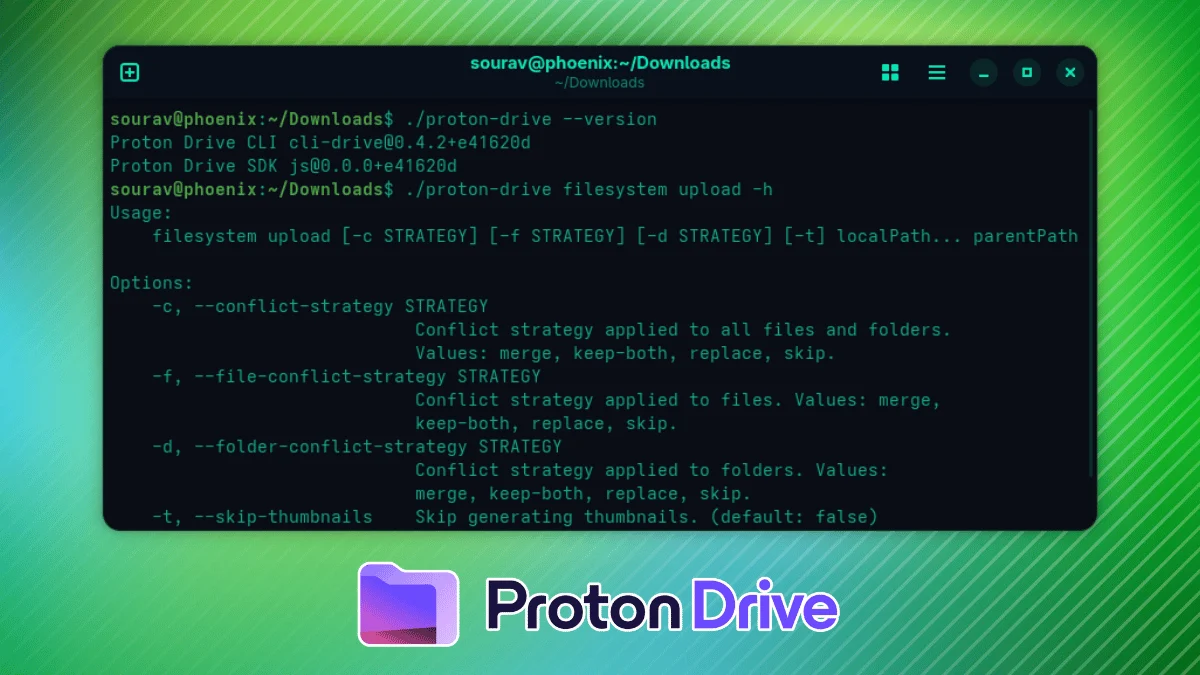
The ecosystem surrounding Proton Drive is undergoing a significant transformation. Once viewed primarily as a secure, privacy-focused alternative to mainstream cloud storage, Proton’s file-hosting service is rapidly maturing into a comprehensive productivity suite. In the latest development, the Swiss-based privacy giant has released an official Command-Line Interface (CLI) for Proton Drive, providing Linux, macOS, and Windows users with a powerful, scriptable, and lightweight tool to interact with their encrypted cloud storage.
This release marks a strategic pivot toward catering to "terminal dwellers"—developers, system administrators, and privacy enthusiasts who prefer the precision of the shell over the abstraction of a graphical user interface (GUI). By leveraging the same robust Proton Drive SDK that powers their mobile and desktop applications, the new CLI ensures that end-to-end encryption remains the cornerstone of the user experience, even when operating within a text-based environment.
The Evolution of Proton Drive: A Chronology of Growth
Proton’s journey into the cloud storage sector has been marked by a methodical approach to feature parity and cross-platform accessibility. Understanding the release of the CLI requires context regarding how far the platform has come in a relatively short period.
- The Launch Phase: Proton Drive entered the public sphere with a promise to bring the same Swiss-level privacy standards to file storage that Proton Mail brought to email. Initially, the focus was on web-based access and basic file synchronization.
- Expansion of Foundations: Recognizing that a modern cloud service cannot survive without native integration, Proton began rolling out desktop applications for Windows and macOS. These clients introduced the convenience of folder synchronization, mirroring the behaviors users expected from competitors like Dropbox or Google Drive, but with the added layer of zero-knowledge encryption.
- The Linux Initiative: For years, the Linux community remained the most vocal subset of Proton’s user base. Proton responded by prioritizing the development of a native Linux client. While the full graphical Linux client remains in active development—with an anticipated release by the end of this year—the team identified a gap in the workflow of power users.
- The CLI Milestone: Recognizing that many Linux power users do not necessarily require a full GUI to perform backups or move files, Proton accelerated the development of the CLI. Released as a single, portable binary, this tool serves as a bridge, allowing users to automate file management tasks while the team continues to polish the forthcoming graphical desktop application.
Technical Capabilities: What the CLI Brings to the Table
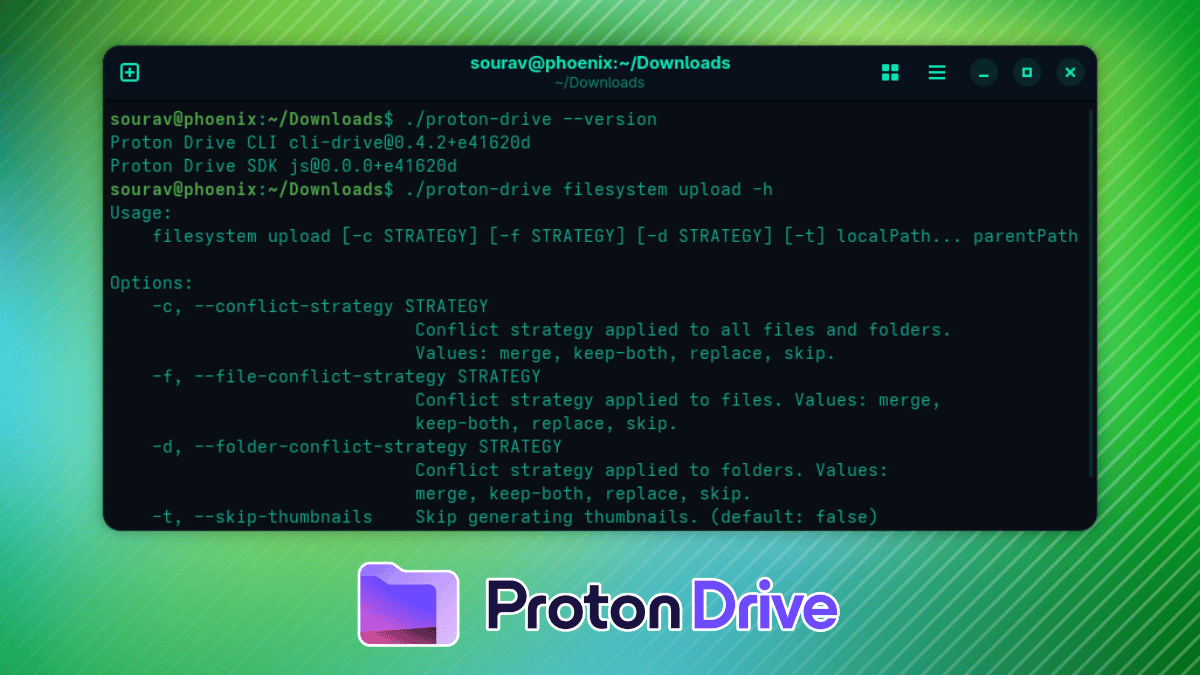
The Proton Drive CLI is not merely a wrapper; it is a full-featured management tool designed for integration into complex workflows. Built on the Proton Drive SDK, it brings native-level speed and security to the terminal.

Key Functionality
- Comprehensive File Management: Users can perform all fundamental tasks, including uploading, downloading, and browsing directory structures, directly from the terminal.
- Administrative Oversight: Beyond basic file manipulation, the CLI allows for the management of the "Trash" folder, enabling users to purge or restore deleted items without leaving the command line.
- Sharing and Collaboration: Perhaps most impressively, the CLI supports content sharing and the management of invitations, allowing users to coordinate with team members or distribute files securely through terminal commands.
- Programmability: By default, the output is formatted for human readability. However, by appending the
--jsonflag, users can force the CLI to output data in a machine-readable format. This is a game-changer for sysadmins looking to pipe output into shell scripts, automated backup routines, or monitoring tools.
Security and Authentication
Security remains the primary value proposition of the Proton brand. The CLI maintains this standard by utilizing the native system keyring—specifically libsecret on Linux—to handle authentication tokens. This ensures that users never have to hardcode their passwords into scripts or expose them via the command line history. The initial login process initiates a browser-based authentication flow, ensuring the CLI is authorized securely without the user’s credentials ever touching the disk in plain text.
Implications for Workflow and Automation
The introduction of the CLI fundamentally alters how Proton Drive can be utilized within a professional or enthusiast environment. For many, the primary barrier to using a privacy-focused cloud service is the lack of "headless" support.
Bridging the Sync Gap
While the CLI lacks a built-in, real-time continuous synchronization engine, it opens the door to superior, user-defined synchronization. Because it is command-line accessible, users can leverage standard Linux utilities such as cron or systemd timers to schedule incremental backups.
For example, a user could easily script a daily backup of a local /home/user/documents directory to their Proton Drive, effectively creating a custom, encrypted off-site backup solution that triggers at 3:00 AM every night. This granular control is often preferred by technical users over the "black box" approach of standard sync clients, which can sometimes consume excessive system resources or sync files in a way that doesn’t align with the user’s specific backup policy.
Scripting and Scalability
For developers, the ability to integrate Proton Drive into a CI/CD (Continuous Integration/Continuous Deployment) pipeline is a massive boon. Imagine a script that automatically compiles a project, packages the build, and uploads the artifact to a specific "Releases" folder on Proton Drive—all while maintaining the encryption that makes Proton a leader in data security. This type of automation was previously impossible with the standard desktop client.
Official Responses and Strategic Direction
In recent communications, the Proton team has emphasized that the CLI is a response to the direct feedback provided by the open-source community. Proton’s commitment to the Linux desktop is not just a marketing point; it is an engineering priority.
"We recognize that our users are not a monolith," a representative from the Proton team noted during the release announcement. "While many users want a simple, point-and-click interface, our most dedicated advocates—those who have supported us since the early days of Proton Mail—are the ones who live in the terminal. The CLI is for them. It represents our commitment to providing tools that respect the user’s autonomy, whether they are working in a browser, a desktop application, or a shell."
Furthermore, the release of the CLI serves as a litmus test for the upcoming Linux GUI. By maturing the underlying SDK, Proton is ensuring that when the graphical client finally arrives, it will be built upon a foundation that has been battle-tested in the most rigorous environments possible: the command lines of thousands of Linux power users.
How to Get Started: A Practical Guide
Getting started with the Proton Drive CLI is remarkably straightforward, emphasizing the "single binary" philosophy that makes modern tools so portable.
1. Acquisition
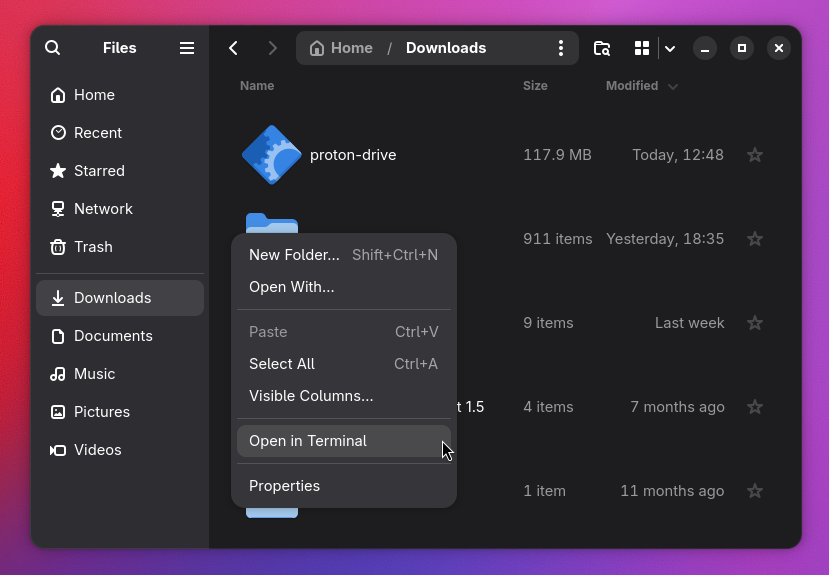
The binary can be downloaded directly from the official Proton Drive Downloads Index. Users should select the version corresponding to their architecture (e.g., linux/x64).
2. Permissions
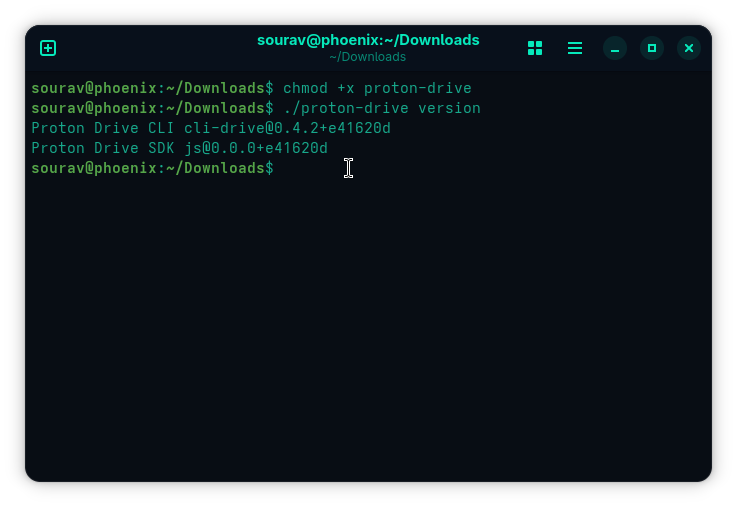
Once downloaded, the binary needs to be made executable. In a terminal, navigate to the folder and run:
chmod +x proton-drive3. Authentication
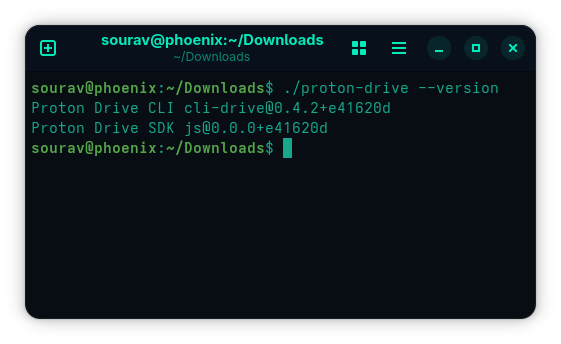
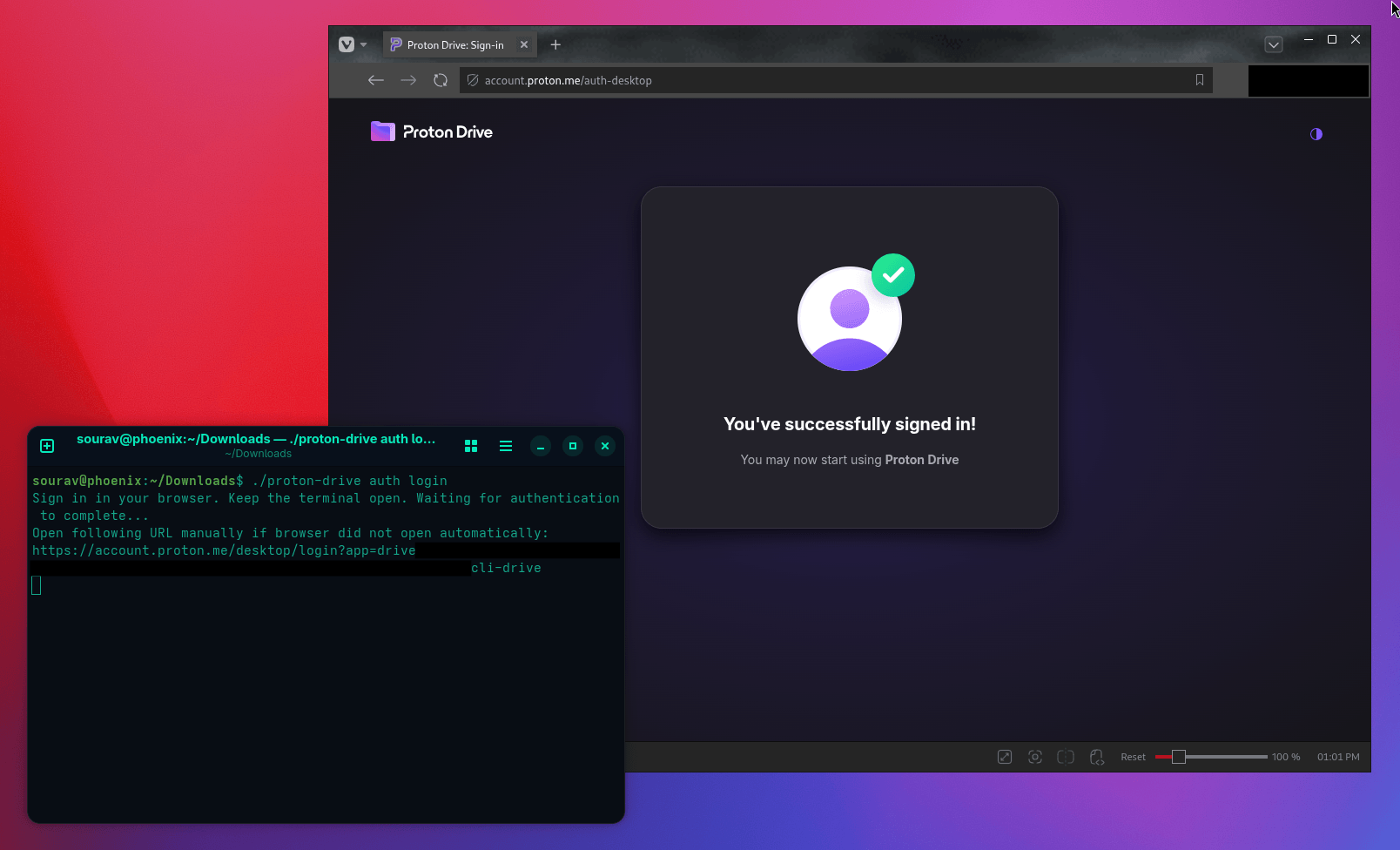
Verification is simple: run ./proton-drive version to confirm the installation. Once verified, the authentication process is handled via:

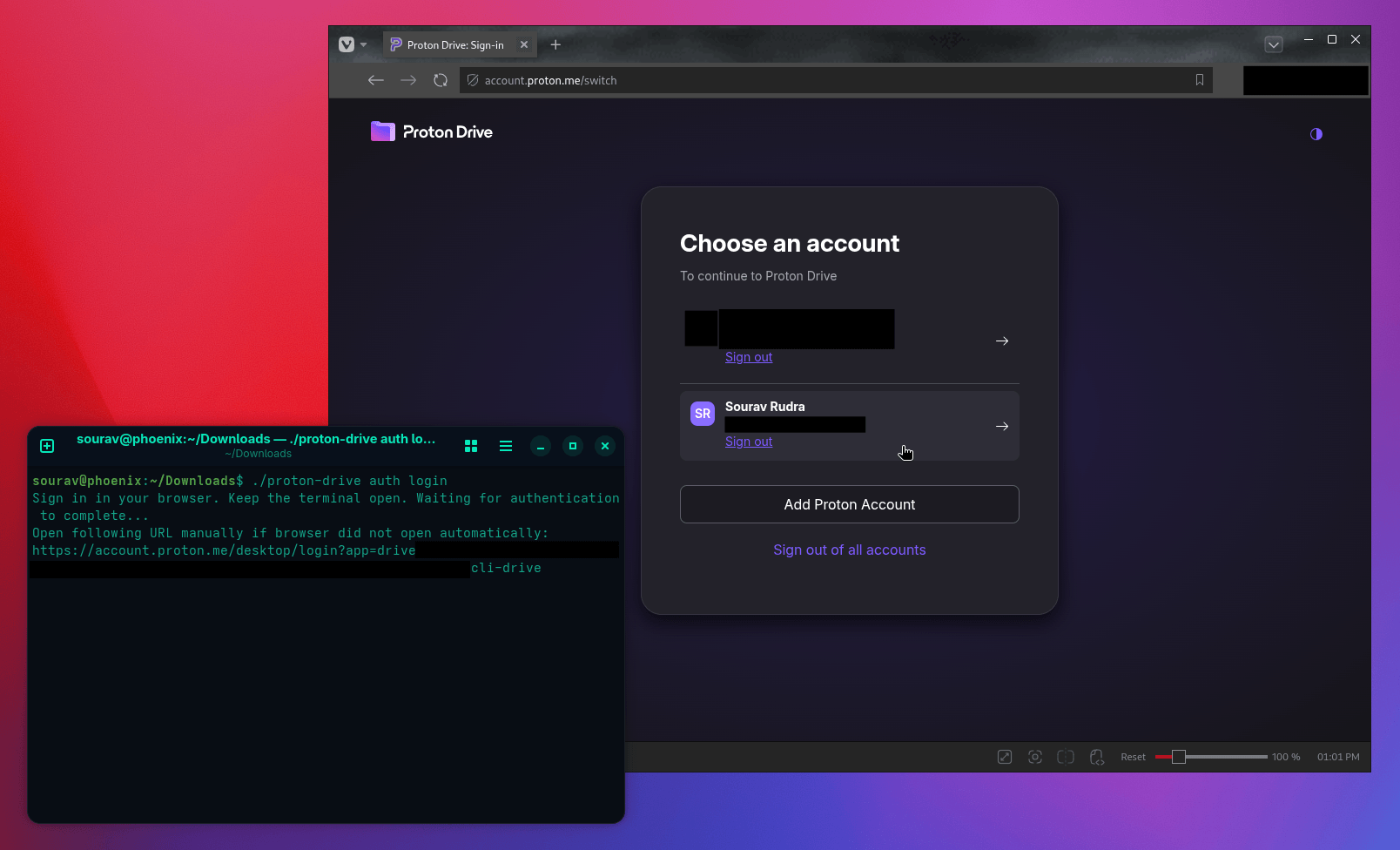
./proton-drive auth loginThis will launch your default web browser, where you can securely log in to your Proton account. Once authenticated, the token is stored securely in your system’s credential manager.
4. Exploring the Toolset
For those looking to integrate the CLI into their daily operations, the command ./proton-drive help serves as the gateway to all available functionality. Whether you are managing file permissions, navigating remote directories, or scripting large-scale data transfers, the help menu provides comprehensive guidance on flags and command syntax.
Conclusion: A New Standard for Privacy-First Cloud
The release of the Proton Drive CLI is more than just a convenience update; it is a signal that the landscape of cloud storage is shifting. As users become increasingly aware of the importance of data sovereignty and privacy, the tools they use must provide both protection and flexibility.
By delivering a powerful, scriptable, and secure CLI, Proton has solidified its position as the premier choice for the privacy-conscious technologist. With a full-featured graphical client for Linux on the horizon and a robust set of command-line tools already in the wild, the future of Proton Drive is looking increasingly bright. For those who believe that a terminal is the most efficient way to manage their digital life, the wait for a native, secure, and flexible cloud interface is finally over.