Beyond the Dust: Transforming Your Vintage Digital Camera into a Professional Webcam
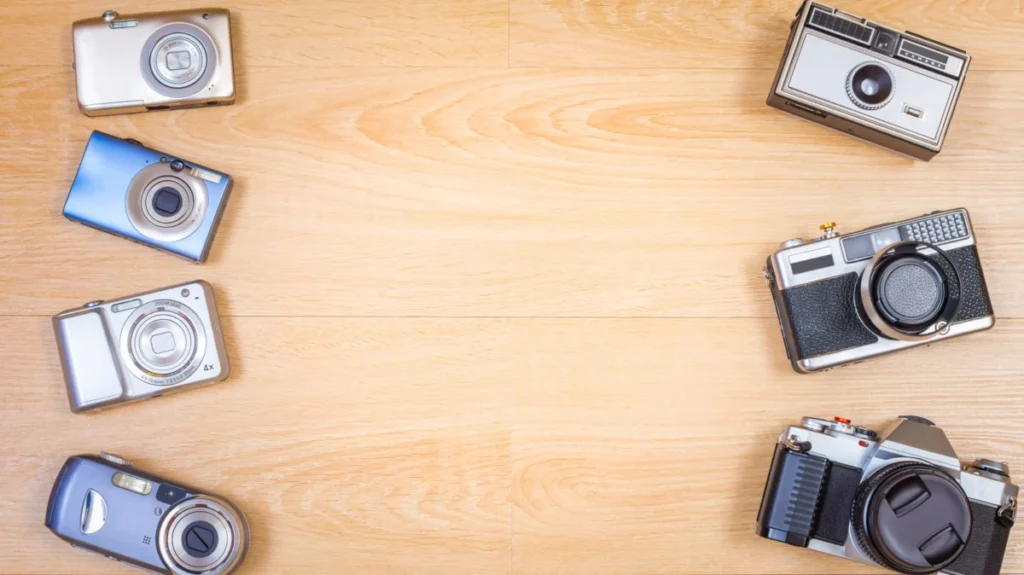
In an era defined by high-definition streaming and the ubiquity of remote work, the standard laptop webcam remains a persistent point of frustration. While smartphone cameras have reached astronomical levels of fidelity, the built-in sensors on most laptops are often relegated to cramped, low-light-sensitive, and grain-prone hardware. Simultaneously, a curious phenomenon is sweeping the photography world: the "retro digicam" revival. As millions of vintage digital cameras are being pulled from attics and thrift store shelves, many users are discovering that these relics possess a secret utility—they can dramatically outperform modern built-in webcams.
Main Facts: The Hidden Potential of Legacy Hardware
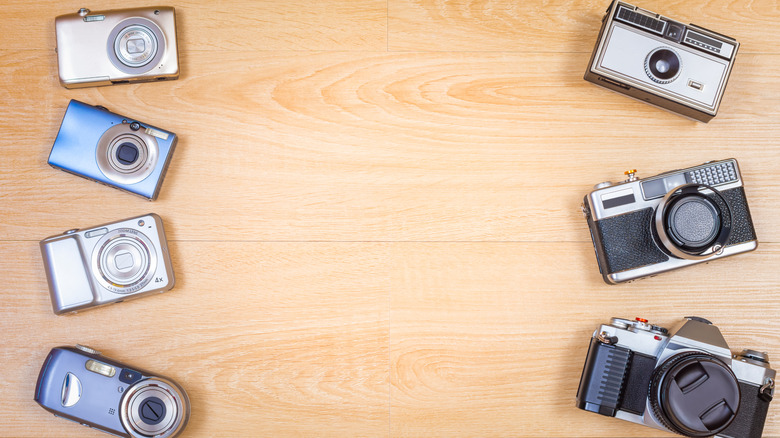
The resurgence of early-to-mid 2000s digital cameras is not merely a nostalgic trend; it is a testament to the optical superiority of dedicated imaging hardware over miniaturized mobile components. According to the Camera & Imaging Products Association (CIPA), shipments of built-in-lens digital cameras grew by 29.6 percent in 2025, reaching roughly 2.44 million units, with a further 13.6 percent growth projected for 2026. While this surge is driven by a desire for the "aesthetic" of early digital photography, it has inadvertently highlighted the secondary potential of these devices as high-quality video conferencing tools.
Using an older DSLR, mirrorless camera, or even a high-end point-and-shoot as a webcam offers three distinct advantages:
- Optical Depth of Field: Unlike the flat, artificial "portrait modes" generated by software, a dedicated camera provides a natural background blur (bokeh) through large sensor hardware and glass lenses.
- Low-Light Performance: Larger sensors capture significantly more light, reducing the digital noise that makes modern laptop webcams look "muddy" in dim office settings.
- Manual Control: Dedicated hardware allows for fine-tuning of exposure, white balance, and focus, granting users a level of production value typically reserved for professional streamers.
Chronology of the "Digicam" Renaissance
The journey of the digital camera from an obsolete piece of e-waste to a coveted tech accessory has been rapid and unexpected.
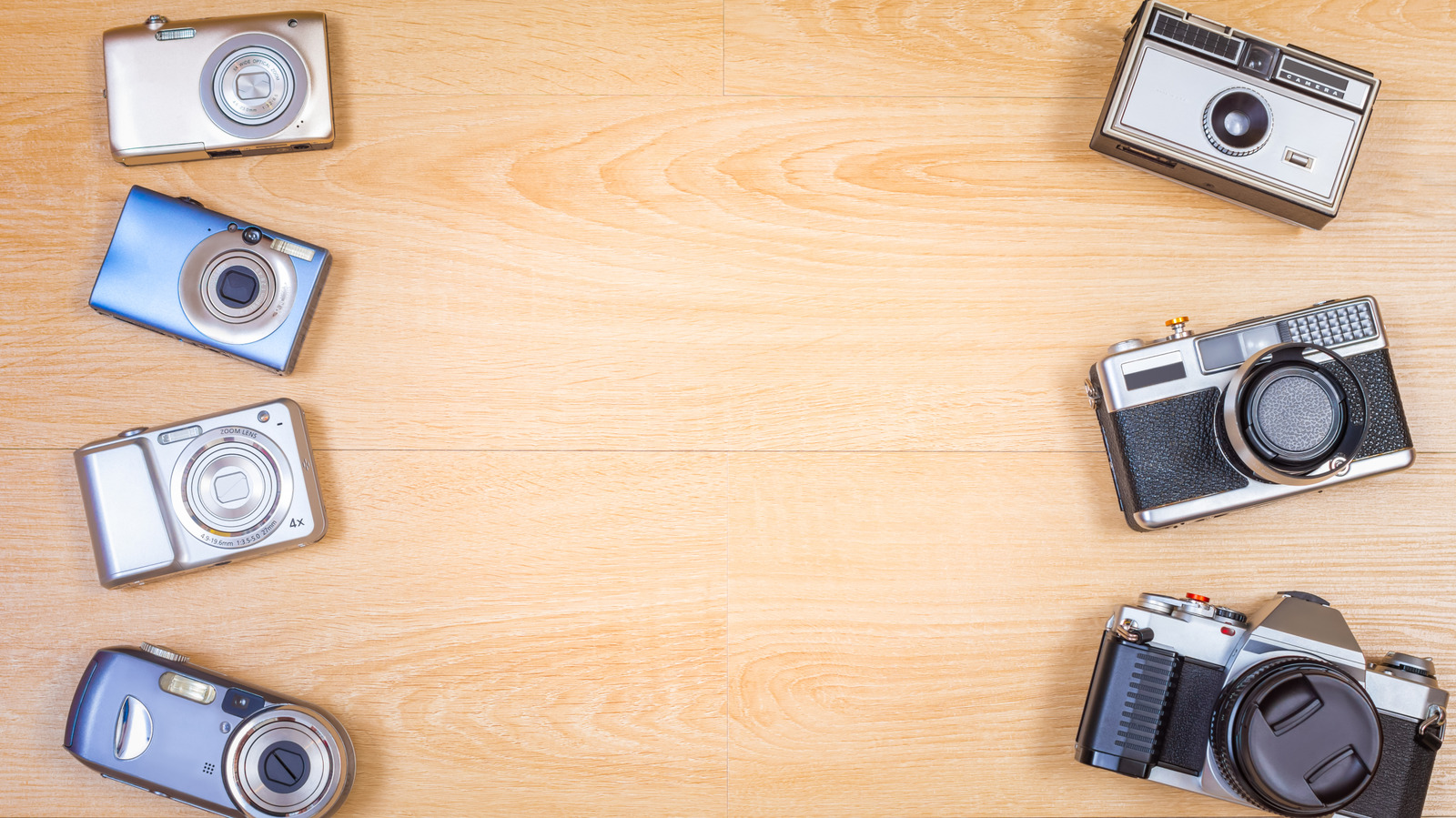
- 2010–2018 (The Decline): As smartphone cameras improved, the market for compact digital cameras (digicams) plummeted. Millions of devices were discarded, recycled, or relegated to junk drawers.
- 2020–2022 (The Webcam Pivot): The onset of the global pandemic forced millions into remote work. When high-quality webcams became scarce due to supply chain issues, camera manufacturers (Canon, Sony, Nikon) scrambled to release software utilities that allowed their existing mirrorless and DSLR lineups to function as webcams via simple USB connections.
- 2023–2024 (The Aesthetic Boom): Influencers on platforms like TikTok began championing the "Y2K" look of early 2000s cameras, citing their unique color science and nostalgic feel. Prices for once-worthless cameras began to climb.
- 2025–Present (The Maturity of Utility): The market has stabilized into two distinct categories: those buying old cameras for the retro photo aesthetic and those repurposing them as high-quality video conferencing tools.
Supporting Data: Weighing the Costs and Benefits
While the prospect of repurposing hardware is environmentally and creatively appealing, it is not always the most economical choice. A critical analysis of the current market reveals that "free" is not always cheap.
The USB Compatibility Path:
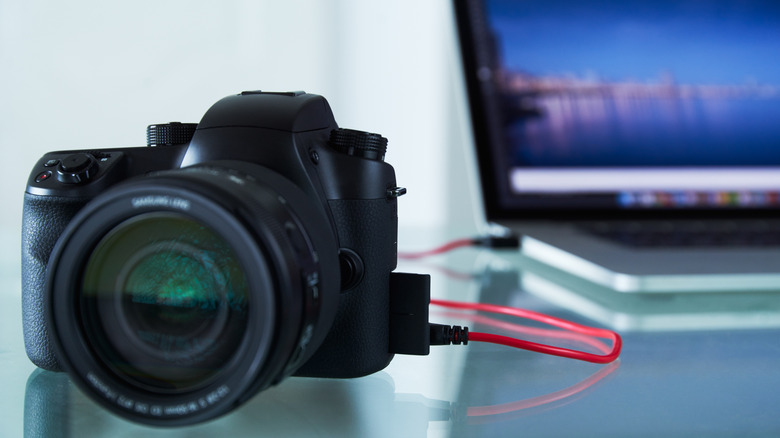
If your camera is supported by official manufacturer software—such as the Canon EOS Webcam Utility, Nikon’s Webcam Utility, or Sony’s Imaging Edge—the barrier to entry is low. You simply install the software, connect the camera to your PC via a data-capable USB cable, and select it as your source in platforms like Zoom or Microsoft Teams. However, users must be wary of resolution limitations. Many older Nikon models, for instance, utilize only the VGA portion of their live-view display, resulting in lower resolution than a modern, dedicated 1080p webcam.
The HDMI Capture Path:
For cameras without native USB webcam support, the solution lies in "Clean HDMI" output. This involves connecting the camera’s HDMI port to a video capture device (such as the Elgato Cam Link 4K). While this provides a professional-grade feed, the costs add up quickly. A capture card can run upwards of $100, and users may also need to invest in a "dummy battery"—a power adapter that replaces the camera’s battery to allow for continuous operation without the risk of the camera shutting down mid-call.
Comparative Market Value:
Consider the opportunity cost. If you own a Canon PowerShot S95, you might be sitting on a small goldmine. B&H Photo reports that cameras that sold for roughly $130 in 2023 are now fetching over $400 in 2026. Before repurposing a vintage camera, check its current resale value; you might find that selling the camera and buying a modern, dedicated webcam (like the Anker PowerConf C200) provides a more reliable and cost-effective solution.
Official Responses and Technical Limitations
Major camera manufacturers have been transparent about the limitations of using photography equipment for long-form video conferencing. A recurring theme in official documentation from Sony and Nikon is the lack of audio support; these utility drivers are designed strictly for video transmission. Consequently, users are required to maintain a separate microphone setup, adding complexity to the workstation.
Furthermore, thermal management remains a significant concern. Most consumer digital cameras were designed to record video in short bursts, not to operate for eight hours a day during back-to-back corporate meetings. Without a power-saving mode or a continuous external power supply, the internal electronics of an older camera can overheat, or the battery can fail, potentially damaging the sensor or motherboard over time.
Implications: The Future of Remote Presence
The trend of repurposing old cameras carries profound implications for consumer behavior and e-waste.
Environmental Sustainability:
By extending the lifecycle of cameras that would otherwise end up in landfills, users are participating in a circular economy. The act of "upcycling" a device—shifting its purpose from photography to video communication—is a powerful counter-narrative to the "planned obsolescence" model that dictates modern tech upgrades.
The Professionalization of the Remote Workspace:
We are witnessing a democratization of production quality. Five years ago, a high-quality video feed required a significant investment in studio equipment. Today, the convergence of legacy hardware and modern software allows a remote employee to achieve a "cinematic" look with equipment that is nearly two decades old.
The Decision Matrix:
If you are considering this path, follow this checklist:
- Check for "Clean HDMI": Does the camera output a video feed without menu overlays (autofocus boxes, battery icons)? If not, it will never function as a professional-grade webcam.
- Power Requirements: Is there a dummy battery or AC adapter available for your model? If you must rely on standard batteries, the solution will fail for anything longer than a 20-minute call.
- Cost-Benefit Analysis: If you have to spend $150 on a capture card, cables, and a dummy battery, compare that to the price of a dedicated 4K webcam. The dedicated webcam will likely offer better autofocus, integrated audio, and a warranty.
- Resale Potential: Check eBay or KEH Camera. If your specific model has become a collector’s item, it is almost certainly better to sell it to a enthusiast and use the proceeds to buy a tool specifically designed for the job of streaming.
Conclusion
Your old digital camera is not just a relic of the past; it is a viable piece of technology that can elevate your digital presence. However, the decision to use it requires a balance between aesthetic ambition and practical reality. While the "digicam" look is undeniably charming, the technical hurdles—power management, audio routing, and potential overheating—mean that this solution is best suited for those who value the process as much as the result. For those willing to tinker, the reward is a professional, high-fidelity setup that stands out in a sea of standard, flat-looking laptop cameras. For everyone else, the current market for vintage gear might offer a more profitable alternative: sell the camera, upgrade your desk, and enjoy the convenience of modern, purpose-built technology.