Beyond the Scroll: Why MangoWM Is Redefining the Wayland Experience
In the rapidly evolving landscape of Linux desktop environments, the Wayland display server protocol has become the standard for modern, high-performance interfaces. While giants like GNOME and KDE Plasma provide comprehensive experiences, a specialized segment of power users continues to seek the precision and efficiency of tiling window managers. For years, the community has oscillated between the rigid efficiency of dwm and the feature-rich complexity of Hyprland.
However, a new contender has emerged from the wlroots ecosystem: MangoWM. Inspired by the classic dwm philosophy but built for the modern Wayland era, MangoWM is proving that one does not need to sacrifice visual flair for architectural simplicity. After spending extensive time with the compositor, it has become clear that MangoWM isn’t just "another window manager"—it is a masterclass in modular design.
Main Facts: The Anatomy of MangoWM
MangoWM is a Wayland compositor that operates on a philosophy of "minimalism with intent." At its core, it handles the fundamental tasks of a window manager—rendering, input management, and compositing—within a single, lightweight binary.
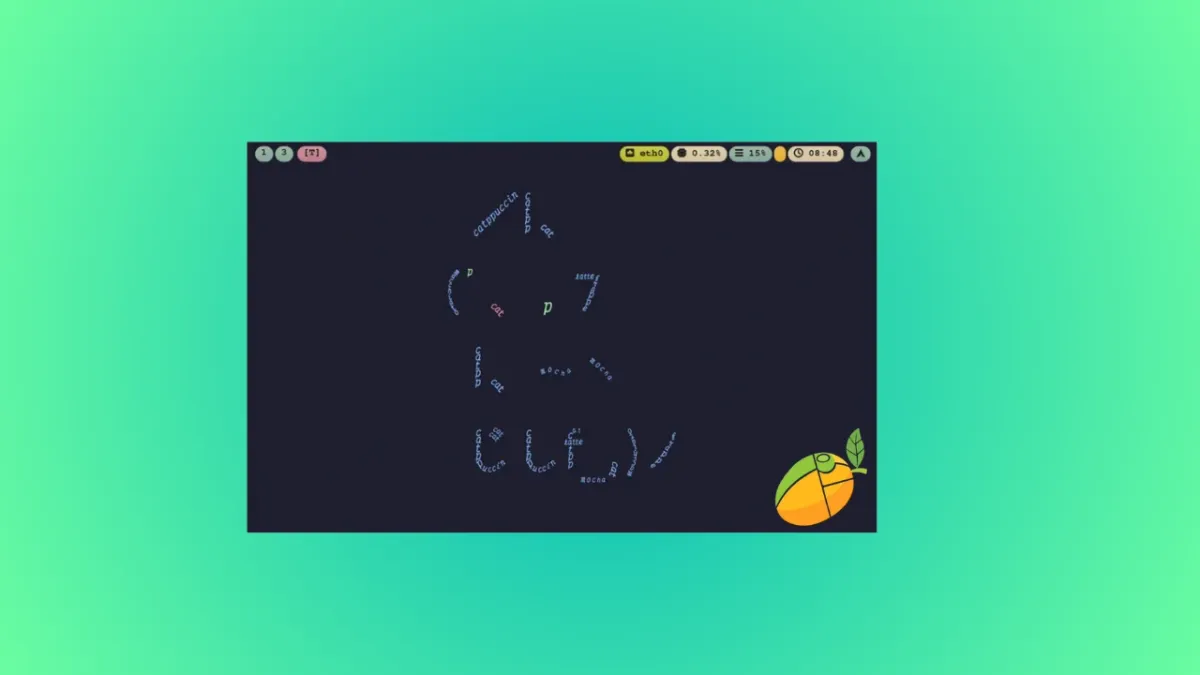
Unlike traditional desktop environments that rely on heavy resource-intensive processes, MangoWM is built upon wlroots, the modular Wayland compositor library that also powers Sway and Hyprland. By leveraging scenefx, the compositor introduces sophisticated visual elements such as blur, drop shadows, and rounded corners without the overhead typically associated with such effects.
Key technical highlights include:
- Tag-based Management: Inherited from the
dwmlineage, it eschews the traditional "workspace" paradigm in favor of tags, allowing for dynamic, multi-tag views. - Hot-Reload Configuration: Users can modify their
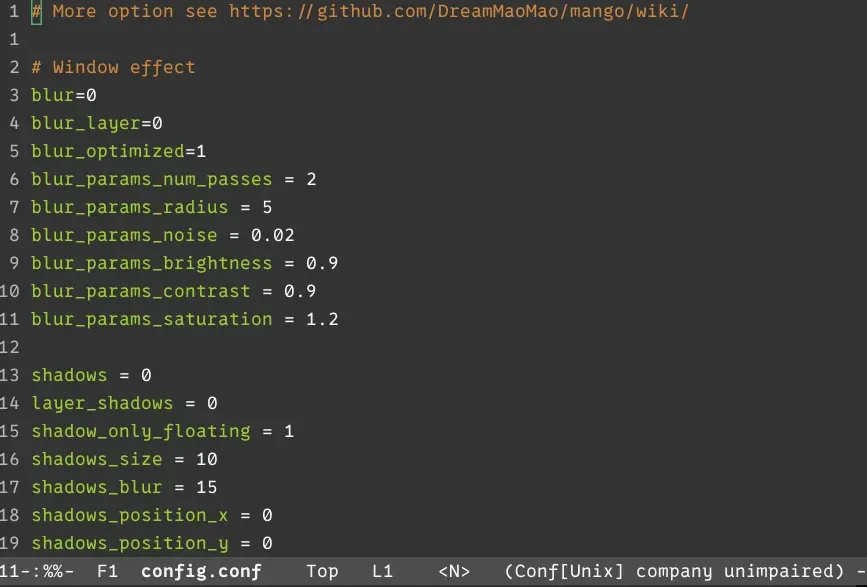
config.conffile and see changes reflected instantly without restarting the session. - XWayland Support: A robust compatibility layer ensures that legacy X11 applications function seamlessly within the Wayland environment.
- Per-Tag Layouts: The ability to assign specific tiling logic—such as master-stack or monocle—to individual tags provides a level of workflow granularity rarely seen in other compositors.
Chronology: The Journey to Discovery
The transition to MangoWM often begins for users seeking an alternative to the "scrollable workspace" model popularized by Niri. While Niri is undoubtedly clever, its linear nature can feel restrictive to those who require a more fluid, multi-dimensional window management system.

Phase 1: Initial Exploration
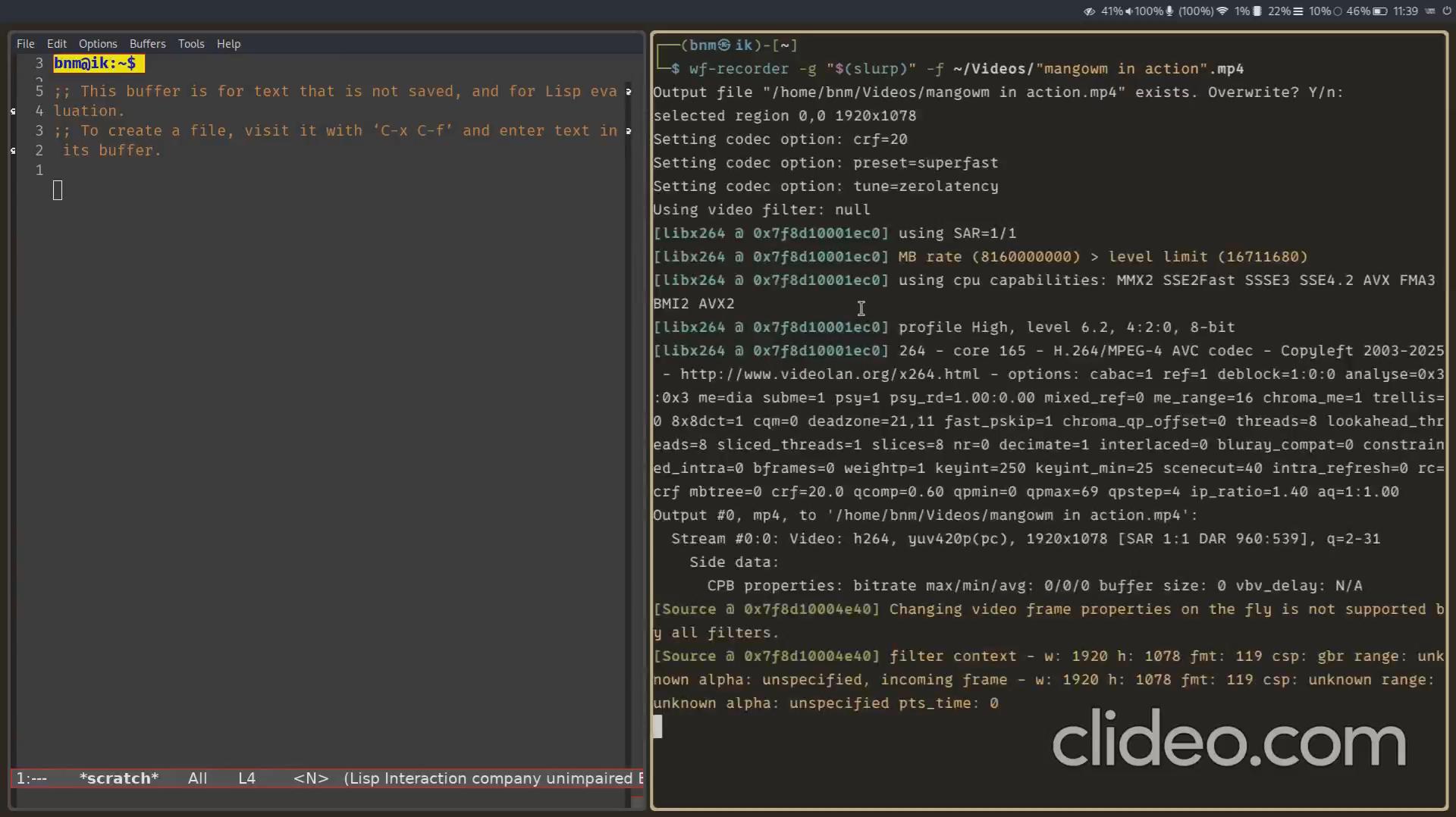
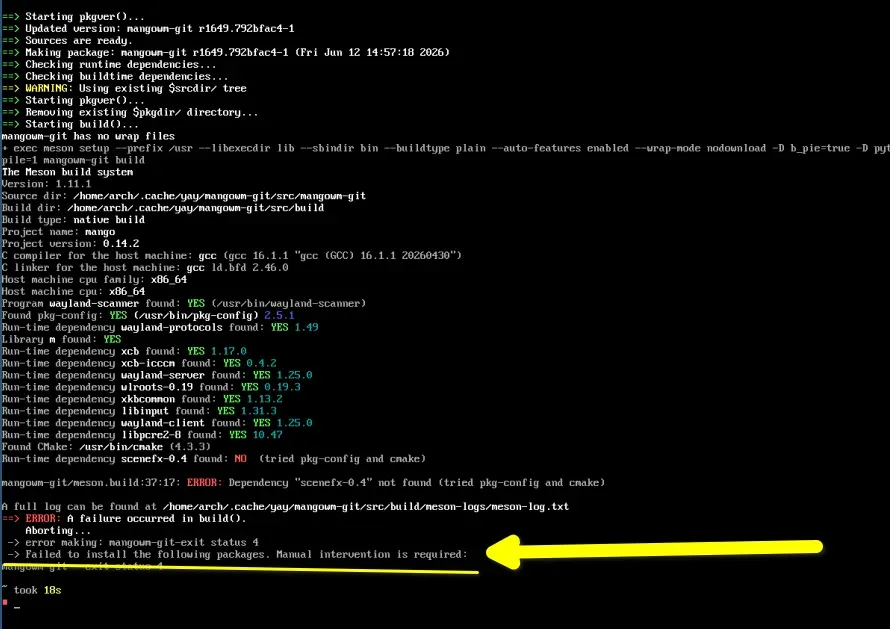
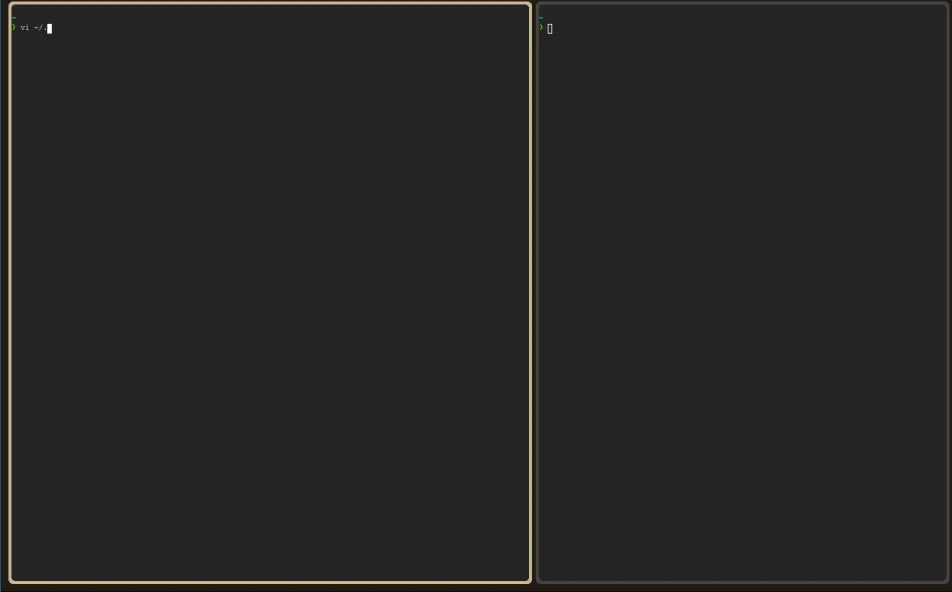
The installation process serves as the first litmus test for any user. On Arch Linux, the process is streamlined via the AUR (yay -Syu mangowm-git). Upon the first boot, the user is greeted by a stark, blank canvas. This is by design. MangoWM does not force a pre-defined desktop aesthetic onto the user; instead, it provides the foundation, requiring the user to define their environment using a terminal emulator (defaulting to foot) and a configuration file.
Phase 2: Building the Workflow
The transition from a "stock" experience to a personalized setup typically involves cloning community-provided configuration repositories. While these serve as excellent starting points, the true value of MangoWM is discovered during the "rewriting phase." By manually defining hotkeys, window rules, and autostart commands, users gain a profound understanding of how their display server functions.
Phase 3: The "Click" Moment
The turning point for most users occurs when they move beyond the default Alt+Arrow keys to a customized Vim-like workflow (using hjkl). Once the user masters the tag-viewing system—where holding Ctrl allows for the simultaneous viewing of disparate tags—the "old way" of switching workspaces begins to feel cumbersome and outdated.
Supporting Data: Performance and Flexibility
The performance metrics of MangoWM are a testament to the efficiency of the wlroots stack. Even when utilizing blur and shadow effects via scenefx, the compositor maintains a minimal footprint on system resources. Testing on mid-range hardware (Intel i5 with integrated graphics) showed no perceptible frame drops or latency, even with multiple windows open and complex tiling layouts active.
The following table summarizes the key navigational differences between traditional window managers and the MangoWM paradigm:
| Feature | Traditional (Sway/i3) | MangoWM |
|---|---|---|
| Organization | Fixed Workspaces | Fluid Tagging |
| View Logic | One workspace at a time | Multi-tag simultaneous viewing |
| Layouts | Global/Manual | Per-tag automatic |
| Config | Static reload | Hot-reload |
Furthermore, the integration of window rules allows for highly specific behaviors. For example, a user can mandate that Firefox always opens on Tag 2 in a master-stack layout, while a Picture-in-Picture window is automatically floated and pinned to stay on top across all tags. This level of automation is essential for modern professional workflows where context switching is constant.
Official Responses and Developer Philosophy
DreamMaoMao, the lead developer behind MangoWM, has been vocal about the project’s intent: to balance the "build-in-seconds" ethos of dwm with the modern requirements of Wayland. The project’s documentation emphasizes that MangoWM is not a "plug-and-play" solution. It is a tool for those who view their operating system as a craft.
The developer’s decision to maintain an example configuration repository is a strategic choice to lower the barrier to entry without compromising the project’s minimalist core. By providing a reference for how to integrate tools like Waybar, Rofi, and swaybg, the developer ensures that the community can contribute to an ecosystem of "Mango-ready" tools, creating a collaborative growth pattern similar to the early days of i3.
Implications: The Future of Tiling Compositors
The rise of MangoWM carries significant implications for the Linux desktop community. It suggests a trend toward "compositor as a service," where the window manager focuses strictly on window placement and rendering, leaving the aesthetic and functional "surface" to specialized, interchangeable tools.
1. The Decline of "All-in-One" Environments
As users become more comfortable with dotfiles and modular setups, the appeal of all-in-one desktop environments (DEs) may wane among power users. MangoWM offers a middle ground: it is more accessible than writing a compositor from scratch, yet significantly more flexible than a standard DE.
2. The Standardization of Wayland
MangoWM’s robust XWayland support and wlroots integration underscore the maturity of the Wayland protocol. Legacy applications that once kept users tethered to X11 are now easily managed in Wayland-native environments, removing the final hurdle for a full transition to modern display servers.
3. The Expert Domain
It is important to acknowledge that MangoWM occupies an "expert-level" domain. It is not intended for the casual user who expects a graphical settings menu. However, for the user willing to invest the time, the payoff is an environment that is uniquely theirs—a system that reacts exactly as they intend, with the speed of a low-level binary and the elegance of modern visual effects.
Conclusion
MangoWM represents a maturation of the tiling window manager movement. It acknowledges the lessons learned from the dwm era while fully embracing the architectural advantages of Wayland. By allowing users to treat their desktop as a modular, configurable, and high-performance toolkit, it has set a new standard for what a minimalist compositor can achieve.
Whether you are looking to move away from the scrollable workspace model of Niri or are simply searching for a faster, more flexible alternative to your current tiling setup, MangoWM warrants a serious look. It is a testament to the fact that in the Linux world, the best interfaces are often those that get out of the way, leaving the user in total control of their digital workspace.
For those ready to move beyond the point-and-click paradigm, the "Mango" experience is not just a change of pace—it is an invitation to redefine productivity.