The High-Performance Renaissance: Why Alacritty Remains a Titan of the Terminal
In the rapidly evolving ecosystem of Linux software, few tools have maintained the cult-like following that Alacritty has enjoyed since its inception five years ago. Designed with a singular, uncompromising vision—speed—Alacritty has transcended its status as a simple command-line interface to become the preferred cockpit for developers, system administrators, and "power users" who demand a zero-latency relationship with their machines.
While modern alternatives like Kitty, Ghostty, and Ptyxis continue to vie for market share, Alacritty’s philosophical commitment to hardware acceleration and minimalism keeps it at the forefront of the terminal conversation.
The Genesis of Alacritty: A Chronology of Performance
The history of Alacritty is rooted in the frustration of a generation of developers who felt that legacy terminal emulators were bottlenecked by archaic rendering techniques. Traditional terminals often relied on the CPU to handle the heavy lifting of text layout and font rendering, leading to noticeable "input lag" or screen tearing during high-output tasks—such as scrolling through thousands of lines of log files or compiling large software projects.
- 2019: The Arrival: Alacritty entered the scene as an experiment in GPU-accelerated rendering. By offloading the burden of drawing glyphs to the Graphics Processing Unit (GPU) via OpenGL, it promised a level of fluidity that traditional software-rendered terminals could not match.
- 2020–2022: The Maturation: As the project matured, it moved away from being a "niche experiment" to a robust, daily-driver-ready application. The developers focused on stability, POSIX compliance, and the implementation of a cross-platform configuration system using TOML.
- 2023–Present: The "Power User" Standard: With the adoption of advanced features like Vi-mode, regex-based hint systems, and modular configuration, Alacritty solidified its position. Today, it is no longer just a "fast terminal"; it is a highly programmable environment that integrates seamlessly with modern terminal multiplexers like Zellij and tmux.
Anatomy of a Power Tool: Key Technical Features
To understand why Alacritty maintains such a strong grasp on the community, one must look at the features that define its workflow.

1. The Vi-Mode Paradigm
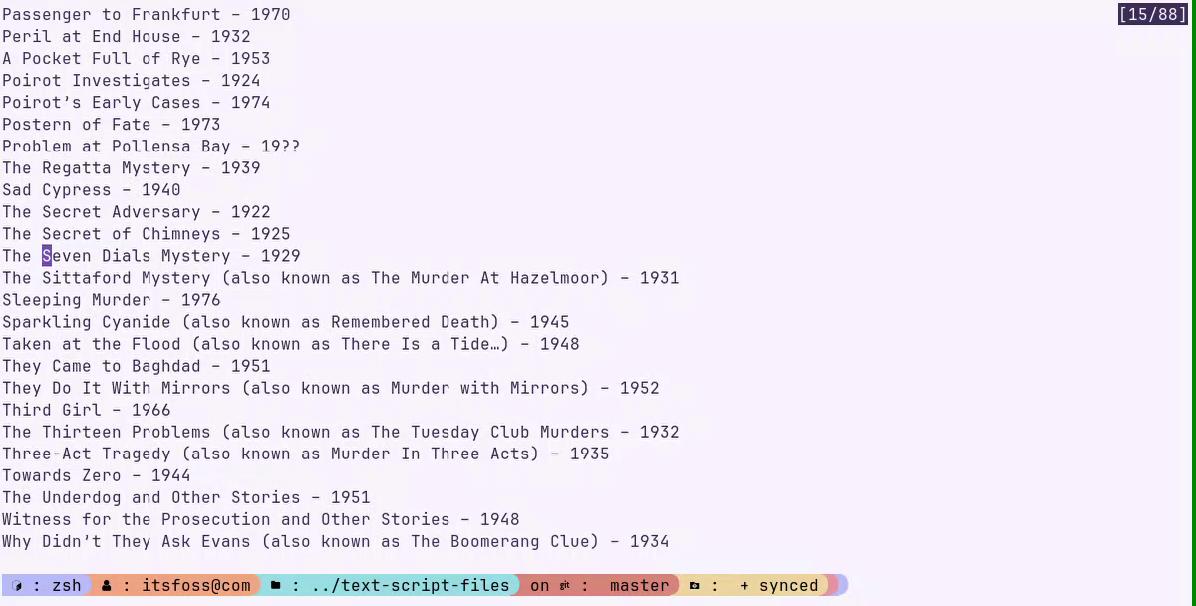
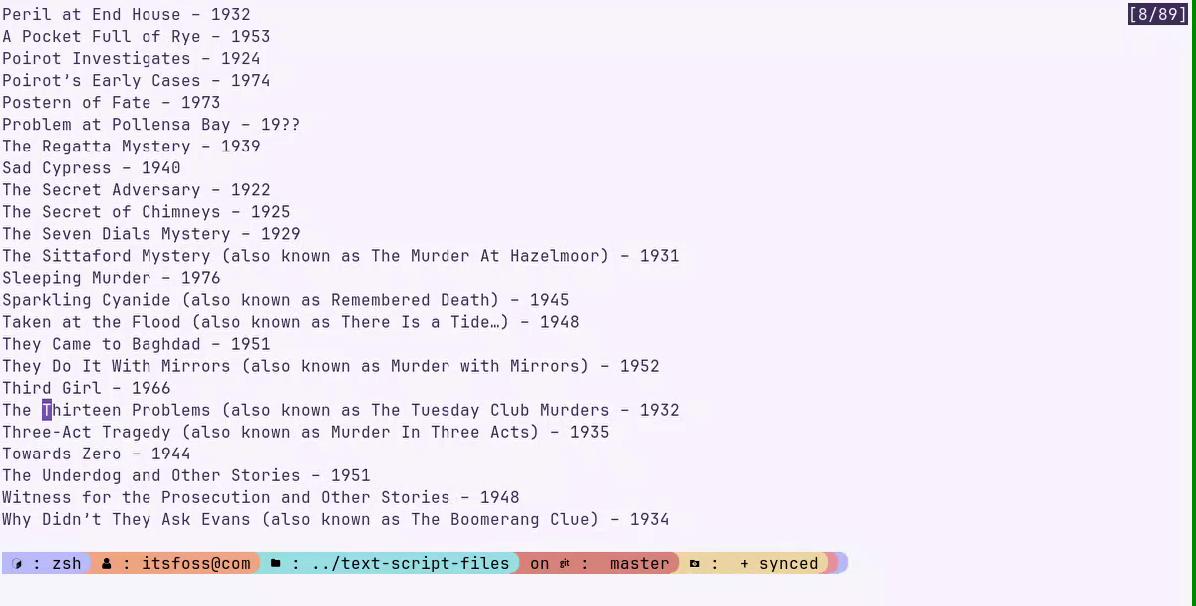
For many, the mouse is an impediment to productivity. Alacritty’s built-in Vi-mode (Ctrl + Shift + Space) allows users to navigate, select, and search through their terminal history without ever touching their peripherals. This is a game-changer for those who spend their day inside Neovim or similar environments, as the muscle memory transfers perfectly to the terminal buffer.
2. Semantic and Line Selection
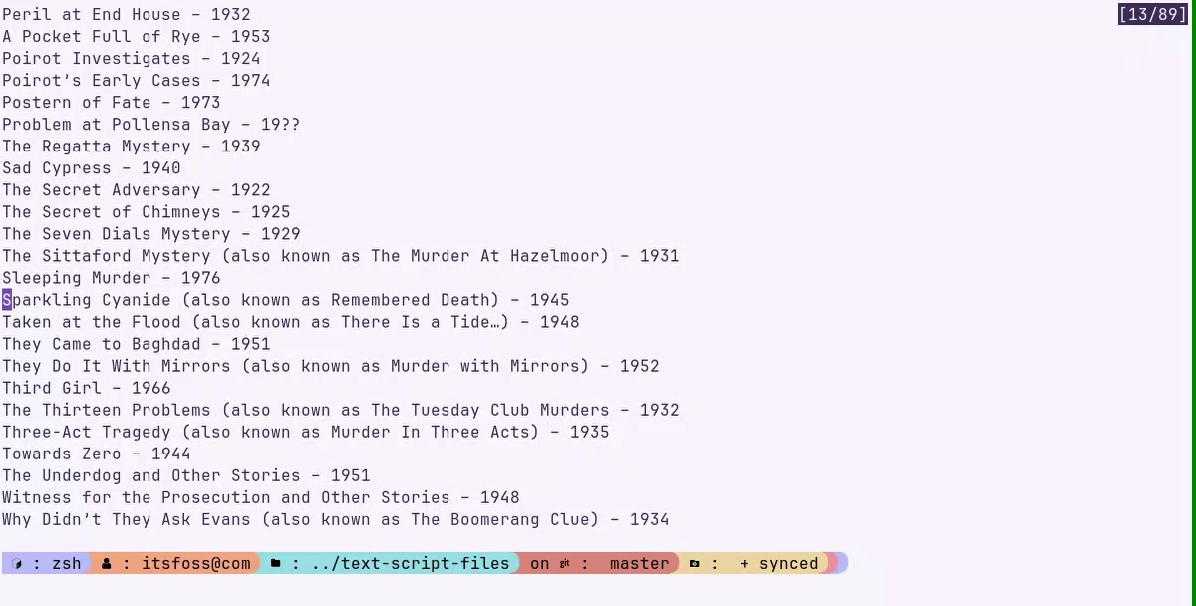
Alacritty elevates text selection through "Semantic Selection" (Alt + v). This feature intelligently identifies logical blocks of text, allowing users to copy pathnames, IP addresses, or UUIDs without the manual precision required by standard click-and-drag methods. Furthermore, the inclusion of line-wise selection (Shift + v) ensures that multi-line logs can be captured in an instant.
3. Advanced Search Capabilities
The search functionality within Alacritty is remarkably performant. Whether using standard forward/backward searches or executing queries directly from within Vi-mode, users can quickly isolate errors in massive outputs. The ability to jump between matches and immediately apply selection tools to those matches provides a seamless feedback loop for debugging.
4. Bracket Matching
Reading complex configuration files (JSON, TOML, YAML) inside a terminal can be a headache. Alacritty’s native bracket matching (%) allows users to instantly navigate between nested code blocks, making it an excellent companion for quick file inspection without the overhead of booting a full IDE.
Modular Configuration: Designing Your Workflow
One of Alacritty’s most significant strengths is its configuration philosophy. Rather than forcing a massive, monolithic file upon the user, it encourages a modular approach. By using the [general] import array in alacritty.toml, users can break their settings into logical segments:
- Keybindings: Separated into
keybindings.tomlfor easy migration. - Theming: Centralized in a
themes/directory, allowing for rapid swapping between light/dark modes like Catppuccin, Dracula, or custom "Cream-Light" profiles. - Performance Tuning: Strategic use of the
scrolling.historyparameter allows users to balance between memory usage and scrollback depth (with 10,000 lines being the recommended "sweet spot").
Implications for Modern Linux Workflows
The rise of Alacritty has had a profound impact on how developers structure their desktop environments.
Performance and Hardware Utilization
By leveraging the GPU, Alacritty ensures that the terminal remains responsive even during "stress tests"—such as dumping massive text files or running complex animations. This reduces the strain on the CPU, which is crucial for users running containerized environments (like Docker) or resource-heavy compilers alongside their terminal.
The "Multiplexer" Synergy
Alacritty is often paired with multiplexers like Zellij or tmux. Because Alacritty handles the rendering layer with such efficiency, the user can rely on the multiplexer to handle session management, split-screen layouts, and persistent state. This modular "best-of-breed" approach is a hallmark of the modern Linux power user.
The Trade-offs
No software is without its limitations. Alacritty does not currently prioritize native support for image protocols (like Sixel), which may deter users who require advanced media handling within their terminal. However, for the professional developer, this is often seen as a virtue—a refusal to "bloat" the application with non-essential features that could compromise its primary mission of speed.
Installation and Getting Started
Alacritty is remarkably accessible, supported by all major distributions.
- Ubuntu/Debian:
sudo apt install alacritty - Fedora:
sudo dnf install alacritty - Arch Linux:
sudo pacman -S alacritty
Once installed, users are encouraged to explore the configuration documentation. The ability to define custom mouse bindings—such as mapping an 8-button gaming mouse to trigger "New Window" or "Toggle Vi-mode"—is where the true power of the application is unlocked.
Conclusion: Is Alacritty Still the King?
With the emergence of new, feature-rich terminals like Ghostty, the landscape is more competitive than ever. Yet, Alacritty’s longevity is a testament to the fact that performance and reliability never go out of style. It does not try to be an IDE, nor does it try to be a web browser. It is a terminal emulator that does one thing—displaying text—better than almost anything else.
Whether you are a developer who values the tactile precision of Vi-mode or a system admin who needs a rock-solid, low-latency interface for server management, Alacritty remains a cornerstone of the Linux experience. As we look to the future of terminal development, the lessons learned from Alacritty—namely the move toward GPU acceleration and modular configuration—will continue to influence the next generation of software tools.
What is your verdict? Does the speed of Alacritty outweigh the need for "all-in-one" features found in newer terminals? The community debate continues, but for now, Alacritty remains the gold standard for those who believe that the terminal should be as fast as the code it runs.