
The Power and Peril of ariaNotify(): A New Era for Web Accessibility
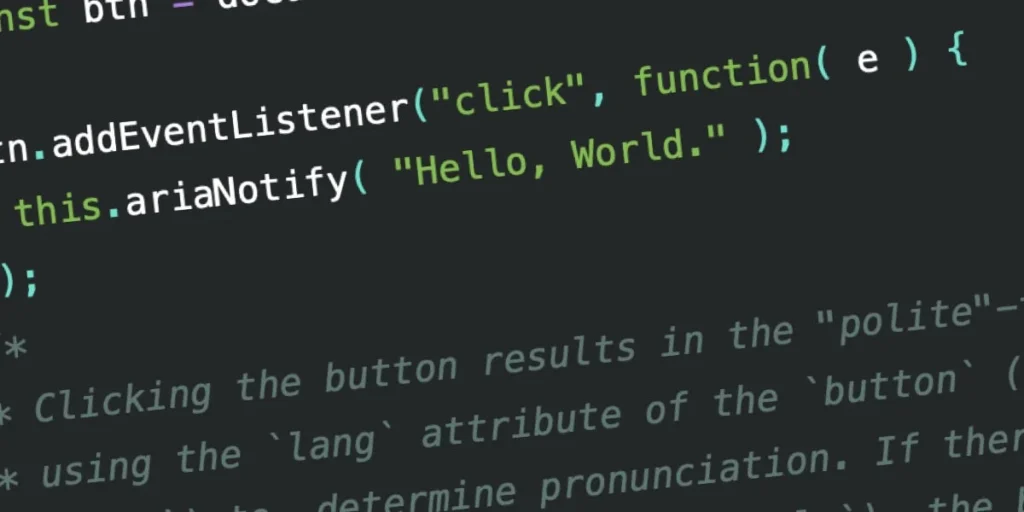
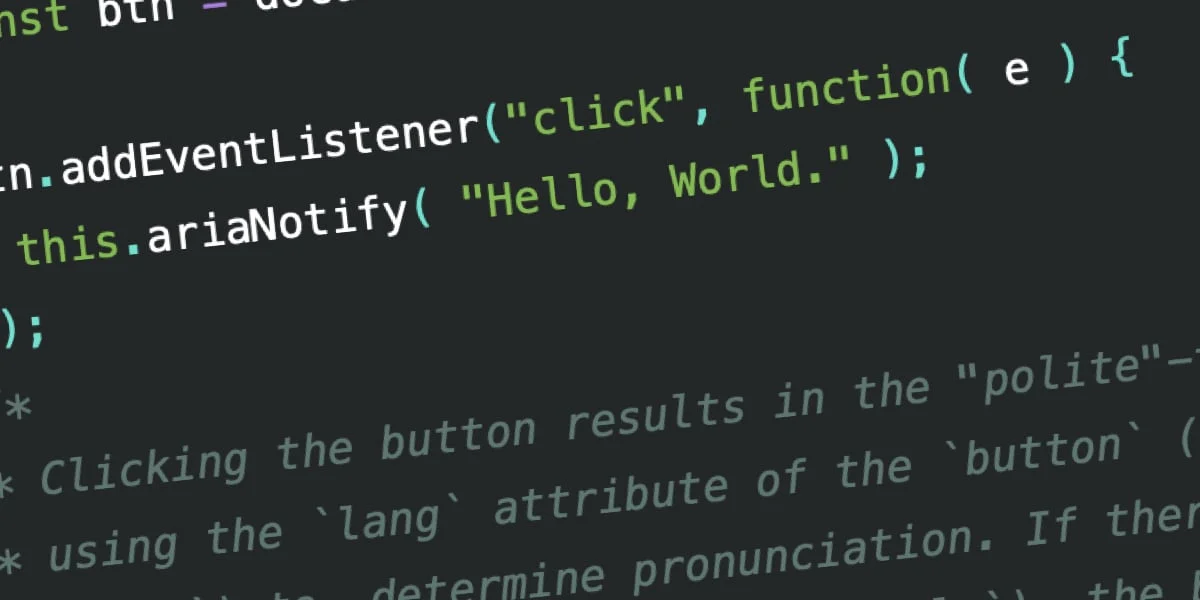
The W3C has officially introduced a game-changing method to the Accessible Rich Internet Applications (WAI-ARIA) 1.3 specification: ariaNotify(). This new API promises to solve one of the most persistent frustrations in front-end development—the inconsistent, often chaotic behavior of "live regions" when attempting to communicate dynamic page updates to screen reader users. While the developer community is rightfully enthusiastic about this long-awaited tool, it arrives with a stern warning: with great power comes the potential for profound misuse.
The Evolution of Screen Reader Notifications
For years, the standard approach for notifying assistive technology (AT) about non-focus-related changes on a web page has been the use of aria-live regions. In theory, these regions are straightforward: developers mark an area of the DOM as a "live region," and whenever the contents within that container change, the browser notifies the user’s screen reader.
However, the reality of implementing aria-live has been anything but simple. Historically, developers have had to rely on a Rube Goldberg-esque series of workarounds to ensure consistency. These often involve injecting hidden elements into the DOM, carefully managing aria-atomic and aria-relevant attributes, and hoping that the browser and the specific screen reader in use share the same interpretation of the W3C specification.
The technical "mess" of live regions stems from a fundamental mismatch between the spec and modern application architecture. Live regions often fail to trigger if the container was not present in the DOM during the initial page load, or if the content is toggled via display: none rather than structural injection. Consequently, developers have been forced to maintain invisible, "live" utility elements—a practice that is not only clunky but also risks polluting the accessibility tree with contextually irrelevant information.
Enter ariaNotify(): A Streamlined Solution
The ariaNotify() method, defined in the ARIA 1.3 spec, simplifies this entire workflow. By moving away from complex markup manipulation and toward a direct, programmatic API, developers can now trigger screen reader narration with a single line of JavaScript:
document.ariaNotify("Operation completed successfully.");This method is available on both the Document and Element interfaces. The choice of interface dictates the language context: calling it from the document level defaults to the lang attribute of the <html> tag, while calling it from a specific Element uses the language context of the nearest ancestor.
Furthermore, the method accepts a configuration object to define priority. A priority: "normal" setting mirrors the behavior of aria-live="polite", queuing the announcement for a natural break in the user’s flow. Conversely, priority: "high" maps to aria-live="assertive", signaling the screen reader to interrupt current narration immediately.
Testing and Implementation Across AT
Early testing in browsers like Firefox shows promising, if imperfect, results. While the core functionality is robust, the integration of lang attributes remains a work in progress across various screen readers.
- JAWS: Effectively handles both "polite" and "assertive" priorities, though language-specific pronunciation for non-English strings still requires further refinement in the browser’s implementation.
- NVDA: Offers highly consistent performance, reliably narrating content regardless of whether it is sent as a high or normal priority.
- VoiceOver: Tends to provide more verbose context, which can be helpful for new users but may become redundant for power users if developers use the API too liberally.
Despite these minor inconsistencies, the consensus is clear: ariaNotify() represents a massive leap forward in reliability compared to the legacy live region approach.
The "First Rule of ARIA" and the Trap of Over-Engineering
While ariaNotify() is a powerful tool, it does not exist in a vacuum. The W3C’s "First Rule of ARIA" remains the golden standard for accessibility: If you can use a native HTML element or attribute with the semantics and behavior you require already built in, do so.
The danger lies in the "second stage" of ARIA mastery. As developers gain confidence, they often feel the urge to "help" screen reader users by making every interaction explicit. If a developer uses ariaNotify() to announce every time a button is clicked or a menu is opened, they risk creating a "noisy" environment.
Consider the classic alert() method in JavaScript. It is simple, effective, and—when used to excess—incredibly obnoxious. If ariaNotify() is used to announce, "Click here to open the navigation," every time a user hovers over a button, the web becomes a place of unskippable, auditory tutorials. This creates a cognitive burden for users who are already experts at navigating the web’s inherent inconsistencies.
Implications for Future Web Development
The introduction of ariaNotify() signals a shift in how we think about accessibility. It moves the responsibility from "hacking the DOM" to "making informed communication choices."
The Risk of Invisible Inconsistency
The most significant implication is the potential for "out-of-sync" interfaces. If an application state changes but the developer-triggered ariaNotify() message is inaccurate or delayed, the screen reader user is left to navigate an "argument" between the actual state of the page and the verbal information provided by the browser. Because this is an invisible, programmatic feature, it will not be caught by standard visual QA processes. It requires dedicated, rigorous testing with actual assistive technologies.
Establishing Best Practices
To ensure this feature remains a benefit rather than a burden, the industry must establish new best practices:
- Reserve for the Necessary: Use
ariaNotify()only when the change in state cannot be naturally communicated through focus management or standard semantic HTML. - Avoid Redundancy: Do not announce what the user has already been told through other means (e.g., button labels or screen reader-friendly state changes).
- User-Centric Testing: Accessibility is not a check-box exercise. Developers must test these notifications with screen reader users to ensure the frequency and content of announcements enhance rather than interrupt the experience.
Conclusion: A Measured Optimism
The release of ariaNotify() is a triumph for the W3C and for developers who have spent years fighting with aria-live regions. It provides a clean, native, and highly efficient way to communicate with users. However, it is fundamentally a tool of intervention.
We must approach this new API with the same caution we apply to any powerful browser feature. The temptation to "over-communicate" is strong, especially when the implementation is as simple as a single function call. We must resist the urge to turn our websites into a stream of constant, unskippable notifications.
Ultimately, the best accessibility work is that which feels invisible. The goal of ariaNotify() should be to bridge the gap in information that the user needs, not to provide a play-by-play of everything the user does. If we can maintain that discipline, ariaNotify() will be remembered as one of the most important accessibility upgrades in the history of the modern web. If we fail that discipline, we risk turning our applications into the digital equivalent of an incessant, over-eager assistant. Let us commit to using this new tool with the restraint and intentionality it deserves.








