Windows 11 Gets a Performance Overhaul: How Microsoft is Rescuing Low-RAM PCs
In a significant effort to optimize the Windows 11 ecosystem, Microsoft has begun rolling out a series of performance-focused updates designed to make the operating system feel "zippier" for a broad spectrum of hardware configurations. Following extensive testing periods within the Windows Insider program, these refinements are now reaching the general user base, addressing long-standing grievances regarding memory management and system responsiveness.
The headline improvement is a claimed 20% increase in system responsiveness. By re-engineering how the kernel handles memory allocation and data prioritization, Microsoft is aiming to bridge the performance gap between high-end workstations and the more common 8GB RAM configurations that have struggled under the weight of modern multitasking.
The Core Technical Enhancements
At the heart of this update is a fundamental shift in memory efficiency. Navjot Virk, Corporate Vice President of Windows Experiences at Microsoft, confirmed that the OS can now retain up to 2GB of additional active data within the system memory.
Improving Memory Management
Previously, Windows 11’s memory management would aggressively offload background processes to the page file—the slower storage drive—to clear space for foreground applications. By optimizing the way data is cached in RAM, the system reduces the frequency of these "disk swaps," which are often the primary cause of system stutter and lag during heavy browser use or when switching between productivity suites.
The 8GB RAM Optimization
For users running on machines with 8GB of RAM, this update is particularly transformative. In an era where AI-driven data centers have driven up the global price of memory modules, many consumers find themselves unable or unwilling to upgrade their hardware. Microsoft has introduced a specific "low-memory mode" for system widgets. Instead of keeping widgets active in the background, Windows 11 will now only load these components when the user actively opens the widgets dashboard. This surgical optimization frees up over 200MB of RAM, providing much-needed breathing room for other essential tasks.
Chronology of the Rollout
The path to these improvements has been marked by a deliberate, iterative testing process.
- Initial Development Phase: Throughout early 2026, Microsoft engineers focused on identifying bottlenecks in the OS kernel that contributed to system latency.
- The Windows Insider Preview: In mid-2026, the first performance-optimized builds were pushed to the Dev and Beta channels. Insiders reported faster wake-from-sleep times and improved stability under heavy load.
- Search and Photos Beta: Last week, Microsoft expanded the scope of these updates by introducing the AI-powered Search chatbot and the redesigned Photos app to the Insider community.
- General Availability: As of this week, the core performance enhancements are being pushed to stable release channels, with additional features like the revamped Photos app following in a phased update cycle.
Supporting Data: By the Numbers
Microsoft’s internal testing metrics paint a compelling picture of a more streamlined Windows experience. Beyond the general 20% responsiveness boost, the company has highlighted several key performance benchmarks:
| Feature | Performance Gain |
|---|---|
| Overall OS Responsiveness | +20% |
| Photos App Editor Load Time | +25% |
| Native Photo Viewer Launch Speed | +30% |
| RAM Reclamation (Widgets Optimization) | >200MB |
These figures suggest that Microsoft is moving away from the "feature-first" approach that defined early Windows 11 releases, pivoting instead toward the architectural "polishing" that users have been demanding since the operating system’s inception.
Official Responses and Strategic Pivot
Microsoft’s recent transparency regarding these updates comes at a time when the tech giant faces mounting pressure to justify the high hardware requirements of its software.
"We understand that the computing landscape is shifting," noted a spokesperson during the briefing. "With the cost of hardware components fluctuating due to global AI infrastructure demands, our responsibility is to ensure that Windows 11 remains a robust, fast, and reliable platform, regardless of whether you are on a flagship device or a budget-friendly laptop."
The emphasis on "everyday experiences" indicates a strategic pivot. By turning the Windows Search bar into a functional chatbot—capable of performing thousands of complex actions through simple queries—Microsoft is attempting to weave its AI investments directly into the OS fabric without sacrificing system speed.
Broader Implications for the User Base
The "RAM Crisis" Mitigation
The global semiconductor market, heavily influenced by the insatiable demand for HBM (High Bandwidth Memory) used in AI training, has created a bottleneck for the average consumer. RAM prices have remained stubbornly high, making the 16GB or 32GB standards of yesterday feel like an expensive luxury today. Microsoft’s focus on 8GB optimization is a necessary, if late, response to these macroeconomic factors. By effectively "stretching" the utility of limited memory, Microsoft is prolonging the lifecycle of older or lower-spec machines.
Peripheral Reliability
Beyond raw compute speed, Microsoft is also addressing the "quality of life" issues that plague daily workflows. Improvements to Bluetooth reliability and the pairing process for wireless peripherals—specifically AirPods—address a long-standing pain point for Windows users. Furthermore, the refinements to Windows Hello aim to make the biometric authentication process nearly instantaneous, reducing the friction users face when first accessing their devices.
The Photos App Redesign
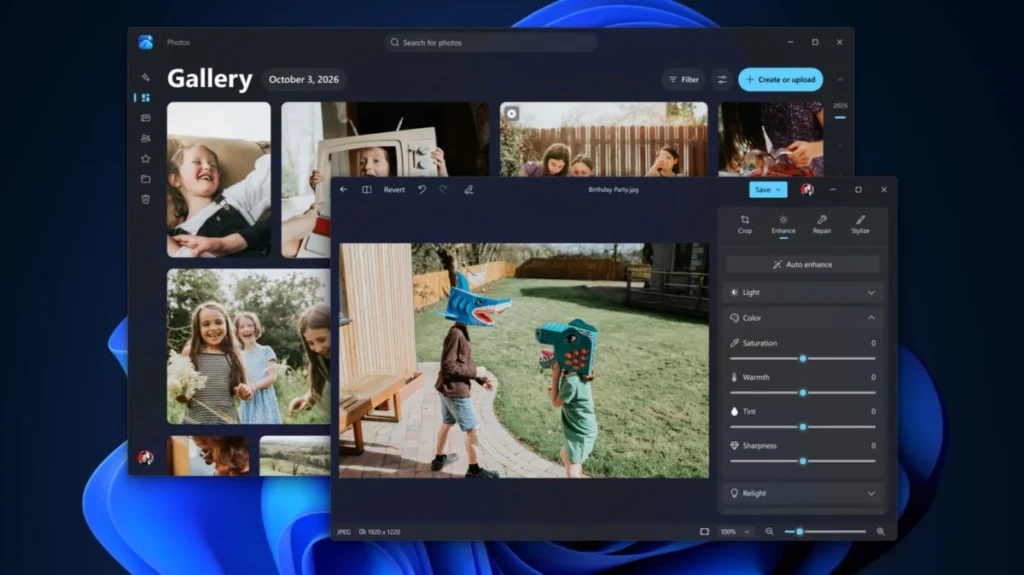
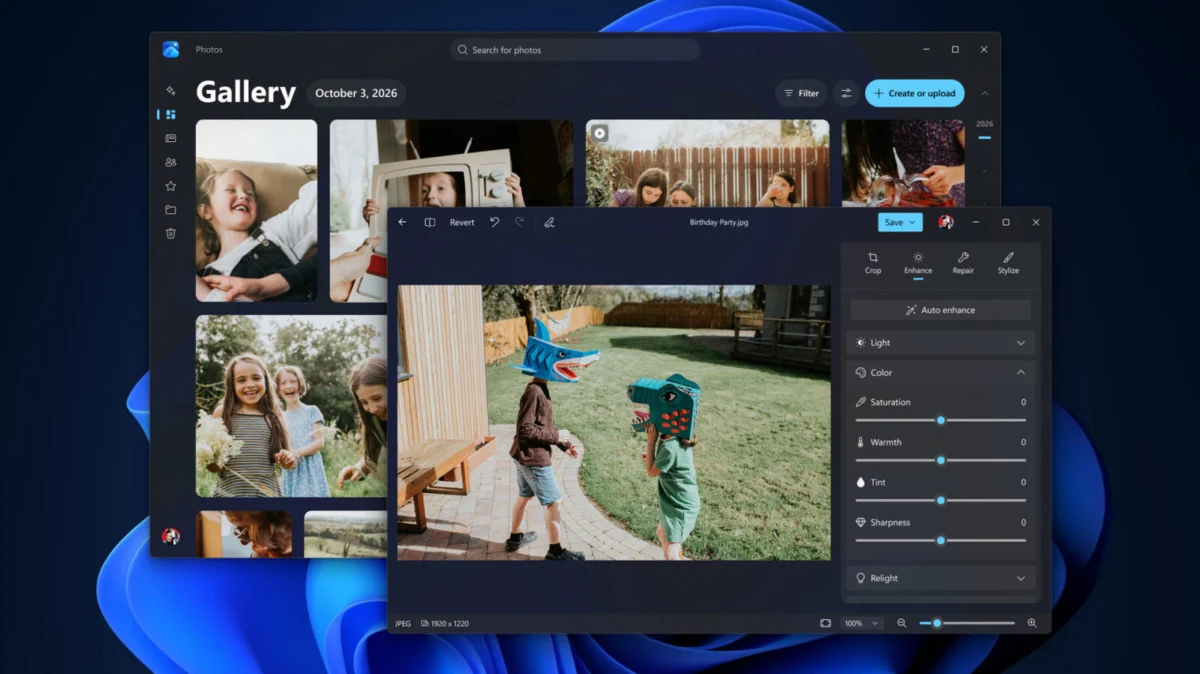
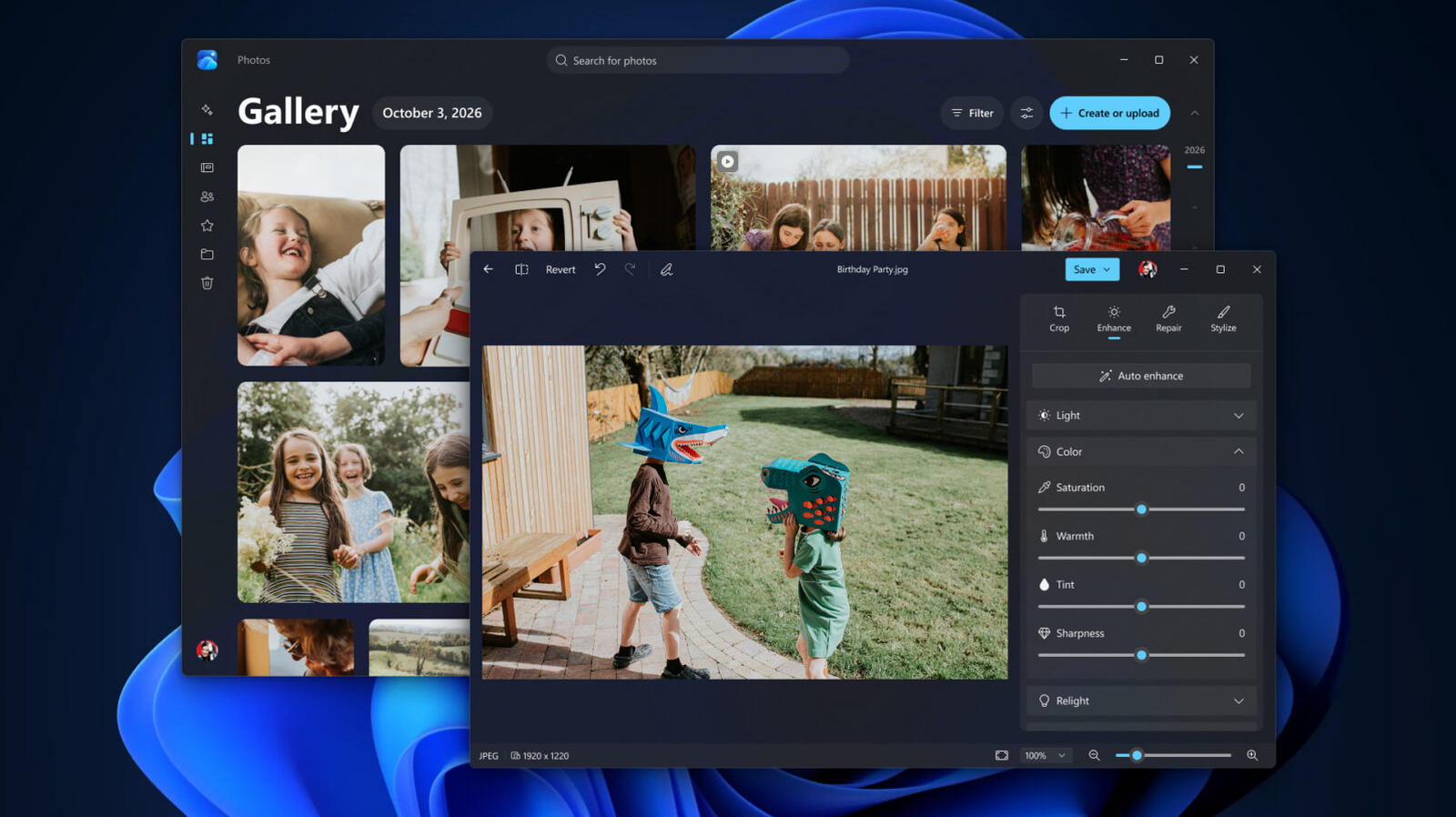
The revamped Photos app represents the new design philosophy at Microsoft: unification. By aggregating local storage, OneDrive, and iCloud into a single, cohesive gallery, the app aims to simplify the digital clutter that defines modern file management. With a 25% faster load time for the built-in editor, the app is positioning itself as a legitimate alternative to heavier third-party creative software for casual users.
Conclusion: A New Direction for Windows 11
The current suite of updates marks a turning point for Microsoft. After spending the last several years expanding the capabilities of Windows 11, the company is finally dedicating the resources required to refine the foundational experience.
For the average user, the impact will be subtle but pervasive: fewer moments of waiting for windows to snap into place, snappier file management, and a more responsive feel during multitasking. For the tech enthusiast, it is a promising sign that Microsoft is listening to telemetry data and feedback, prioritizing the "zippiness" of the operating system as a core feature rather than an afterthought.
As these updates continue to propagate across the globe, the focus will likely shift toward how these optimizations handle even more demanding AI-integrated tasks. For now, however, Microsoft has successfully delivered a performance-focused update that acknowledges the reality of current hardware limitations while setting a new standard for efficiency. Whether this will be enough to appease critics of the OS’s system requirements remains to be seen, but for those with 8GB or less of RAM, this update provides a much-needed breath of fresh air.