The End of the Ring: How to Reclaim Your Peace from the Spam Call Plague
Spam calls have evolved from a mere nuisance into a sophisticated, multi-billion-dollar global industry. While the technology to facilitate these intrusive interruptions has become cheaper and more automated, the tools to combat them have finally reached a level of maturity that renders most third-party subscription services redundant. For both iPhone and Android users, the power to filter, silence, and screen unwanted callers is no longer a luxury—it is a standard feature.
The Evolution of the Spam Call: A Brief Chronology
The history of the spam call is a race between regulation and technological subversion. In the early 2000s, the "Do Not Call" registry was the primary line of defense. It was a reactive measure, relying on consumer complaints and fines to deter telemarketers. However, as the industry shifted toward Voice over Internet Protocol (VoIP) and "spoofing"—where scammers mask their identity with local area codes—the registry became largely ineffective.
By the mid-2010s, the rise of "robocalls" began to overwhelm the global telecommunications infrastructure. In 2017, the FCC and other regulatory bodies began pushing for STIR/SHAKEN protocols, a set of technical standards designed to verify the caller’s identity before the call reaches the recipient’s handset.
While these protocols have helped verify legitimate business calls, they have not eradicated spam. Instead, scammers shifted tactics again, utilizing AI-generated voice synthesis and massive, low-cost botnets. Today, we exist in an era where the burden of security has shifted from the network layer to the handset layer. Smartphone manufacturers, recognizing that user retention is tied to a "clean" experience, have integrated advanced machine learning models directly into the phone’s dialer, effectively turning your device into a personalized firewall.
The Case for Native Protection vs. Third-Party Apps
For years, users flocked to third-party apps like Truecaller or Hiya. While these services provided early caller identification, they often came at the cost of privacy, requiring users to upload their contact lists to a third-party server to cross-reference data.
Modern iOS and Android operating systems have rendered most of these subscriptions unnecessary. By leveraging local databases and real-time network intelligence provided by carriers, your phone can now perform the same heavy lifting without the privacy risks. Furthermore, carrier-level protections—often enabled by default or available as a simple toggle in your account settings—add a secondary layer of security that catches spam before it ever reaches your device’s radio.
Mastering Spam Mitigation on iPhone
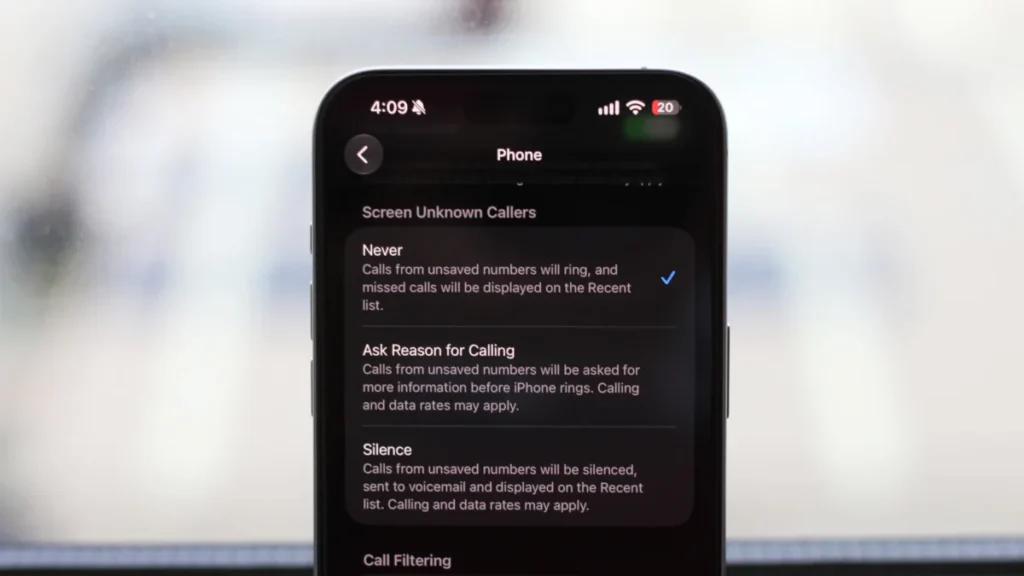
Apple has approached spam management with a "privacy-first" philosophy, giving users granular control over their incoming communication. To configure your defenses, navigate to Settings > Apps > Phone.

Call Filtering and Unknown Callers
The most immediate step for any iPhone user is enabling Spam filtering under the Call Filtering section. When this is active, your iPhone uses carrier-provided data to identify junk calls. Instead of ringing, these calls are automatically routed to your voicemail, and the call attempt is logged in the Spam section of your Calls tab.
To keep your logs clean, the Unknown Callers setting is essential. By enabling this, any number not present in your contacts is diverted to a separate list. This is an aggressive filter, and it requires discipline: you must ensure that professional contacts, such as doctors or delivery services, are added to your address book. You can manually "Mark as Known" any number that was incorrectly filtered, allowing you to fine-tune the system to your specific needs.
The "Ask Reason for Calling" Feature
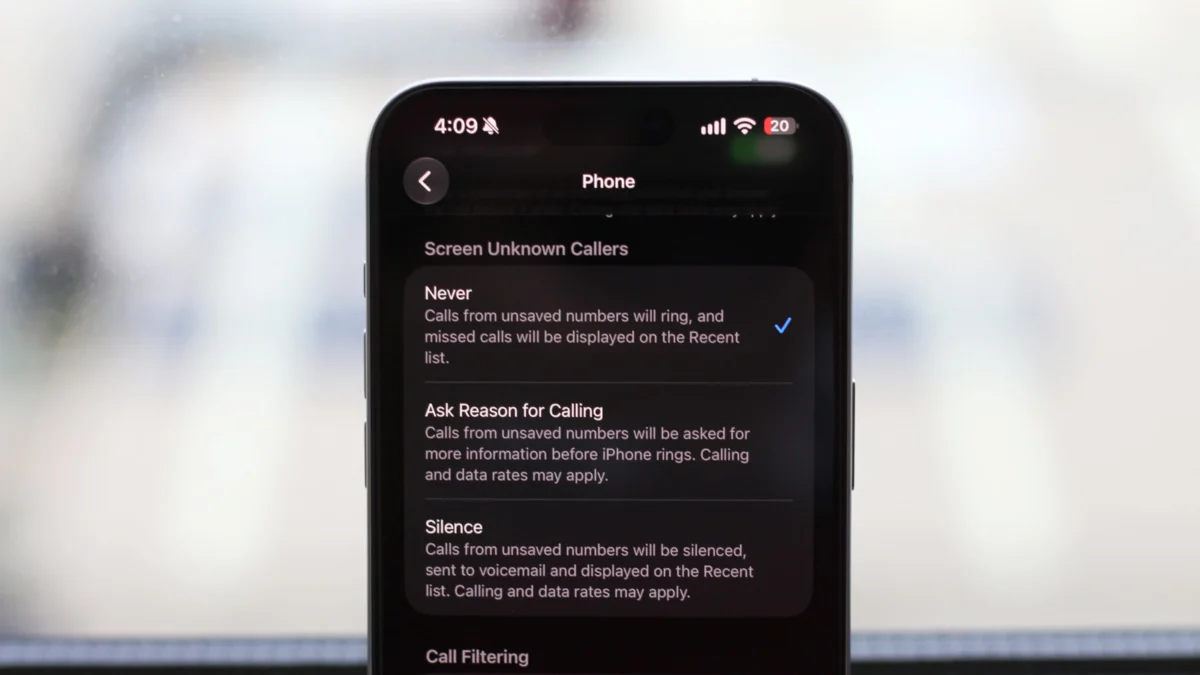
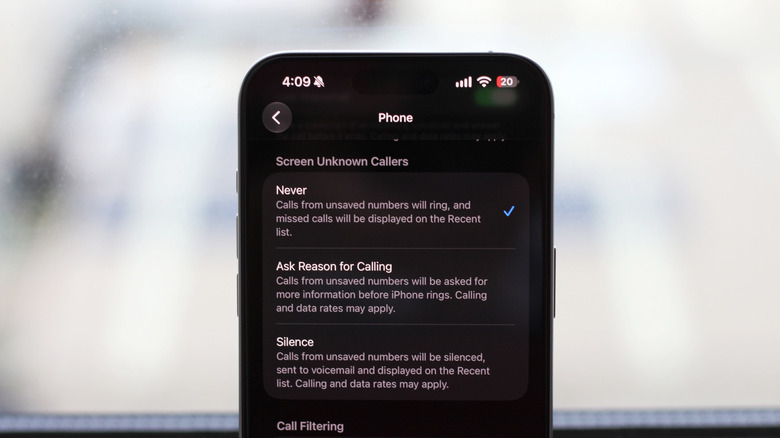
One of the most significant advancements in iOS is the Screen Unknown Callers feature. While the "Silence" option is the nuclear choice—sending all non-contacts to voicemail—the "Ask Reason for Calling" option acts as a digital gatekeeper. When an unknown number calls, the iPhone answers on your behalf and prompts the caller to state their purpose. You see a real-time transcript on your screen; if the caller is legitimate, you can tap to accept the call. If it is a bot or a solicitor, you can dismiss it without ever engaging. This feature is a game-changer for those who frequently receive calls from unsaved but legitimate numbers.
Managing the Landscape on Android
Android devices, particularly those utilizing the Google Phone app, offer perhaps the most robust spam detection in the industry. Because Google maintains one of the largest databases of business and spam numbers globally, its native dialer is exceptionally accurate.
Activating Google’s Call Assist
If your device does not use the Google Phone app by default, it is highly recommended to download it from the Play Store and set it as your primary dialer. Once installed, navigate to the Settings menu via the three-dot or hamburger icon. Under Call Assist, locate Caller ID and spam.
Here, you should enable two primary toggles: See caller and spam ID and Filter spam calls. The first provides a visual warning—often turning the screen red—when a call is suspected of being spam. The second is an automated filter that prevents the phone from ringing for high-confidence spam numbers.
Advanced Call Screening on Pixel and Samsung
For owners of Google Pixel 6 or newer, or compatible Samsung devices, the experience is further enhanced by advanced AI screening. These phones can essentially "hold" the call, transcribing the conversation for you in real-time. On a Pixel, this is found in Settings > Spam and Call Screen. On Samsung devices, the path is usually Settings > Call screening within the Phone app. These tools leverage Google’s Duplex technology to engage with callers, effectively ending the era of the unsolicited human-led telemarketing call.
The Implications: A Shift in Communication Etiquette
The ubiquity of spam protection tools is changing how we communicate. As more people enable "Silence Unknown Callers," the value of a cold call has plummeted. This creates a cultural shift: legitimate businesses are now forced to use verified communication channels, such as email, SMS with verified headers, or scheduled calendar invites, rather than relying on phone calls.
However, this reliance on automation carries risks. Users must become more vigilant about their contact management. By treating your address book as a "whitelist," you are essentially curating your own professional and personal network.
Official Responses and Industry Outlook
The FCC and major carriers like Verizon, AT&T, and T-Mobile have stated that while STIR/SHAKEN has reduced the volume of spoofed calls, the battle is now moving toward "neighbor spoofing"—where scammers use numbers with the same area code as yours to bypass your subconscious defenses.
"The goal is to restore trust in the voice network," an FCC spokesperson noted in a recent briefing. While federal regulations are doing the heavy lifting at the infrastructure level, the agency encourages consumers to take advantage of the free, device-level tools provided by Apple and Google.
Conclusion
The "plague" of spam calls is not going to vanish overnight, but for the first time in a decade, the consumer has the upper hand. By spending ten minutes configuring the native settings on your iPhone or Android, you can reclaim your focus and ensure that when your phone rings, it is a person you actually want to talk to. The technology to silence the noise exists; the only step remaining is to activate it.