Beyond the Smartphone: Transforming the Home Lab with the Elecrow CrowPanel Advanced 10.1"
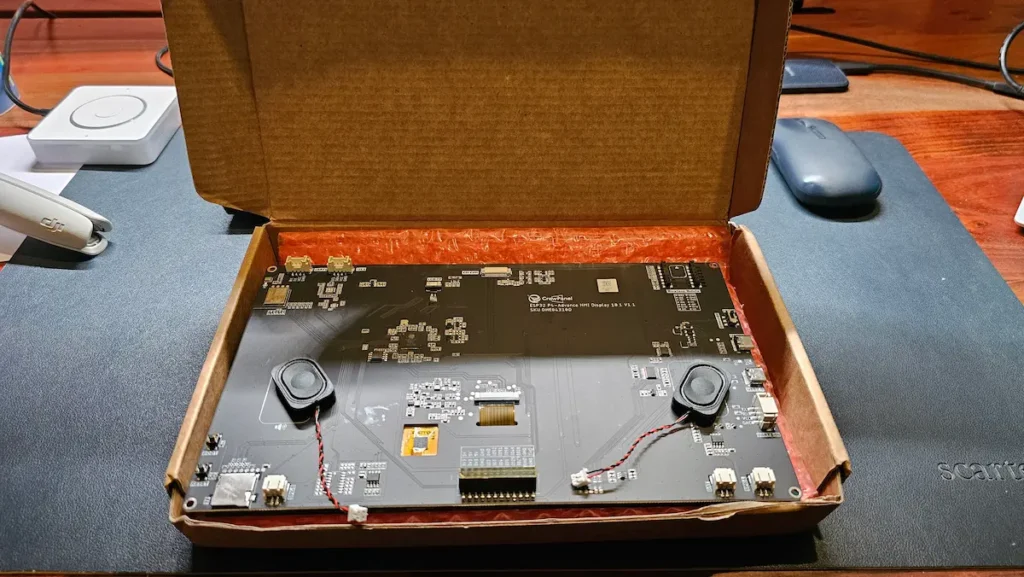
For many smart home enthusiasts, the "Home Assistant experience" eventually hits a wall—not a metaphorical one, but a physical one. While mobile companion apps provide unparalleled control over a connected ecosystem, they fail to solve the "guest problem." Relying on a personal smartphone to toggle a light for a visitor or giving a child access to a complex app is neither convenient nor secure.
The search for a dedicated, wall-mounted control panel often leads to expensive proprietary hardware or clunky, outdated tablets. However, the emergence of developer-focused HMI (Human-Machine Interface) hardware is shifting this paradigm. Among the latest entries in this space is the Elecrow CrowPanel Advanced 10.1", an ESP32-P4-based touchscreen that promises to bridge the gap between industrial-grade control and hobbyist-level accessibility.
The Hardware Philosophy: Tinkering as a Feature
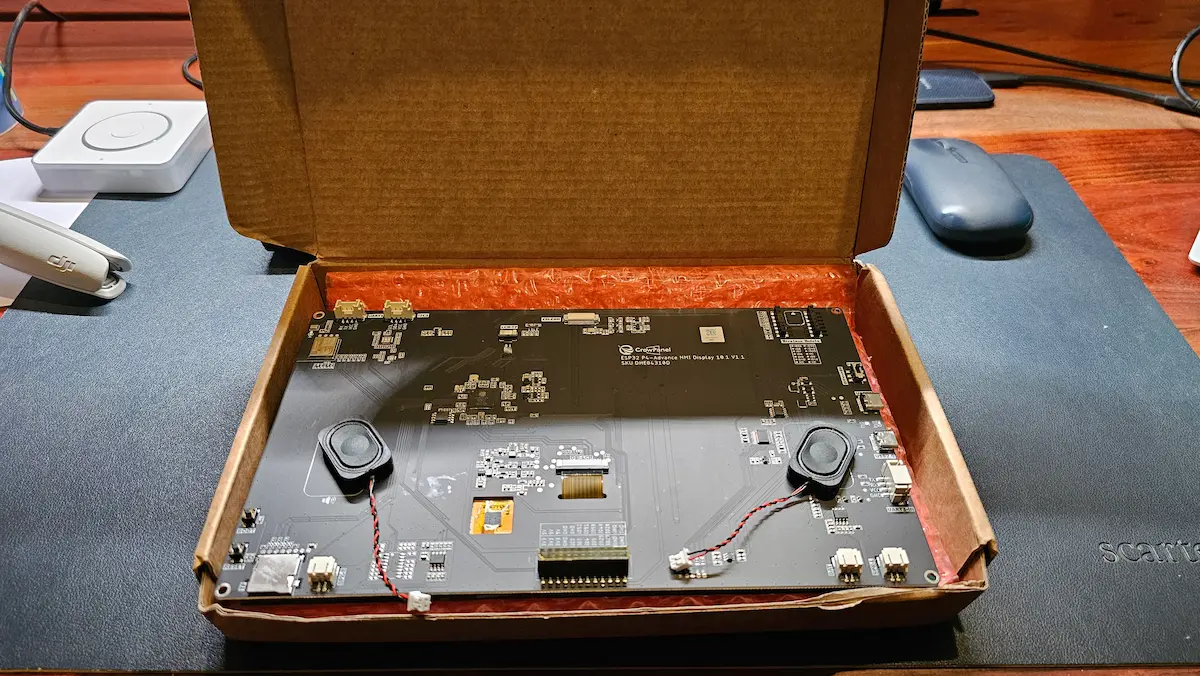
It is essential to state clearly from the outset: the Elecrow CrowPanel Advanced 10.1" is not a consumer appliance. It is a development board encased in a functional form factor. If your goal is to purchase a device, mount it to your wall, and have it working in under ten minutes, this is not the product for you.
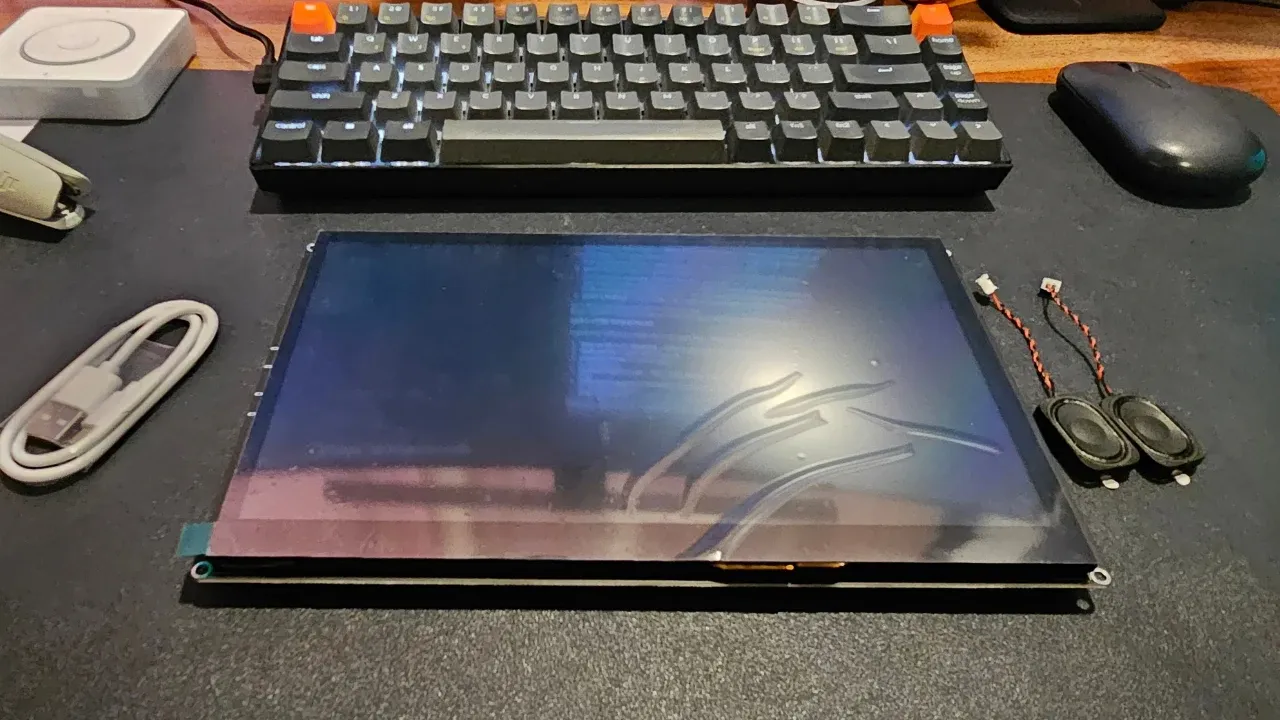
However, for the homelab community—those who derive satisfaction from the "build" as much as the "use"—this device represents a blank canvas. By utilizing the ESP32-P4 SoC, Elecrow has provided a platform that is significantly more powerful than the standard ESP32 boards most tinkerers are accustomed to.
Technical Specifications at a Glance
The CrowPanel Advanced packs an impressive array of hardware, making it a versatile tool for more than just smart home dashboards:
| Component | Specification |
|---|---|
| Main SoC | ESP32-P4 (Dual-core RISC-V) |
| Wireless | ESP32-C6 co-processor (Wi-Fi 6, Bluetooth 5) |
| Display | 10.1" IPS, 1024×600, MIPI-DSI |
| Touch Interface | Capacitive (GT911 controller) |
| Memory | 16MB Flash, 32MB PSRAM |
| Audio | Dedicated speaker header, onboard microphone |
| Expansion | Exposed I2C, UART, and GPIO headers |
| Power | USB-C input with optional battery connector |
| Pricing | Approx. $60 USD |
The inclusion of the ESP32-P4 alongside the C6 co-processor is a clever design choice. The P4 handles the heavy lifting of the display and logic, while the C6 manages the wireless stack, offloading the networking overhead.

Chronology of a Build: From Unboxing to Control
The journey to deploying the CrowPanel in a production environment (your living room wall) is a process of iterative development.
Phase 1: The Out-of-Box Experience
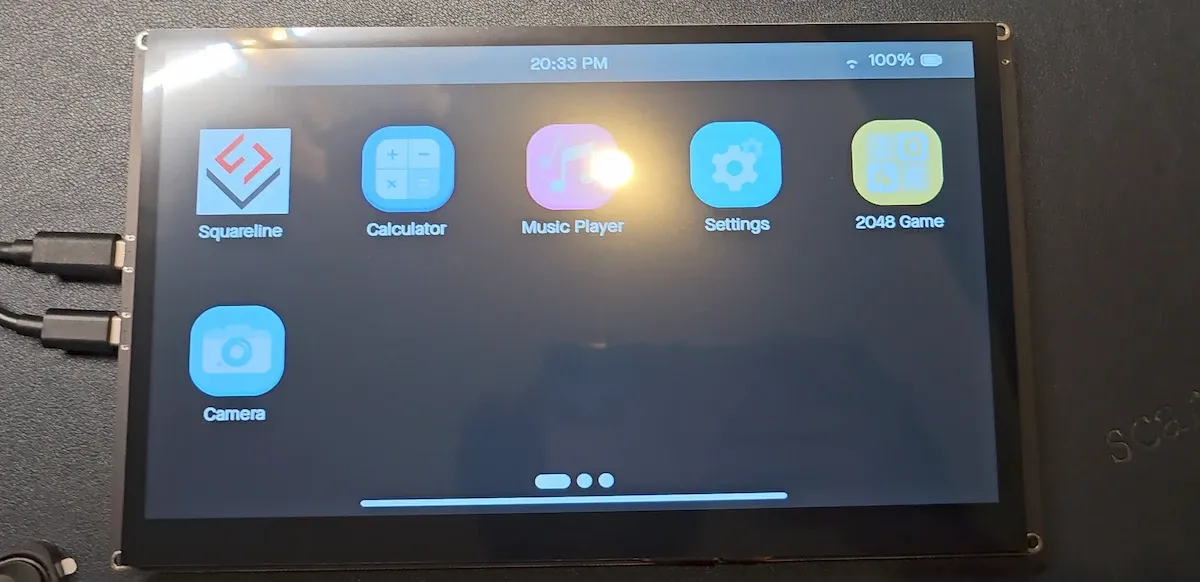
Upon arrival, the device comes pre-flashed with Elecrow’s proprietary demo firmware. This software serves a singular, crucial purpose: validating hardware integrity. It demonstrates that the 1024×600 IPS display is functioning, the touch digitizer is responsive, and the wireless radios are operational. While the demo firmware lacks utility for a real-world smart home, it allows the user to confirm they haven’t received a "brick" before they begin the modification process.
Phase 2: Choosing the Software Path
For those integrating this into a Home Assistant ecosystem, the most logical path is ESPHome. Unlike more complex setups that require a full Linux environment, ESPHome interfaces directly with the Home Assistant native API.
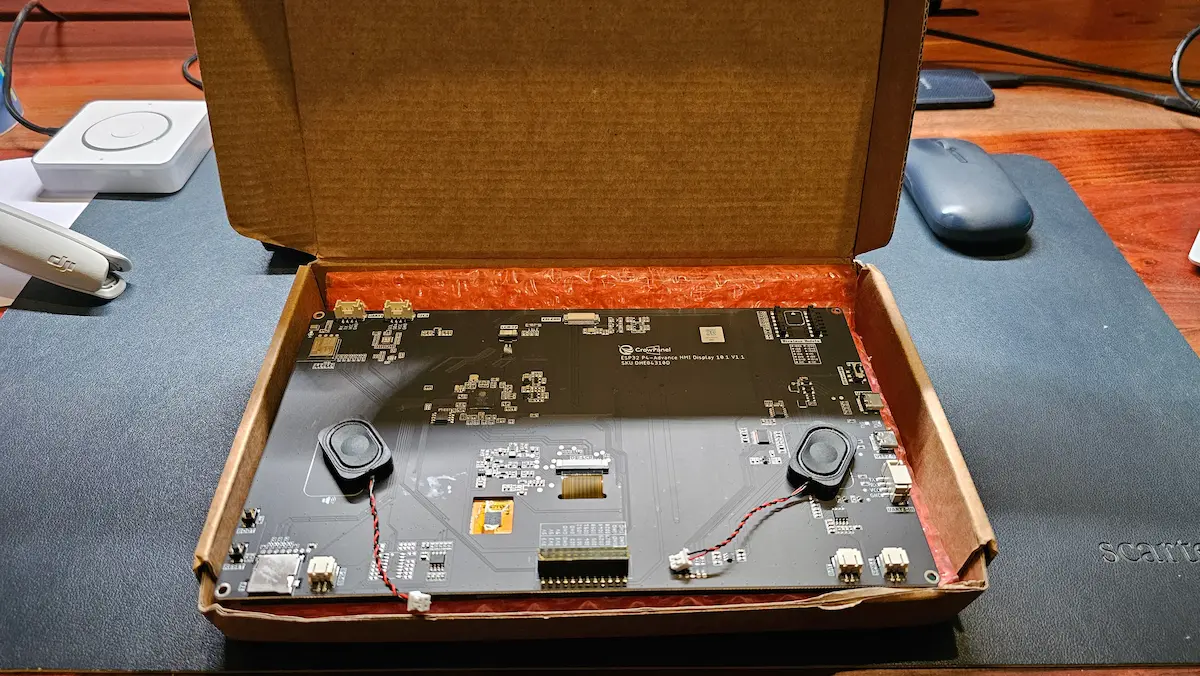
The configuration process is where the "tinkering" requirement becomes evident. Because the ESP32-P4 relies on an internal SDIO link to the C6 for wireless communication, users must be meticulous with their configuration files. In early hardware revisions (such as the V1.1 unit tested), data line orientations varied from reference documentation. A simple misconfiguration here can lead to a boot-loop, a common rite of passage for those working with early-access developer hardware.
Phase 3: Designing the Interface
Once connectivity is established, the interface design begins. For those who find manual LVGL (Light and Versatile Graphics Library) coding daunting, tools like SquareLine Vision offer a drag-and-drop interface. This significantly flattens the learning curve, allowing users to build professional-looking dashboards without needing to be master programmers.
The Practical Implications: A Home Assistant Satellite
Once configured, the CrowPanel ceases to be a mere gadget and becomes a "Voice Satellite." By utilizing the onboard microphone and speaker headers, the device can act as a localized control point for Home Assistant Assist.
Edge AI and Future-Proofing
The "AI" branding in the product title refers to its ability to handle vision-based tasks, provided the optional 2MP camera module is attached. While running complex Large Language Models (LLMs) locally on an ESP32 is currently beyond the scope of a fluid user experience, the device excels at being the interface for those models.
The implication here is one of distributed intelligence. Instead of trying to force the CrowPanel to perform heavy image recognition, the user can treat it as a thin client. It captures the video feed or voice command, transmits it to a more powerful server (like a ZimaBoard or a dedicated NUC running Home Assistant), and displays the processed result. This keeps the wall panel snappy and responsive.
Evaluating the User Experience
Display and Touch Performance
At 1024×600 resolution on a 10.1-inch panel, the pixel density is functional rather than impressive. It is not an iPad Retina display; it is an industrial HMI. However, for a dashboard showing simple toggles, temperature sensors, and status icons, it is perfectly adequate. The IPS technology ensures decent viewing angles, which is vital for a panel that might be mounted in a hallway or kitchen.
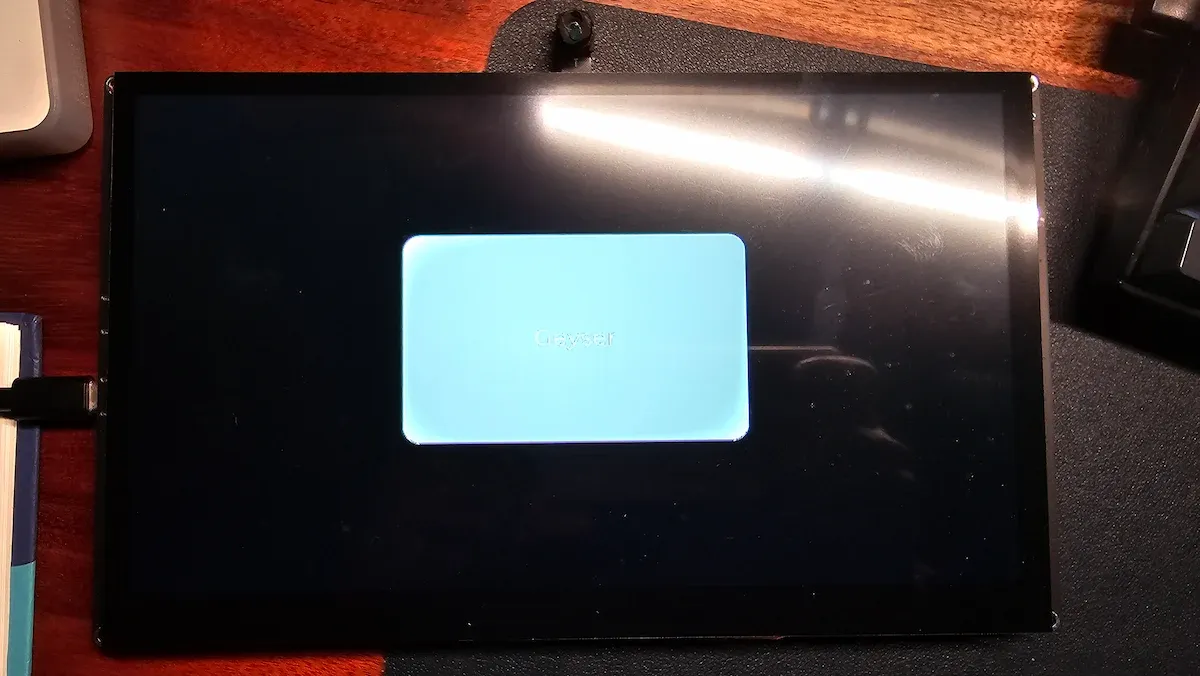
The capacitive touch response is the highlight. In our testing, the GT911 controller provided reliable input registration. There was no "phantom touch" behavior, and swipes were smooth enough to navigate between dashboard pages without frustration.
Flexibility: The Hidden Value
The true value of the CrowPanel lies in its exposed GPIO, I2C, and UART headers. Most smart home panels are "closed" systems—you get what the manufacturer provides. With the CrowPanel, the hardware can evolve with your needs. Need an air quality sensor in the hallway? Connect it to the I2C header. Need a physical override button for the lights? Wire a switch to the GPIO pins. This extensibility ensures that the hardware will not become obsolete simply because a new sensor protocol emerges.
The Verdict: Who is the CrowPanel For?
The Elecrow CrowPanel Advanced 10.1" sits in a unique niche. It is a bridge between the raw, messy world of microcontrollers and the polished world of consumer smart home interfaces.
The Ideal User:
- The Homelab Architect: You already run your own server infrastructure and are comfortable with YAML configurations and firmware flashing.
- The Prototyper: You need a high-quality display for a custom project, whether it be in a smart home, a factory floor, or an experimental hobbyist setup.
- The "Clean-Desk" Advocate: You want a clean, wall-mounted interface that doesn’t rely on a phone or a third-party cloud service.
The Non-User:
- The Convenience Seeker: If you want a device that works out of the box with an "App Store" experience, you will find this device profoundly frustrating.
- The Design Purist: If you are looking for the aesthetic perfection of a high-end commercial tablet, you will find the 1024×600 resolution and the DIY nature of the casing lacking.
Conclusion: A Step Forward for DIY Automation
The Elecrow CrowPanel Advanced 10.1" is a testament to the maturation of the DIY smart home market. By providing a stable, high-performance platform at a price point that makes experimentation low-risk, Elecrow has enabled users to stop relying on repurposed, battery-bloated tablets and start building dedicated, permanent infrastructure for their homes.
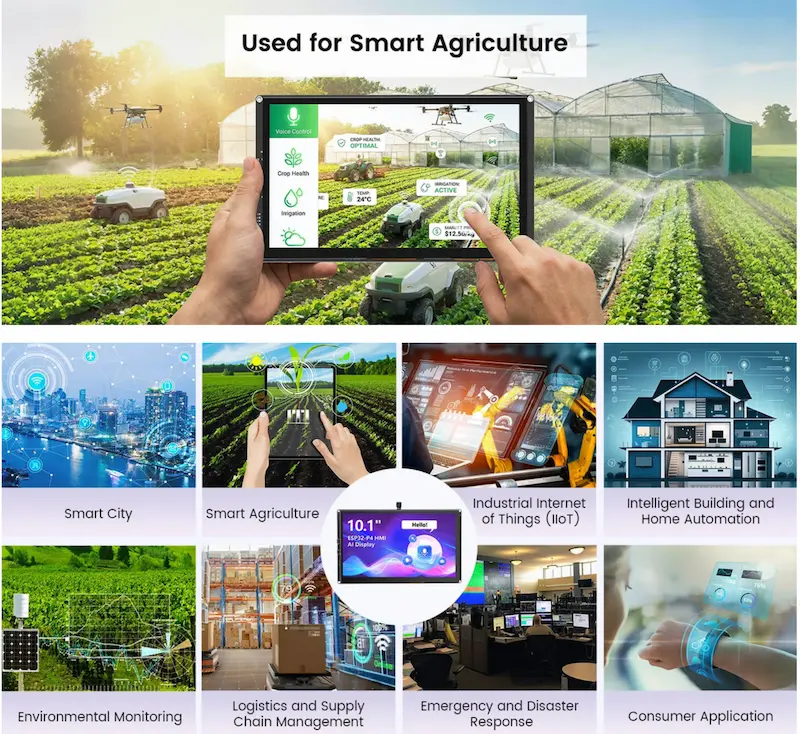
While it demands a high degree of technical literacy, the reward is a control panel that is entirely under your command, privacy-focused, and infinitely customizable. For the maker community, this is not just a screen—it is a foundation for the next generation of home automation. Whether you are controlling a geyser in a remote room or building a centralized command hub for your entire house, the CrowPanel provides the necessary, reliable hardware to turn your vision into a physical reality.