
Beyond the Static Edge: The Evolution of Animated CSS Border Images
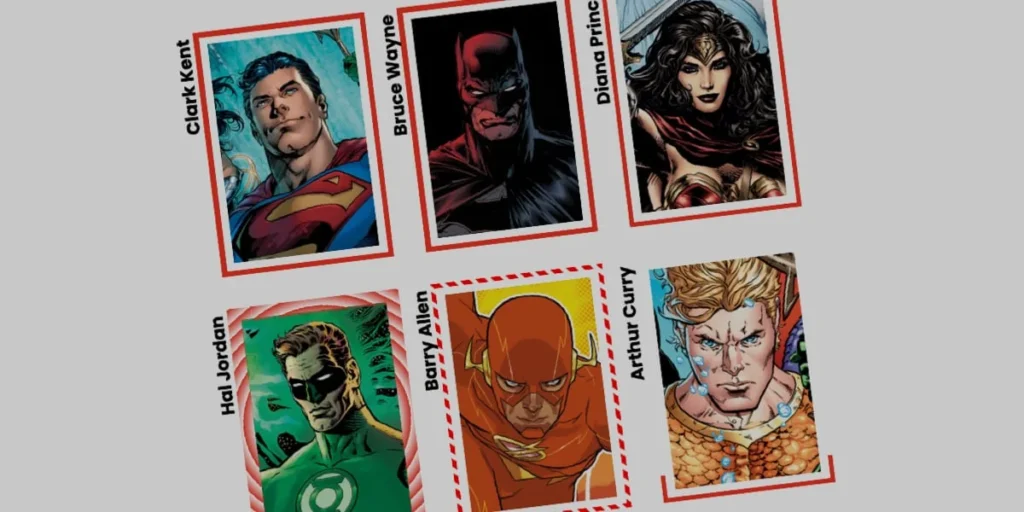
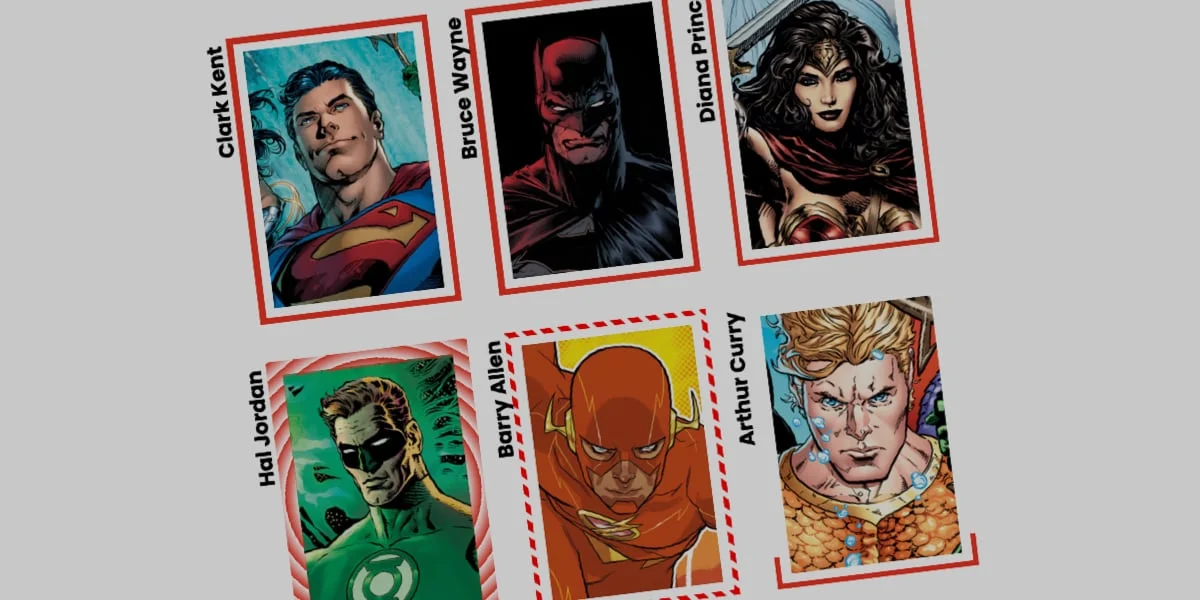
For years, web developers have treated the border property as a utilitarian necessity. It was the "boring" foundation of layout design: solid, dashed, dotted, or double. While designers pushed the boundaries of typography, imagery, and layout, the humble border remained largely stagnant—a rigid frame confining the content. However, a modern renaissance in CSS capabilities has turned this once-static element into a dynamic canvas. By leveraging the border-image property in tandem with CSS Houdini’s custom properties, developers are now creating fluid, animated, and visually arresting user interfaces.
Main Facts: The Power of border-image
The border-image property is far from a new addition to the CSS specification, yet it remains one of the most underutilized tools in a front-end developer’s toolkit. At its core, it allows developers to replace standard border styles with images or gradients. The primary appeal lies in its efficiency; it eliminates the need for complex div-nesting or pseudo-element hacks to achieve aesthetic borders.
The property works by "slicing" a source image (or gradient) into nine regions, which are then mapped to the sides and corners of an element. When combined with properties like border-image-slice, border-image-width, and border-image-outset, the level of control becomes granular.
However, the real breakthrough occurs when we move beyond static imagery. By integrating @property—a feature of the CSS Houdini API—we can now interpolate values that were previously impossible to transition, such as gradient color stops and angles. This enables "self-drawing" borders, pulsing frames, and complex, multi-layered animations that react to user interaction.
Chronology: From Static Frames to Dynamic Motion
To understand why this evolution is significant, we must look at the timeline of CSS styling.
- The Early Web (Pre-2010): Borders were purely functional. Rounded corners required heavy use of background images or "sliding door" techniques.
- The Introduction of
border-image(2010s): This provided a native way to skin borders, but support was inconsistent, and animation was largely limited to simple opacity or color shifts. - The Rise of CSS Custom Properties (2015-2018): Variables revolutionized how we manage themes, but animating them was restricted to specific numeric values.
- The Houdini Era (2020-Present): The introduction of
@propertyallowed developers to define the syntax of custom variables. This was the missing piece of the puzzle. Suddenly, we could register a percentage or an angle as a variable, allowing the browser to transition these values smoothly. This opened the floodgates for the sophisticated border animations seen in modern UI design today.
Supporting Data and Technical Implementation
The implementation of these effects is surprisingly lightweight. Unlike heavy JavaScript-driven animations that can cause layout thrashing, CSS-native animations are offloaded to the browser’s compositor, ensuring smooth performance.
The Anatomy of an Animated Border
To create an animated gradient border, one must combine the border-image properties with a registered custom property. Consider the following structural breakdown:
- Registering the Variable: Using
@property, we define a variable (e.g.,--pfor percentage). This tells the browser to treat this variable not just as a string, but as a numeric type capable of interpolation. - Defining the Source: The
border-image-sourceis set to alinear-gradientorconic-gradientthat utilizes the registered variable. - The Trigger: A simple
:hoverstate or an animation keyframe updates the variable, causing the browser to re-calculate the gradient’s position or color stop.
As noted by CSS expert Temani Afif, while border-image has limitations—most notably that it does not respect border-radius—it remains superior for performance in scenarios where the border shape remains rectangular. For circular or complex shapes, developers often pivot to mask-image approaches, but for cards, dashboards, and call-to-action buttons, border-image remains the gold standard for efficiency.
Official Responses and Industry Perspectives
Designers and developers alike have begun to champion this approach. Andy Clarke, a veteran of the web design industry, has recently revisited the border-image property, highlighting that what was once considered a "niche" feature has now become a cornerstone for high-end UI/UX.
"We have spent years obsessing over content," says one senior front-end architect. "But the edges of our containers were neglected. By animating these edges, we are providing subtle but vital feedback to the user. It makes the interface feel ‘alive’ without being distracting."
There is, however, a cautionary note from the engineering community regarding accessibility. While these animations are visually pleasing, they must be implemented with care. Excessive motion can be disorienting for users with vestibular disorders. Developers are encouraged to wrap these animations in prefers-reduced-motion media queries to ensure inclusivity.
Implications for Modern Web Design
The transition from static to animated borders represents a broader shift in web design: the move toward "Intelligent UI."
1. Performance Gains
By relying on native CSS properties rather than JavaScript libraries like GSAP for simple hover effects, developers can reduce the main-thread workload. The browser’s engine is highly optimized for painting these borders, resulting in a buttery-smooth 60 frames per second (FPS) experience even on lower-end mobile devices.
2. Design Consistency
When using border-image-repeat, developers can ensure that a border pattern scales perfectly regardless of the element’s size. Whether a card is 150px or 500px wide, the gradient or pattern remains uniform, preventing the "stretched" look that often plagues traditional background-image borders.
3. The End of "Boring" UI
The implications for brand identity are profound. A brand that uses a subtle, rotating conic-gradient border on its primary buttons creates a premium, polished aesthetic that was previously the domain of Flash-based sites or heavy video assets. We are entering an era where the interface itself communicates brand personality through movement.
4. Technical Hurdles and Future Outlook
Despite the enthusiasm, there is still work to be done. The lack of border-radius support on border-image remains the single largest friction point for designers. While the W3C is aware of these limitations, developers are forced to rely on "workarounds"—such as using mask or clip-path—which adds complexity. The industry expects that future iterations of the CSS Border module will address these gaps, likely by allowing border-image to follow the contour of an element’s border-radius.
Conclusion: A Call to Experimentation
The modern web is no longer a static document; it is an interactive experience. By moving beyond the default styles provided by browsers, developers can craft interfaces that feel tactile, responsive, and sophisticated.
The techniques outlined—using conic-gradients to create color wheels, employing border-image-outset to create spacing, and leveraging Houdini for smooth interpolation—are just the beginning. As we look toward the future of CSS, the "border" will continue to evolve from a simple line into a dynamic element that defines the very character of the digital space it inhabits.
For those eager to master these techniques, the best approach is iterative. Take a standard card component, implement a basic linear-gradient border, and begin experimenting with registered custom properties. The results are not only visually rewarding but serve as a masterclass in how modern CSS can elevate the standard of web craftsmanship. The boundaries of your designs are, quite literally, yours to redraw.








